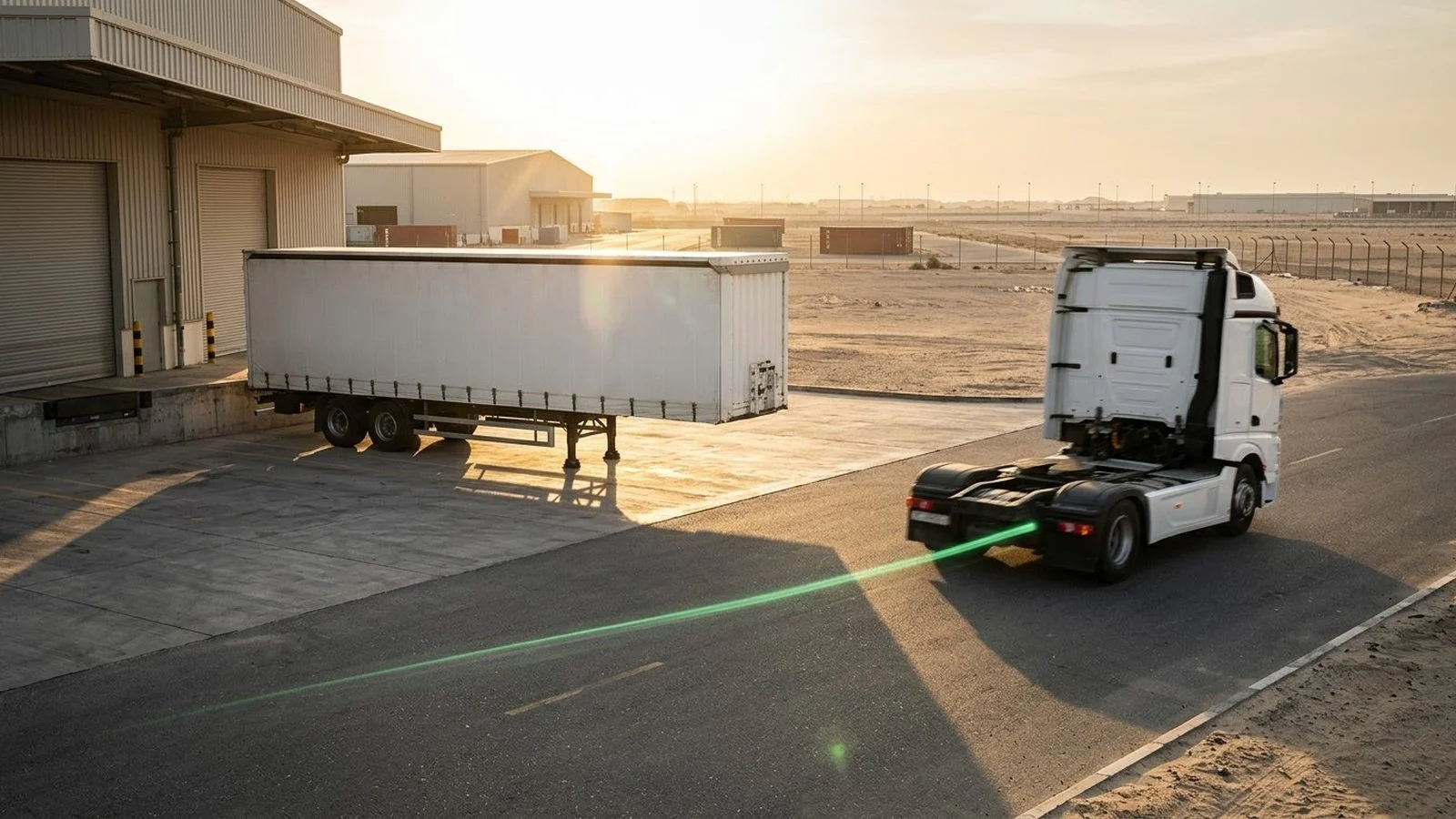
A trailer tracker matters most at the moment the tractor leaves. The truck drives away, the trailer stays behind, and dispatch is left asking the same costly questions: where is the trailer, who moved it, when was it dropped, and how long has it been sitting there? A tracker on the tractor alone cannot answer all of them, and a tracker on the trailer only helps if it has power and a clear job to do.
This article explains how to choose a trailer tracking setup before you buy hardware. It covers the main mounting options, what the Tracom ST100 records for powered trailers and for the tractors that pull them, the specification questions to ask, and where the device’s role ends. Daily trailer operations, such as status rules and detention clocks, are covered in the trailer fleet tracking guide.
What is a trailer tracker?
A trailer tracker is a GPS tracking device that records where a trailer is, when it moves, and which zones it enters or leaves, so the fleet does not depend on the tractor’s position to know where the cargo is. The key difference is independence. A tractor tracker tells you where the truck is, while a trailer tracker, or a tractor tracker that knows when a trailer is coupled, tells you where the trailer and its cargo are.
In practice, fleets reach trailer visibility in more than one way. Some install the device on the trailer itself, some rely on the tractor to record coupling and drop events, and many mix both by trailer type. The right choice depends on power, dwell time, and the questions dispatch and security need answered every day.
Trailer tracking versus truck tracking
A truck has an engine, an ignition signal, a driver, and a stable power supply. Many trailers have none of these. A trailer can sit for days at a customer site, move with a different tractor every shift, or wait in a crowded port yard while the tractor that delivered it is already on another route. Hardware choices that work on a tractor need checking before they are applied to a trailer, and the truck tracking device guide covers the tractor side in detail.
What the device does not decide
A geofence exit or a coupling event does not automatically determine whether a trailer was moved by the right carrier, whether a delivery is complete, or who is liable for a delay. Tracom supplies the GPS device, local rule logic, event data, and configuration layer. The fleet or its connected business software assigns the operational meaning and response.
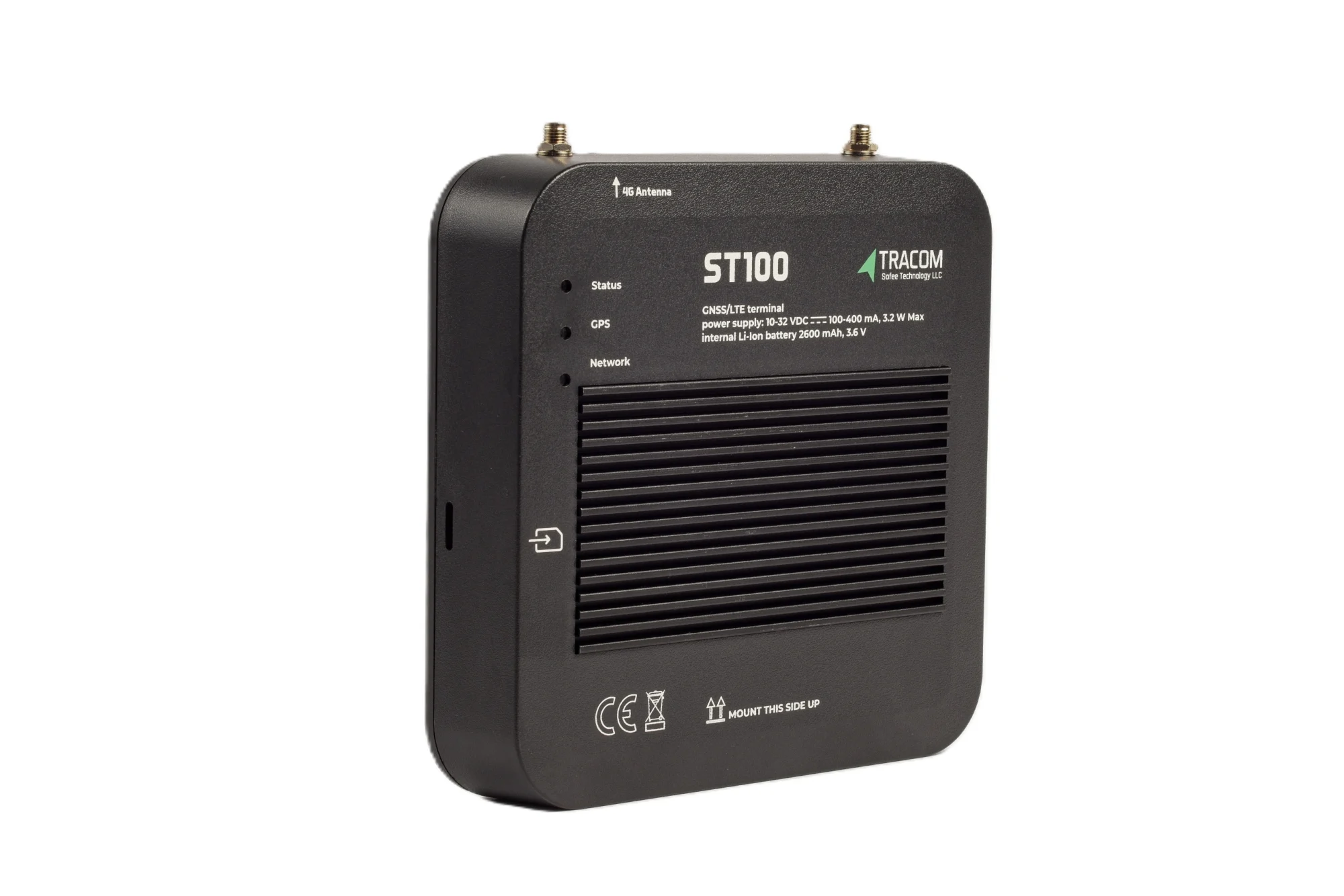
The tracking device behind every record
- GPS, GLONASS, SBAS, QZSS and AGPS positioning
- Location accuracy within a 2-meter radius
- 2G/3G/4G SIM support
- 12 digital, 4 analog and 5 AD inputs, 2 digital outputs
- 5 RS232 ports, USB, UART, 1-Wire and OBD II CAN
Trailer tracking setups compared
Most trailer programs combine more than one setup. The table summarizes where each one fits, and the sections below explain when to use it and what to watch.
| Setup | Best fit | Main risk | Design rule |
|---|---|---|---|
| Device on the tractor | Drop-and-hook fleets with a fixed tractor pool | Trailer position unknown after the drop | Record coupling with an input and use yard geofences |
| Device on a powered trailer | Trailers with their own power supply | Power switched off while parked | Confirm the power source and mounting first |
| Mixed setup by trailer group | Fleets running several trailer types | Two sets of rules to maintain | Name devices and zones by group in one configuration |
| Unpowered trailers parked for weeks | Storage pools and long customer stays | No supply for an in-vehicle device | Plan this group as a separate decision |
Device on the tractor
The Tracom ST100 is an in-vehicle intelligence system wired into the vehicle, so the tractor is its natural home. This setup is best for fleets in which the same tractor pool moves most trailers between depots, ports, and customer sites. It is useful when the main questions are where a trailer was dropped and which tractor and driver moved it.
Watch out for long drops. Once the trailer is uncoupled, the tractor’s position no longer describes the trailer, so the tractor needs to record the moment of coupling and the moment of the drop. A coupling signal from a suitable sensor can be wired to one of the ST100’s 12 digital inputs, agreed with the Tracom team, so each hook and drop is marked with time and location.
Device on a powered trailer
Some trailers carry their own power supply, for example trailers with a powered refrigeration unit or a body with its own electrical circuit. On these trailers, the ST100 is installed much as it would be in a vehicle, and the trailer reports its own position, movement, and zone events whatever tractor pulls it.
This setup is best for high-value or temperature-sensitive cargo that may wait away from a tractor. Watch out for power that is switched off when the trailer is parked, because an in-vehicle device needs a supply to keep recording. The GPS tracker wiring guide covers power, ground, and ignition connections, and the fleet GPS tracker installation guide explains concealment choices. For reefer trailers, a temperature sensor supplied by Tracom can sit on the same device, as the reefer temperature sensor guide explains.
Unpowered trailers that park for long periods
Dry vans, flatbeds, and chassis that park for weeks without power are a different case. The ST100 is a powered in-vehicle device, not a self-powered asset tag, so it is not the tool for a trailer that has no supply. For these trailers, the practical route is tractor-side coupling records combined with yard geofences, plus a separate decision with the Tracom team on how to cover trailers that stay unpowered for long periods. Chassis moving containers through ports are covered in the container GPS tracking guide.
What the ST100 records around a trailer
Whether it sits on the tractor or on a powered trailer, the ST100 applies rules inside the vehicle and records events second by second. Three groups of events matter most for trailers.
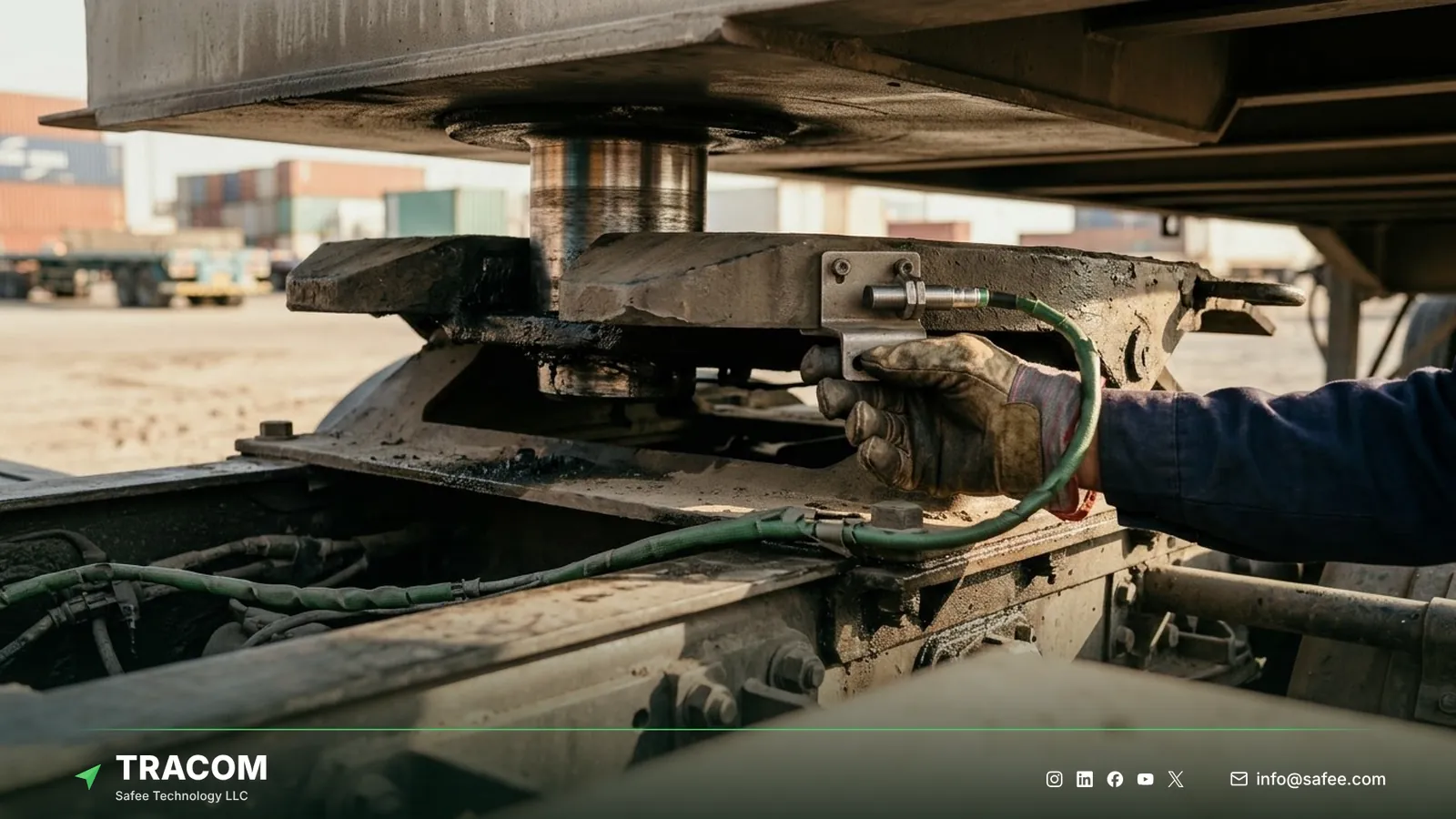
Coupling and drop events
A drop event is only useful if it carries a place, a time, and a person. With a coupling signal on a digital input, the device records when a trailer was hooked and dropped and where the tractor stood. Because the ST100 supports up to 1,000 driver access keys, each event is also linked to the authorized driver behind the wheel.
Dispatch then has a record of every hook and drop by tractor, driver, and place. That record can be matched against the trailer plan in the connected tracking platform or the fleet’s transport software, which is where the trailer number and the job are known.
Geofences at yards, ports, and customer sites
The ST100 supports up to 4,000 geofences, enough to cover every depot, port gate, cross-dock, and customer site in a regional network. A zone named KSA-JED-PORT-YARD-02 or UAE-DXB-CUSTOMER-LOADING-02 records each entry and exit, and a time-based speed limit can lower the allowed speed inside a yard during shift changes.
The ST100 can also activate voice alerts during grace periods. The geofencing fleet management guide explains how to size and name zones for yards and ports.
Tamper alerts and after-hours movement
A parked trailer, or a parked tractor with a trailer coupled, should not move without a reason. The ST100 alerts the team if someone attempts to remove or tamper with the device, and the GPS tracker tamper alert guide explains how to plan concealment around it. Immobilization with driver access keys means only authorized drivers can operate the tractor.
The connected tracking platform can flag a geofence exit outside working hours, which gives security a clear event to act on. A panic alert also lets the driver send an immediate signal in a critical situation, such as a threat at a remote parking area.
Read also: GPS Tracker with Engine Cut-Off: How Immobilization Works Safely
Coverage gaps on long trailer routes
Trailer routes in the GCC and beyond often cross desert corridors, remote industrial zones, and border areas with weak coverage. Because the ST100 applies its rules without an internet connection, zone events, speed rules, and voice alerts keep working where the network does not. The device also stores up to one week of data internally during network outages, so a long trip through weak coverage still leaves a record to review.
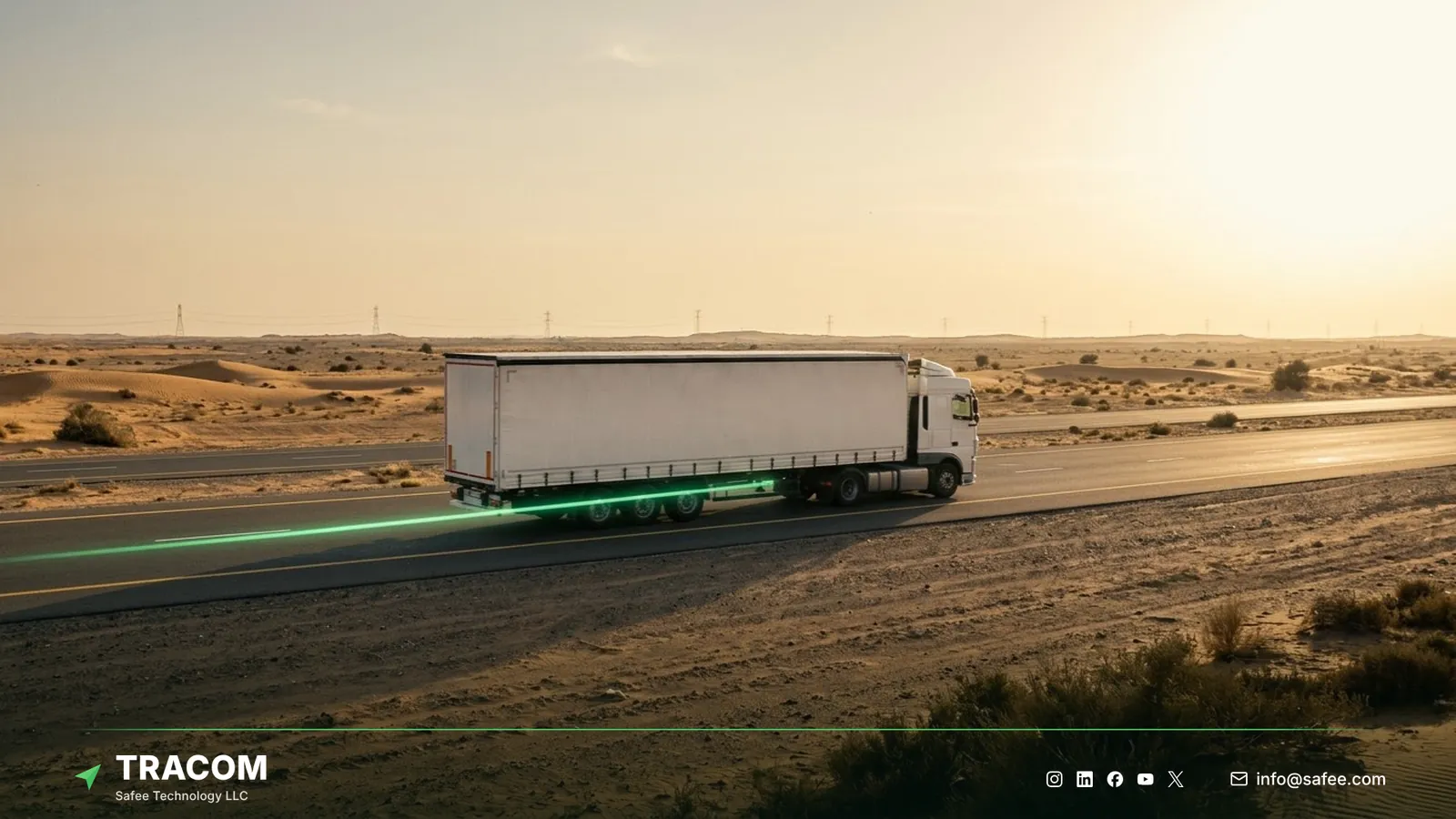
Positioning uses GPS, GLONASS, SBAS (WAAS, EGNOS, MSAS, GAGAN), QZSS, and AGPS signals, with location accuracy within a 2-meter radius. That accuracy can help a yard team locate a trailer in a large yard, although dense yards still need clear bay numbering on the ground.
Hardware for the tractor and the trailer
A trailer program is bought as hardware: the ST100 on each tractor or powered trailer, plus the accessories each trailer group needs. The table maps common needs to the device or accessory that answers them.
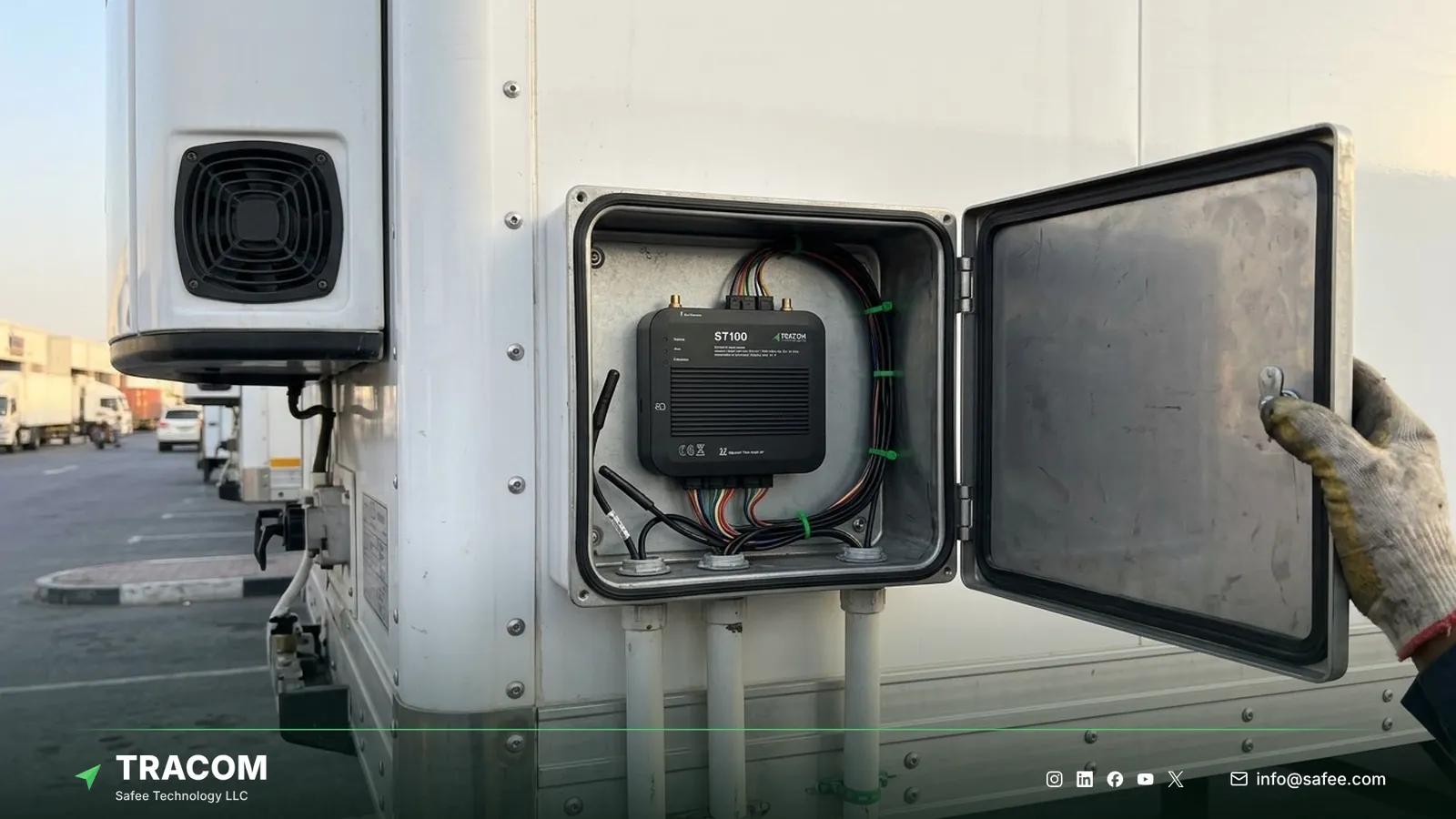
| Need | ST100 feature or accessory | Confirm with the Tracom team |
|---|---|---|
| Record each hook and drop | Coupling sensor on a digital input | Sensor and wiring per tractor model |
| Know who moved the trailer | Driver key reader, up to 1,000 keys | Key type and reader position |
| Cold-chain cargo | Temperature sensor supplied by Tracom | Sensor type and fit per trailer |
| Driver threat at a remote stop | Panic button for the panic alert | Button position in the cab |
| Video of incidents at the cab | Tracom M1N MDVR beside the ST100 | Channels, storage, and camera options |
Work through the checklist below with operations, security, and procurement before you compare devices or quotes.
- List each trailer type you run and record whether it has its own power supply.
- Decide which trailers need their own device and which can be covered from the tractor.
- Confirm how each tractor model will record coupling, and which input and sensor the installer will use.
- Map the yards, ports, and customer sites that need geofences, and agree a naming rule before drawing them.
- Define which events reach dispatch, which reach security, and which are only recorded for review.
- Check coverage on your real routes, including border approaches and remote sites, not only at the main depot.
- Ask how configuration changes reach every device, and who approves each change.
- Agree what happens to trailers that park unpowered for long periods.
For sensor signals, the ST100 offers 12 digital inputs, 4 analog inputs, 5 AD inputs, a 1-wire interface, and five RS232 ports, which leaves room for coupling, door, or cargo signals.
Read also: GPS Tracker Placement: Where to Install It in Fleet Vehicles
Common trailer tracker selection mistakes
Most disappointing trailer projects fail on setup decisions rather than on the device. These are the patterns to avoid.
- Tracking only the tractor in a drop-and-hook fleet makes trailers disappear from view at every drop.
- Skipping the coupling signal leaves dispatch unable to tell when or where a trailer was dropped.
- An in-vehicle device fitted to an unpowered trailer stops recording as soon as the trailer parks.
- Drawing yard geofences without a naming rule makes events hard to filter by site.
- Sending every zone event to every team turns alerts into noise.
- Testing coverage only at the main depot hides gaps on remote routes until rollout.
- Buying sensors before checking device inputs stalls installations while fit is checked.
How Tracom supports trailer tracking
At Tracom, we supply the Tracom ST100, manufactured specifically to apply rules inside the vehicle, which suits tractors and powered trailers that move through yards, ports, and remote routes. The capabilities that support a trailer program are:
- Up to 4,000 geofences with entry and exit events, time-based speed limits, and voice alerts during grace periods.
- Digital, analog, and AD inputs that can carry a coupling signal or other trailer signals from a compatible sensor.
- Up to 1,000 driver access keys, with immobilization so only authorized drivers operate the tractor.
- A tamper alert when someone attempts to remove or interfere with the device, and a panic alert for drivers.
- Positioning with GPS, GLONASS, SBAS, QZSS, and AGPS, with accuracy within a 2-meter radius.
- Second-by-second recording, rules applied without an internet connection, and up to one week of onboard storage during outages.
- Central configuration through the SCMS portal with XML and KML/KMLO files, OTA updates with daily synchronization, and SMS commands for selected parameters.
- A documented protocol that we share with partners, so telematics providers and installers can connect the ST100 to the tracking platform they already run.
Around the device, we also supply the driver key reader, panic button, temperature sensors, and fuel level sensors, and the M1N MDVR where video is needed.
You can review these capabilities on the features page and see how remote configuration works on the services page. Which trailers get their own device, how coupling is recorded on each tractor model, and which sensors connect to the inputs should be confirmed during solution design. Talk to Tracom about ST100 devices for your fleet or your customers’ fleets, with your trailer list and tractor models, and our team will map the setup.
Conclusion
A trailer tracker earns its cost when each trailer’s last place, time, and handler is clear without a phone call. That depends on matching the setup to power, dwell time, and the way trailers change hands, more than on any single specification.
Tracom provides the GPS device, in-vehicle rules, geofences, and remote configuration that let B2B fleets across the GCC and worldwide follow tractors and powered trailers through yards, ports, and weak-coverage routes. Share your trailer types, tractor models, yard list, and alert owners, and talk to a Tracom specialist to receive a practical trailer tracking recommendation.
FAQs about trailer trackers
Can I track a trailer separately from the truck?
Yes, when the trailer has its own power supply. The ST100 can be installed on a powered trailer and report its position, movement, and zone events whatever tractor pulls it. For trailers without power, the tractor’s device can record each coupling and drop with time, location, and driver instead.
Does the ST100 work on a trailer without power?
No. The ST100 is an in-vehicle device that needs a power supply to record and report. On unpowered trailers, fleets usually rely on the tractor’s device to record where and when each trailer was dropped, and decide separately with the Tracom team how to cover trailers that park unpowered for weeks.
How does a tractor know when a trailer is coupled?
Through a coupling signal on one of the ST100’s digital inputs. A suitable sensor on the tractor reports the hook and the drop, and the device records each event with time, location, and driver key. The sensor and wiring for each tractor model are confirmed with the Tracom team before installation.
What happens when a trailer route loses coverage?
The rules keep working. The ST100 applies geofences, speed rules, and voice alerts inside the vehicle without an internet connection, and it stores up to one week of data internally during network outages. A long trip through desert corridors or border areas therefore still leaves a record for review.
Does Tracom manage trailer status and detention?
No. Tracom provides the device, in-vehicle rules, event data, and configuration through the SCMS portal. Trailer status rules, detention clocks, customer billing, and the response to each event belong to your operations team or connected business software, which decides what each event means for the trip and the customer.
Choose the right tracker for every vehicle
Tell us your vehicle types and what you need to monitor. A Tracom device specialist will reply by email with a recommended ST100 setup and accessories.
Usually replies within one business day • No sales spam
Your details are used only to respond to your request. Privacy Policy