
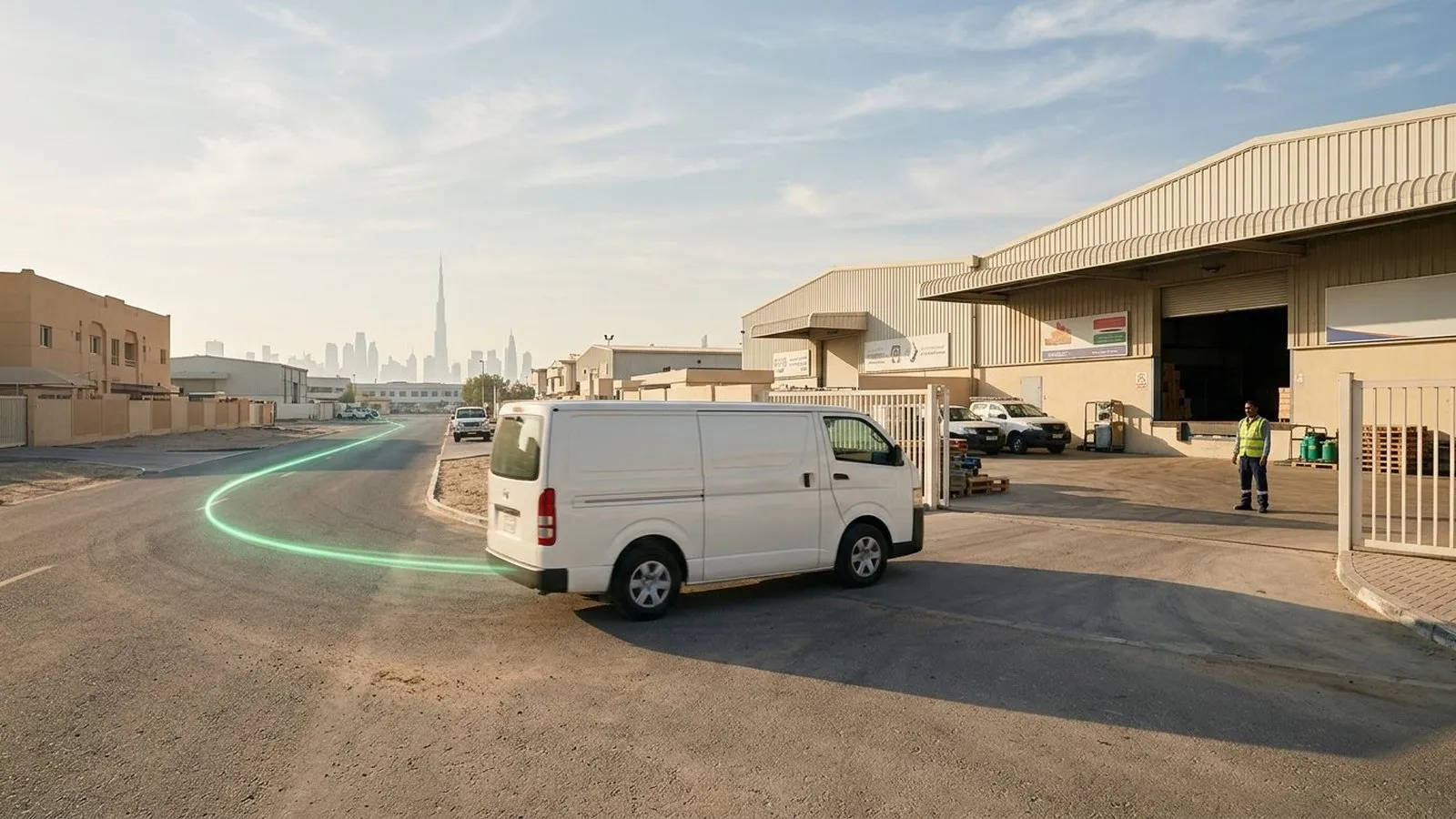
GPS tracking for dispatch matters most at the moment a dispatcher has to choose. The job queue is full, a customer is waiting for an ETA, and the schedule says a van is free. That van may be stopped outside the right zone, held up at a gate, carrying an open panic alert, or crossing a stretch with weak coverage. The problem is not a shortage of dispatch software. It is the missing field context between the schedule and the road.
This article explains how dispatch teams use GPS tracking data inside the dispatch, ERP, or service-management tools they already run. It covers the vehicle signals behind each dispatch decision, how zone events and alerts support exception handling, how a job looks from assignment to review, the steps to connect tracking data to your workflow, and where the Tracom ST100 fits.
What GPS tracking adds to dispatch work
Dispatch is a chain of small decisions: which vehicle takes the job, what ETA the customer hears, when a delay needs a call, and whether a visit really happened. Each one improves when the dispatcher sees what the vehicle is doing now, which is what live fleet tracking and real-time alerts provide.
Dispatch software and the tracking device do different jobs
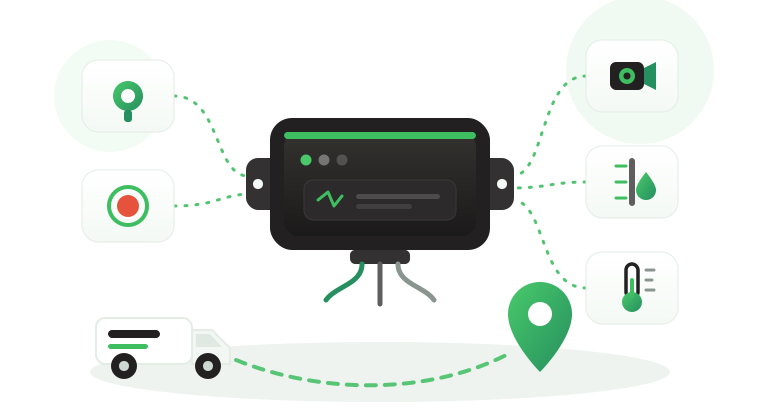
Dispatch software manages the work. It receives requests, schedules jobs, assigns drivers, sends instructions, and records completion. A GPS tracking device reports what happens on the road: position, speed, movement, stops, zone entries and exits, and safety or security events. The dispatch platform manages the task, while the tracking device shows how the vehicle is actually moving through it.
This split stays the same when the two systems exchange data: tracking supplies the facts, and dispatch decides what they mean for each job.
What the device does not decide
A geofence event does not automatically determine whether a job is complete, whether a driver violated policy, who caused a delay, or which department must close the case. Tracom supplies the GPS device, local rule logic, event data, and configuration layer. The fleet or its connected business software assigns the operational meaning and response.
In practice, an entry event at a customer site can trigger an arrival update. It becomes proof of delivery only when the dispatch workflow adds its own confirmation, such as a signature or a scan.
The tracking device behind every record
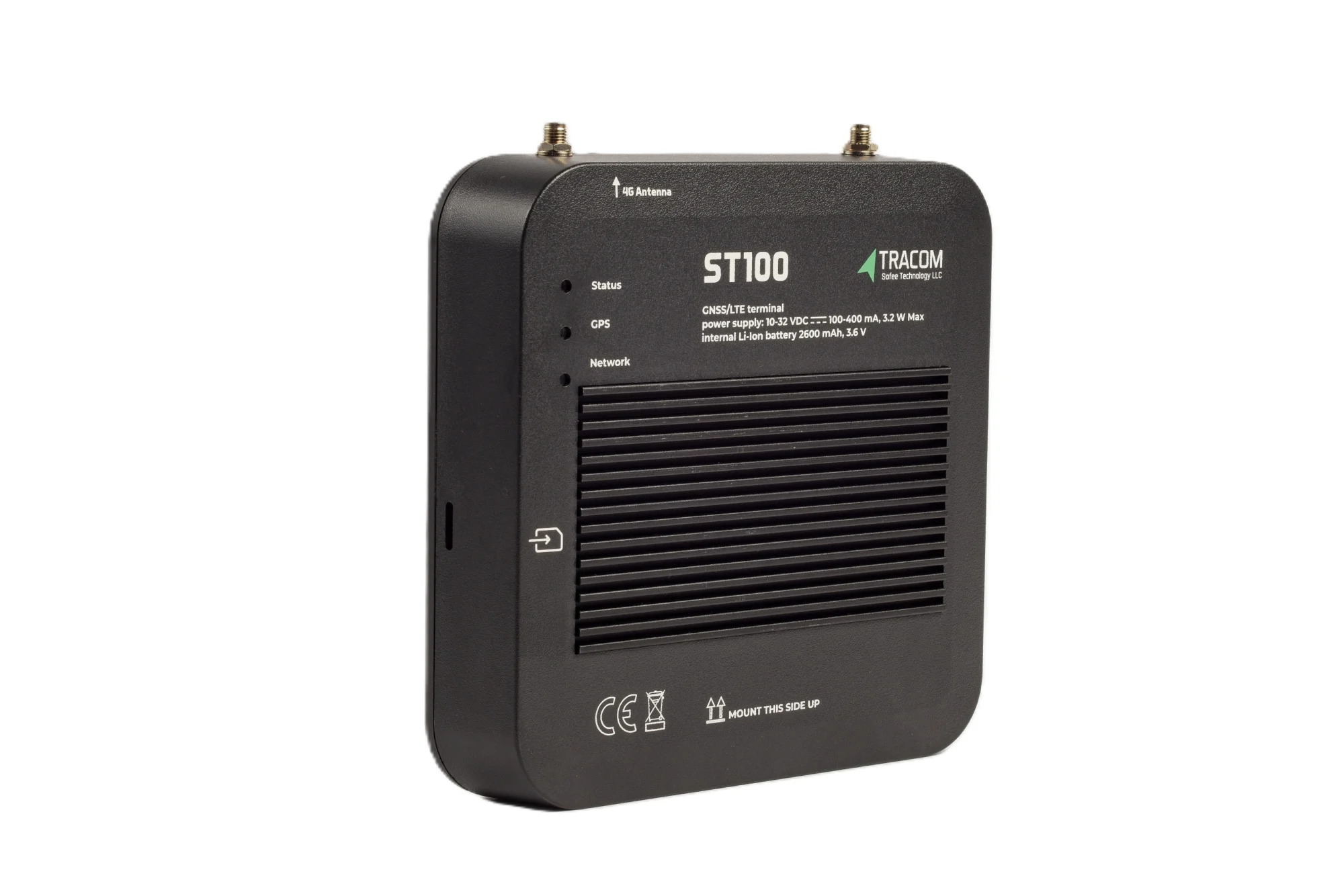
- GPS, GLONASS, SBAS, QZSS and AGPS positioning
- Location accuracy within a 2-meter radius
- 2G/3G/4G SIM support
- 12 digital, 4 analog and 5 AD inputs, 2 digital outputs
- 5 RS232 ports, USB, UART, 1-Wire and OBD II CAN
Vehicle signals behind each dispatch decision
Dispatchers do not need every field a tracking device can produce. They need the few signals that answer the question in front of them. The table below links common dispatch questions to the device signal and the action that usually follows.
| Dispatch question | Device signal | Dispatcher action |
|---|---|---|
| Which vehicle can take this job? | Live position, movement status, current zone | Pick the vehicle that is free and close in practice |
| Is the ETA still realistic? | Speed, stop duration, recent route | Update the customer before they call |
| Has the vehicle arrived or left? | Geofence entry and exit events | Move the job to the next status |
| Can this vehicle take an urgent job? | Open panic, tamper, or safety alerts | Hold the assignment until the alert is cleared |
| Who is driving right now? | Driver access key on the trip | Match the job to a qualified driver |
| What happened on a disputed visit? | Second-by-second trip record | Answer the customer with a timeline |
The nearest vehicle is not always the right one
A map shows distance. It does not show that the closest truck has been stopped for forty minutes at a loading bay, or that it sits inside a site zone it cannot leave before a permit closes. Movement status, stop duration, and current zone tell the dispatcher which vehicles are close and also available.
The ST100 calculates speed from GPS and from the vehicle speed signal (VSS), and positions vehicles within a 2-meter radius. That precision helps on industrial estates and port areas, where two vehicles can look side by side on a map but sit on different access roads. How fresh each position is depends on the configured GPS tracker reporting interval, which should match how quickly dispatch needs to react.
Knowing who is driving
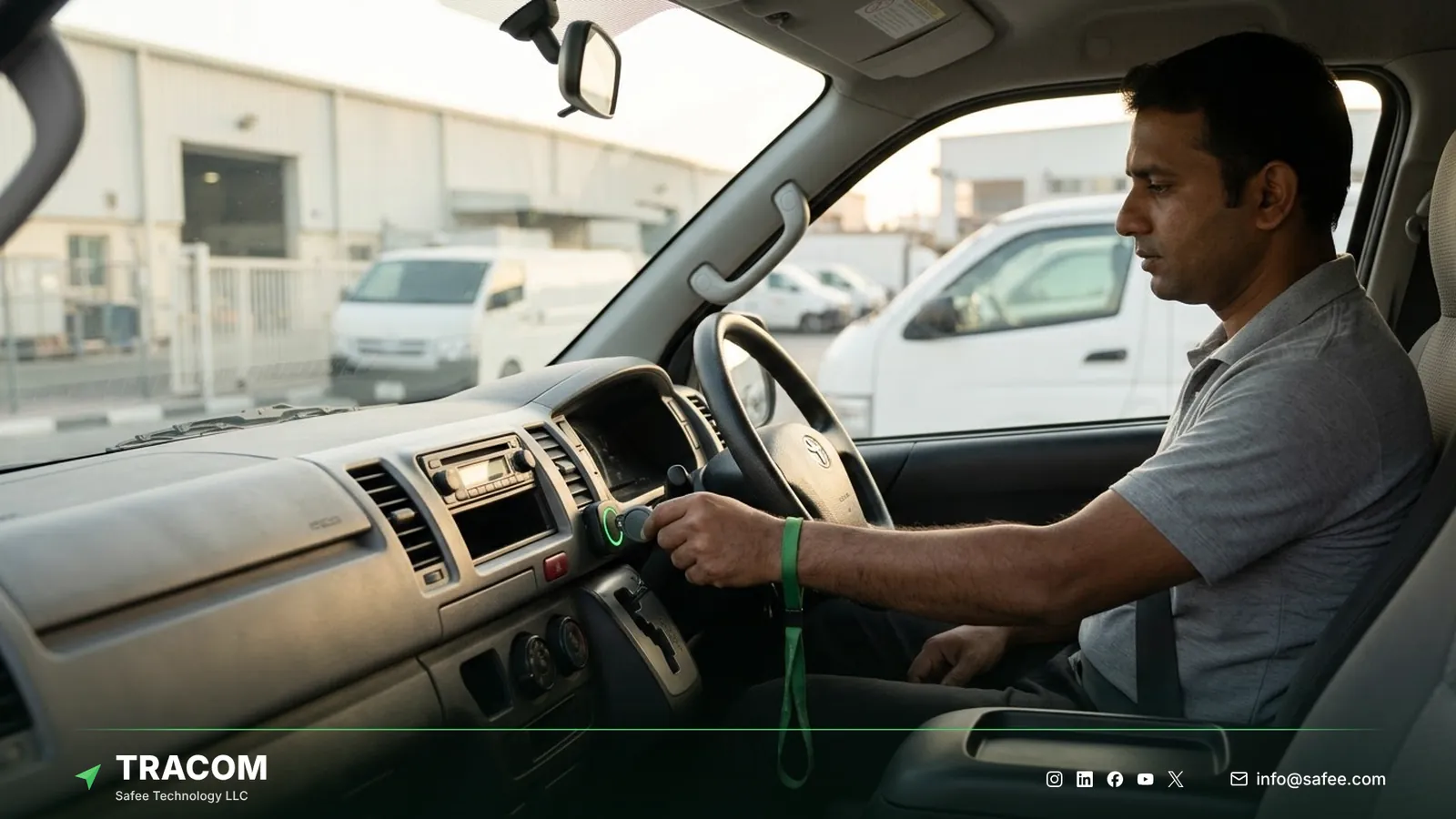
Shared vehicles create a quiet dispatch problem: the job goes to the vehicle, but the skills and licenses belong to the driver. The ST100 supports up to 1,000 driver access keys, so each trip carries the identity of the driver who started it. With immobilization enabled, only authorized drivers can operate the vehicle, which keeps the dispatch record and the person behind the wheel in step.
Read also: In-Cab Voice Alerts: Correcting Driving Habits as They Happen
Zone events and alerts for exception dispatch
Good dispatch runs on exceptions. A dispatcher who watches every vehicle on a map all day misses the one that matters; one who receives the right event at the right time can act on it.
Arrival and departure events
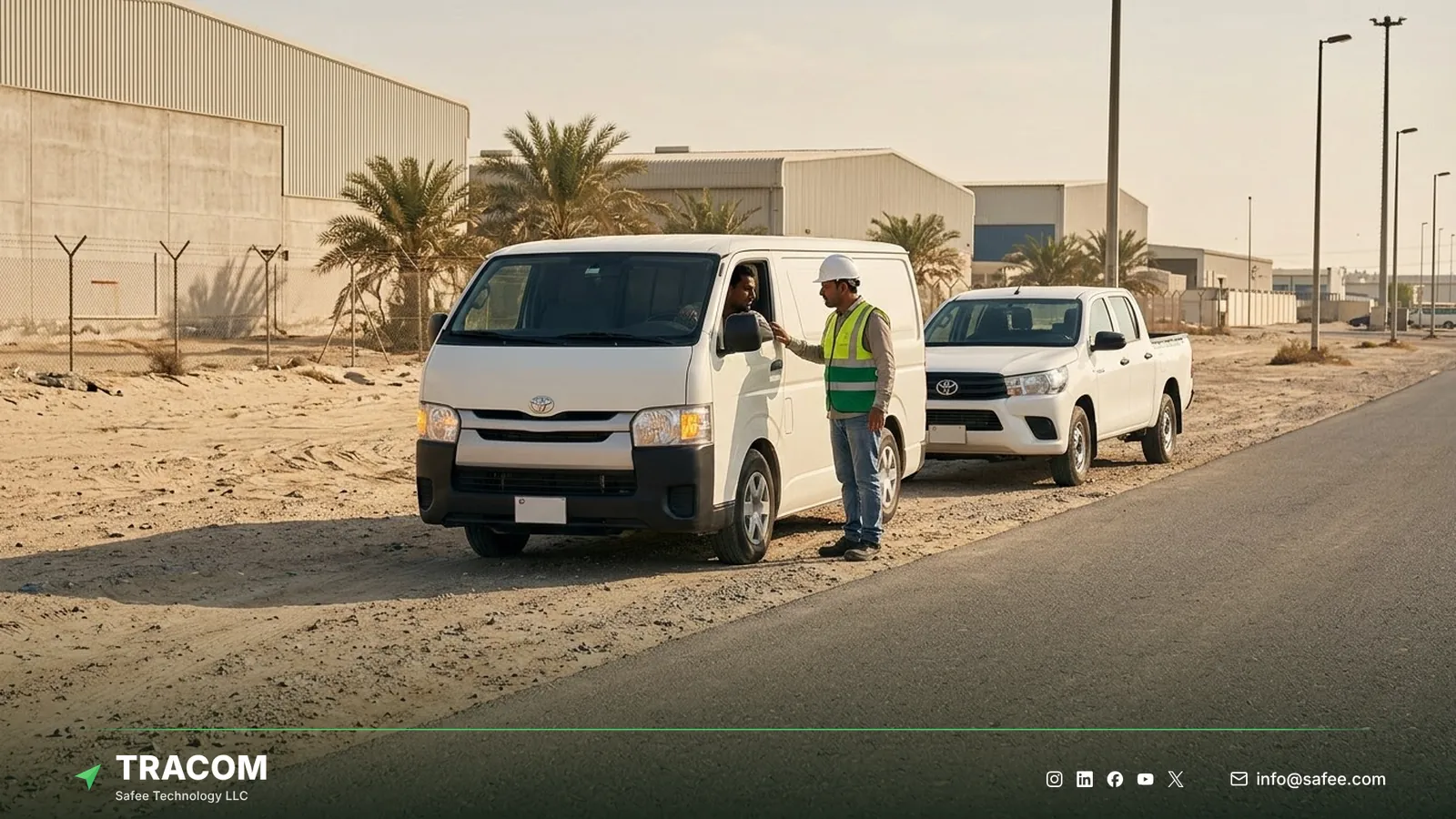
The ST100 supports up to 4,000 geofences and sends a notification when a vehicle enters or exits a zone. Fleets typically draw zones around depots, customer sites, loading areas, and restricted areas, then name them so dispatch can read them at a glance, such as UAE-DXB-CUSTOMER-LOADING-02 or KSA-JED-PORT-GATE-3. A departure from the depot can open the job timer, and an entry at the customer site can trigger the arrival message.
Zones can also carry time-based speed limits, and voice alerts can remind drivers when they leave assigned routes. The geofencing fleet management guide covers zone design, naming, and speed rules in detail.
Alerts that change an assignment
Some events should stop a dispatcher from sending a vehicle on its next job. A panic alert from a driver, a tamper alert on the device, or a cluster of harsh driving events on the current trip all signal that someone needs to check first. The decision belongs to the dispatch or safety procedure; the tracking device’s role is to send the signal to the team as it happens.
Who receives these alerts, how fast, and how they escalate is covered in the article on fleet safety alert management.
Dispatch records when coverage drops
Remote routes in oil and gas fields, desert corridors, and some port and industrial areas lose network coverage. Because the ST100 applies its rules inside the vehicle without an internet connection, zone events and voice alerts keep working in those stretches. The device also stores up to one week of data internally during network outages, so data recorded in those stretches is held on the device instead of depending on live coverage.
Following a job from assignment to review
Tracking data helps differently at each stage of a job, and one job followed end to end shows which signals each person needs.
Before the assignment
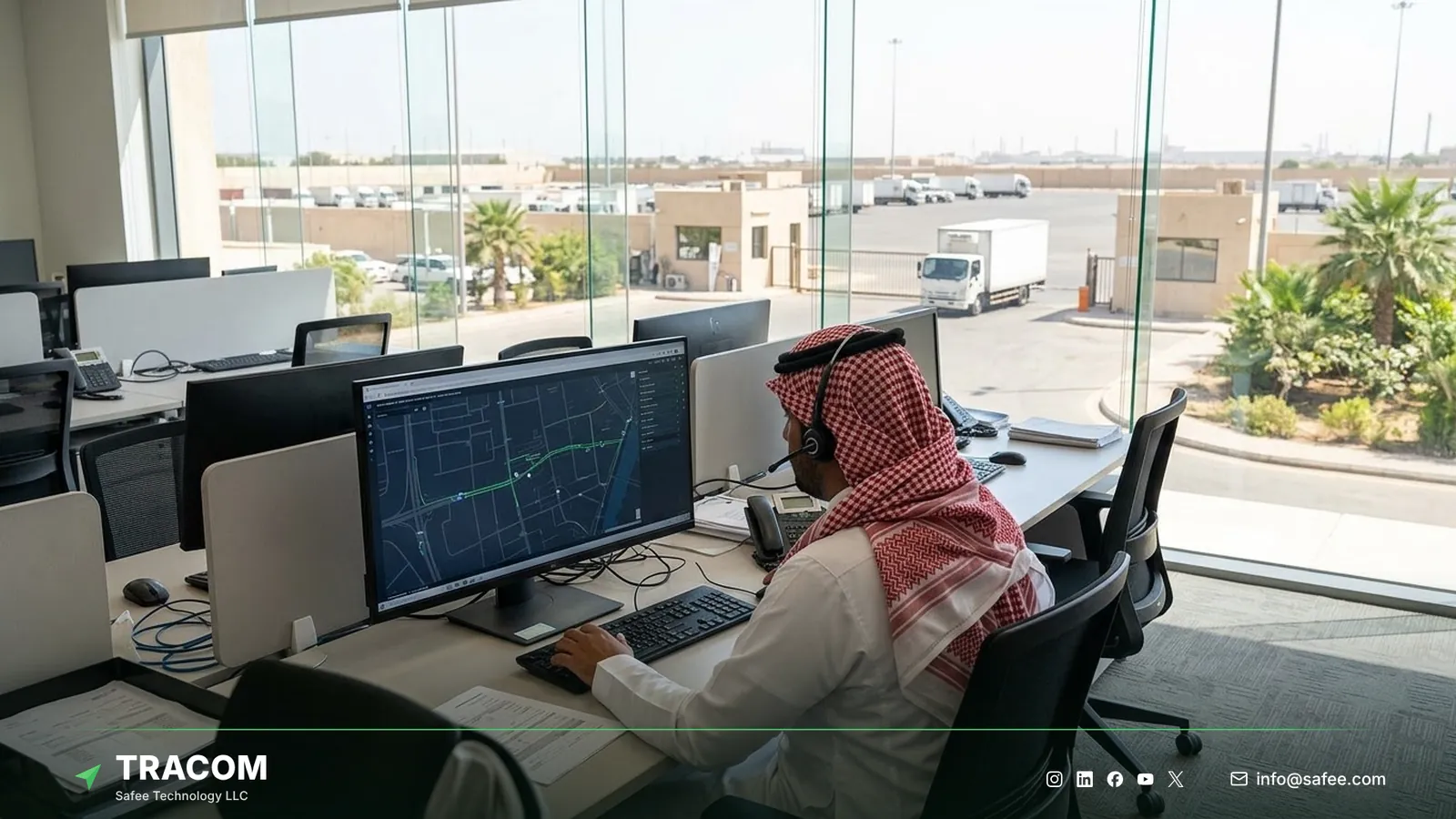
The request is created in the dispatch software, ERP, customer portal, or internal workflow. The tracking device plays no part in creating it. The dispatcher then checks live position, movement status, current zone, open alerts, and the driver on the vehicle, and chooses the vehicle that can realistically start the job soonest.
While the vehicle is moving
The dispatch platform or route planner calculates the route, and the tracking data shows how the drive is going. Speed and stop duration reveal delays early, so the customer hears about them from dispatch rather than discovering them at the gate. Zone exits and entries move the job through its statuses without anyone calling the driver.
After the job closes
The ST100 records data second by second, so a reviewer can replay the trip around any disputed moment. When a customer says nobody arrived, the dispatcher can see the entry time, the stop duration, and the exit time at the site. A simple review pattern keeps these checks useful, shown here as a hypothetical example.
Report: one branch shows repeated late arrivals at a single customer site. Insight: vehicles reach the site on time but wait at the gate before entering the zone. Decision: agree a new delivery window with the customer and adjust the dispatch schedule. Verification: compare arrival times inside the zone over the next four weeks. The fleet reporting and analytics guide explains how to build reports like this.
Integrated, manual, or GPS-only dispatch
Not every fleet needs a full integration between tracking and dispatch. The right model depends on job volume, branch structure, and the cost of a wrong or late assignment.
When manual dispatch is enough
A small fleet with stable routes and a dispatcher who knows every driver can run well on phone and messaging, with tracking as a second check.
When GPS-only tracking is enough
Many fleets keep their dispatch tool and their tracking platform side by side. Dispatchers open the live map and the alert list when they need them, and they use trip history to answer disputes. This model works for a moderate daily job count handled by one team that owns both screens, which is common in field service fleet tracking for technicians and utility crews.
What integration adds
Integration pays off when ETA requests are frequent, jobs span several branches, and arrival records are often disputed. Zone events can update job statuses, alerts can appear next to the job they affect, and trip records can attach to the job. The dispatch software still owns the job; it simply receives the field context automatically. High-volume delivery operations face this first, as the guide to last mile delivery tracking shows.
Read also: GPS Tracker Offline: A Troubleshooting Guide for Fleets
Steps to connect tracking data to dispatch
A short, staged plan avoids the most common gap: data arrives in the dispatch tool, but nobody agreed what it should do there.
- List the dispatch decisions that need field context, such as vehicle selection, ETA updates, arrival confirmation, and dispute review.
- Map each decision to the device signal it needs, and drop any field that does not support a decision.
- Define zones for depots, customer sites, and restricted areas, with names that dispatchers recognize.
- Assign driver access keys so every trip in the pilot is linked to a known driver.
- Decide which alerts reach dispatch, which reach safety or security, and which only need recording.
- Agree with your dispatch or ERP team how events and trip records will reach their system, and test it with real jobs.
- Run a pilot on representative routes, including one route with weak coverage if the fleet operates in remote areas.
- Review the pilot with dispatchers before rolling out, and keep one documented configuration per vehicle group.
Share your job types, branches, zone list, and current dispatch platform, and talk to a Tracom specialist about the device configuration that fits your dispatch workflow.
Common dispatch integration failures
Most dispatch integrations that disappoint stall because of design choices. These are the patterns to avoid.
| Failure | Operational consequence |
|---|---|
| Every device field sent to dispatch | Dispatchers ignore the screen and return to phone calls |
| Zone names only the GIS team understands | Arrival events reach dispatch but nobody acts on them |
| No driver identification on pool vehicles | Jobs go to vehicles whose drivers lack the right license |
| Zone entry treated as proof of delivery | Customer disputes reopen because the visit was never confirmed |
| Safety alerts routed only to dispatch | Urgent events wait behind routine job updates |
| No test on low-coverage routes | Remote jobs show gaps that look like device faults |
What hardware goes in the vehicle for dispatch data
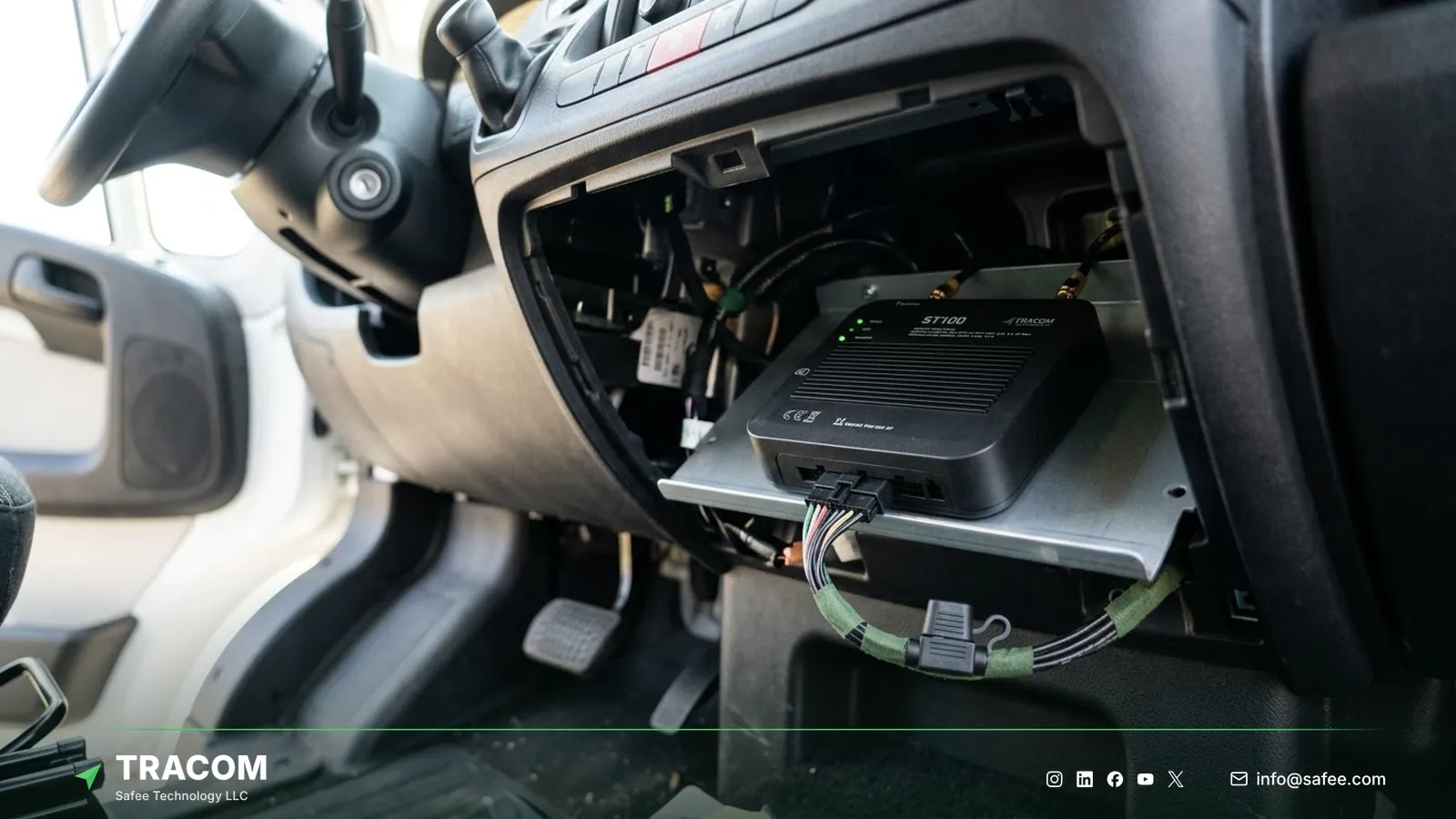
Dispatch quality depends on the hardware in each vehicle. At Tracom, we supply the Tracom ST100 and the accessories around it, while maps, ETAs, and job screens run on the connected tracking platform or your dispatch software. The ST100 works with third-party tracking platforms through a documented protocol that we share with partners.
| Need | ST100 feature, input, or accessory | Confirm with the Tracom team |
|---|---|---|
| Accurate position and movement | GPS with 2-meter accuracy, GPS and VSS speed | Reporting interval for your jobs |
| Arrival and departure events | Up to 4,000 geofences with entry and exit events | Zone design and naming |
| Known driver on pool vehicles | Driver key reader, up to 1,000 access keys | Reader type and wiring |
| Hold an assignment on emergencies | Panic button and tamper alert | Button position and recipients |
| Jobs on remote routes | Local rules and up to one week of onboard storage | Upload behavior on your network |
The way events and trip records reach your dispatch, ERP, or service platform should be confirmed during solution design. Review the features page and services page, then request a device recommendation for your own vehicles or for the fleets your platform serves.
Conclusion
GPS tracking earns its place in dispatch when each signal answers a question a dispatcher actually asks: which vehicle, what ETA, has it arrived, and what happened. Alerts without ownership become noise, and data that nobody acts on only adds another screen.
Tracom supplies the ST100, the driver key reader, the panic button, and remote configuration that give fleets and telematics providers across the GCC and worldwide dependable field context inside the dispatch tools they already use. Share your job types, branch structure, zone priorities, and integration requirements, and talk to a Tracom specialist about ST100 devices for your fleet or your customers’ fleets.
Frequently asked questions
How does GPS tracking help dispatchers assign jobs?
It shows which vehicles are free and close in practice. Live position, movement status, current zone, open alerts, and the driver on each trip let the dispatcher choose a vehicle that can actually start the job. The assignment itself is made in the dispatch software or by the dispatcher.
Can GPS tracking improve ETA accuracy?
Yes, when the ETA is updated from live data. Speed, stop duration, and recent route show delays as they form, so the dispatch tool or dispatcher can revise the ETA before the customer calls. The ETA calculation sits in the dispatch or connected tracking platform, using the device’s position and movement data.
Do zone events still work on remote routes?
Yes. The ST100 applies its geofence rules inside the vehicle without an internet connection, so entry, exit, and speed rules keep working in low-coverage areas. The device also stores up to one week of data internally during outages, so data from remote stretches is held on the device rather than lost to the coverage gap.
Can the tracking device update job statuses automatically?
It can supply the events that trigger them. A geofence exit at the depot or an entry at the customer site can move a job to its next status once the dispatch or ERP system is set up to receive those events. The status rules themselves are defined in that system.
Is Tracom a dispatch software platform?
No. Tracom supplies the ST100 tracking device, accessories, in-vehicle rules, zone events, alerts, offline storage, and remote configuration. Job creation, scheduling, assignment, driver communication, and completion records stay in your dispatch software or business system, which decides how each event affects a job.
Choose the right tracker for every vehicle
Tell us your vehicle types and what you need to monitor. A Tracom device specialist will reply by email with a recommended ST100 setup and accessories.
Usually replies within one business day • No sales spam
Your details are used only to respond to your request. Privacy Policy