
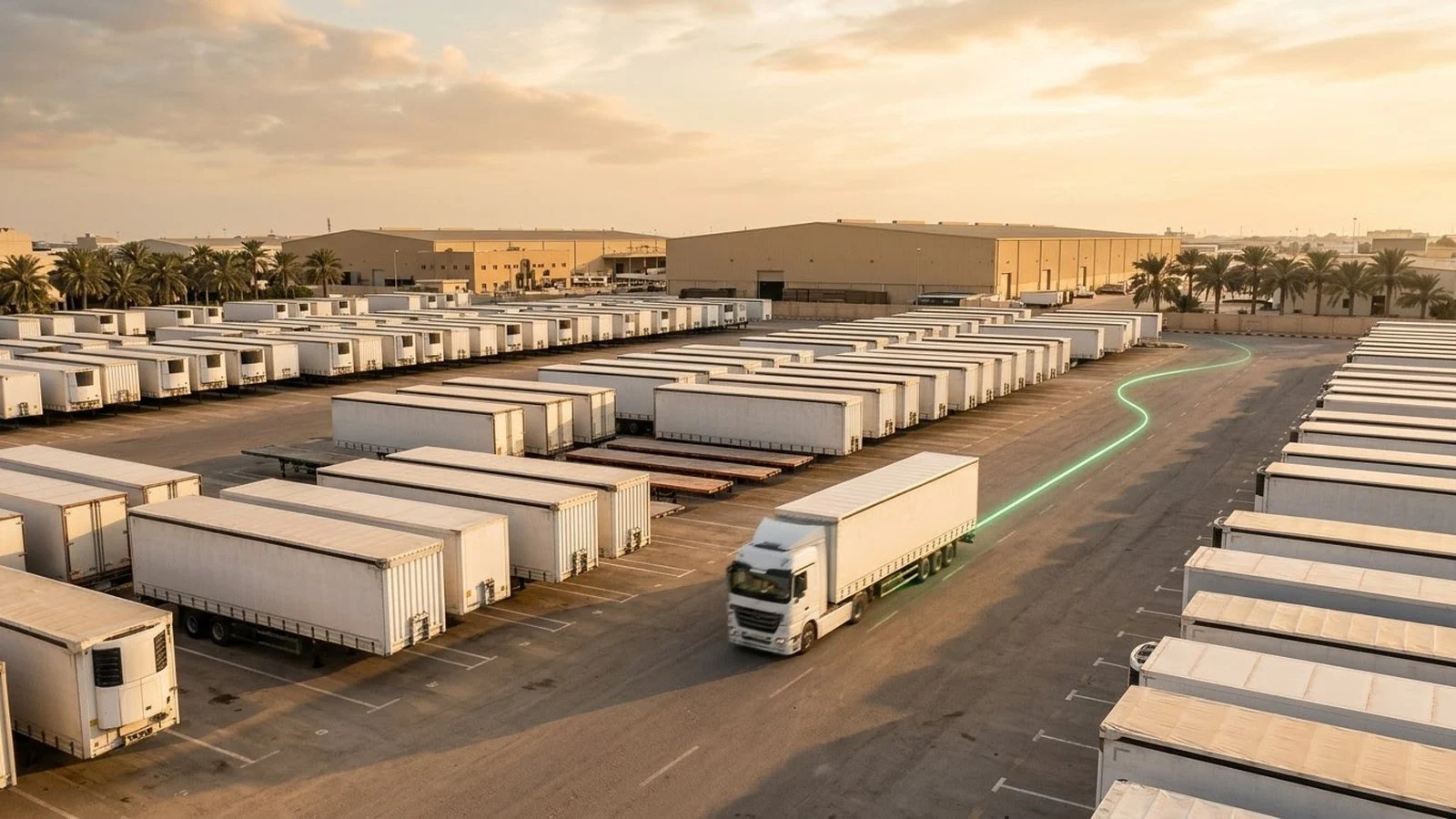
Trailer fleet tracking often stops at the map, and a trailer can sit inside your yard while staying operationally invisible. Dispatch sends a tractor to a unit that is loaded, reserved, under inspection, or parked in the wrong zone. A customer holds a trailer longer than agreed, and the team notices only when the next assignment fails. Management approves more trailer capacity while existing units sit unused, because nobody trusts the status data. These failures are not caused by the absence of a map. They are caused by the absence of a shared operating picture.
This article explains how trailer fleet tracking turns tractor events, pickup and drop records, and yard geofences into decisions about status, custody, detention, and utilization. It covers a status lifecycle every depot can apply, tractor and trailer association, detention clocks, exception alerts, dispatch and yard views, the KPIs that matter, and where the Tracom ST100 fits.
What trailer fleet tracking needs to answer
Trailer fleet tracking is useful when it tells the team what it can do with a trailer, not only where the trailer was last seen. A map point may confirm a position, but it does not say whether the trailer is available, loaded, reserved, under maintenance, coupled to the right tractor, or waiting beyond an agreed window. This article covers the operating workflow; choosing the hardware is covered in the trailer tracker guide.
Where the trailer position comes from
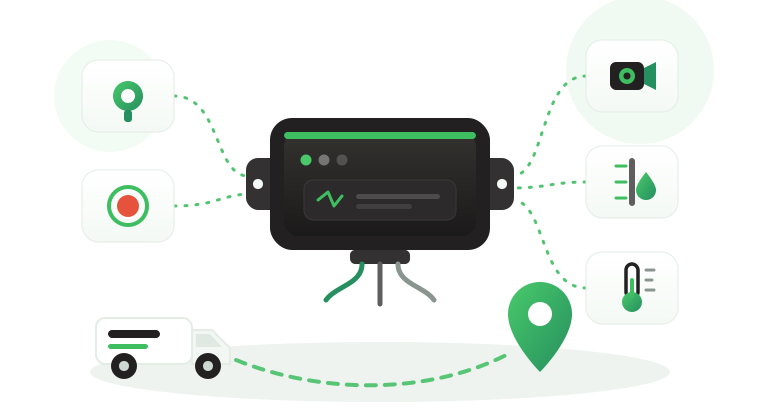
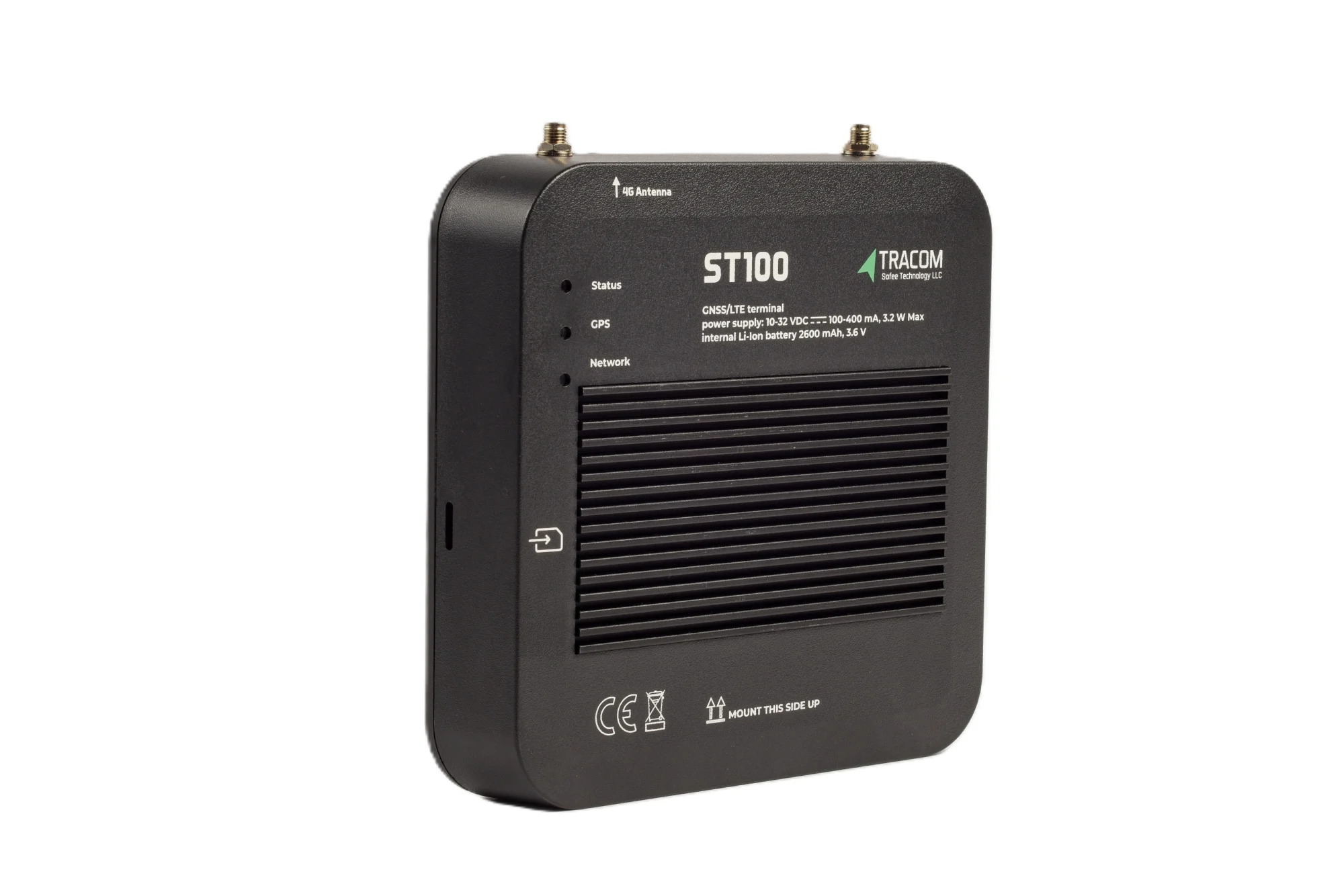
The ST100 is an in-vehicle intelligence system installed in the tractor. While a trailer is coupled, the tractor’s second-by-second record, with positions within a 2-meter radius, is the trailer’s movement record, provided the association between the two is correct. When the trailer is dropped, its last known position is the drop location and time recorded by the tractor.
Fleets that want a physical coupling signal can have it wired to a digital input on the ST100, agreed with the Tracom team, so each coupling and uncoupling becomes an event. The signal source and wiring are confirmed before installation. Without a physical signal, the drop is recorded through a geofence event, a gate transaction, or a driver confirmation. The same logic applies to container chassis, as the guide to container GPS tracking explains for port and depot handoffs.
The tracking device behind every record
- GPS, GLONASS, SBAS, QZSS and AGPS positioning
- Location accuracy within a 2-meter radius
- 2G/3G/4G SIM support
- 12 digital, 4 analog and 5 AD inputs, 2 digital outputs
- 5 RS232 ports, USB, UART, 1-Wire and OBD II CAN
What the device does not decide
A drop event at a customer site does not automatically determine whether the trailer was unloaded, released by the customer, or ready for its next job. Tracom supplies the GPS device, in-vehicle rule logic, event data, and configuration layer. The fleet or its connected business software assigns the operational meaning and response.
A trailer status lifecycle for every depot
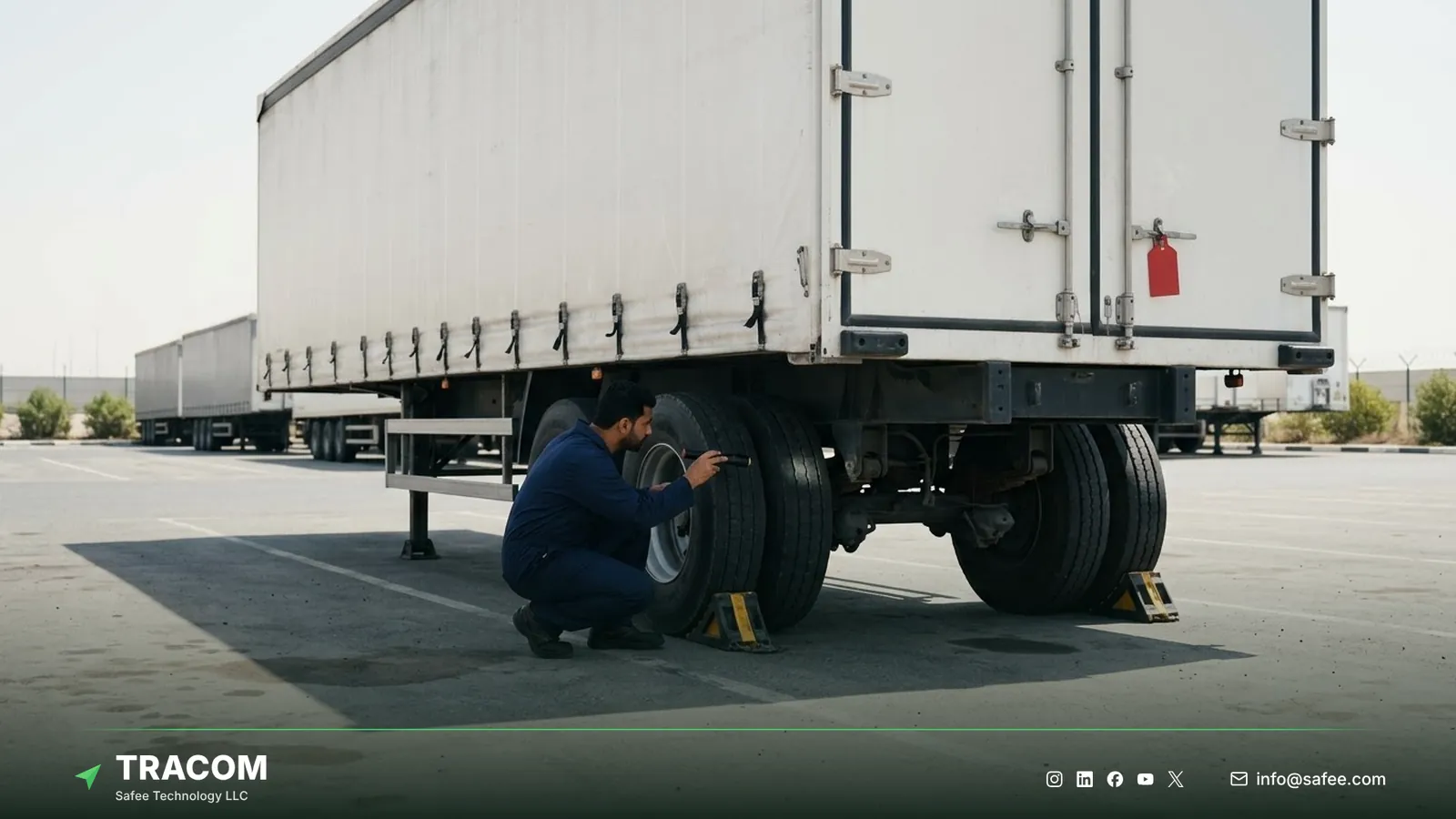
A reliable trailer workflow starts with a small set of statuses that every depot, terminal, and team applies the same way. Too many labels create inconsistent records, and too few hide the difference between a usable trailer and one that is present but blocked. A practical set looks like this:
- Available means the trailer is cleared for assignment and not reserved for another movement.
- Assigned means the trailer is linked to a planned job, route, tractor, or customer movement.
- In transit means the trailer is coupled to a tracked tractor within an active assignment.
- At customer site means the trailer is inside the customer geofence and awaiting loading, unloading, or release.
- In yard means the trailer is inside a depot or terminal, which does not automatically make it available.
- Under maintenance means the trailer is blocked from dispatch until maintenance releases it.
- Idle beyond threshold means the trailer has stayed in one place longer than the operating rule allows.
- Exception means location, association, or recorded status conflicts with the expected workflow.
The labels can be adapted, but their meaning must stay stable. A depot in Dammam and a branch in Dubai should not classify the same condition differently, or consolidated reporting stops being reliable.
Matching trailers to asset records
Every trailer needs a unique identifier that also appears in dispatch, gate, maintenance, and finance records, such as a fleet number, registration, or chassis number. Descriptions such as “Trailer 12” or “White Reefer” are not enough for a multi-site operation. The asset record should also carry trailer type, home depot, status owner, and any maintenance restriction.
Tractor and trailer association
The association between a tractor and a trailer is the link that makes a tractor’s record useful for the trailer. It may come from the dispatch assignment, a gate scan, a driver confirmation, or a coupling input. When driver access keys are in use, the ST100 adds the driver to the same record, so each trailer move has a known tractor, driver, and time.
Your handoff workflow should define when the association is created, who may change it, and when it closes. During swaps, the platform should flag any tractor movement that does not match the recorded trailer, so custody stays clear at every handoff.
Read also: Equipment GPS Tracker: Theft Control and Engine Hours for Machines
Yard geofences and detention clocks
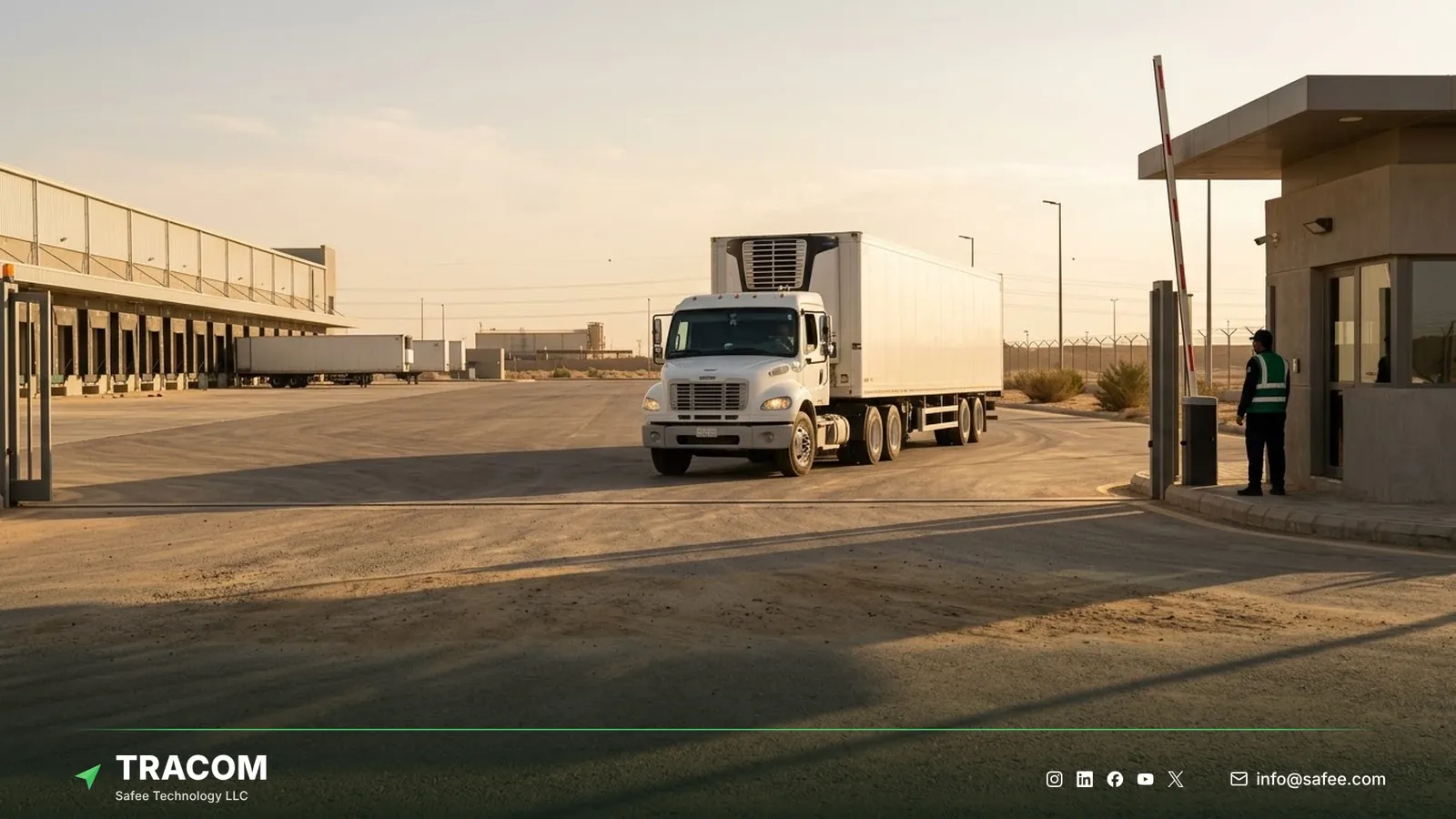
Trailer yard tracking should produce dependable process timestamps, not a crowd of map zones. Each geofence should stand for a real milestone such as gate entry, staging, loading, maintenance, approved parking, customer arrival, or departure. The ST100 supports up to 4,000 geofences, which leaves room for separate zones inside large yards and for every regular customer site.
Zones with an owner and a trigger
A large yard may need separate boundaries for the gate, staging area, loading lanes, maintenance zone, and approved parking. Customer zones should reflect where trailers actually wait, not only the property line on a map. Each zone needs an owner and a purpose: entry into a customer zone can start dwell time, exit can close it, and entry into the maintenance zone can remove the unit from the available list. The geofencing fleet management guide explains how to design and name zones.
Time-based speed limits inside yard zones, with voice alerts during grace periods, also help keep tractors within site rules during shunting and staging.
Defining the detention clock
Detention monitoring needs a defined start event, an allowed period, and an end event. Depending on the contract, the clock may start at geofence entry, gate confirmation, or dock arrival, and the rule should state how early arrival, scheduled waiting, and customer closures are treated.
Geofence timestamps support the timeline, but they do not settle commercial responsibility on their own. Appointments, gate records, dispatch notes, and customer terms may still be needed when a detention charge is disputed.
Exception alerts that reach the right team
Exceptions are useful only when they go to the team that can act. These are the trailer exceptions most fleets start with:
- A trailer stays at a customer site beyond the agreed allowance.
- An assigned trailer leaves the yard before its planned release window.
- A tractor moves a trailer without an active assignment or approved association.
- A tractor enters a restricted or maintenance zone with a trailer that is not scheduled there.
- An expected arrival or return does not happen within the operating window.
- A tamper alert shows that someone attempted to remove or interfere with the tractor’s device.
Detention exceptions belong to dispatch or customer operations, unauthorized movement to security, and device issues to the technical owner. Sending every event to every manager delays the response. How to respond to tamper alerts, and how careful installation reduces interference, is covered in the guide to GPS tracker tamper alerts. The fleet safety alert management guide explains how to set alert owners and escalation.
Dispatch and yard control
The operational test of trailer fleet tracking is whether it cuts the time and uncertainty involved in assigning, finding, releasing, and rotating trailers. The main view should put availability, work queues, and exceptions first, instead of showing every trailer as an equal dot on a map.
Availability views for dispatch
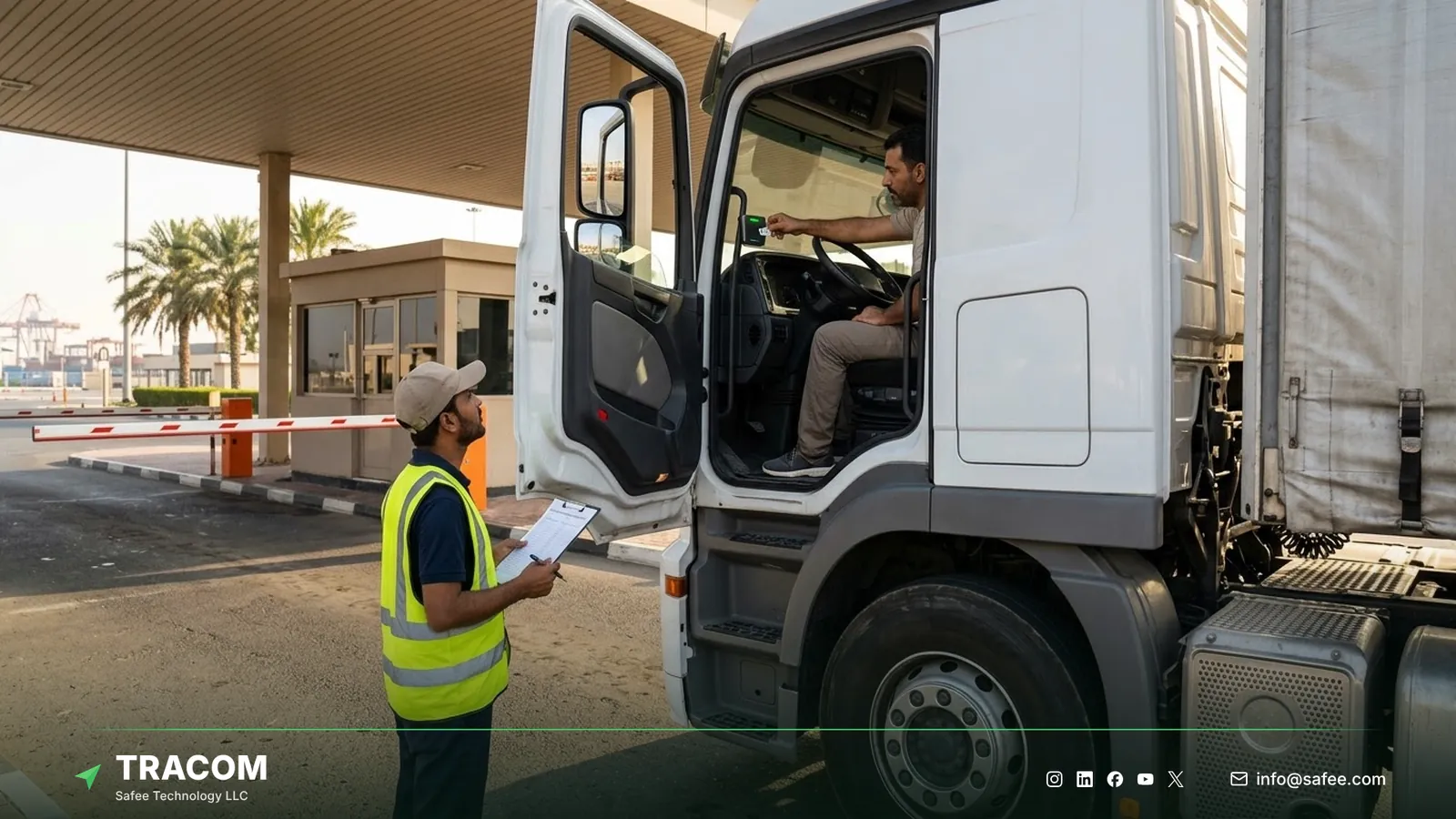
A dispatcher should be able to filter trailers by type, depot, current zone, status, last movement, maintenance restriction, and assignment. That stops a tractor being sent to a trailer that is present but loaded, reserved, or blocked. Multi-depot fleets should apply the same status definitions while limiting each user’s view to the depots they manage. The GPS tracking for dispatch article covers how dispatch teams use these events.
Reconciling yard moves with gate records
Zone history lets the yard team compare physical movements with gate, dispatch, and custody records. When a tractor moves a trailer between zones without the expected gate or dispatch record, the event can be investigated as an undocumented move, instead of being discovered during the next urgent job. The same history shows when the trailer entered the site, reached staging or loading, and left the yard.
Read also: GPS Tracker Placement: Where to Install It in Fleet Vehicles
Utilization and detention KPIs
Reports should answer a management question and lead to an action. A focused KPI set shows where trailers wait, which units are really available, where custody records break, and which sites repeatedly cause delay. The fleet reporting and analytics guide explains how to build reports in that format.
| Indicator | What it measures | Management use |
|---|---|---|
| Available trailer count | Units cleared for assignment by site and class | Balance capacity and repositioning |
| Customer-site dwell | Time between arrival and release milestones | Review detention and repeat delays |
| Yard turnaround | Time from yard entry to approved departure | Find staging and loading bottlenecks |
| Idle time by status | Stationary time split by status | Separate underuse from valid unavailability |
| Association mismatch | Moves without the expected tractor or job | Close custody and process gaps |
Comparing sites and trailer classes
Fleet-wide averages can hide one depot or customer that keeps trailers waiting. Compare results by site, route, trailer type, and period, using the same milestone definitions everywhere. A trailer that completes few trips may be underused, or it may be held for a contract, assigned to seasonal work, or waiting for repair, so idle time should always be read together with status.
Steps to pilot trailer fleet tracking
A controlled pilot tests identifiers, associations, statuses, and detention clocks before the workflow expands across every depot and trailer class.
- Audit the trailer list, naming conventions, trailer classes, and current status definitions.
- Select representative yards, customer sites, routes, and tractors for the pilot.
- Define the minimum status set and assign an owner for every status change.
- Decide how each tractor and trailer association is created and closed, and assign driver access keys.
- Load yard and customer zones as KML/KMLO geofence files through the SCMS portal, and document which event starts or closes each milestone.
- Configure events and alerts in the XML configuration file, then push it to the pilot tractors.
- Compare device events with gate, dispatch, and maintenance records for several weeks, and correct unclear ownership and false alerts.
- Approve the configuration and roll it out by depot, keeping one documented version per group.
Share your trailer classes, yard layouts, and detention rules, and talk to a Tracom specialist about a pilot for your depots.
What hardware goes in the tractor for trailer tracking
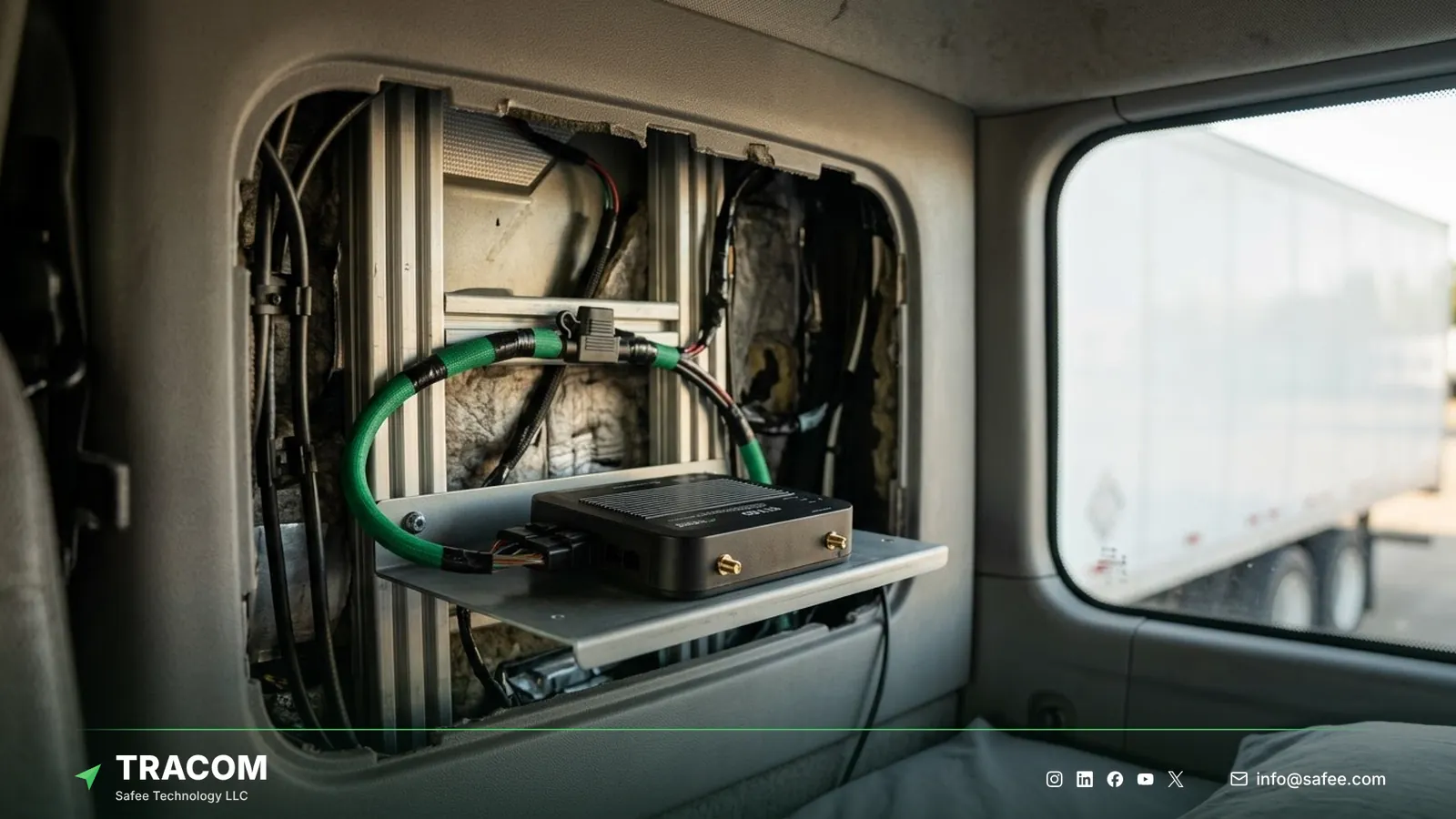
The trailer workflow above runs on hardware in the tractor. At Tracom, we supply the Tracom ST100 and its accessories, while status views and reports run on the connected tracking platform, which can be your own or a partner’s. The ST100 works with third-party platforms through a documented protocol that we share with partners.
| Need | ST100 feature, input, or accessory | Confirm with the Tracom team |
|---|---|---|
| Yard and customer milestones | Up to 4,000 geofences with entry and exit events | Zone design per yard |
| Coupling and drop signal | Digital input, agreed with the Tracom team | Signal source and wiring |
| Known driver on every move | Driver key reader, up to 1,000 access keys, immobilization | Reader type and wiring |
| Reefer trailer temperature | Temperature sensor connected to the ST100 | Sensor type and cable run |
| Security in yards and on the road | Tamper alert and a panic button | Button position and recipients |
Fleets running reefer trailers can read the guide to the reefer temperature sensor. The association method, coupling signal, and the way events reach your dispatch or yard system should be confirmed during solution design. Review the features page and services page, then request a device recommendation for your tractors or your customers’ tractors.
Conclusion
Trailer fleet tracking pays off when every trailer has one status, one owner for each status change, and a closed association with the tractor that moved it. With those in place, detention timelines, availability views, and utilization reports describe the operation as it really is.
Tracom supplies the ST100, the driver key reader, sensors, and remote configuration that let trailer fleets and their telematics providers across the GCC and worldwide build that record. Share your trailer classes, yard zones, detention rules, and handoff process, and talk to a Tracom specialist about ST100 devices for your fleet or your customers’ fleets.
Frequently asked questions
How does trailer fleet tracking improve utilization?
It combines movement history with controlled statuses for availability, assignment, maintenance, and dwell. Management can then tell genuinely underused trailers apart from those that only look idle because they are reserved, detained, under repair, or recorded under the wrong status.
What is the difference between trailer yard tracking and trailer fleet tracking?
Trailer yard tracking covers movements, zones, staging, and dwell inside or around a depot or terminal. Trailer fleet tracking covers the wider lifecycle across yards, roads, and customer sites, including tractor association, custody handoffs, availability, detention, and utilization reporting.
Can a GPS tracker confirm whether a trailer is loaded or empty?
No. Location and movement events cannot confirm cargo state. Loaded or empty status is recorded through dispatch records, gate scans, driver input, or another defined workflow, and the method should be agreed before the pilot so every depot records it the same way.
How should trailer detention time be measured?
Define the start milestone, allowed period, and end milestone for each site or customer. Geofence entry and exit timestamps support the timeline, while appointments, gate events, and loading or unloading records explain responsibility when the detention time is disputed.
Does Tracom manage yard or dispatch decisions?
No. Tracom provides the device, in-vehicle rules, event data, and configuration. Trailer assignment, release, maintenance holds, detention charges, and customer terms stay with your dispatch, yard, and transport systems and the teams that run them.
Choose the right tracker for every vehicle
Tell us your vehicle types and what you need to monitor. A Tracom device specialist will reply by email with a recommended ST100 setup and accessories.
Usually replies within one business day • No sales spam
Your details are used only to respond to your request. Privacy Policy