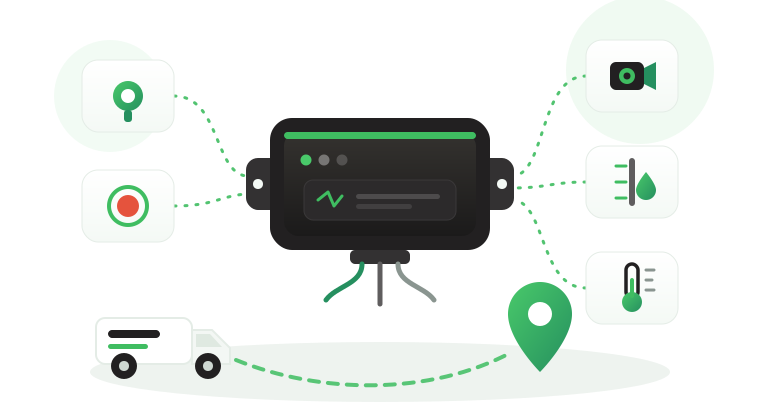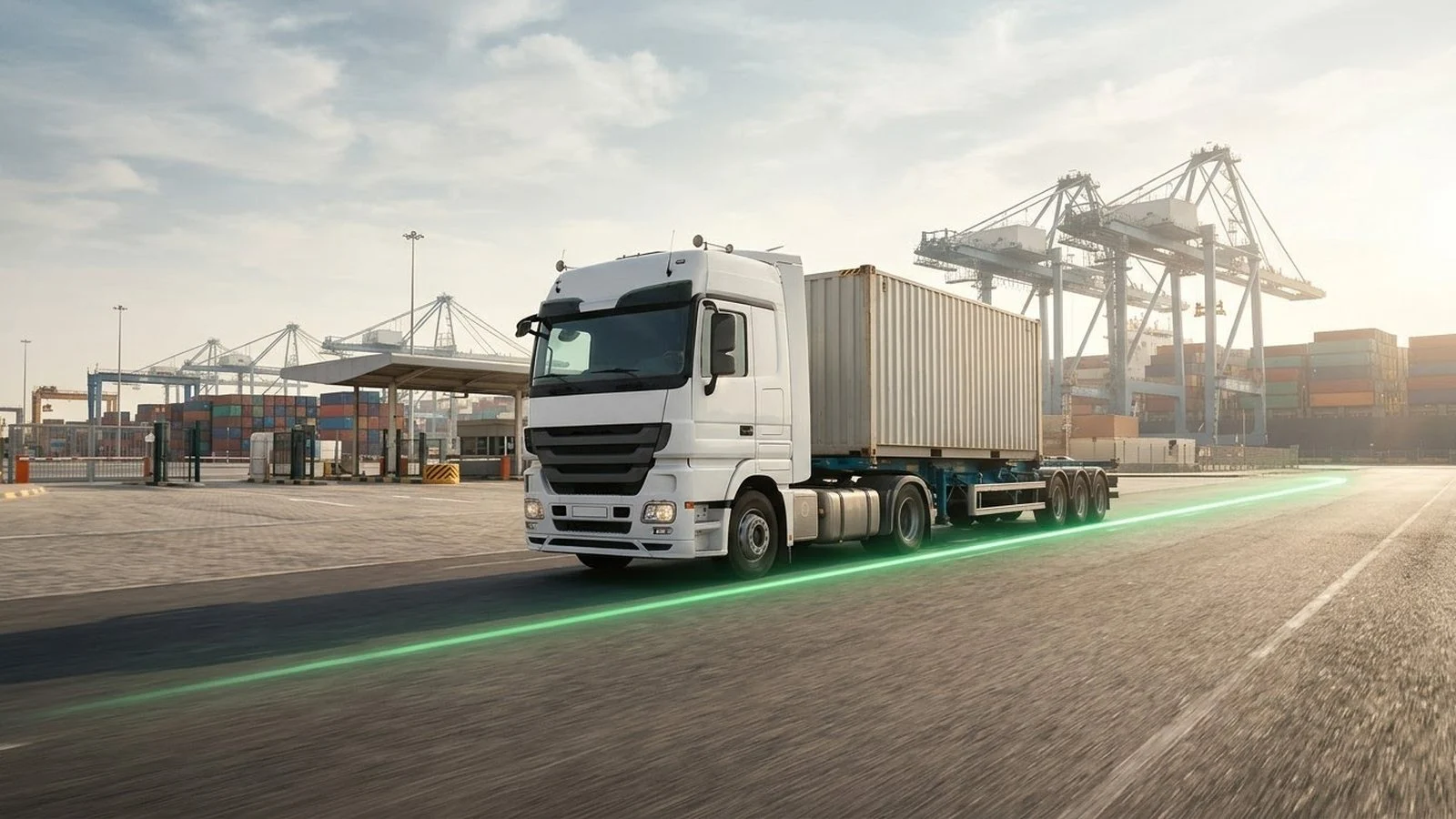
A container can show “in transit” in a carrier portal, and container GPS tracking built on scheduled milestones alone still leaves your operations team unable to answer the questions that matter. Has it left the terminal? Did the truck take it to the correct yard? Did it stop at an unapproved location? Is the last update a real movement or only a planned milestone? The blind spot grows every time the container changes vessel, rail operator, chassis, truck, depot, or custodian.
This article explains how container GPS tracking works on the road legs of an intermodal journey, where your own trucks and tractors carry the box between ports, depots, and customer sites. It covers the difference between tracking the container and tracking the vehicle that moves it, the handoff events worth capturing, how coverage gaps are handled, how to link events to shipment records, and where the Tracom ST100 fits alongside your freight platform.
What container GPS tracking follows
The first decision in any container project is the identity of the asset being followed. The container number stays the same from stuffing to empty return, while the equipment and the operating party around it change several times. A useful tracking record keeps the container number at the center and attaches every movement to it.
Tracking the box versus tracking the vehicle
A truck tracker follows the powered vehicle. A trailer or chassis record follows the wheeled frame that carries the box inland. Container tracking follows the shipping container itself, which may be lifted off one chassis, stacked in a terminal, loaded onto a vessel, moved by rail, and mounted on another chassis at the far end.
This distinction prevents a common data error: assuming that the position of the tractor always represents the position of the container. That assumption fails after a drop, a terminal transfer, a container exchange, or a wrong association in the dispatch record. Fleets that also need to choose hardware for their trailers and chassis can use the trailer tracker selection guide, and the guide to trailer fleet tracking covers chassis status and yard workflow after installation.
What the device does not decide
A port-entry event does not automatically determine whether the container was released by customs, handed over to the terminal, unloaded at the customer, or delivered in good condition. Tracom supplies the GPS device, in-vehicle rule logic, event data, and configuration layer. The fleet or its connected business software assigns the operational meaning and response.
Treating location as proof of a commercial milestone creates disputes later. A clean container record keeps location events and shipment statuses side by side, with each one coming from the system that owns it.
The tracking device behind every record
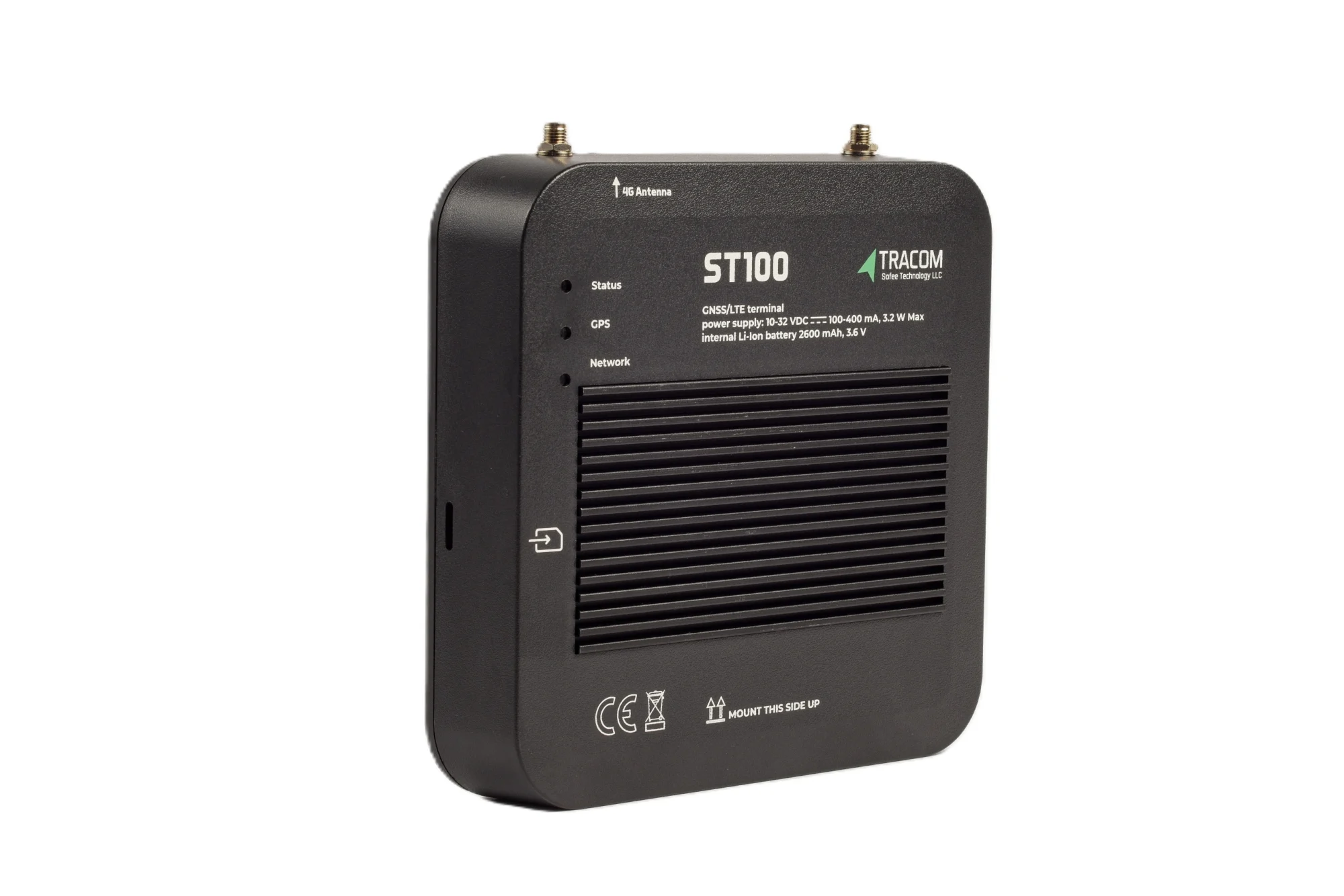
- GPS, GLONASS, SBAS, QZSS and AGPS positioning
- Location accuracy within a 2-meter radius
- 2G/3G/4G SIM support
- 12 digital, 4 analog and 5 AD inputs, 2 digital outputs
- 5 RS232 ports, USB, UART, 1-Wire and OBD II CAN
Where the ST100 fits in a container journey
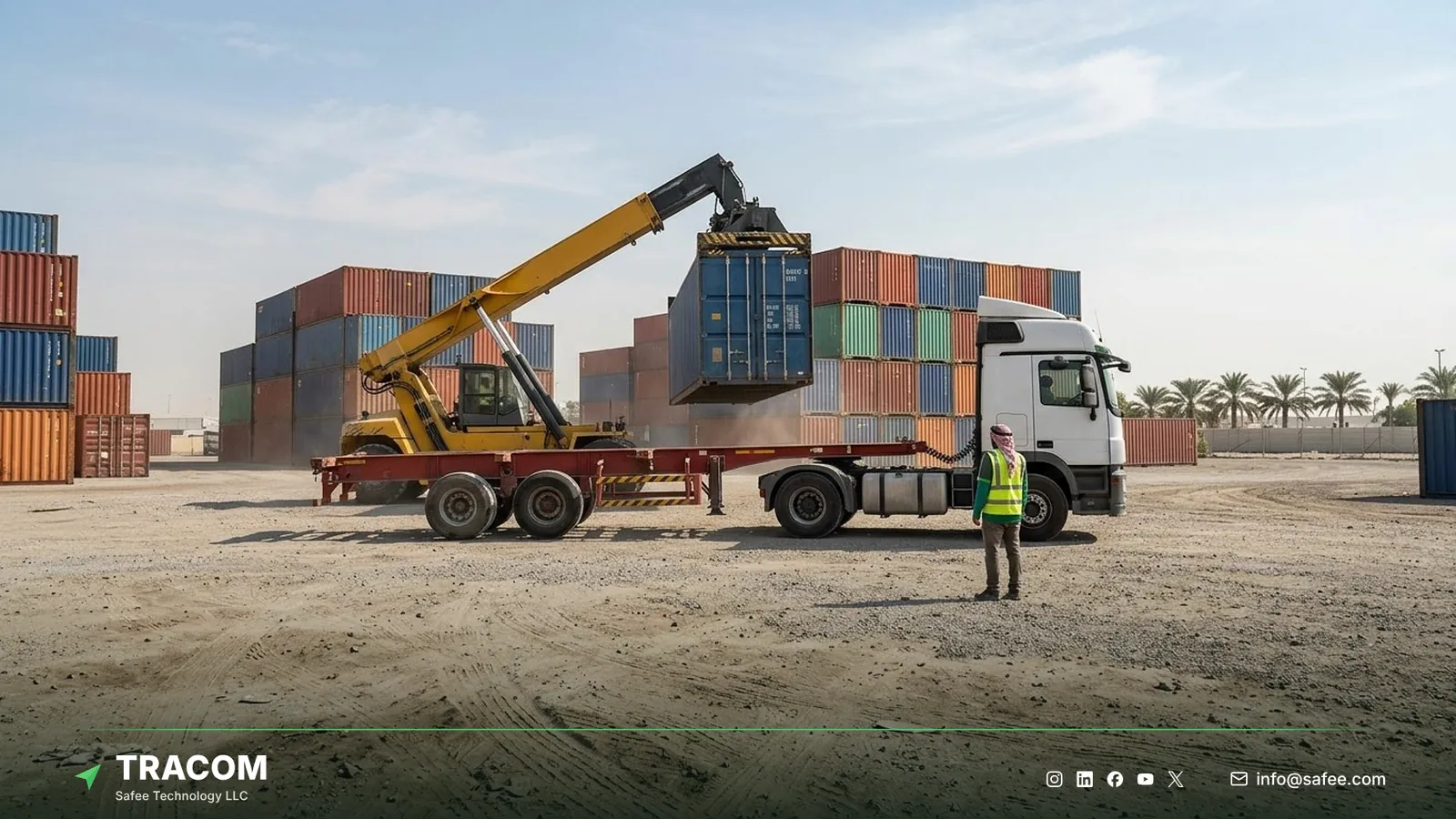
The ST100 is an in-vehicle intelligence system. It is installed in the prime movers, drayage trucks, and terminal tractors that move containers by road, and it applies rules inside the vehicle without waiting for the cloud. For a container operator, that means the road legs of the journey can be recorded second by second, with positions within a 2-meter radius, while the box is attached to a tracked vehicle.
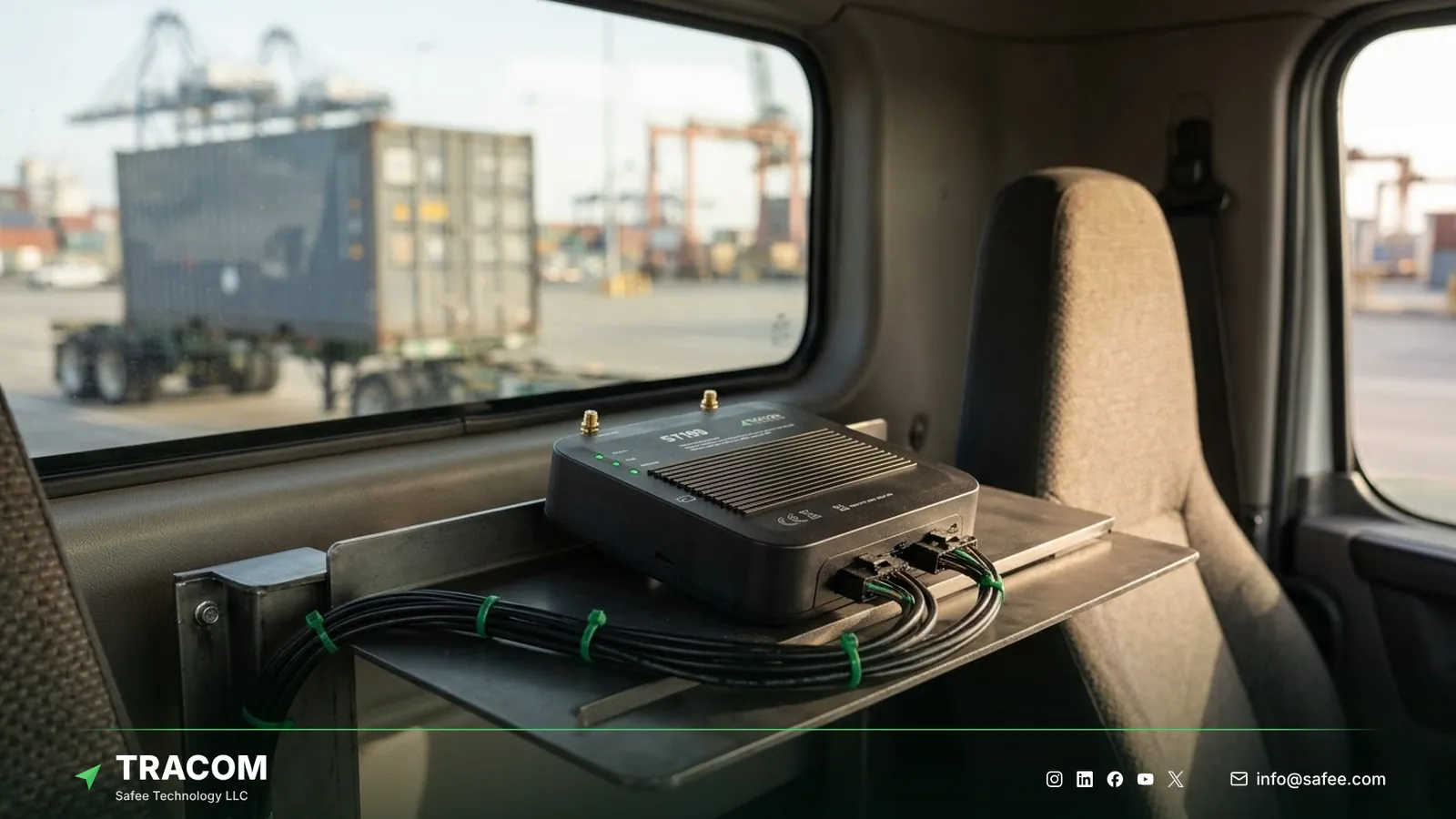
The ST100 is installed in the vehicle, not on the box, because it is not a battery unit. The container record is built from the vehicle that carries the box and from the events that link the box to that vehicle at pickup and drop.
Linking the container number to the trip
Every road movement should start with a clear association: this container number, on this vehicle, with this driver, for this booking. The association usually comes from the dispatch assignment or the gate transaction, and the connected tracking platform stores it against the trip. When driver access keys are in use, the ST100 adds a second link, because each trip is started by an identified driver.
When the association is recorded at pickup and closed at drop, the vehicle’s trail becomes the container’s road history for that leg. Without a closed association, the next trip by the same truck can be wrongly attributed to the previous container.
Coupling and drop events from vehicle inputs
The ST100 has 12 digital inputs, 4 analog inputs, 5 AD inputs, a 1-wire interface, and five RS232 ports. Fleets that want a physical signal for container pickup or drop can connect a suitable sensor to one of these inputs and turn its change into an event. The Tracom team confirms sensor compatibility for this kind of signal before installation.
Where no physical signal is available, the drop point is recorded through a geofence exit, a gate transaction, or a driver confirmation in the operating workflow. In both cases, the drop location and time become the container’s last known road position until the next pickup.
Read also: Cold Chain Fleet Tracking for Refrigerated Trucks and Vans
Intermodal handoff events stage by stage
Intermodal container tracking is valuable because carrier, terminal, rail, trucking, warehouse, and consignee records rarely update at the same time. A consistent road record across the stages you control fills the gaps between those systems.
| Handoff stage | Device event | Operational question |
|---|---|---|
| Origin warehouse | Pickup association, site exit | Did the correct container leave on time? |
| Port gate-in | Port geofence entry and exit | Did the truck reach the right terminal? |
| Sea leg | No vehicle record | When is pickup at the discharge port planned? |
| Discharge pickup | Terminal exit, new association | When did road movement resume? |
| Inland transfer | Route progress, unplanned stops | Did the container follow the planned corridor? |
| Customer site | Site geofence entry and exit | How long did the box stay at the receiver? |
| Empty return | Depot entry, drop event | Was the empty returned to the right depot? |
Geofence milestones at ports, depots, and customer sites
The ST100 supports up to 4,000 geofences, so a fleet can draw separate zones for terminal gates, empty depots, inspection areas, approved parking, and every regular customer site. Each zone should carry a milestone name, an owner, and the follow-up action that its entry or exit triggers. The geofencing fleet management guide explains how to design and name zones at that scale.
The sea leg and rail legs
A vehicle-based record pauses when the container leaves the truck and enters the terminal stack, the vessel, or a rail wagon. The record resumes when one of your tracked vehicles picks the container up again. Carrier and terminal milestones cover the gap, and your platform should show them as a separate source rather than mixing them with vehicle positions.
Coverage gaps and data freshness
Port areas, desert corridors, and cross-border routes often have weak or inconsistent mobile coverage. The ST100 uses a 2G/3G/4G SIM, and when the network drops, the device keeps working rather than waiting for a connection.
Onboard storage during network outages
The ST100 stores up to one week of data internally during network outages, and its geofence and speed rules continue without an internet connection. A truck that crosses a long stretch without coverage keeps recording its route, stops, and zone events on the device. Voice alerts and zone speed rules keep working in that stretch as well.
Showing the age of every position
The latest coordinate is useful only when the user can see how old it is. A container shown at a depot gate may have moved since the last successful report. A few simple rules keep the map honest.
- Show the last report time next to every container position.
- Separate live positions from positions that arrive late.
- Define when an outdated position becomes an exception for a named team.
- Treat network silence as a reason to check, not as proof of theft or a device fault.
Security events on the road leg
High-value and time-critical containers attract risk during inland transport, overnight stops, and waiting time near ports. The road leg is also where your fleet has the most control, because the vehicle, driver, and route are yours.
Driver identification and immobilization
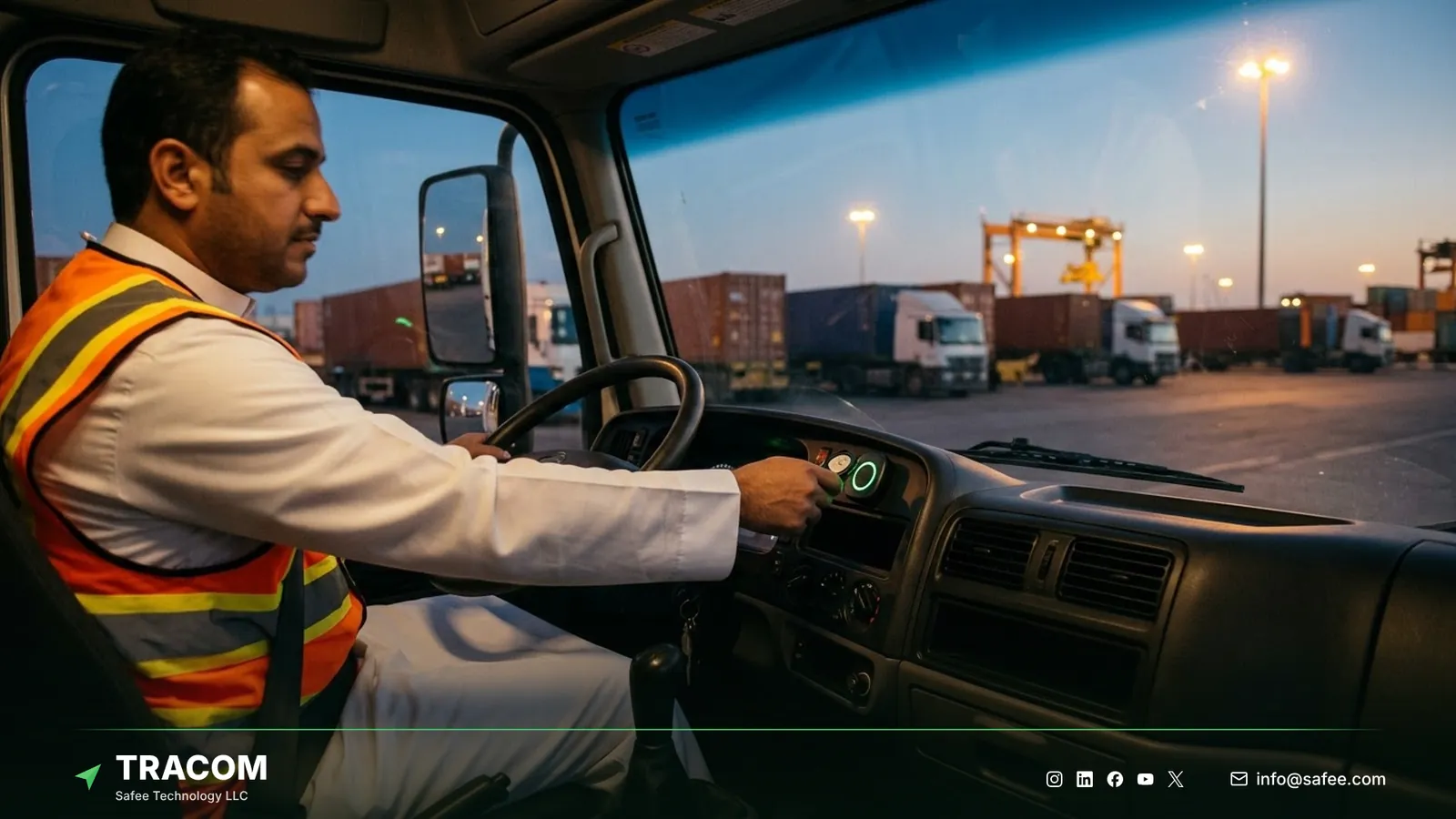
The ST100 supports up to 1,000 driver access keys. With immobilization, only authorized drivers with access keys can operate the vehicle, so every container movement is linked to a known person.
Tamper alerts and after-hours movement
A tamper alert notifies the fleet when someone attempts to remove or interfere with the device. The connected tracking platform can combine geofence events around approved parking and depots with working-hours rules to flag movement outside the allowed hours, and drivers can send a panic alert in a critical situation. These events should go to security first, with dispatch informed. The fleet safety alert management guide explains how to set owners and escalation for each alert.
Read also: Offline GPS Fleet Tracking: What Works Without Coverage
Connecting container events to shipment records
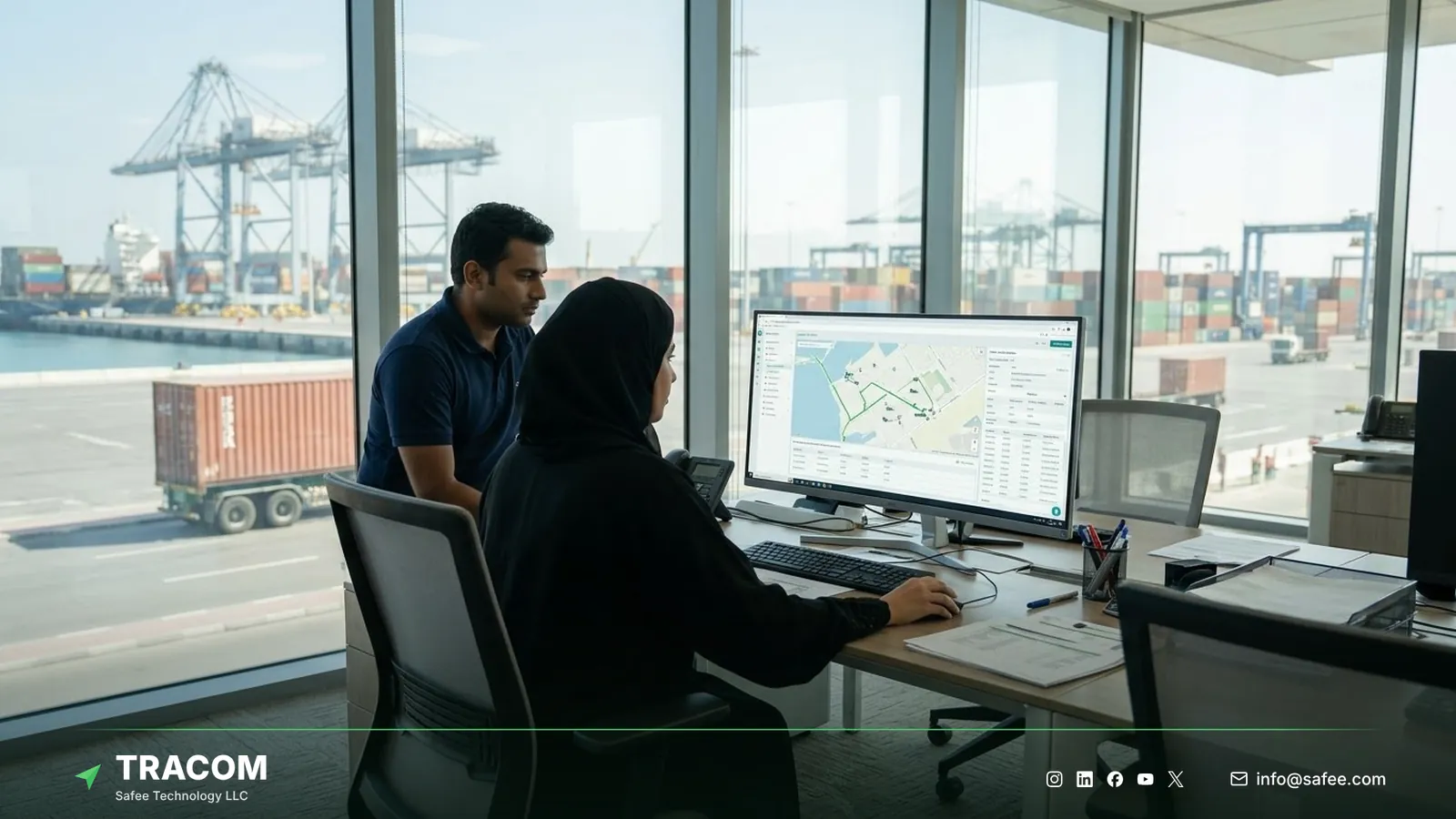
The device produces field events. The transport management system, freight platform, ERP, or terminal system holds the commercial shipment context. Integration connects the two through the connected tracking platform, so each event lands on the right container and booking.
One controlled container identifier
Every trip record should map to a verified container number and to the booking or bill of lading it serves. If a container number is entered by hand, the workflow needs a check that catches typing errors before the trip starts. A wrong number at pickup creates a perfect record for the wrong box.
Event ownership before integration
Before data starts flowing, the teams involved should answer a short set of questions together.
- Name the system that owns the container master record and the systems that only read it.
- Decide which events may update a milestone automatically and which stay as exceptions for review.
- Agree how delayed, duplicated, and stored records are handled when they arrive after live data.
- Assign who acknowledges security, dwell, route, and stale-position exceptions on each shift.
Not every event belongs on the dispatch screen: dispatchers need arrivals, dwell, and route exceptions, not every zone crossing. Our article on using GPS tracking data in dispatch explains how to choose which events reach dispatchers.
Steps to deploy container tracking on your road fleet
A staged rollout tests the association process and the handoff zones with real moves before every truck and depot depends on them.
- Map the stages your fleet controls, from origin pickup to empty return, and name the system that owns each milestone.
- Choose a pilot group of trucks on representative port, depot, and customer lanes.
- Define how each container number is linked to a trip at pickup and closed at drop.
- Assign driver access keys to every pilot driver and enable immobilization where policy requires it.
- Load terminal, depot, and customer zones as KML/KMLO geofence files through the SCMS portal, with time-based speed limits where sites set them.
- Configure events, alerts, and voice alerts in the XML configuration file, then push it to the pilot group.
- Run the pilot for several weeks and compare device events with gate, dispatch, and carrier records.
- Approve the configuration and roll it out by vehicle group, keeping one documented version per group.
Share your lanes, port and depot list, container volumes, and integration needs, and talk to a Tracom specialist about a pilot for your road fleet.
What hardware goes in each truck for container tracking
Container tracking with Tracom starts with the hardware in each prime mover and drayage truck. The Tracom ST100 records the road legs and applies its rules from inside the vehicle, and the connected tracking platform, which can be your own or a partner’s, shows the container history. The ST100 works with third-party platforms through a documented protocol that we share with partners.
| Need | ST100 feature, input, or accessory | Confirm with the Tracom team |
|---|---|---|
| Handoff milestones at ports and depots | Up to 4,000 geofences with entry and exit events | Zone design per terminal and depot |
| Known driver on every loaded move | Driver key reader, up to 1,000 access keys, immobilization | Reader type and wiring |
| Security on the road leg | Tamper alert and a panic button | Button placement and alert owners |
| Reefer cargo on the truck | Temperature sensor on an ST100 input | Sensor type and fit |
| Pickup or drop signal | Digital, analog, AD, 1-wire, or RS232 input | Sensor compatibility |
| Weak coverage near ports | Up to one week of onboard storage | Upload behavior on your network |
Fleets moving reefer boxes can read more in the guide to the reefer temperature sensor. Full device capabilities are on the features page, and remote configuration is on the services page. The association method, input signals, and the way events reach your freight platform should be confirmed during solution design. Request a device recommendation with your truck count and lanes, for your own fleet or your customers’ fleets.
Conclusion
Container GPS tracking earns its place when every road leg is tied to a container number, every handoff zone has an owner, and every position shows its age. A record that mixes vehicle positions with carrier milestones, or that never closes an association, looks complete while hiding the moments that matter.
Tracom supplies the ST100, its accessories, local rules, onboard storage, and remote configuration that let fleets and telematics providers across the GCC and worldwide record the road legs they control. For the wider carrier picture, see the guide to logistics fleet tracking. Share your lanes, port and depot locations, security events, and integration requirements, and talk to a Tracom specialist about ST100 devices for your trucks or your customers’ trucks.
Frequently asked questions
What is container GPS tracking?
Container GPS tracking records where a shipping container is and how it moves between handoffs. With the ST100, the road legs are recorded through the truck or tractor carrying the box, linked to the container number at pickup and drop, with geofence events at ports, depots, and customer sites.
Can the ST100 be mounted on a shipping container?
No. The ST100 is an in-vehicle device, not a battery unit, and it is installed in the trucks and tractors that move containers. The container’s road history comes from the vehicle carrying it during each leg, linked through the dispatch record, driver access keys, and pickup and drop events captured by the device or the gate workflow.
Can container tracking report while the container is at sea?
No. A vehicle-based record pauses when the container enters the terminal stack, the vessel, or a rail wagon. Carrier and terminal milestones cover that gap. The record resumes when one of your tracked vehicles collects the container, and the platform should label the gap clearly.
What happens when trucks lose coverage near ports or on remote routes?
The ST100 keeps applying its geofence and speed rules without an internet connection and stores up to one week of data internally during network outages. How stored data reaches the platform is confirmed with the Tracom team for your network setup, and any late positions should be labeled as delayed rather than live.
Does Tracom confirm customs release or delivery?
No. A geofence event shows that a tracked vehicle entered or left a location at a recorded time. Tracom provides the device, in-vehicle rules, event data, and configuration. Customs release, terminal handover, proof of delivery, and commercial responsibility stay with your freight platform, documents, and operating teams.
Choose the right tracker for every vehicle
Tell us your vehicle types and what you need to monitor. A Tracom device specialist will reply by email with a recommended ST100 setup and accessories.
Usually replies within one business day • No sales spam
Your details are used only to respond to your request. Privacy Policy