
A CAN bus GPS tracker is often bought on a simple promise: connect it to the vehicle and read the odometer, fuel level, and engine hours without extra sensors. Then the first pilot reports arrive. The sedan shows an odometer, the pickup does not, and the heavy truck reports fuel in a format nobody expected. The problem is not the idea of reading vehicle data. It is the assumption that every vehicle exposes the same data in the same way.
This article explains what the CAN bus is, how OBD-II and J1939 differ, which parameters fleets usually ask for, and why availability changes from one make, model, and year to the next. It covers how CAN data compares with dedicated sensors, how to validate data on a pilot vehicle, the mistakes that undermine CAN projects, and where the Tracom ST100 fits.
What a CAN bus GPS tracker does
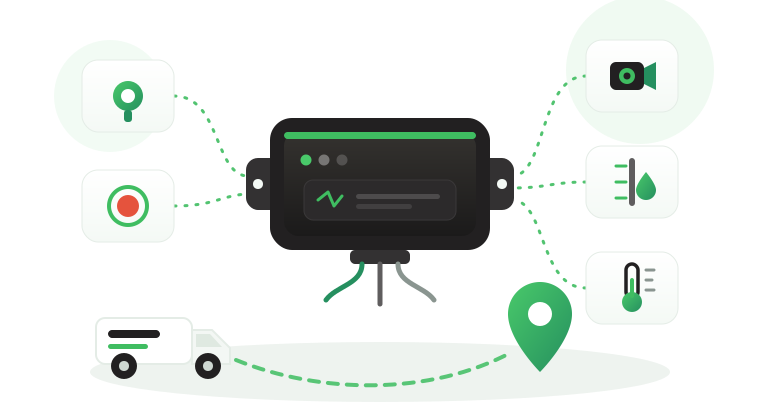
A modern vehicle is a network of electronic control units. The engine controller, the transmission, the instrument cluster, the brakes, and the body electronics exchange messages over a shared bus. A CAN bus GPS tracker connects to that network and listens, so it can report vehicle data alongside position, speed, and events.
This is what separates a telematics unit from a basic locator. The guide to what telematics is explains the wider concept, and the telematics hardware guide shows where the CAN interface sits among the other components of a tracker.
The CAN bus in plain terms
CAN stands for Controller Area Network. It was developed in the 1980s for vehicles and is standardized by the International Organization for Standardization as ISO 11898. Each message on the bus carries an identifier and a small block of data, and every unit on the network can hear every message. A tracker that understands the identifiers a vehicle uses can turn those messages into values a fleet can read.
The catch is that understanding. Some messages follow public standards. Many others are defined by the vehicle manufacturer and differ between models, which is why CAN data is a per-vehicle question rather than a general feature.
The tracking device behind every record
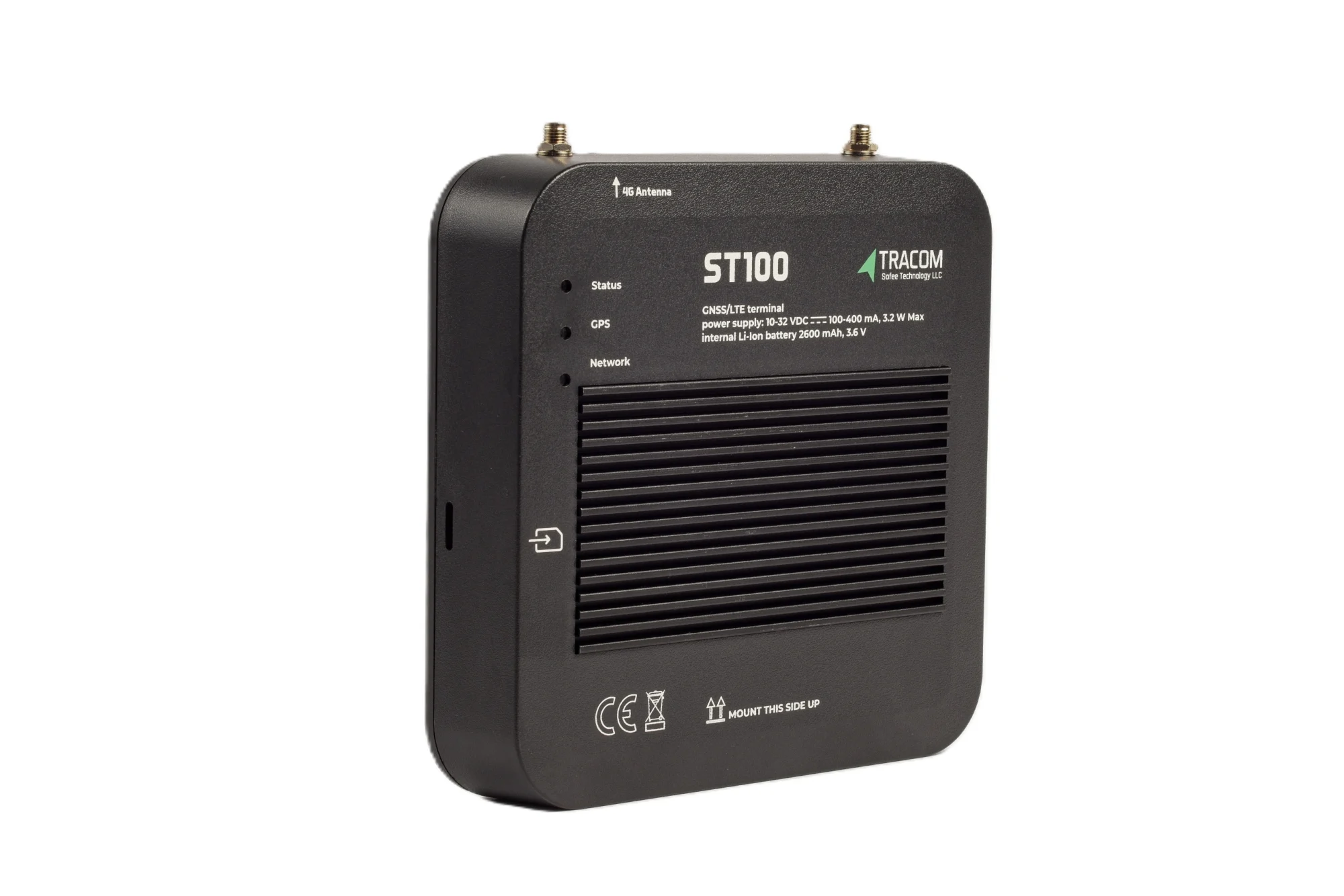
- GPS, GLONASS, SBAS, QZSS and AGPS positioning
- Location accuracy within a 2-meter radius
- 2G/3G/4G SIM support
- 12 digital, 4 analog and 5 AD inputs, 2 digital outputs
- 5 RS232 ports, USB, UART, 1-Wire and OBD II CAN
What the device does not decide
A value read from the vehicle network does not automatically determine what the fleet should do with it. A fuel level drop does not prove theft, and a fault indication does not decide whether a truck leaves the depot. Tracom supplies the GPS device, local rule logic, event data, and configuration layer. The fleet or its connected business software assigns the operational meaning and response.
OBD-II, CAN and J1939 explained
Buyers often use these three terms as if they were the same thing. They describe different layers: a diagnostic standard, a network technology, and a heavy-vehicle protocol.
| Standard | Typical vehicles | What it defines |
|---|---|---|
| CAN (ISO 11898) | Most modern vehicles | How units exchange messages on the network |
| OBD-II | Passenger cars and light commercial vehicles | A diagnostic port and standard diagnostic requests |
| SAE J1939 | Heavy trucks, buses, and many off-road machines | Message formats and parameters for heavy vehicles |
OBD-II for light vehicles
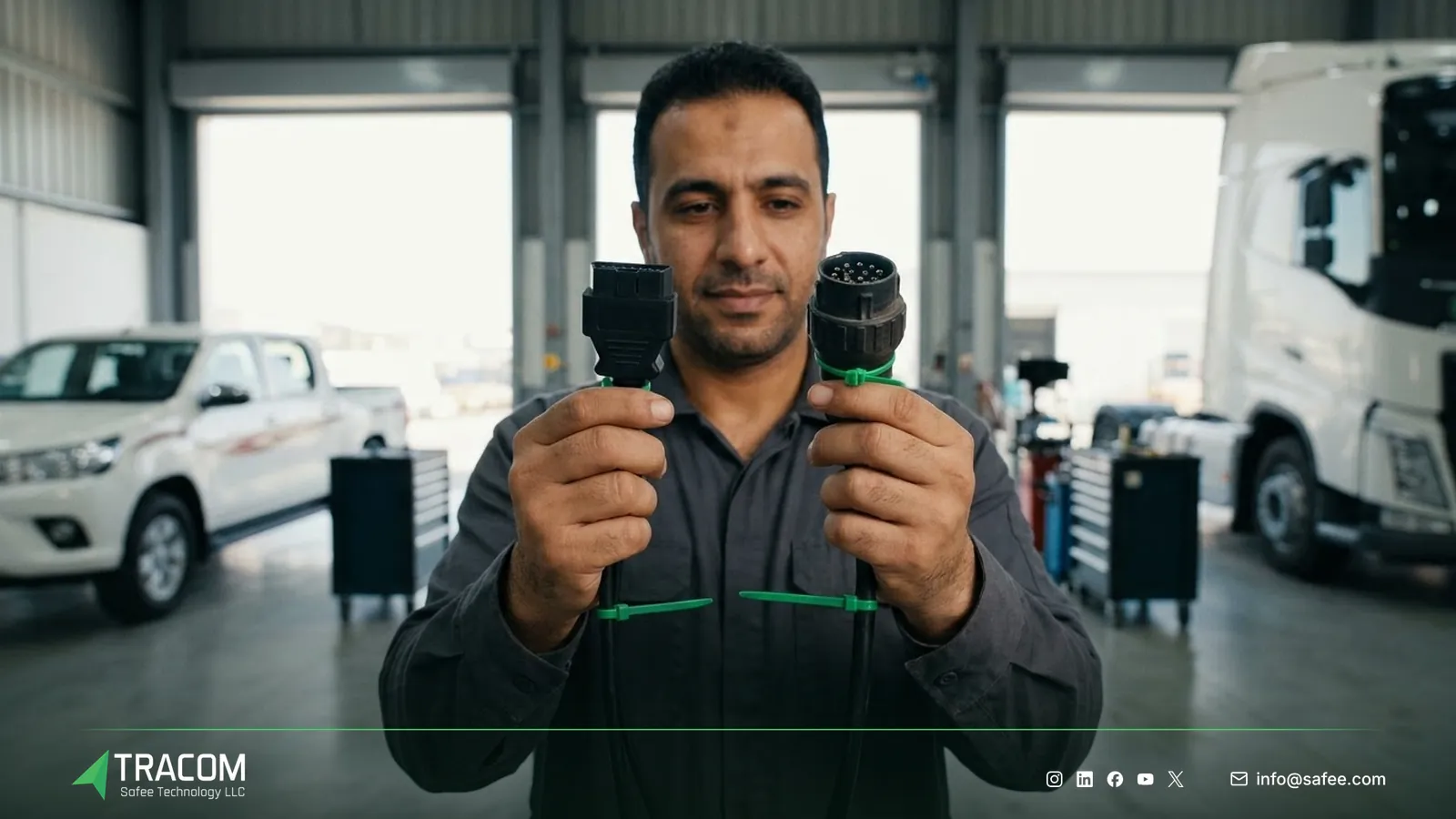
OBD-II began as an emissions diagnostics standard for light vehicles. It defines a standard 16-pin connector, usually under the dashboard, and a set of standard requests that any compliant tool can send. On most recent light vehicles, those requests travel over CAN.
Standard OBD-II requests focus on engine and emissions data. Many values a fleet wants, such as the odometer shown on the dashboard, may only exist in manufacturer-specific messages. The ST100 has an OBD-II CAN interface, and the values it reports for a given vehicle are confirmed per make, model, and year with the Tracom team.
J1939 for heavy vehicles
SAE J1939 is a standard published by SAE International for heavy-duty vehicles. It runs on CAN and defines how trucks, buses, and many construction and agricultural machines label and format their data, using numbered parameter groups. Because it is a common language across many heavy-vehicle makers, J1939 data is often more consistent than light-vehicle data.
Consistent does not mean identical. Each manufacturer chooses which J1939 parameters a vehicle broadcasts, and connectors vary by maker and region. Fleets running heavy trucks should treat J1939 compatibility as a specific question to confirm with the Tracom team, vehicle by vehicle, rather than an assumption. The article on truck tracking devices covers the wider requirements for heavy fleets.
Read also: GPS Tracker Digital Inputs and Outputs: Connecting Fleet Sensors
Parameters fleets usually want from the vehicle
When fleets ask for CAN data, the same short list appears. The items below describe what a vehicle network can carry in general. Whether a specific vehicle broadcasts each one, and whether a tracker reads it, are separate questions.
Odometer and engine hours
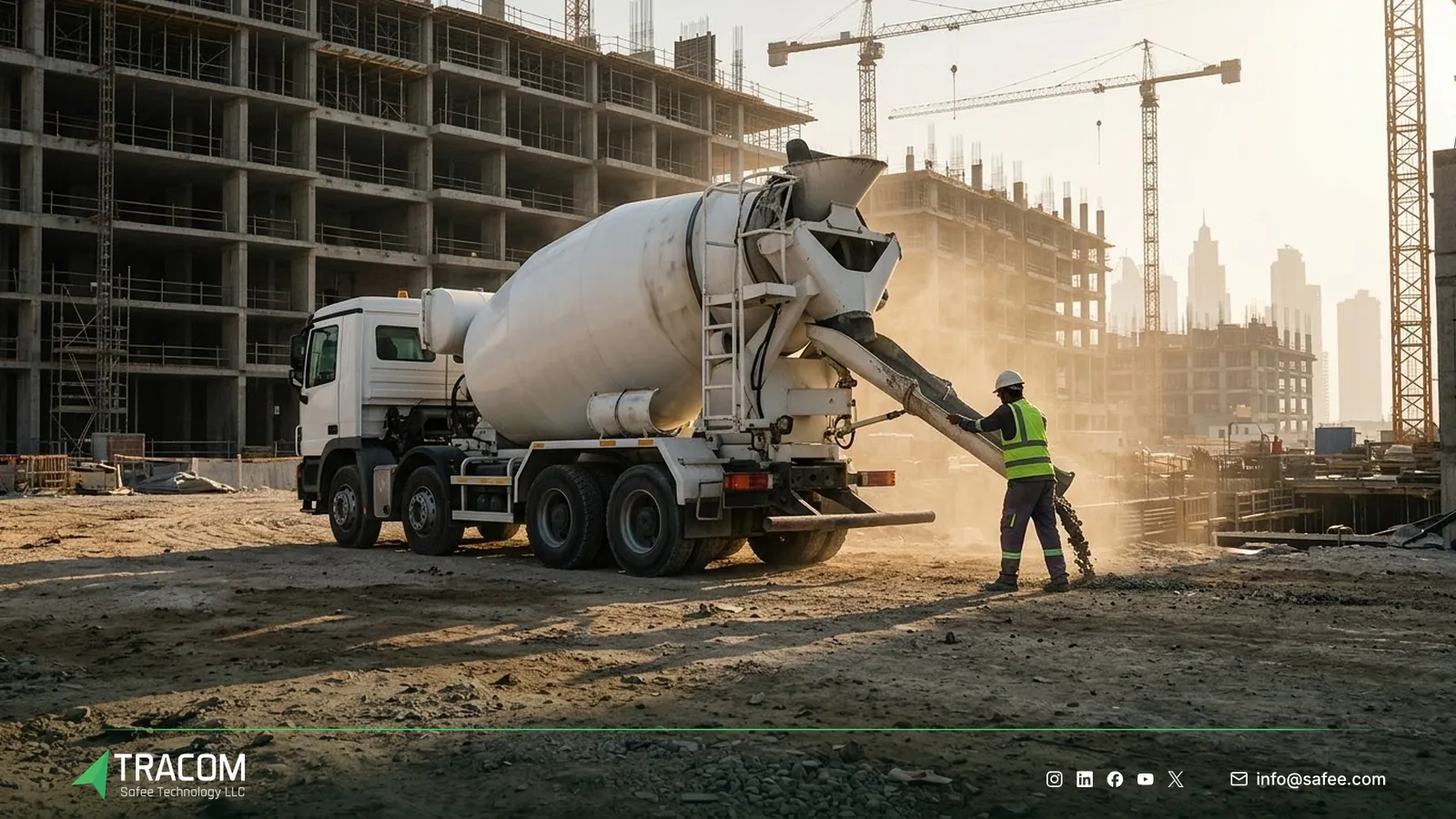
The dashboard odometer and engine hours drive service intervals, lease returns, and utilization reports. GPS distance is useful, but it can differ from the dashboard reading. When the vehicle broadcasts its own odometer, maintenance teams can plan service on the same number the workshop sees. The fleet maintenance management guide explains how distance and hours feed service planning.
Engine hours matter most for vehicles that work while stationary, such as mixers, tankers, and equipment carriers. Where engine hours are not available from the network, an ignition signal can be wired to a digital input, agreed with the Tracom team.
Fuel level and consumption
Fuel is the parameter fleets ask about most. Some vehicles broadcast fuel level or fuel used, and many do not, or report it with a resolution too coarse to detect small losses. Fleets that need precise fuel data often use a dedicated tank sensor instead. The differences are explained in the article on fuel level sensor types, and the wider program is covered in the guide to fleet fuel management.
Engine speed, temperatures and fault indications
Engine RPM, coolant temperature, and fault indications help explain how a vehicle is being used and whether it needs attention. A vehicle network can carry these values, and diagnostic requests can retrieve stored fault information. How a fleet acts on fault data is a workflow question covered in the guide to remote vehicle diagnostics.
Why CAN data varies by make, model and year
Two vehicles from the same brand can expose different data. Manufacturers change control units, message definitions, and security settings between model years and regional specifications. A parameter that appears on one model may be absent, encoded differently, or reachable only through a different method on the next.
Light vehicles, heavy vehicles and electric vehicles
Light vehicles rely heavily on manufacturer-specific messages, so results vary most in mixed fleets of cars, vans, and pickups. Heavy vehicles that follow J1939 tend to be more consistent, though each maker decides what to broadcast. Electric vehicles add parameters such as battery state and charging status, and their availability varies in the same way. The guide to EV fleet tracking covers what electric fleets need from tracking.
Plug-in devices and connected units
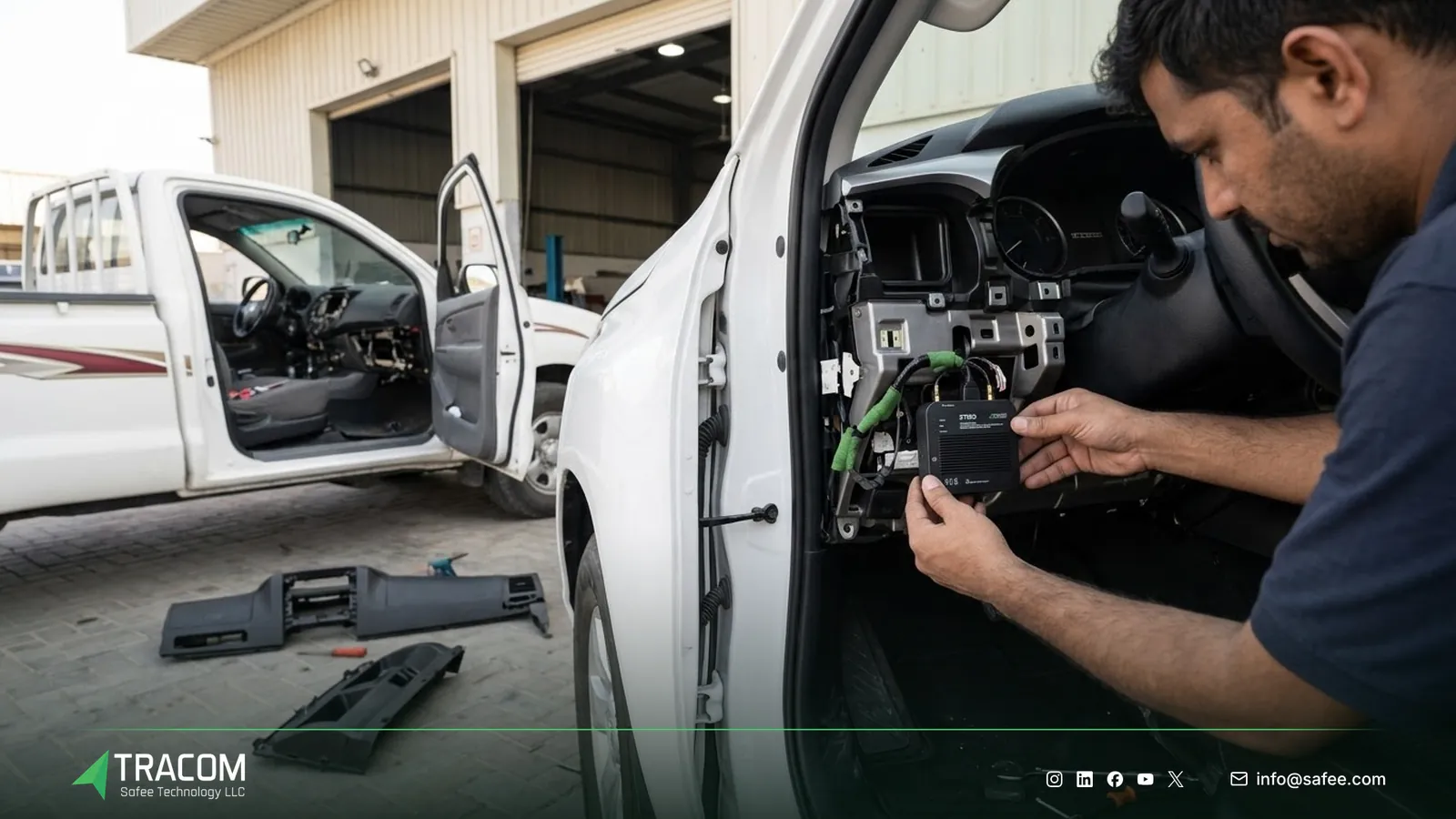
The market includes plug-in OBD devices that sit in the diagnostic port, and connected units installed behind the dashboard. The ST100 is not a plug-in OBD device. It has an OBD-II CAN interface, and the connection method for each vehicle is agreed with the Tracom team. The trade-offs between installation types are compared in the guide to hardwired vs OBD GPS trackers.
Steps to validate CAN data on a pilot vehicle
Validation turns a promise into a list of confirmed values per vehicle. It takes a short pilot and a disciplined comparison.
- Build a vehicle matrix with make, model, model year, engine, and regional specification for every vehicle type in the fleet.
- List the parameters each team needs, and mark which decisions depend on each one.
- Share the matrix with the Tracom team, which confirms per vehicle what the ST100 can report through its OBD-II CAN interface.
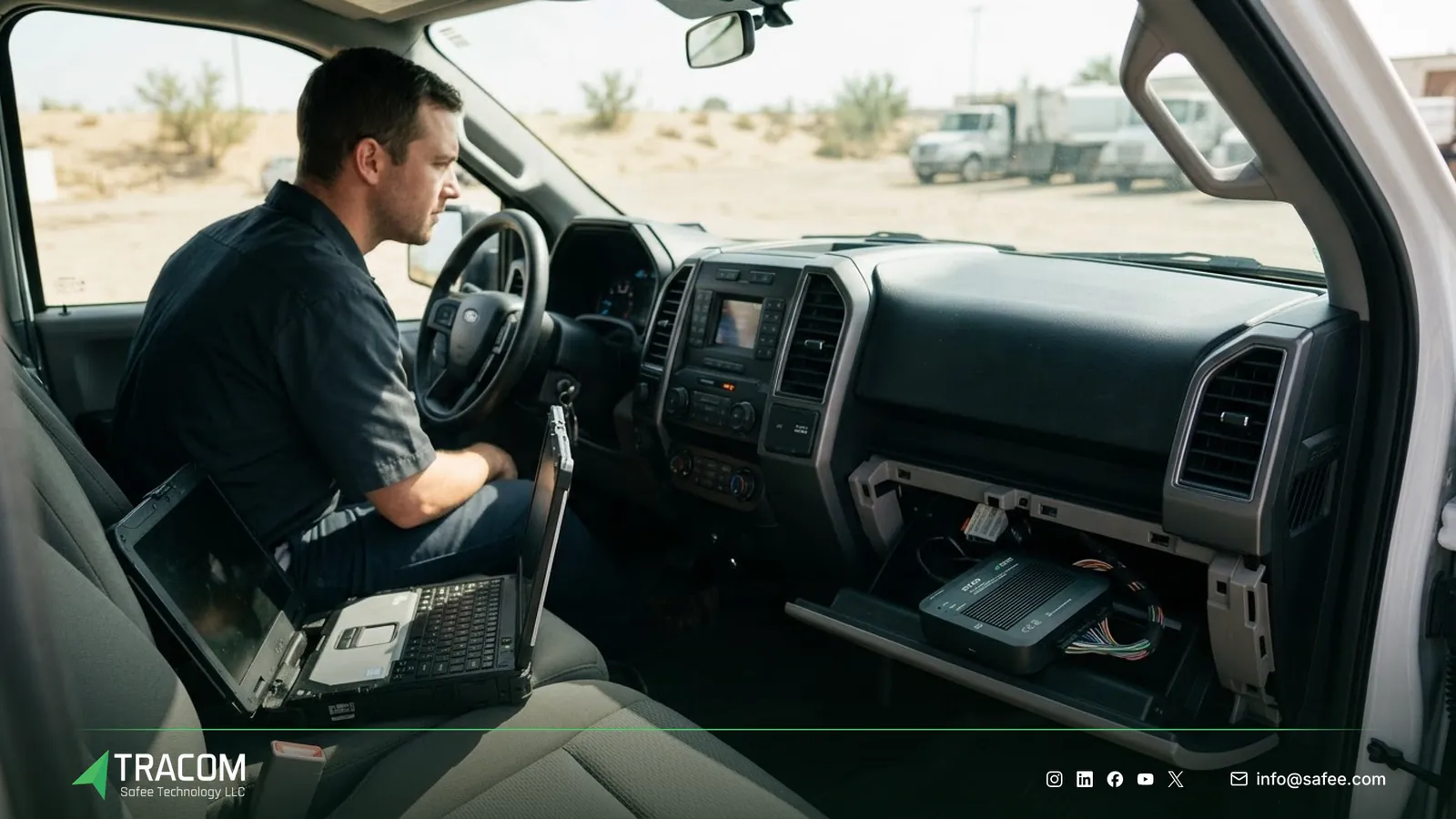
- Install the ST100 on at least one vehicle of each type and record data across normal shifts.
- Compare each reported value with the dashboard, workshop tools, or a known reference, such as fuel receipts or a service record.
- Mark each parameter as validated, partial, or unavailable, and plan sensors or digital inputs for the gaps.
- Freeze the approved configuration per vehicle type and roll it out by group, revalidating whenever a new model year joins the fleet.
Share your vehicle matrix and the parameters each team needs, and talk to a Tracom specialist about a pilot plan for your vehicles.
Read also: GPS Fleet Tracking Device: How It Works
Common CAN data mistakes
Most failed CAN projects fail on assumptions made before the first vehicle is installed.
| Failure | Operational consequence |
|---|---|
| Assuming every vehicle reports the same data | Reports show gaps that nobody planned for |
| Skipping validation against the dashboard | Wrong values drive service and fuel decisions |
| Relying on CAN fuel data for theft detection | Small losses stay invisible in coarse readings |
| Treating J1939 as automatic compatibility | Heavy trucks miss parameters the fleet expected |
| No revalidation for new model years | New vehicles join the fleet with missing data |
| Unclear ownership of fault data | Warnings arrive and nobody acts on them |
How Tracom supports CAN bus projects
At Tracom, we supply the Tracom ST100 as an in-vehicle intelligence system that combines vehicle interfaces with local rules, so vehicle data and driving events come from the same device. The capabilities that support a CAN project are:
- An OBD-II CAN interface, with reported values confirmed per vehicle make, model, and year.
- Twelve digital inputs, four analog inputs, five AD inputs, two pulse counters, and five RS232 ports for signals and sensors that the vehicle network does not provide.
- Speed from both GPS and the vehicle speed signal (VSS), and a G-sensor for harsh events.
- Second-by-second data, with up to one week of onboard storage when the network drops.
- Central configuration through the SCMS portal with XML files, OTA updates, and SMS commands.
- A documented protocol that Tracom shares with partners, so the ST100 can work with third-party tracking platforms.
We also supply fuel level sensors and temperature sensors for vehicles where the network data is not enough; type and fit are confirmed with our team. The parameters available on your vehicles should be confirmed during solution design. You can review the device on the features page and remote configuration on the services page. Request a device recommendation for your fleet or for the fleets you serve as a reseller or service provider.
Conclusion
A CAN bus GPS tracker adds the vehicle’s own data to location and driving events, but only the data that each vehicle exposes and that has been validated. Fleets that start with a vehicle matrix and a short pilot get reliable values. Fleets that assume universal data get gaps they discover months later.
Tracom provides the ST100 with its OBD-II CAN interface, inputs and serial ports for the gaps, and the configuration tools to keep each vehicle type consistent. Share your vehicle matrix, required parameters, and platform integration needs, and talk to a Tracom specialist to receive a practical CAN data plan.
Frequently asked questions
What is a CAN bus GPS tracker?
A CAN bus GPS tracker is a tracking device that connects to the vehicle’s internal network and reports vehicle data alongside location and events. The ST100 has an OBD-II CAN interface for this purpose. Which values it reports depends on the vehicle make, model, and year, and is confirmed per vehicle with the Tracom team.
What is the difference between OBD-II and J1939?
OBD-II is a diagnostic standard for passenger cars and light commercial vehicles, with a standard 16-pin port and standard diagnostic requests. SAE J1939 is a protocol for heavy trucks, buses, and many off-road machines that defines how heavy vehicles format their data. Both commonly run over CAN.
Can a tracker read fuel level from any vehicle?
No. Some vehicles broadcast fuel level or fuel used on their network, and many do not, or report it too coarsely for loss detection. Availability depends on make, model, and year. Where precise fuel data is needed, a dedicated fuel level sensor is a common choice, with type and fit confirmed with the Tracom team.
How do I know which data my vehicles provide?
Through a vehicle matrix and a pilot. List the make, model, year, and specification of each vehicle type, share it with the Tracom team for confirmation, then install on one vehicle per type and compare each reported value with the dashboard or workshop tools before approving the configuration.
Does Tracom decide how we act on vehicle data?
No. Tracom supplies the ST100, its interfaces, the configuration, and the reported data. Your maintenance, fuel, and operations teams decide what a value means, which thresholds trigger action, and who responds. The connected tracking platform or your business software applies those decisions in reports, service plans, and workflows.
Sources
- ISO 11898-1:2024 Road vehicles: Controller area network (CAN), Part 1
- SAE J1939: Recommended practice for a serial control and communications vehicle network
- SAE J1962: Diagnostic connector
- Nevada DMV: On-Board Diagnostics (OBD-II) system
Choose the right tracker for every vehicle
Tell us your vehicle types and what you need to monitor. A Tracom device specialist will reply by email with a recommended ST100 setup and accessories.
Usually replies within one business day • No sales spam
Your details are used only to respond to your request. Privacy Policy