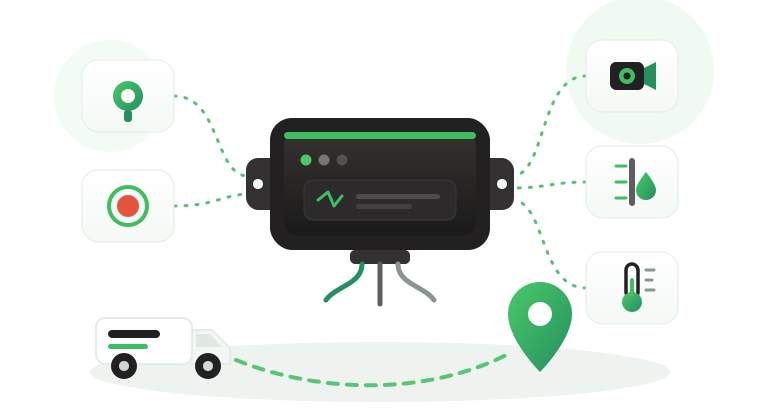

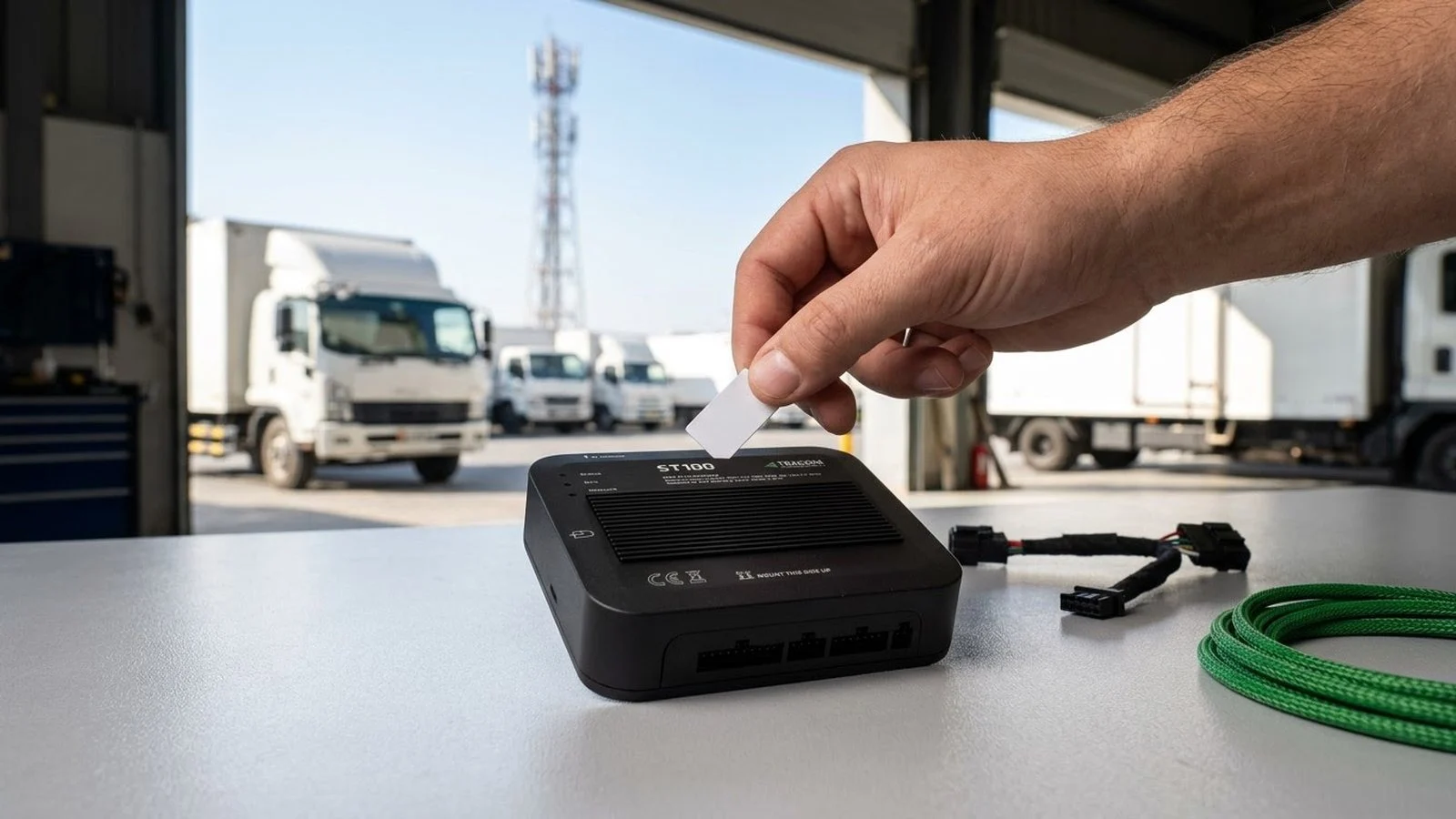
A GPS tracker SIM card is the smallest part of a fleet rollout and often the first one to cause trouble. A batch of trackers is installed, half of them never appear on the platform, and the installer finds a prepaid consumer SIM that expired after thirty days. A truck crosses a border and goes quiet for two days, and finance receives a data bill that nobody can explain. The problem is rarely the tracker itself. It is a SIM and data plan that nobody chose for how vehicles actually move and report.
This article explains what the SIM does inside a GPS tracker, how M2M and IoT SIM cards differ from consumer SIMs, what the APN is and why it matters, what drives data use, and how to estimate your own monthly data need without guessing. It also covers roaming, SIM security, and where the Tracom ST100 fits.
What a GPS tracker SIM card actually does
A GPS tracker works in two halves. The GNSS receiver finds the vehicle’s position, and the cellular modem sends it, with related events, to a tracking platform. The SIM card is the modem’s identity on the network. Without an active SIM, a data plan, and the right network settings, the device can still know its position but cannot tell anyone.

The ST100 supports 2G/3G/4G SIM cards. Its receivers use GPS, GLONASS, SBAS (WAAS, EGNOS, MSAS, GAGAN), QZSS, and AGPS, and it applies its rules inside the vehicle. The guide to how a GPS fleet tracking device works explains the full path from satellite signal to platform screen.
What the SIM does not decide
A SIM card does not decide how often the tracker reports, which events it sends, or what the platform does with them. Those choices live in the device configuration and the platform. A larger plan will not fix a wrong APN, a badly placed antenna, or a reporting setup that sends far more than the fleet needs.
The SIM also does not change what happens inside the vehicle when coverage drops. The ST100 applies its rules without an internet connection and stores up to one week of data on the device, so speed rules and voice alerts keep working on routes with weak coverage.
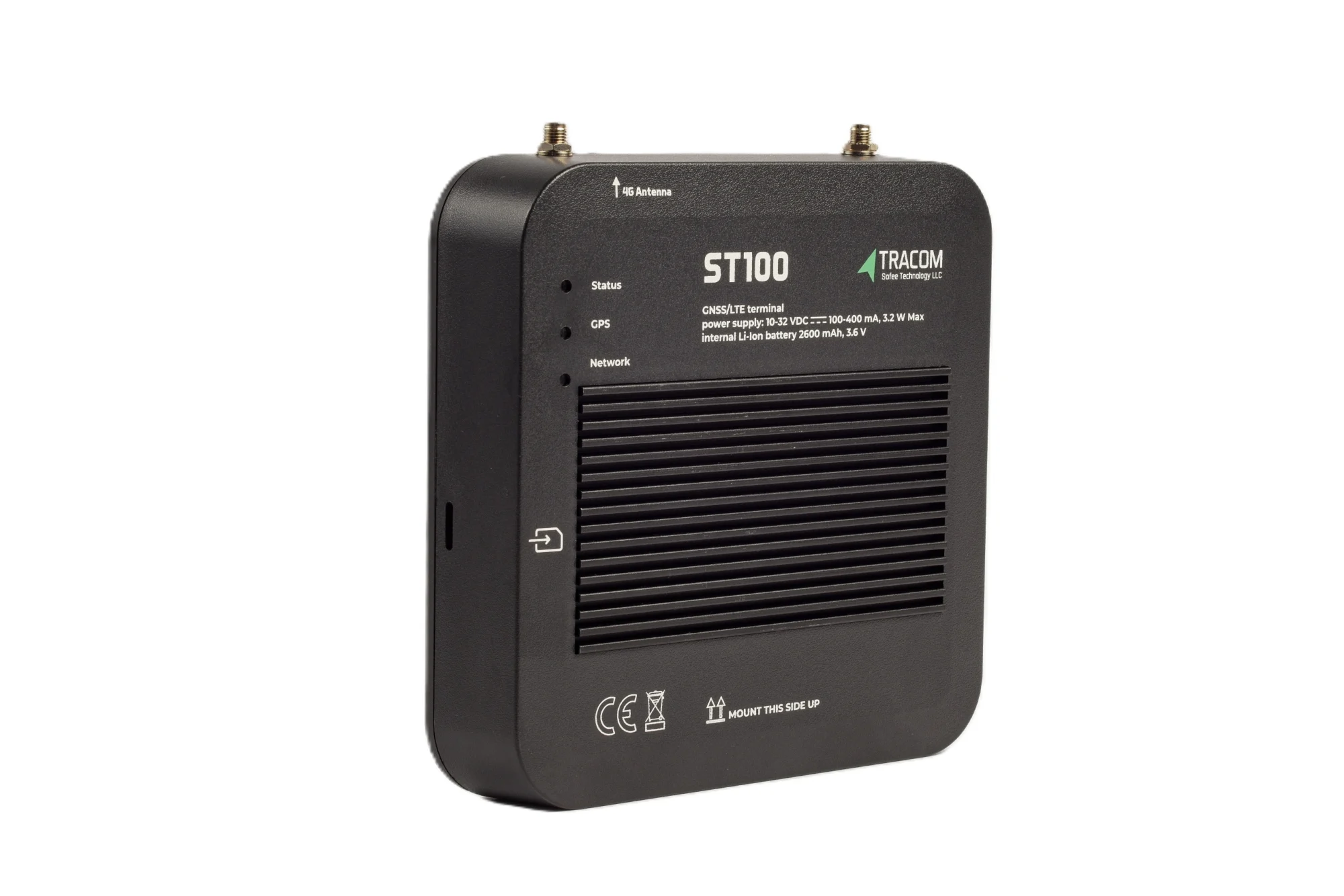
The tracking device behind every record
- GPS, GLONASS, SBAS, QZSS and AGPS positioning
- Location accuracy within a 2-meter radius
- 2G/3G/4G SIM support
- 12 digital, 4 analog and 5 AD inputs, 2 digital outputs
- 5 RS232 ports, USB, UART, 1-Wire and OBD II CAN
M2M and IoT SIM cards versus consumer SIMs
Operators sell SIM cards built for machines, called M2M or IoT SIMs, alongside consumer phone SIMs. Both can carry tracker data, but they suit different buyers and risks.
| SIM option | Best fit | Main risk | Check before buying |
|---|---|---|---|
| Consumer prepaid SIM | A short test on one vehicle | Expiry, missed top-ups, no central view | Validity period and top-up rules |
| Consumer postpaid SIM | Very small fleets | Plans built for phones, not devices | Data pooling and contract length |
| M2M or IoT SIM | Most commercial fleets | Wrong APN or plan setup at activation | Pooled data, usage alerts, management portal |
| Roaming IoT SIM | Cross-border trucks | Rules on permanent roaming vary by country | Covered countries and local regulations |
An M2M SIM usually comes with a management portal, pooled data, usage alerts, and the option to restrict the SIM to data and SMS. A consumer SIM that runs out of credit on a weekend leaves a vehicle invisible until someone notices.
Network generation and the 2G/3G sunset
Several operators have switched off, or plan to switch off, 2G and 3G networks. The ST100 supports 2G/3G/4G SIM cards, but each SIM plan should still include 4G data on the networks your vehicles use, not only the older networks. The article on the 2G and 3G shutdown and GPS trackers explains how to plan device replacement around network retirements.
Read also: Offline GPS Fleet Tracking: What Works Without Coverage
APN settings and getting the tracker online
The APN, or access point name, tells the modem which gateway on the operator network to use for data. If the APN in the tracker does not match the one assigned to the SIM, the device can register on the network and still send no data.
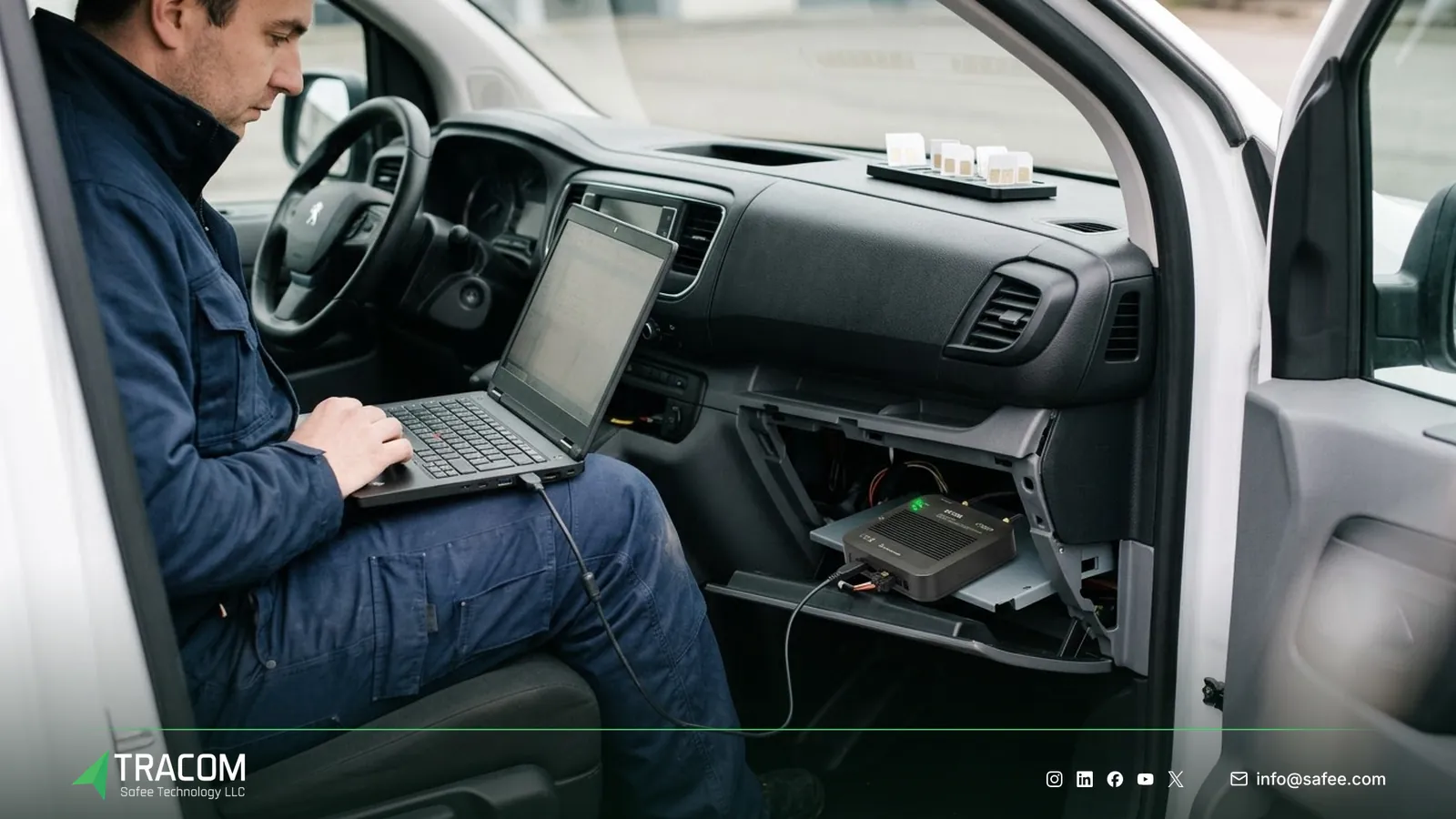
Operators give each SIM plan an APN. Consumer plans usually share a public APN, while many M2M plans use a private APN that keeps tracker traffic separate from the public internet. Some private APNs also need a username and password. Record the APN details for every SIM batch before installation starts.
How the APN and server details are loaded onto the ST100 is set during configuration and confirmed with the Tracom team. The ST100 can be configured centrally through the SCMS portal, and selected parameters can be adjusted with SMS commands when portal access is unavailable. The guide to GPS tracker SMS commands covers that channel. If a tracker shows as online on the network but sends no positions, the GPS tracker offline troubleshooting guide walks through APN, coverage, and power checks in order.
How much data does a GPS tracker use?
There is no single correct figure, because data use depends on configuration and driving patterns more than on the device. The useful question is what drives data use in your fleet and how to measure it.
What drives data use
These factors decide most of a tracker’s monthly data consumption:
- The reporting interval while moving, which sets how many position records are sent each hour.
- The number of driving hours per day, because most records are created while the vehicle moves.
- Event volume, such as over-speeding, harsh braking, geofence entries and exits, and sensor inputs.
- Heartbeat messages while the vehicle is parked, which confirm the device is still online.
- Connection overhead, because each new data session adds bytes before any position is sent.
- Configuration and firmware traffic, such as XML settings, KML/KMLO geofence files, and OTA firmware updates.
The ST100 records speed, acceleration, and sensor inputs second by second. How often records are sent to the platform is a configuration choice, and it has the largest effect on data use. The article on the GPS tracker reporting interval explains how to set it per vehicle group.
A method to estimate your own usage
- List the reporting interval while moving and while parked for each vehicle group.
- Multiply by daily driving hours and parked hours to get the number of records per day.
- Multiply by the average record size, including protocol overhead, which you confirm with the Tracom team or the platform provider.
- Add a margin for events, reconnections, configuration files, and firmware updates.
- Multiply by 30 for a monthly estimate, then compare it with real SIM usage after the pilot.
A hypothetical example shows the arithmetic. Assume a van reports every 30 seconds while moving for 10 hours a day, sends a heartbeat every 10 minutes while parked, and each record uses an assumed 150 bytes with overhead. That gives 1,200 moving records and 84 parked records, or about 190 KB per day before margin. These numbers are hypothetical and are not ST100 figures.
The pilot gives the real answer: read SIM usage from the operator portal after two to four weeks, and size the plan on the highest-use vehicle with a margin.
Roaming for cross-border trucks
Trucks running between GCC countries leave their home network several times a week. A domestic SIM without roaming stops sending data at the border, and the platform shows a gap until the truck returns.
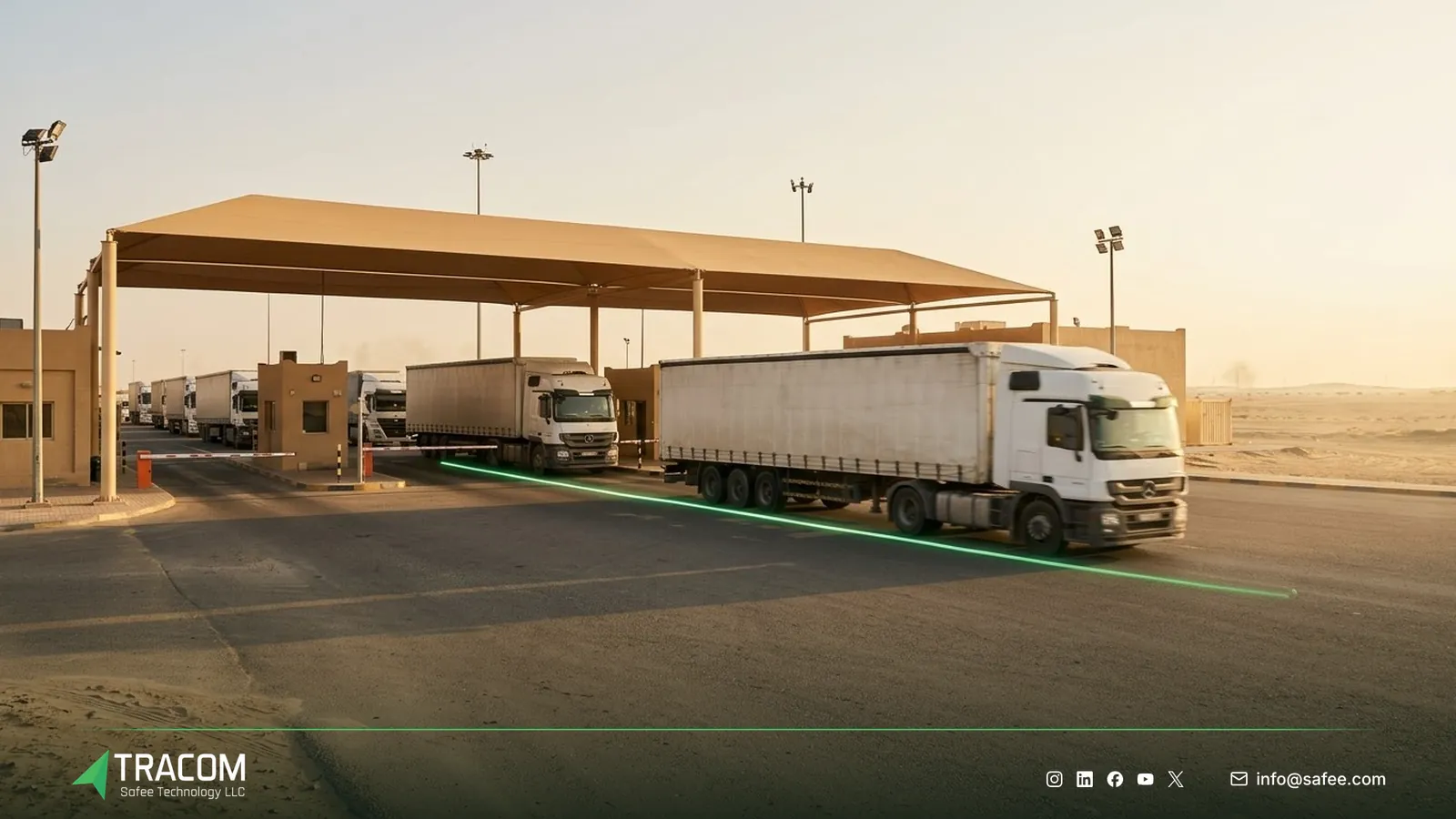
Fleets usually choose between a roaming IoT SIM that works across several countries, local SIMs that force swaps at each border, or accepting the gap on routes that leave the region only occasionally.
Each country sets its own rules on SIMs in permanent roaming, and they change over time. Check the position with your operator and the relevant telecom regulator before you choose.
Coverage gaps at border crossings are normal. The ST100 stores up to one week of data on the device during network outages and applies speed rules and voice alerts without an internet connection, so driver rules stay active between networks.
Read also: Fleet Tracker Remote Management: SCMS, XML, KML and OTA Updates
SIM security and theft protection
A data SIM inside a vehicle is a target. Someone who removes it can use the allowance in another device, and the fleet may only notice when the bill arrives.
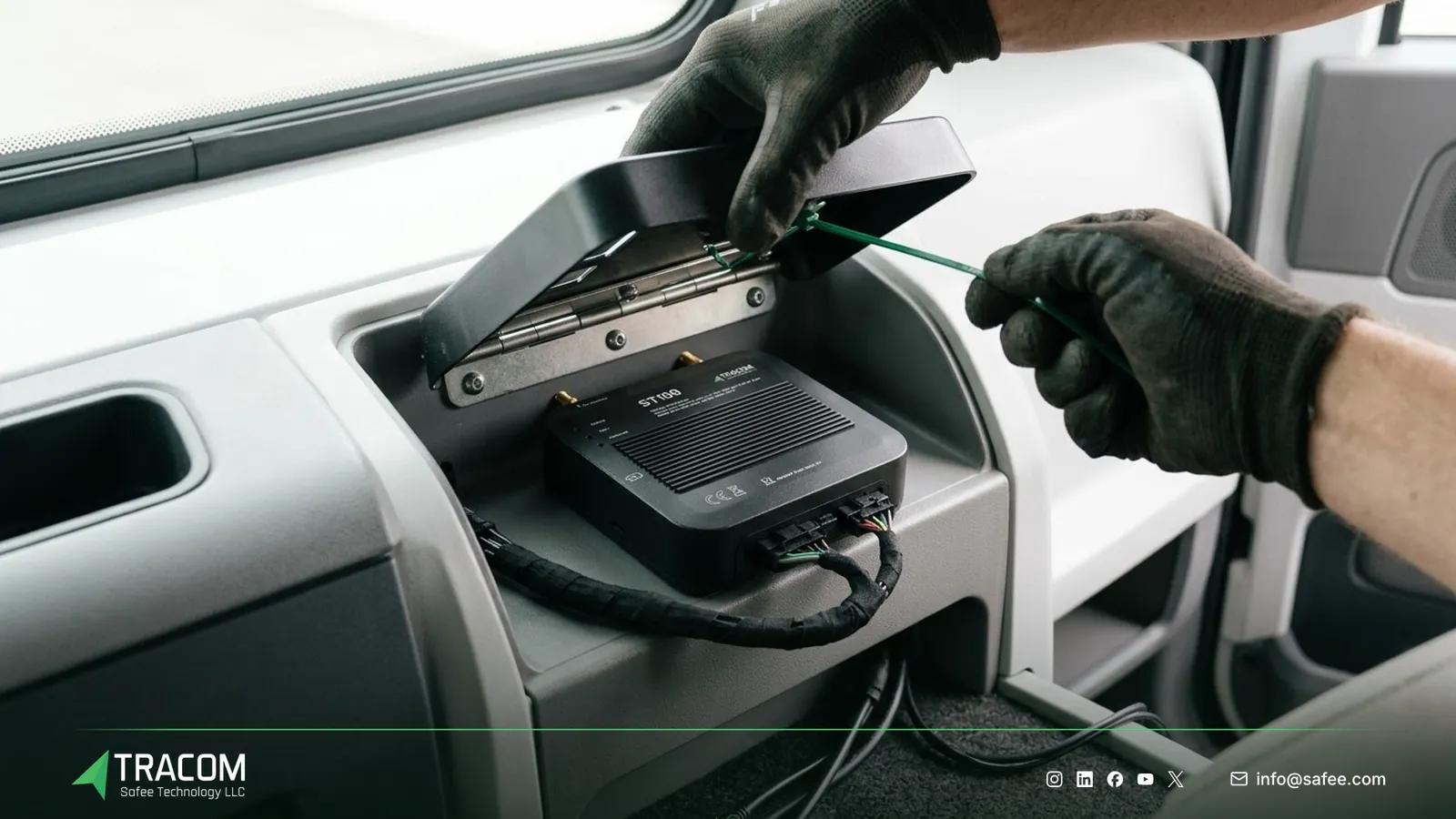
- Ask the operator to restrict tracker SIMs to data and SMS, without voice or premium services.
- Use a private APN where the plan allows it, so the SIM cannot browse the public internet.
- Ask whether the operator can lock each SIM to the device it was first used in.
- Set usage alerts per SIM, so a sudden jump in data use is flagged within a day.
- Decide how SIM PIN codes are handled, and confirm with the Tracom team whether the SIM should be fitted with the PIN disabled.
The device helps too: the ST100 alerts the fleet if someone attempts to remove or tamper with the device.
Steps to choose and deploy tracker SIMs
A short, documented process prevents most SIM problems.
- Decide who owns the SIM contract: the fleet, its telematics service provider, or the reseller that installs the devices.
- Map the countries, depots, and remote routes each vehicle group covers, including border crossings.
- Choose M2M or IoT SIMs with pooled data, a management portal, usage alerts, and 4G access.
- Collect the APN, username, and password for each SIM batch, and confirm SIM size and handling with the Tracom team.
- Agree the reporting interval and events per vehicle group, then estimate data use with the method above.
- Activate the SIMs before installation, and record each SIM number against the device and the vehicle plate.
- Run a pilot for two to four weeks, compare real usage with the estimate, and adjust the plan.
- Set a monthly review of SIM usage, inactive SIMs, and roaming charges.
Share your vehicle groups, routes, and SIM contract setup, and talk to a Tracom specialist about the connectivity details for your ST100 rollout.
How Tracom supports SIM and connectivity planning
At Tracom, we supply the Tracom ST100 to fleets, telematics service providers, resellers, and installers, so the same device has to work with many SIM setups. The capabilities that matter for SIM planning are:
- Support for 2G/3G/4G SIM cards.
- Second-by-second recording of speed, acceleration, and sensor inputs, with the sending setup agreed during configuration.
- In-vehicle rules that work without an internet connection, including up to 4,000 geofences with time-based speed limits and driver voice alerts.
- Up to one week of data stored on the device during network outages.
- Central configuration through the SCMS portal using XML and KML/KMLO files, with OTA firmware updates and daily synchronization.
- SMS commands for selected parameters when portal access is unavailable.
- A tamper alert when someone attempts to remove or tamper with the device.
The ST100 also works with third-party tracking platforms through a documented protocol that Tracom shares with partners, which helps a service provider estimate record sizes for its own platform. You can review these capabilities on the features page and the remote setup options on the services page. APN loading, SIM handling, and record sizes for your platform should be confirmed during solution design. Request a device recommendation with your vehicle count, countries, and platform, and our team will help you plan the connectivity side of the order.
Conclusion
A GPS tracker SIM card should be chosen for how vehicles move, where they cross borders, and how often they report, not picked from the nearest phone shop. Most SIM problems come from wrong APNs, consumer plans, missing roaming, and unmeasured data plans.
Tracom provides the ST100, its configuration tools, and the protocol details that let fleets and service providers plan SIMs and data from measured figures rather than guesses. Share your vehicle groups, routes, countries, and preferred reporting setup, and talk to a Tracom specialist to receive a practical device and connectivity recommendation.
Frequently asked questions
What type of SIM card does the ST100 use?
The ST100 supports 2G/3G/4G SIM cards. For a commercial fleet, an M2M or IoT SIM with pooled data, a management portal, and 4G access is usually a better fit than a consumer SIM. SIM size and how the SIM is fitted during installation are confirmed with the Tracom team before the order.
Can I use a normal phone SIM in a GPS tracker?
Yes, for a short test. A phone SIM can carry tracker data if the plan includes data and the APN is set correctly. For a fleet, consumer SIMs create risks: expiry, missed top-ups, no central management, and plans designed for phones. M2M or IoT SIMs suit long-term deployments better.
How much data does a GPS tracker use per month?
It depends on configuration more than on the device. The reporting interval, driving hours, event volume, parked heartbeats, and firmware or configuration downloads decide most of the total. Estimate it with records per day multiplied by record size plus a margin, then confirm the figure with a two to four week pilot.
What happens when a truck leaves network coverage?
The ST100 keeps working inside the vehicle. It applies speed rules and voice alerts without an internet connection and stores up to one week of data on the device during outages. Live positions do not reach the platform while the vehicle is out of coverage, so dispatch should expect a gap on those routes.
Who is responsible for the SIM contract and data costs?
The fleet or its service provider. Tracom supplies the ST100, its configuration tools, and the protocol details for partner platforms, and how SIMs are handled in an order is agreed with the Tracom team. Your organization, or your telematics service provider, remains responsible for the operator contract, roaming checks, and monthly data costs.
Choose the right tracker for every vehicle
Tell us your vehicle types and what you need to monitor. A Tracom device specialist will reply by email with a recommended ST100 setup and accessories.
Usually replies within one business day • No sales spam
Your details are used only to respond to your request. Privacy Policy