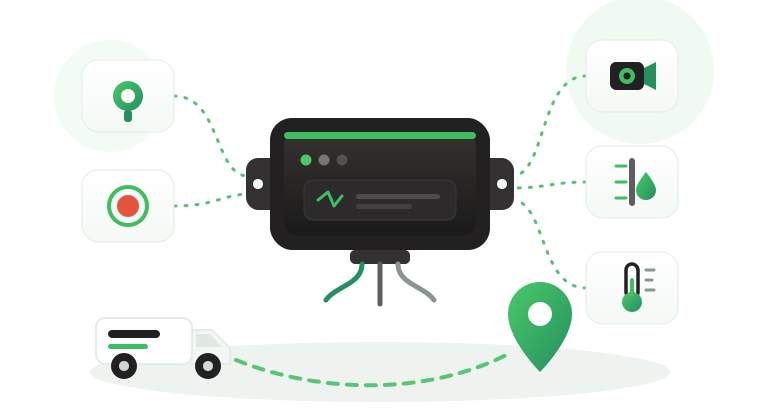

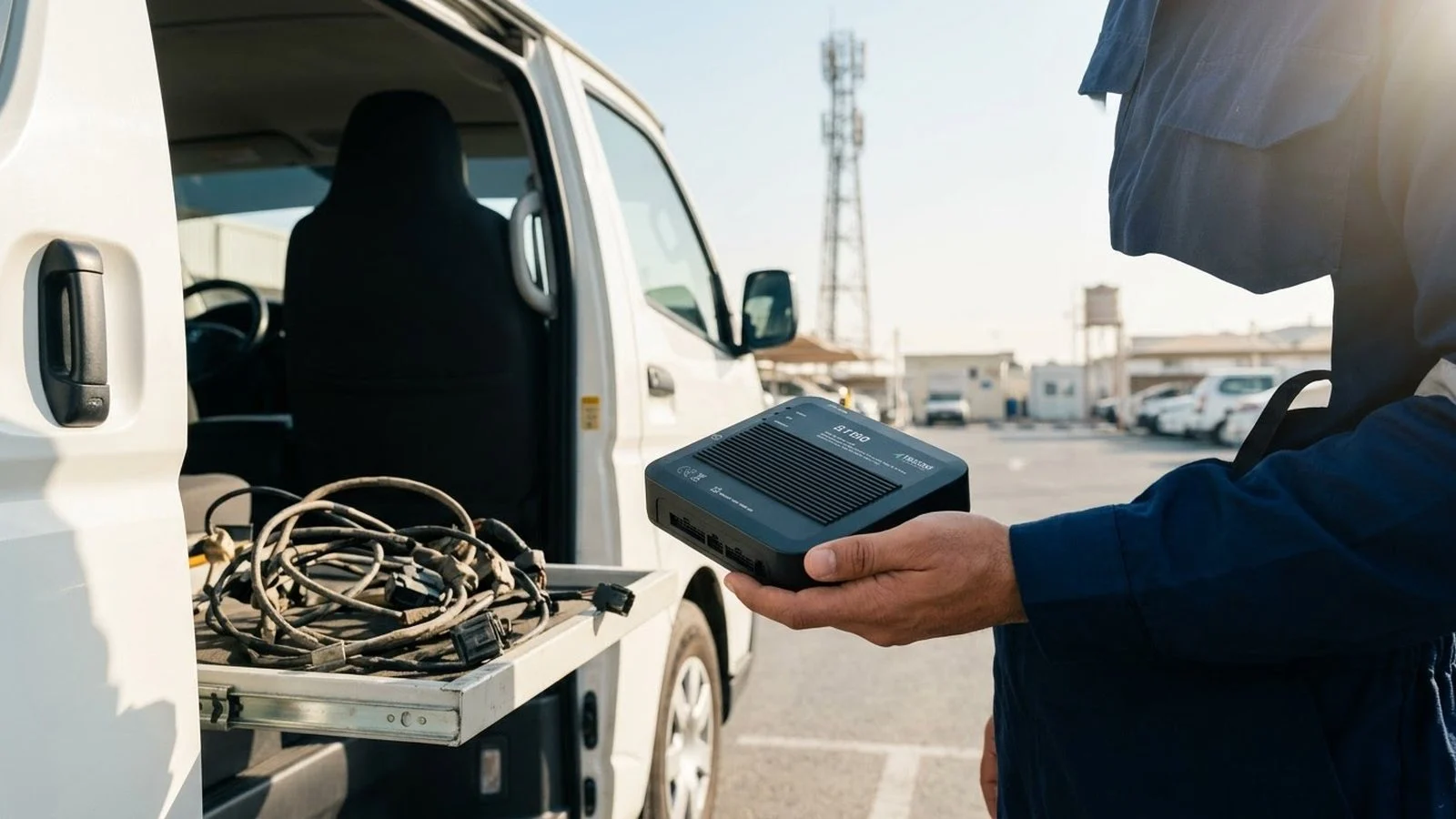
A 2G or 3G shutdown rarely announces itself inside the fleet office. One morning a group of vans stops reporting from an outer depot, a supervisor assumes the trackers are faulty, and the installer replaces a unit that soon goes quiet again. A few weeks later, more vehicles drop off the map in a different city. The problem is not a batch of broken GPS trackers. It is a network that the old devices depend on being switched off, while nobody in the fleet has a list of which vehicles rely on it.
This article explains how network sunsets strand older trackers and how to plan a replacement before they do. It covers how to audit the installed base by model, network and SIM, how to group vehicles into replacement waves, how to schedule installs without stopping operations, and how to keep rules and trip history continuous during the swap.
Why the 2G and 3G shutdown strands old trackers
A GPS tracker uses satellites to find its position, then a cellular connection to send that position and its events to the tracking platform. The satellite side keeps working after a network sunset. The cellular side does not, because a device built only for 2G or 3G has no other network to fall back on once those networks are retired.
The vehicle still drives, and the tracker may still record positions internally. The fleet loses what it actually pays for: live location, alerts reaching the control room, and trips arriving in reports. On the dashboard, a stranded tracker looks like a faulty one, so sunsets are often misdiagnosed.
How operators retire a network
Operators usually retire older networks in phases, region by region, and they publish notices to their customers before switching off. Operators in Saudi Arabia, across the GCC and worldwide follow their own timelines, so a fleet that runs in several countries or uses SIMs from more than one operator can face more than one sunset.
Dates change, so rely on the notice from your own operator and the telecom regulator in each country, and ask your SIM provider which network your tracker SIMs use today.
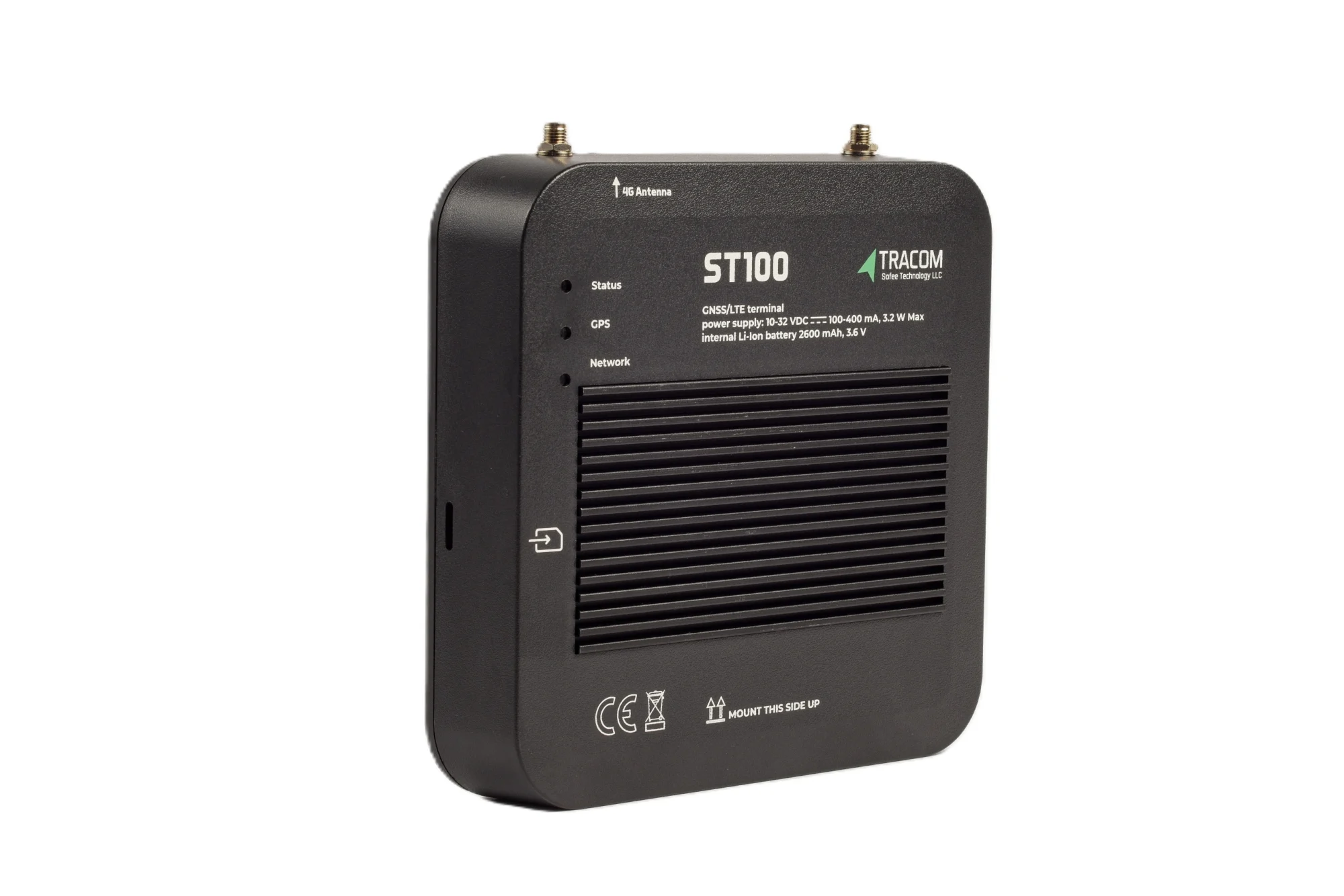
The tracking device behind every record
- GPS, GLONASS, SBAS, QZSS and AGPS positioning
- Location accuracy within a 2-meter radius
- 2G/3G/4G SIM support
- 12 digital, 4 analog and 5 AD inputs, 2 digital outputs
- 5 RS232 ports, USB, UART, 1-Wire and OBD II CAN
What a new tracker does not decide
Replacing a tracker restores the connection on a supported network. It does not decide which vehicles to replace first, which SIM plan to use, or whether your contracts and tenders require a particular device standard. Tracom supplies the GPS device, in-vehicle rule logic, event data and configuration. The fleet, its service provider and its connected business software decide the replacement order and what the data is used for.
Auditing your installed tracker base
Most fleets that grew over several years run a mix of tracker models, firmware versions and SIM contracts, often fitted by different contractors. The audit turns that mix into a list you can act on.
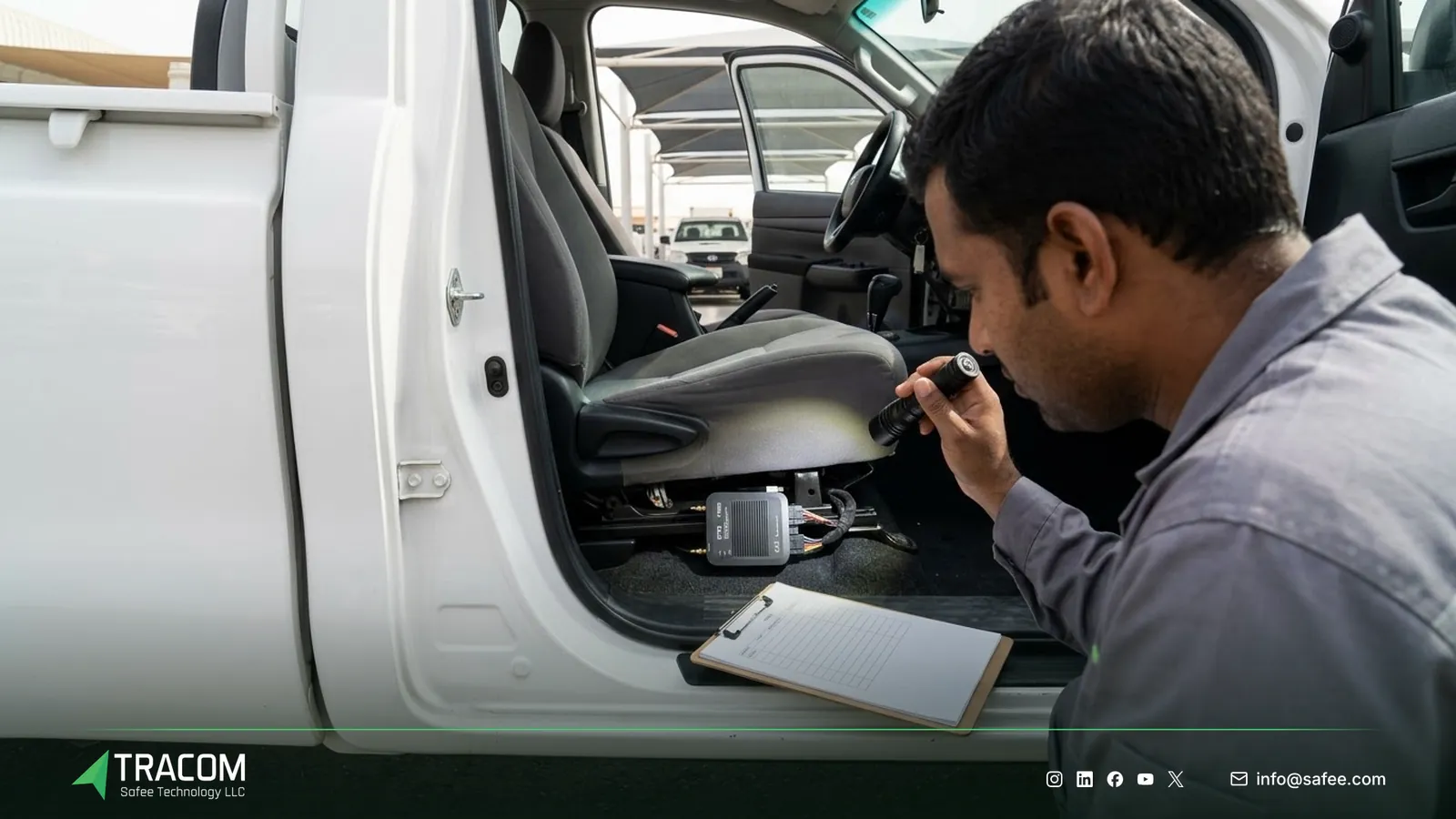
The three facts to collect per vehicle
For every vehicle, collect the tracker model, the network it actually uses, and the SIM behind it. The table below shows where each fact usually lives and why it matters for the plan.
| Audit field | Where to find it | Why it matters |
|---|---|---|
| Tracker model and firmware | Platform device list, installer records, label on the unit | Shows which units can only use 2G or 3G |
| Network in use | Platform connection logs, SIM provider portal | Confirms the real network, not the one on the datasheet |
| SIM and contract | SIM provider portal, purchase records | Shows the operator, plan and contract end date |
| Vehicle and location | Fleet register, depot lists | Groups vehicles by site for install scheduling |
| Accessories connected | Installer records, site checks | Flags key readers, sensors or cameras to reconnect |
The SIM is often forgotten. A tracker that can use 4G may still sit on an old SIM or an old plan that pins it to 2G. The guide to GPS tracker SIM cards covers SIM types, APN settings and data plans in detail, so this article only treats the SIM as an audit item.
Early signs a unit is already struggling
Some vehicles show symptoms before the final switch-off, especially in areas where the operator has already reduced older network capacity. Watch for trackers that report in bursts, units that go offline in the same district daily, and vehicles that reconnect only near a main city. When these patterns cluster on one tracker model, treat that model as the first replacement candidate.
Read also: Approved Tracking Device in Saudi Arabia: What Buyers Should Ask
Planning replacement waves
A wave plan replaces vehicles in groups ordered by risk, so the vehicles that matter most are protected first and installers learn from early waves.

Ranking vehicles by risk
Rank vehicles by two questions: how soon will their network close, and how costly is it if they go dark. A tanker on a remote route, a vehicle carrying high-value cargo, or a unit tied to a government or oil and gas contract usually ranks higher than a pool car that stays in the city. Vehicles already showing the struggling patterns above join the first wave whatever their role.
Then group the ranked list by depot or site, so each wave sends one installation team to one location.
Scheduling installs around operations
Schedule each wave around shift changes, weekly maintenance slots or days when vehicles return to the depot. Agree with each site manager how many vehicles can be off the road at once, and keep a spare unit or two on hand for vehicles that arrive with wiring problems.
The fleet GPS tracker installation guide covers installation methods and rollout planning. For the replacement itself, the key rule is to test each new unit before the vehicle leaves the bay, using a short checklist such as the one in the tracker commissioning checklist.
Keeping data and rules continuous during the swap
A replacement should change the hardware, not the way the fleet works. Three things need attention.
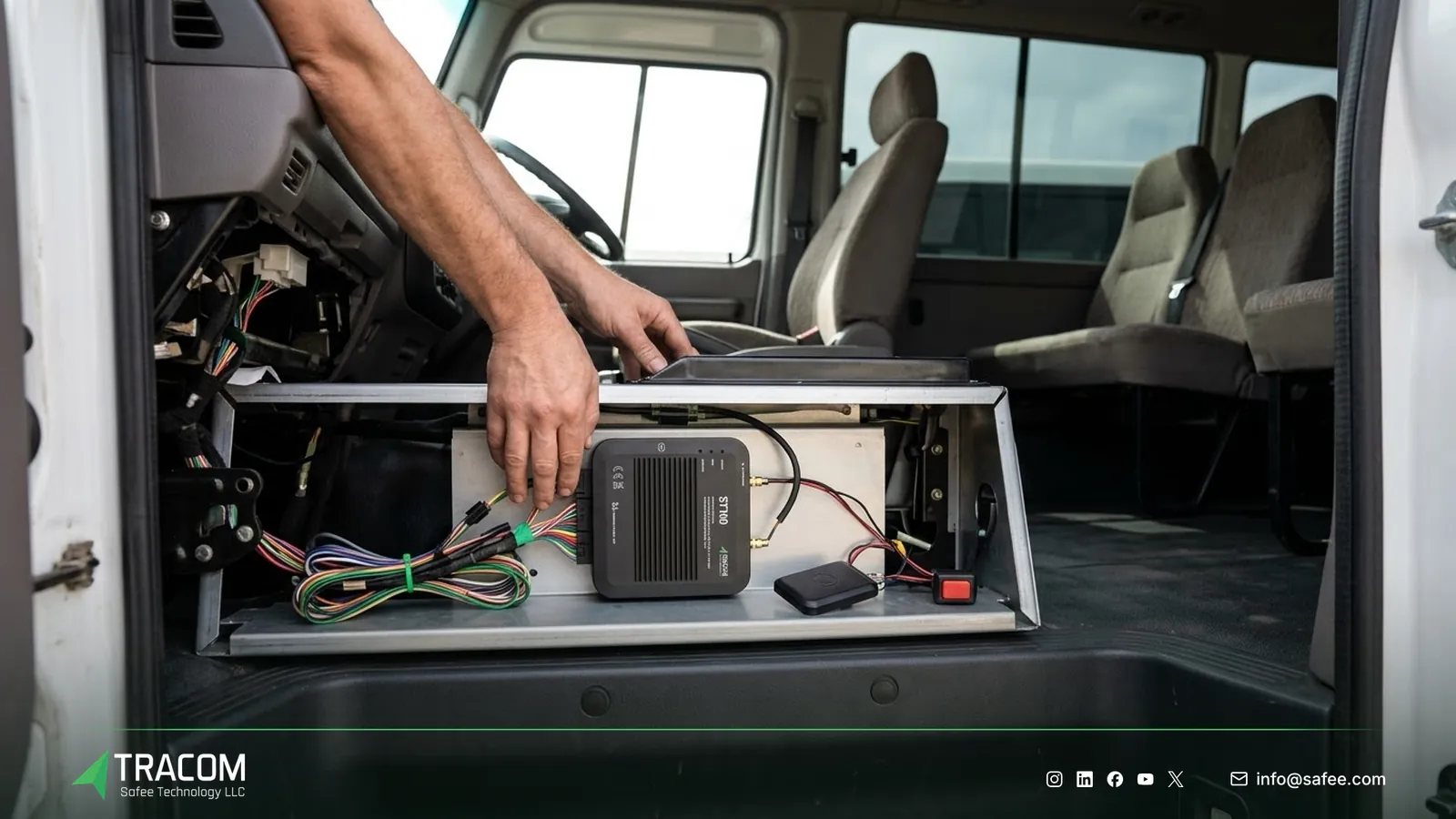
First, keep the vehicle identity stable. The new device should be mapped to the same vehicle record in the tracking platform, so trip history, driver assignments and reports continue under one name. Second, rebuild geofences, speed limits and event settings on the new device as one approved configuration per vehicle group. Third, reconnect the accessories. Driver key readers, panic buttons and fuel or temperature sensors must be re-wired and tested, not assumed.
The ST100 supports this through central configuration. Zones are loaded as KML/KMLO geofence files, event behavior is set in an XML file with hundreds of customizable events, and both are pushed to device groups through the SCMS portal with OTA updates. For fleets that keep their current tracking platform, the ST100 works with third-party tracking platforms through a documented protocol that Tracom shares with partners, which helps a service provider keep its customers on the same platform while the hardware changes.
Requirements and questions for the new device
A sunset forces a purchase, and a few questions avoid repeating the problem in a few years.
- Confirm with the supplier which cellular networks the device uses and which bands suit your operators in each country.
- Ask how the device behaves when coverage drops, and how much data it stores on the device during an outage.
- Check that the inputs, outputs and ports cover the accessories you need to reconnect.
- Ask how configuration and firmware are updated remotely, so future changes do not require a site visit.
- Confirm how the device connects to your tracking platform and who supports the integration.
Regional standards bodies and regulators are also updating requirements for in-vehicle tracking devices, so check the current text with the relevant regulator before you commit to a model. Saudi fleets can start with GPS tracking in Saudi Arabia. For wider buying questions, use the fleet tracking procurement checklist, the guide on choosing a GPS tracker manufacturer, and the overview of types of GPS fleet tracking devices.
Read also: GPS Fleet Tracking Device: How It Works
Steps to replace trackers before the network goes dark
- Ask each SIM provider which network your tracker SIMs use and when that network closes in each country you operate.
- Audit every vehicle for tracker model, firmware, network in use, SIM contract and connected accessories.
- Rank vehicles by sunset date and operational risk, then group them into waves by depot or site.
- Choose the replacement device and SIM plan, and confirm network fit and platform integration with the supplier.
- Build one approved configuration per vehicle group, including geofence files, speed limits and event settings.
- Run a pilot wave at one site, test every unit before release, and fix wiring or configuration issues found there.
- Roll out the remaining waves, reconnecting and testing accessories on each vehicle.
- Close the project by removing old units from the platform, ending old SIM contracts and archiving the audit list.
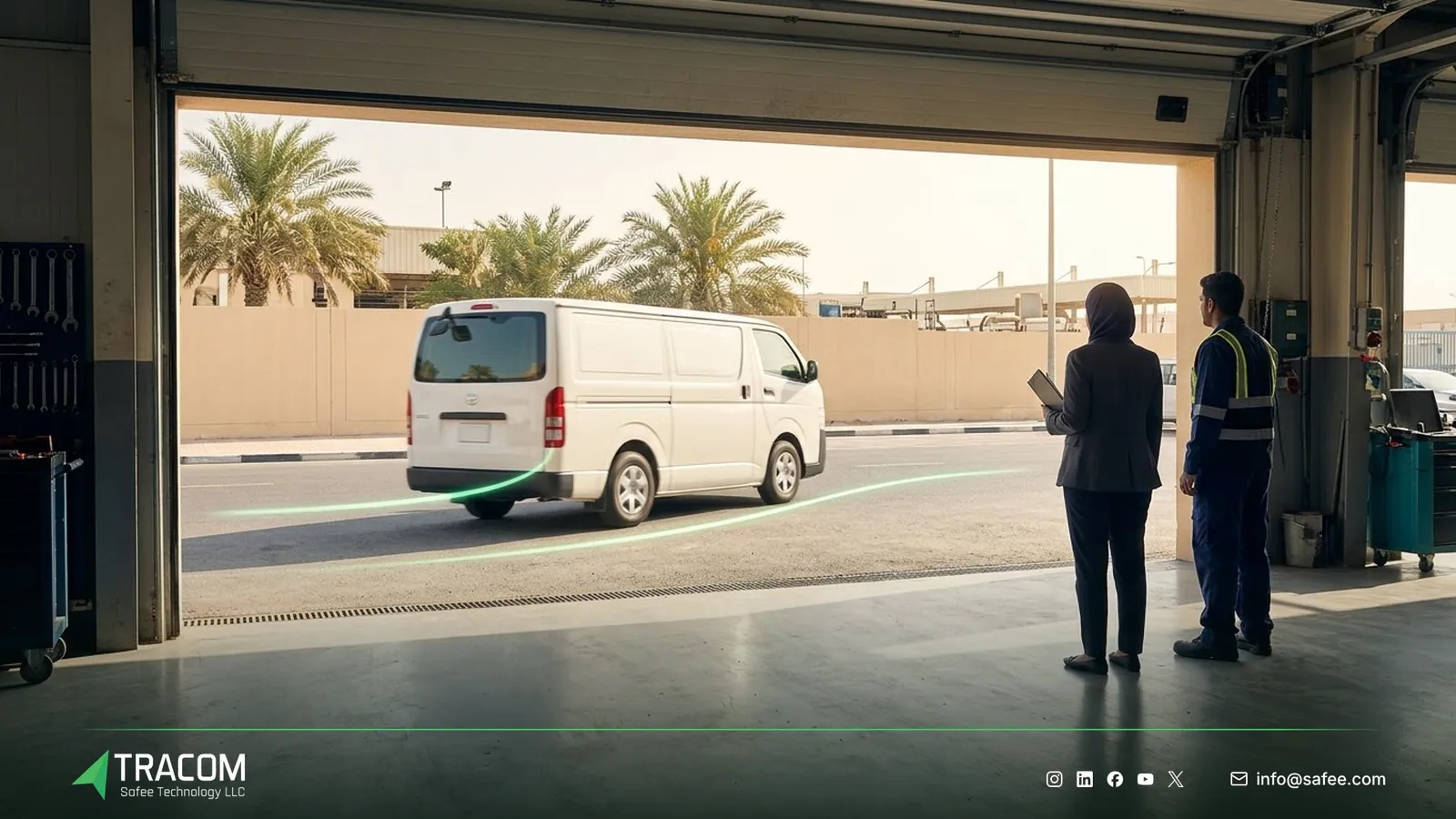
Share your fleet size, current tracker models, operators and site list, and request a device recommendation for your replacement waves.
Common replacement mistakes
Most late replacement projects stall on planning gaps, not hardware.
| Mistake | Operational consequence |
|---|---|
| Waiting for vehicles to go offline | Replacement becomes reactive and remote vehicles stay dark longest |
| Replacing the tracker but not the SIM | The new device stays on an old plan or a network that is closing |
| Skipping the accessory check | Key readers, sensors or panic buttons stop working after the swap |
| New vehicle records for new devices | Trip history splits and reports lose continuity |
| Rebuilding rules by hand on each unit | Depots end up with different geofences and speed limits |
| No test before the vehicle leaves | Faults surface on the road instead of in the bay |
How Tracom supports tracker replacement
At Tracom, we supply the Tracom ST100 as a replacement device for fleets, telematics service providers, resellers and installers moving vehicles off older trackers. The ST100 supports 2G/3G/4G SIM cards. Which network and bands suit your operators in each country should be confirmed during solution design, together with the SIM plan.
The capabilities that matter during a replacement are:
- Central configuration through the SCMS portal, with KML/KMLO geofence files, XML files with hundreds of customizable events, OTA updates and daily synchronization.
- SMS commands for selected parameters when portal access is unavailable at a remote site.
- In-vehicle rules that work without an internet connection, with up to one week of data stored on the device during network outages.
- Up to 4,000 geofences with time-based speed limits, and up to 1,000 driver access keys with immobilization.
- 12 digital inputs, 2 digital outputs, five RS232 ports and a 1-wire interface, among other I/O, for reconnecting equipment.
- A documented protocol shared with partners, so the ST100 can report to third-party tracking platforms.
We also supply accessories that often need replacing at the same time: driver key readers, panic buttons, fuel level sensors and temperature sensors, plus the Tracom M1N MDVR for fleets adding video. Type and fit for each accessory are confirmed with the Tracom team. You can review device capabilities on the features page and see how remote configuration works on the services page.
Conclusion
A network sunset is predictable, and a predictable problem should be handled as a planned project. Fleets that audit every tracker and SIM, rank vehicles by risk and replace them in tested waves keep their reporting continuous, while fleets that wait for vehicles to disappear end up replacing units under pressure.
Tracom provides the GPS device, in-vehicle rules and remote configuration that help fleets and service providers replace older trackers in organized waves. Share your current tracker models, SIM operators, vehicle count by site and platform requirements, and talk to a Tracom specialist to plan your replacement.
Frequently asked questions
Will my old tracker stop working when 2G or 3G shuts down?
If it can only connect over the network being retired, yes. It may still find its position, but it can no longer send data to the tracking platform once the operator switches that network off. Check the model and the network it actually uses with your installer and SIM provider.
How do I know which network my trackers use?
Start with your SIM provider’s portal and your tracking platform’s connection logs, because they show the network in use rather than the one on a datasheet. Combine that with the tracker model from installer records. Units that can only use 2G or 3G go on the replacement list.
Does replacing the tracker mean changing my tracking platform?
Not necessarily. The ST100 works with third-party tracking platforms through a documented protocol that Tracom shares with partners. Your service provider or platform team confirms the integration, so vehicles can keep the same records, history and reports while the hardware changes.
Should I replace the SIM at the same time?
Yes, in most cases you should review it at the same time. A new device on an old SIM plan can stay tied to a network that is closing. Confirm with your operator which plan suits the new device, and see the SIM guide for APN and data plan details.
What does Tracom handle in a replacement project?
Tracom supplies the ST100, accessories and the configuration tools, and helps match the device to your vehicles and networks. Network sunset dates, SIM contracts, installation scheduling, contract or regulatory requirements and the use of the data remain decisions for your fleet, your operator and your service provider.
Sources
- Plan Ahead for Phase Out of 3G Cellular Networks and Service (FCC)
- EU study on eCall service gaps as 2G/3G networks shut down (European Commission)
Choose the right tracker for every vehicle
Tell us your vehicle types and what you need to monitor. A Tracom device specialist will reply by email with a recommended ST100 setup and accessories.
Usually replies within one business day • No sales spam
Your details are used only to respond to your request. Privacy Policy