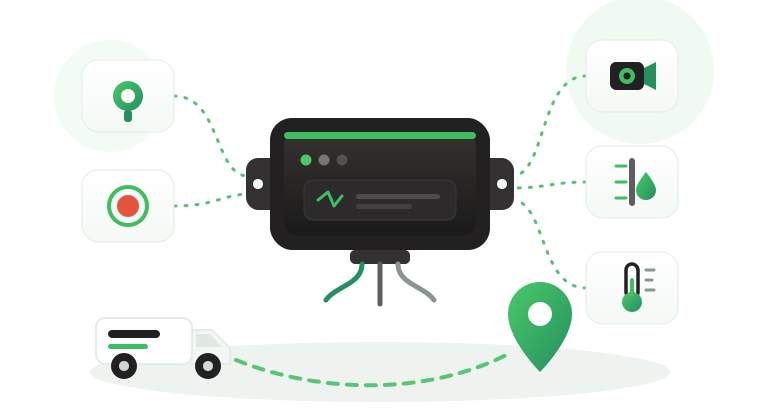


A contractor wins a transport package with an oil and gas operator, and the contract arrives with an annex titled “IVMS requirements”. It asks for speed and harsh event recording, driver identification, seat belt monitoring, in-cab feedback, and data that survives remote routes. The fleet already has trackers, yet nobody can say which line of the annex the current IVMS device actually meets.
This article explains what an In-Vehicle Monitoring System device is and works through the hardware items that oil and gas clients commonly ask contractors about. For each item, it shows what to check on the device, where the Tracom ST100 and the hardware around it fit, and what stays with the tracking platform or with your own procedures. Client requirements differ and change, so treat every item here as commonly requested and check your client’s current specification.
What is an IVMS device?
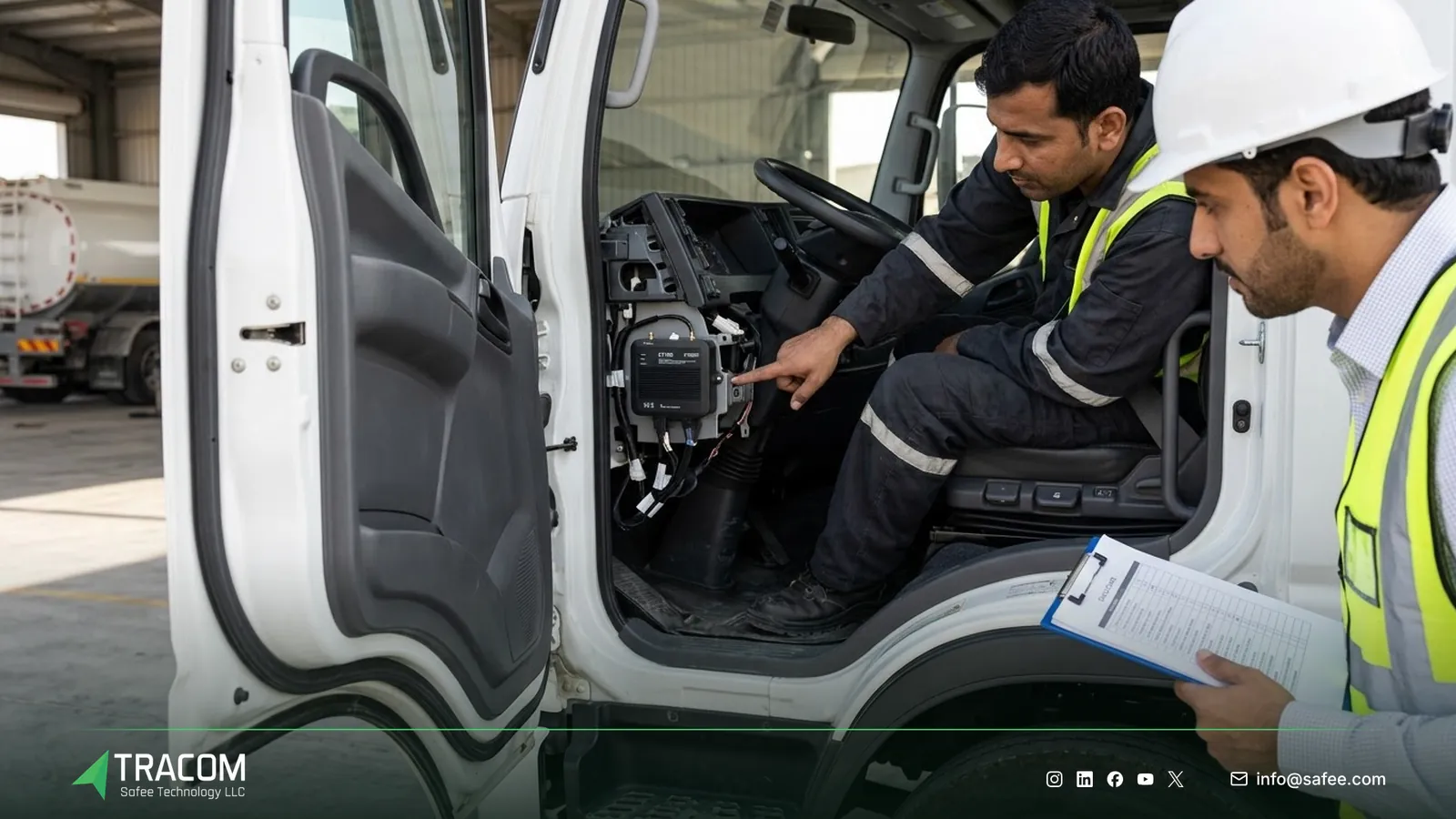
An IVMS device is the in-vehicle hardware of an In-Vehicle Monitoring System. It records how, where, when, and by whom a vehicle is driven: speed, harsh driving events, seat belt use, driver identity, and location. It can warn the driver in the cab and sends the records to a tracking platform, where safety teams build reports.
The term overlaps with GPS tracking, but the emphasis is different. A basic tracker answers “where is the vehicle?”. An IVMS device answers “how was the vehicle driven, and by whom?”, which is the question a client’s journey management and road safety teams care about.
What the device does not decide
A speeding or harsh braking record does not automatically determine whether a driver broke a client rule, whether a journey plan was followed, or whether a contract requirement was met. Tracom supplies the GPS device, in-vehicle rule logic, event data, and configuration layer. The fleet, its client, or its connected business software assigns the operational meaning and response.
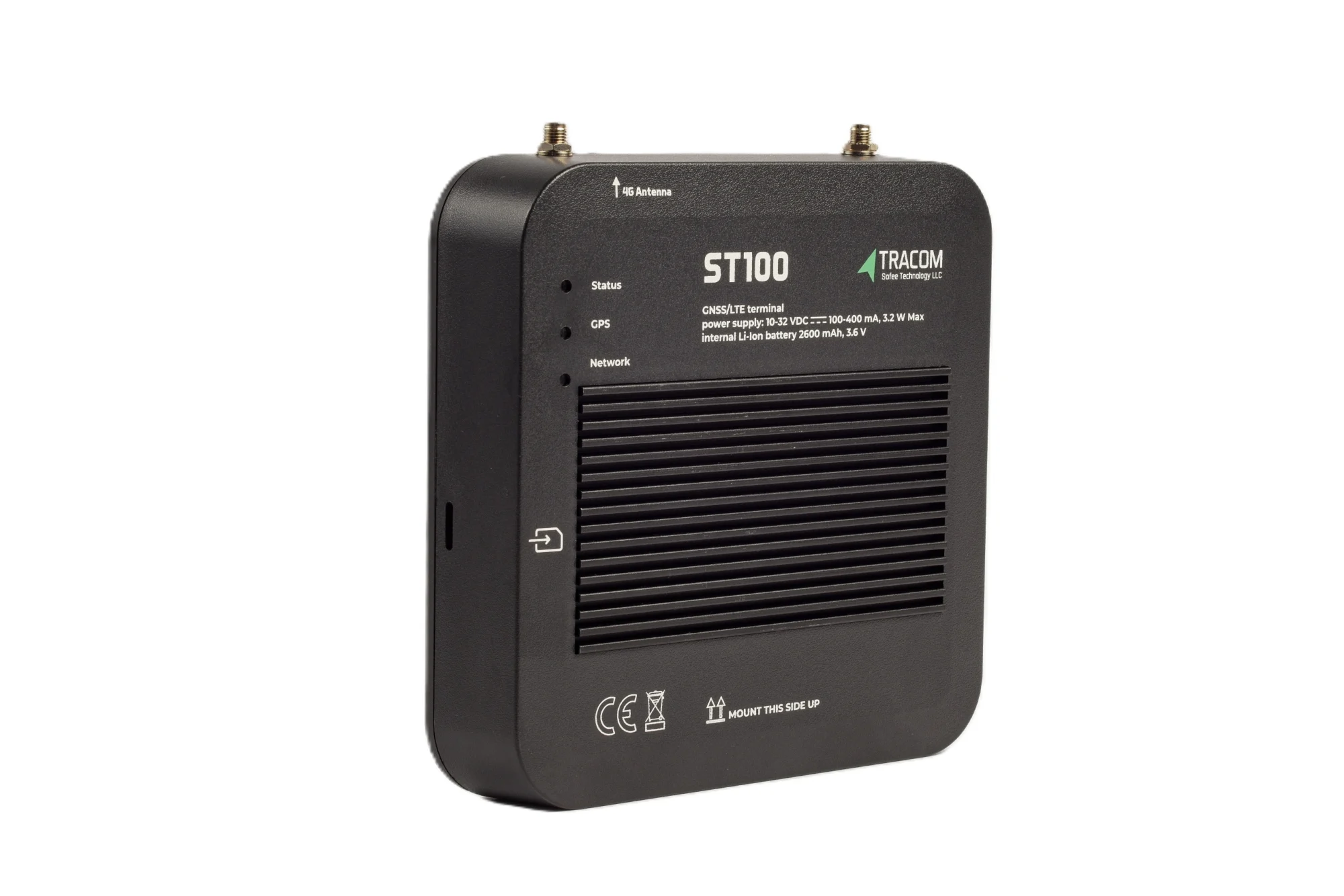
The tracking device behind every record
- GPS, GLONASS, SBAS, QZSS and AGPS positioning
- Location accuracy within a 2-meter radius
- 2G/3G/4G SIM support
- 12 digital, 4 analog and 5 AD inputs, 2 digital outputs
- 5 RS232 ports, USB, UART, 1-Wire and OBD II CAN
Why clients ask contractors for IVMS
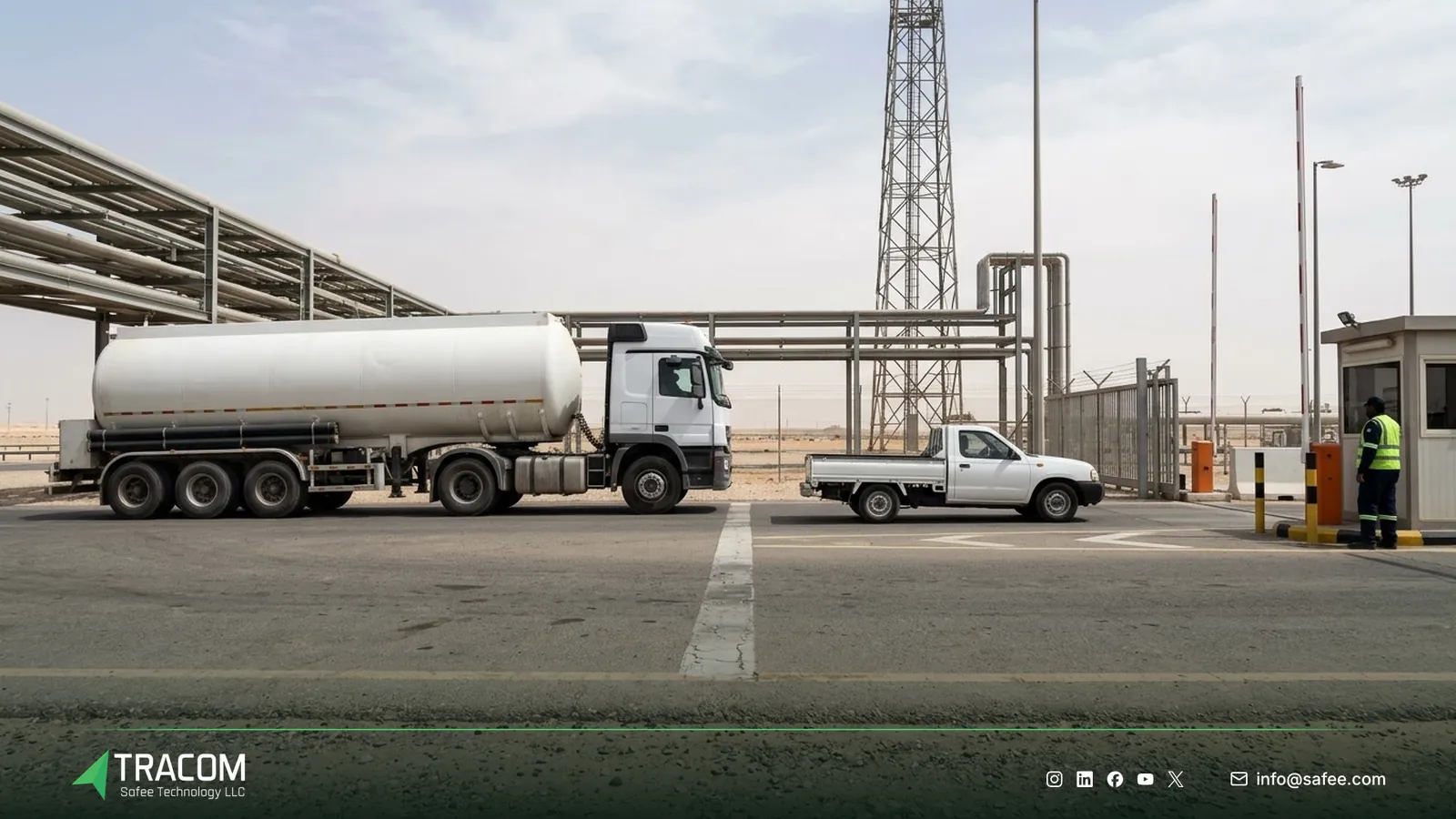
Oil and gas operators run long journeys on remote roads with heavy vehicles, often in heat and with weak coverage. Many of them write IVMS into contractor agreements so that driving on their behalf is measured the same way across companies. The sector context, from site access to remote routes, is covered in the guide to oil and gas vehicle tracking.
What clients usually want from IVMS is not a map. They want exception reports, driver-level records, and proof that issues were reviewed. That reporting work belongs to the platform and to your procedures, as explained in the article on fleet compliance reporting. The device’s job is to produce clean, attributable records that those reports can rely on.
Read also: ADAS and DMS Cameras: Fatigue, Distraction and Collision Warnings
The IVMS device checklist, item by item
The table summarizes the hardware items clients commonly ask about and where each one sits for the ST100. Thresholds, retention periods, and report formats come from your client’s current specification, not from this list.
| Commonly requested item | What to check on the device | Tracom hardware |
|---|---|---|
| Speed recording | Speed source and limit rules | ST100: GPS and VSS speed |
| Harsh events | Built-in motion sensing | ST100: G-sensor |
| Seat belt monitoring | Seat belt violation events | ST100: seat belt violations |
| Driver identification | Keys and authorization | 1,000 keys, key reader |
| In-cab feedback | Alerts the driver hears | ST100: voice alerts |
| Data detail and gaps | Recording rate and storage | Second-by-second, one week |
| Tamper and emergency | Tamper and panic alerts | ST100, panic button |
| Cameras | Video recorder option | Tracom M1N MDVR |
Speed and speed limits
Specifications commonly ask for speed recording against a set limit, and some ask for different limits by road or site. The ST100 calculates speed from both GPS and the vehicle speed signal (VSS) and detects over-speeding. It supports up to 4,000 geofences with time-based speed limits, so a lower limit can apply inside a plant, a camp, or a village section of a route.
Harsh braking, acceleration and impacts
Harsh events usually make up a large share of IVMS exception reports. The ST100’s built-in G-sensor detects acceleration, harsh braking, sudden impacts, and sharp movements. Thresholds should suit each vehicle class, because a loaded tanker and a light pickup do not brake the same way.
Seat belt monitoring
Seat belt use is a common line in IVMS annexes. The ST100 reports seat belt violations and can warn the driver by voice. How the seat belt signal reaches the device depends on the vehicle, and it is agreed with the Tracom team for each make and model before installation.
Driver identification
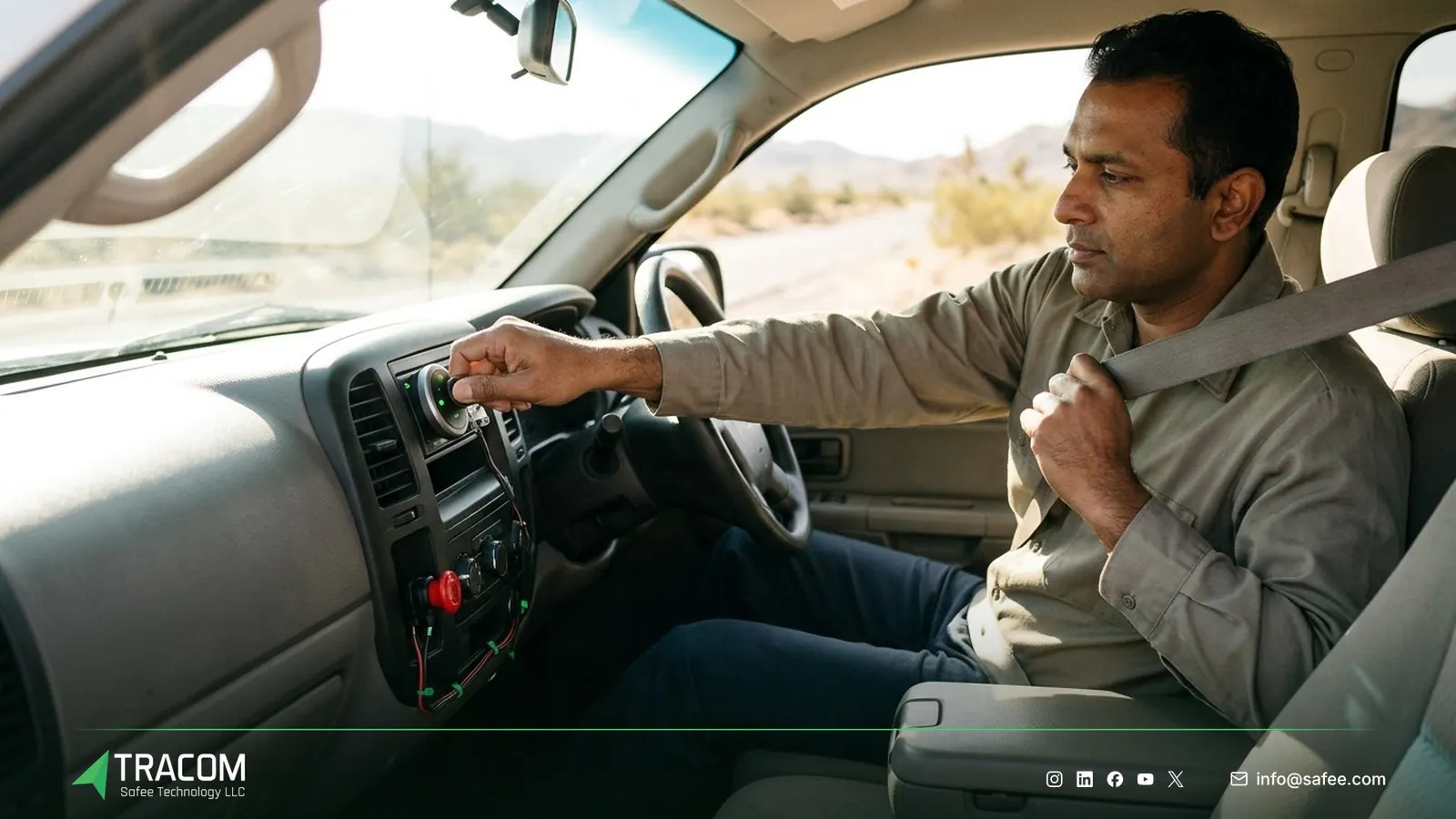
Records are only useful when they belong to a named driver. The ST100 supports up to 1,000 driver access keys, and with immobilization only authorized drivers can operate the vehicle. Tracom supplies the driver key reader, with type and fit confirmed with our team. The article on driver identification explains how ID schemes work on shared vehicles.
In-cab driver feedback
Many clients ask for feedback the driver receives while driving, not only a report the next day. The ST100 triggers voice alerts for over-speeding, harsh events, and seat belt violations, and it can activate voice alerts during grace periods on zone speed limits. The guide to in-cab voice alerts covers how to choose which events speak to the driver.
Data detail and remote routes
After an incident, IVMS records are often reviewed second by second, so recording detail matters. The ST100 records speed, acceleration, and sensor inputs second by second and applies its rules without an internet connection. On remote routes it stores up to one week of data on the device when the network drops, a topic the article on offline GPS fleet tracking explores in depth.
Tamper and emergency alerts
A monitoring device that can be unplugged quietly weakens every report. The ST100 alerts the fleet if someone attempts to remove or tamper with the device, and it supports a panic alert so a driver can send an instant signal. Tracom supplies panic buttons, with type and fit confirmed with our team.
Cameras alongside the tracker
Some clients add video to IVMS, for example forward or cabin views on high-risk routes. Tracom supplies the M1N MDVR as an optional companion to the ST100. Channels, storage, and camera options are confirmed with the Tracom team, and the comparison of dash cam vs. MDVR helps decide which recorder type a fleet needs.
Matching your client’s specification to the hardware
Client annexes are written in different words, so a line-by-line match avoids surprises at audit. The steps below work for a direct contractor, a reseller, or a telematics service provider bidding on a package.
- Get the client’s current IVMS specification in writing and note its version and date.
- Split each line into device items, platform items, and procedure items such as reviews and training.
- Map each device item to a capability of the ST100, the driver key reader, the panic button, or the M1N MDVR.
- Mark any item that depends on the vehicle, such as seat belt or speed signal sources, for confirmation per make and model.
- Agree thresholds, voice alert choices, and zone speed limits, then write them into the XML configuration and KML/KMLO zone files.
- Pilot a few vehicles on a real route, including a stretch with weak coverage, and review the records with the client’s representative.
- Push the approved configuration through the SCMS portal by vehicle group and keep one documented version per group.
Share your client’s specification, vehicle list, and routes, and talk to a Tracom specialist about mapping each line to hardware.
Common gaps in IVMS rollouts
Many findings in an IVMS audit come from mismatches between the annex, the hardware, and the procedures.
| Gap | Operational consequence |
|---|---|
| Old specification version | Hardware meets last year’s annex, not this year’s |
| No driver keys on shared vehicles | Events cannot be linked to a named driver |
| Seat belt source not checked per vehicle | Some vehicles report no seat belt data |
| One threshold for all vehicle classes | Heavy vehicles flood reports with false events |
| Voice alerts on every event | Drivers stop listening to in-cab feedback |
| Devices without tamper monitoring | Gaps in records cannot be explained |
| Reports with no review trail | The client sees data but no follow-up |
Remote and heavy operations face the same gaps, which is why the guidance on mining fleet tracking and on the truck tracking device follows a similar logic.
Read also: Fleet Safety Alert Management: From Alert to Action
How Tracom supports IVMS projects
At Tracom, we supply the in-vehicle hardware that IVMS programs rely on, for fleets, contractors, telematics service providers, resellers, and installers. We do not claim that our hardware meets any specific client’s standard. We help you check your client’s current specification line by line against what the hardware does.
The Tracom ST100 is an in-vehicle intelligence system that applies rules inside the vehicle:
- GPS and VSS speed calculation with over-speeding detection, plus up to 4,000 geofences with time-based speed limits.
- A built-in G-sensor for acceleration, harsh braking, sudden impacts, and sharp movements.
- Seat belt violation events and voice alerts for over-speeding, harsh events, and seat belt violations.
- Up to 1,000 driver access keys, with immobilization so only authorized drivers operate the vehicle.
- Tamper alert and panic alert.
- Second-by-second data, rules applied without internet, and up to one week of data stored on the device.
- 12 digital inputs, 4 analog inputs, 5 AD inputs, 2 digital outputs, 2 pulse counters, 5 RS232 ports, USB, UART, 1-wire, and an OBD-II CAN interface.
- Configuration through the SCMS portal with XML files holding hundreds of customizable events, KML/KMLO zone files, OTA updates, and SMS commands.
Around it, we supply driver key readers, panic buttons, fuel level sensors, temperature sensors, and the M1N MDVR, with type and fit confirmed with our team. The ST100 works with third-party tracking platforms through a documented protocol we share with partners, so IVMS reports can come from the platform your client already accepts. Accessories, thresholds, and integration should be confirmed during solution design. See the features page for details, then request a device recommendation for your contract.
Conclusion
An IVMS device earns its place when every line of the client annex maps to a clear record: speed, harsh events, seat belt, driver, location, and time. The hardware produces those records, while the platform and your procedures turn them into the reports and reviews the client audits.
Tracom supplies the ST100, driver key readers, panic buttons, and the M1N MDVR for contractors and the partners who equip them. Share your client’s current specification, vehicle types, and routes, and talk to a Tracom specialist to receive a line-by-line hardware recommendation.
Frequently asked questions
What does an IVMS device record?
It records how a vehicle is driven: speed and speed limit violations, harsh braking and acceleration, sudden impacts, seat belt violations, driver identity, and location with time. With the ST100, these are recorded second by second, and the device can warn the driver with voice alerts in the cab.
Is an IVMS device the same as a GPS tracker?
Not exactly. Every IVMS device includes GPS tracking, but not every tracker records driving behavior and driver identity. An IVMS device adds harsh event sensing, seat belt monitoring, driver keys, and in-cab feedback, which are the items clients usually ask contractors about.
Do oil and gas clients all require the same IVMS items?
No. Many operators request similar items, such as speed, harsh events, seat belt, and driver ID, but thresholds, retention periods, cameras, and report formats differ. Always check your client’s current specification in writing before buying or configuring devices.
Does IVMS still record without mobile coverage?
Yes. The ST100 applies its rules inside the vehicle without an internet connection, so speed rules and voice alerts continue on remote routes. It stores up to one week of data on the device during network outages, and the review process for trips through weak-coverage areas is agreed with the Tracom team.
Does Tracom certify that my fleet meets the client’s IVMS standard?
No. Tracom supplies the hardware, in-vehicle rules, event data, and configuration tools. Your company and your client decide whether the setup meets their standard, and your procedures cover reviews, coaching, and reporting. Our team helps you map each specification line to the hardware.
Choose the right tracker for every vehicle
Tell us your vehicle types and what you need to monitor. A Tracom device specialist will reply by email with a recommended ST100 setup and accessories.
Usually replies within one business day • No sales spam
Your details are used only to respond to your request. Privacy Policy