

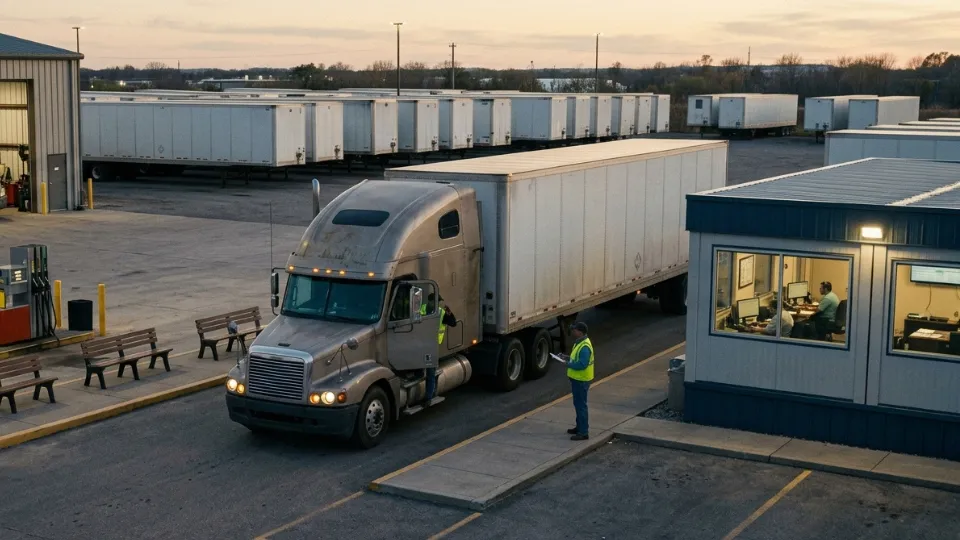
When one truck goes off-route, idles too long, loses signal near a remote site, or gets used outside approved hours, the issue is rarely limited to one trip. It affects dispatch accuracy, fuel cost, customer updates, driver accountability, and the confidence management has in daily operations. For B2B fleets in the GCC and global markets, a basic map pin is not enough. You need a truck tracking device system that turns every truck into a visible, controllable, and measurable part of the operation.
This guide explains how to evaluate a commercial truck tracking system for real operating conditions: long routes, hot and dusty environments, cross-border movement, mixed truck types, driver swaps, unauthorized usage, route deviations, and reporting needs. You will learn what a GPS tracking device for trucks should include, how real time truck tracking supports dispatch and safety, which hardware and platform capabilities matter, and how Tracom can help you build a device-plus-platform setup around your actual fleet, not a generic brochure.
Why do GCC and global truck fleets need more than a basic tracker
Commercial trucks operate under pressure that standard consumer trackers were never designed to handle. They run longer hours, carry higher-value loads, face more complex routes, and often operate through remote corridors, ports, depots, industrial zones, and cross-border lanes. In that environment, a GPS tracker for trucks must be evaluated as operational infrastructure, not a small accessory.
A weak tracker may show the last known location. A fit-for-purpose tracking device for commercial trucks should support decisions about safety, dispatch, utilization, route discipline, fuel waste, maintenance planning, and asset protection. That is the difference between tracking and control.
- Long-haul and intercity routes need reliable connectivity, local storage, and data backfill when coverage drops.
- High-value cargo needs geofence alerts, tamper detection, unauthorized movement alerts, and clear trip history.
- Large fleets need role-based dashboards, exception reports, driver accountability, and scalable device management.
- Heavy-duty and mixed fleets need validated integration, not assumptions about what data every vehicle can provide.
For truck-specific tracking scenarios, see our guide to GPS tracking devices for trucks. It expands on the operational role of truck tracking for logistics, construction, service fleets, and high-value assets.
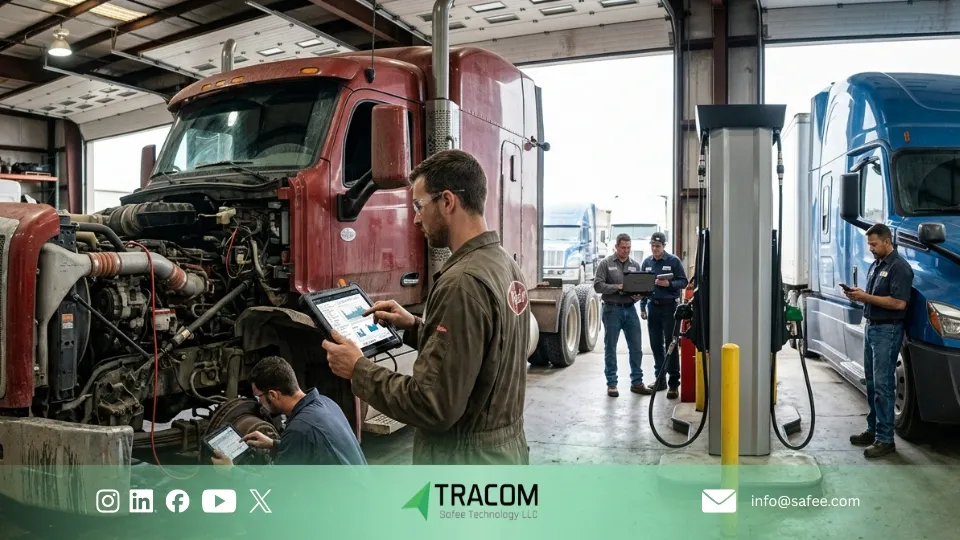
What does a truck tracking device system include?
A complete truck tracking device system has two layers: the hardware inside the truck and the platform your teams use every day. Both layers must work together. Strong hardware with a weak dashboard creates unused data. A polished dashboard with weak hardware creates false confidence.
1. Fleet-grade hardware inside the truck
The in-vehicle device is the data source. It should capture position, motion, speed, ignition status, driver-related events, and selected vehicle or sensor signals where supported. Tracom describes its product as an in-vehicle intelligence system with real-time decision-making, geofencing control, safety alerts, second-by-second data collection, and remote updates.
For technical evaluation, review our GPS Tracking Device product and the vehicle telematics system hardware guide. These resources help procurement and IT readers verify the architecture behind the recommendation.
2. Connectivity and offline continuity
Truck routes are not always friendly to live connectivity. Tunnels, desert corridors, basements, remote industrial sites, ports, and border areas can interrupt transmission. A reliable truck tracking system should keep records locally during outages and synchronize them when communication returns. This protects trip history, event evidence, and reporting continuity.
3. Fleet platform, roles, alerts, and reports
The platform is where real time truck tracking becomes operational management. Dispatch needs live status and ETA context. Fleet managers need exceptions, utilization, idle trends, and route history. Safety teams need driver behavior and risk signals. Executives need simple summaries that show whether cost, safety, and service levels are improving.
Basic GPS tracker vs. commercial truck tracking device system
Capability | Basic GPS tracker | Commercial truck tracking device system |
Location visibility | Shows position or last point | Live location, route history, playback, and fleet-scale filters |
Commercial durability | Often built for light use | Designed for long duty cycles, vibration, heat, and fleet environments |
Driver accountability | Limited or manual | Driver behavior events, access control, scorecards, and exception alerts |
Operational control | Reactive tracking | Geofencing, route discipline, immobilization or controlled actions where configured |
Data continuity | May lose records in dead zones | Offline storage and backfill logic to protect trip and event history |
Reporting | Basic trip summaries | Fleet reporting for utilization, safety, fuel, maintenance, and management review |
Real-time truck tracking for GCC routes and cross-border operations
Real time truck tracking should help teams decide what to do next, not just confirm where a truck was five minutes ago. In GCC operations, that means monitoring trucks across cities, highways, remote worksites, logistics hubs, ports, yards, and multi-branch networks. In global operations, it also means consistent reporting across regions, depots, driver groups, and vehicle types.
A practical dashboard should make exceptions visible first: trucks off-route, long idle events, unexpected stops, after-hours movement, speed violations, route boundary breaches, or trucks that stopped reporting. When every truck appears as an equal dot, the dispatcher still has to search for the problem. When alerts and filters are configured properly, the system directs attention to the trucks that need action.
- Dispatch can prioritize trucks by status: moving, idle, offline, delayed, or outside route.
- Operations can compare planned routes against actual movement and stop history.
- Customer service can share evidence-based updates instead of calling drivers repeatedly.
- Management can review trends instead of relying on one-off incident explanations.
To see the relevant capability set in one place, review our Features, where second-by-second data, driver monitoring, tamper alerts, geofencing, access control, and internal data storage are explained together.
Driver behavior, safety alerts, and access control
A truck fleet tracking program should improve how drivers operate, not only where vehicles move. Driver behavior has a direct impact on fuel burn, tyre wear, brake wear, insurance exposure, accident risk, and customer confidence. For B2B fleets, this is where a tracking device for commercial trucks becomes a safety and cost-control tool.
The most useful systems connect events to action. Over-speeding, harsh braking, sharp acceleration, seat belt violations, panic events, unauthorized use, and long idling should not disappear into a dashboard tab. They should become alerts, coaching priorities, and management reports. Tracom features include driver monitoring with voice alerts, real-time safety alerts, panic alerts, and authorization controls, which are relevant to fleet teams that need stronger operating discipline.
- Use alerts for immediate risk, such as over-speeding or panic events.
- Use weekly scorecards for coaching, not punishment only.
- Use access control to reduce unauthorized usage and strengthen accountability.
- Use trend reporting to prove whether driver behavior is improving over time.
If your supervisors still depend on phone calls, manual complaints, or delayed reports to identify risky driving, request a Tracom demo and ask for a driver-behavior workflow designed around your truck routes and risk policy.
Diagnostics, fuel visibility, and maintenance planning
The right gps tracking device for trucks should also support smarter maintenance and cost control. Fuel, downtime, and avoidable wear are usually among the largest controllable costs in trucking. To manage them, you need more than a location point; you need event context, vehicle signals, and reports that maintenance and operations can trust.
Data availability depends on the truck make, model, year, installation method, and integration path. Some fleets need OBD-II CAN access, some require heavy-duty interfaces such as J1939 or FMS validation, and some need RS232 peripherals or external inputs. This must be checked during procurement instead of assumed after installation.
A practical evaluation should ask: Which parameters can we actually read? Are engine hours, vehicle speed, odometer, harsh events, auxiliary inputs, or fault indicators supported for this truck group? Will the system still store records during coverage gaps? Can firmware and configuration updates be managed remotely?
For deeper technical evaluation, review the Vehicle Telematics System Hardware guide and the OBD2 GPS Tracker Installation for Fleets guide. Installation choice affects data quality, tamper resistance, and deployment fit.
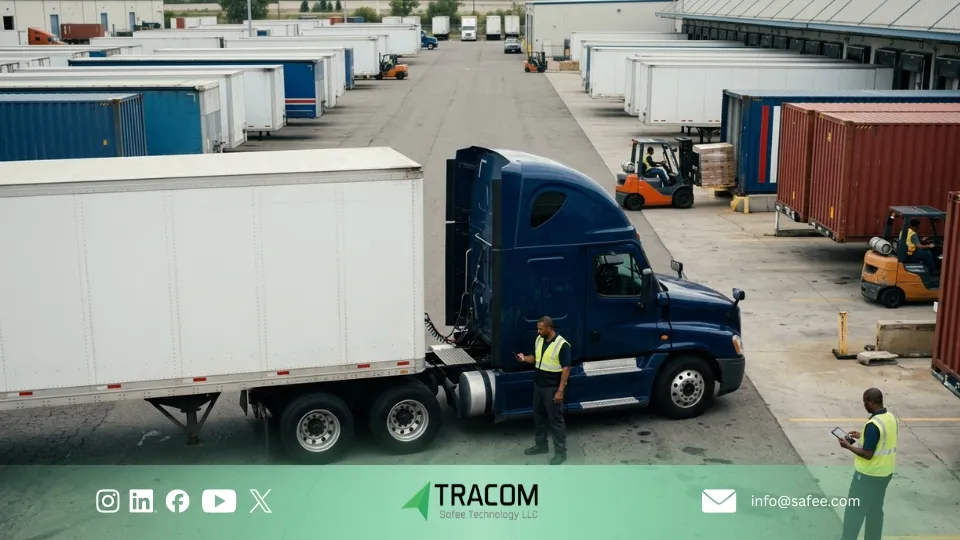
Truck fleet tracking for dispatch, routes, and proof of service
Truck fleet tracking becomes valuable when it changes daily workflow. The goal is not to watch trucks; the goal is to reduce uncertainty across dispatch, route management, service confirmation, and customer communication.
- Dispatch: assign or redirect trucks based on live status, proximity, and route conditions.
- Route management: compare planned routes with actual movement and detect repeated deviations.
- Proof of service: verify arrival, departure, stop duration, and route history when customers dispute timing.
- Productivity: identify avoidable waiting time, repeated dwell points, and unbalanced vehicle use.
- Management reporting: review fleet performance by depot, route, vehicle group, or driver group.
This is where you should avoid buying hardware only. Hardware creates data, but structured workflows create ROI. A truck tracking device system should be configured around the questions your operation asks every week: Which routes are late? Which trucks are underused? Which drivers need coaching? Which yards create delays? Which vehicles are creating maintenance risk?
Security, geofencing, and tamper protection for GCC trucking operations
Security matters in every trucking market, but it is especially important for fleets carrying high-value cargo, operating at remote yards, crossing borders, or managing subcontracted drivers. A gps tracker for trucks should help detect misuse early and create a defensible record after an incident.
Geofencing helps define where trucks should be, when they should enter or leave, and what rules apply inside specific zones. Tamper alerts help detect attempts to remove or interfere with the device. Access controls help limit who can operate a vehicle. When configured together, these controls reduce blind spots across depots, warehouses, customer sites, ports, and restricted locations.
For industry-specific examples, review our Use Cases. It fits naturally with logistics, gas and oil, commercial fleet, and asset-protection scenarios.
Commercial truck GPS selection checklist
Before choosing a truck tracking device system for GCC or global deployment, use this checklist with procurement, operations, IT, safety, and maintenance stakeholders. It will prevent the common mistake of comparing unit price before operational fit.
- Vehicle mix: tractors, rigid trucks, light trucks, trailers, leased units, and specialized vehicles.
- Installation model: hardwired, OBD-II, mixed approach, or separate trailer/asset tracker.
- Vehicle data requirements: location only, driver behavior, engine signals, diagnostics, external sensors, or auxiliary inputs.
- Connectivity conditions: cities, remote routes, industrial sites, ports, tunnels, underground parking, and cross-border corridors.
- Offline continuity: local storage, backfill behavior, and how missing coverage affects reports.
- Security controls: geofences, tamper alerts, jamming detection, panic button, access keys, or immobilization workflows where configured.
- Reporting needs: route history, driver scorecards, idle reports, utilization, maintenance, proof of service, and management summaries.
- User roles: dispatch, operations, maintenance, safety, management, branch teams, and third-party stakeholders.
- Deployment support: testing, installation guidance, configuration, firmware updates, and post-rollout optimization.
For a broader hardware comparison, see GPS Fleet Tracking Devices in the GCC. That guide supports readers who want to compare device types and specifications before approving rollout.
How does Tracom help B2B truck fleets build the right system
At Tracom, we approach truck tracking as a complete operational system. We look at vehicle types, routes, driver policies, reporting needs, coverage constraints, installation model, security requirements, and the teams that will use the dashboard. This matters because two fleets can both need a truck tracking system, yet require different configurations.
For a GCC logistics fleet, the priority may be route discipline, driver behavior, geofencing, and real-time alerts across depots and highways. For an industrial fleet, it may be remote-site continuity, tamper protection, access control, and offline storage. For a global mixed fleet, it may be permissions, reporting consistency, and device management across multiple regions.
- We help define the right device and installation approach for each truck group.
- We align alerts with operational risk instead of creating unnecessary notification noise.
- We support geofencing, speed rules, and configuration workflows through Tracom services.
- We help management turn truck tracking data into reports that support cost, safety, and utilization decisions.
For next steps, review our Product, Services, and the Blog for related buying and fleet-management guides.
Want to know which setup fits your fleet before you buy hardware? Request a Tracom recommendation. We can review your truck types, routes, reporting goals, and deployment constraints, then recommend a practical configuration for GCC or global operations.
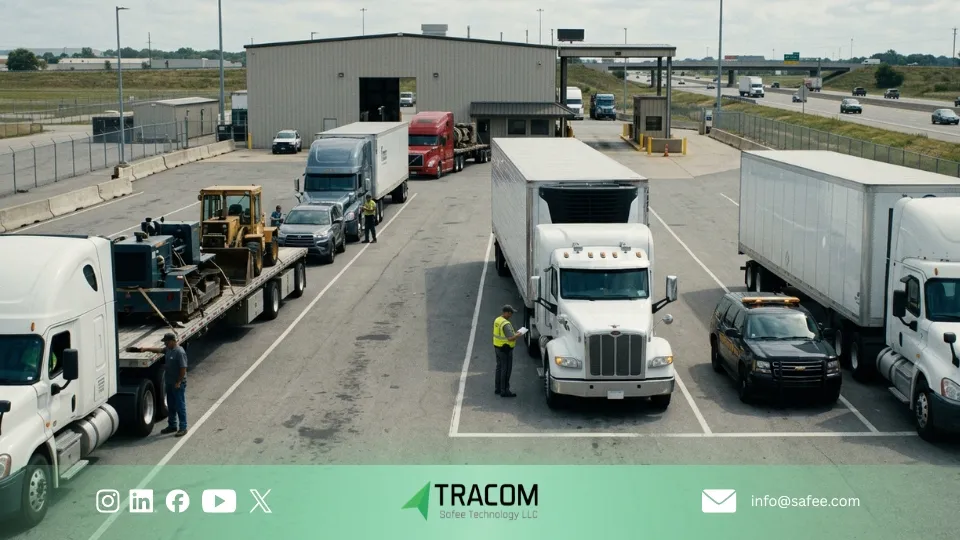
FAQ about truck tracking device system
What is a truck tracking device system?
A truck tracking device system is a commercial telematics setup that combines GPS/GNSS positioning, cellular communication, vehicle-mounted hardware, alerts, driver controls, reports, and a fleet dashboard. It helps fleet managers monitor trucks, control risk, improve dispatch, and make decisions based on live and historical data.
What is the difference between a GPS tracking device for trucks and a basic GPS tracker?
A basic GPS tracker usually focuses on location. A GPS tracking device for trucks should support fleet-grade needs such as real-time visibility, route history, driver behavior, geofencing, tamper alerts, offline storage, role-based reporting, and integration with selected vehicle or sensor data where supported.
Do GCC fleets need real time truck tracking?
Yes, especially when trucks operate across long routes, ports, industrial zones, depots, customer sites, and cross-border corridors. Real time truck tracking helps dispatchers respond to delays, exceptions, unauthorized movement, idling, and route deviations before they become larger operational issues.
Can one truck tracking system manage mixed fleets?
A well-designed truck tracking system can support mixed fleets if the hardware, installation method, data access, and platform roles are planned properly. Some vehicles may need hardwired devices, others may suit OBD-II, and trailers may need separate battery or solar asset trackers.
How does truck fleet tracking reduce operating costs?
Truck fleet tracking helps reduce waste by making route deviations, idling, unauthorized use, risky driving, poor utilization, and maintenance signals visible. The cost impact depends on how consistently the fleet acts on the reports and alerts.
How should I choose a tracking device for commercial trucks?
Start with operational fit. Confirm the truck type, installation model, connectivity conditions, required data points, security needs, reports, and users. Then validate the device and platform against your real routes and vehicle list before scaling deployment.