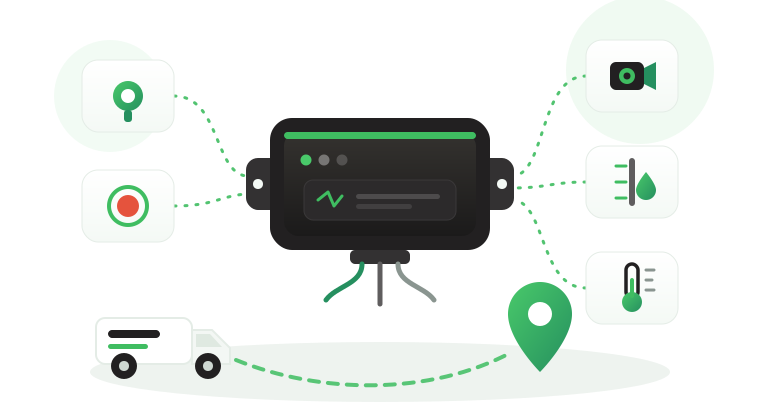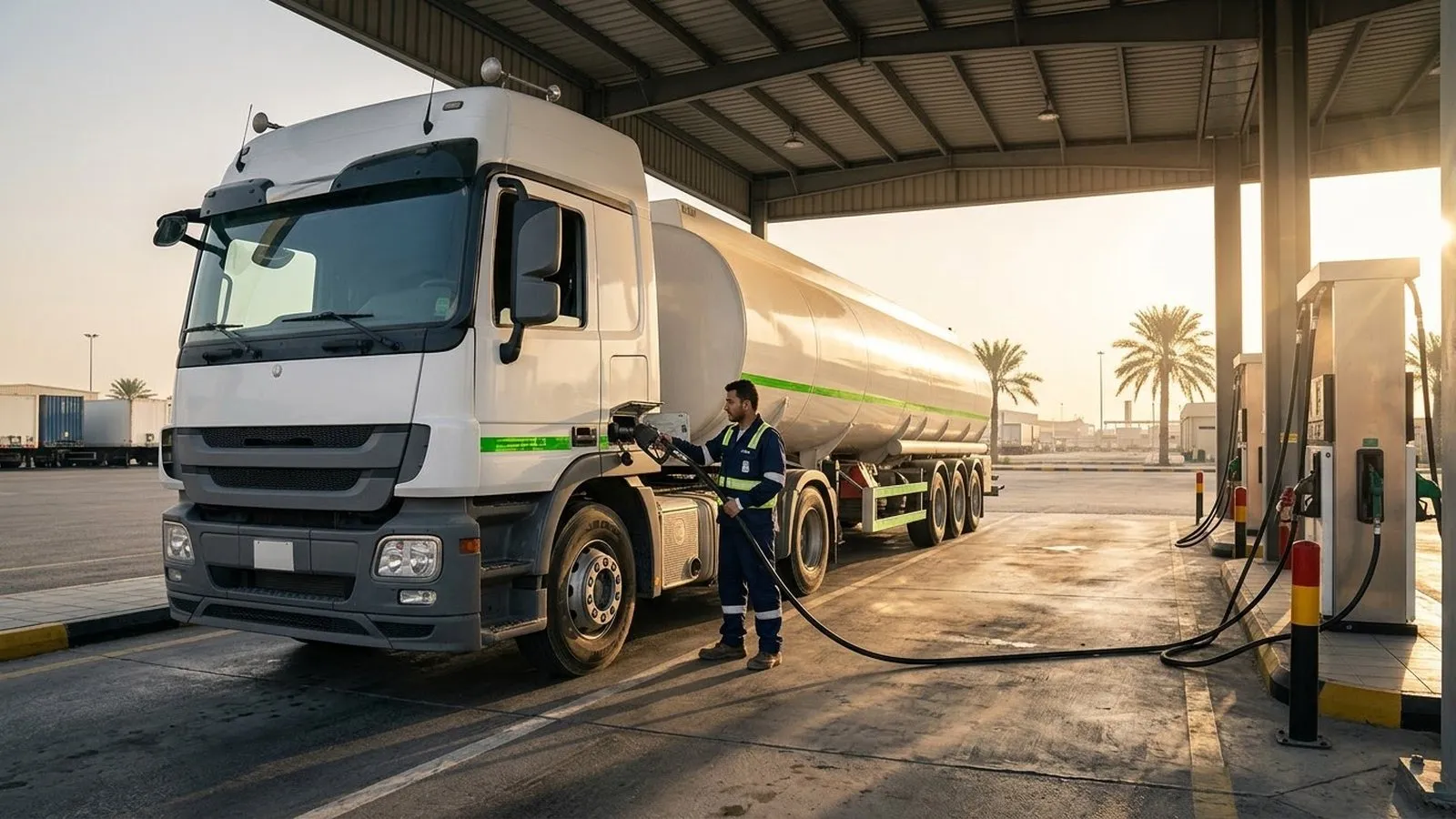
Your vehicles may already be tracked, yet fleet fuel management can still leak money through engines left running at depots, speeding on open highways, vehicles used after hours, and fuel that never reaches the tank. Fuel cards show what was bought. They rarely show how that fuel was burned, where the vehicle stood while it was filled, or why one depot uses more fuel per kilometer than another.
This article explains how fleet fuel management works when GPS and driving data are tied to fuel decisions. It covers where fuel goes in a working fleet, the signals that point to fuel loss or theft, the rules the Tracom ST100 applies inside the vehicle, when to add a Tracom fuel level sensor, and how to measure progress without guessing.
What fleet fuel management covers
Fleet fuel management is the practice of measuring how much fuel each vehicle uses, explaining the gap between expected and actual use, and changing the habits, routes, and controls behind that gap. It usually combines three sources: fuel purchases from cards or depot tanks, vehicle activity from the GPS tracking device, and fuel level readings from a sensor where one is fitted.
A tracker does not measure liters on its own, but it records the behaviors that burn fuel: idle engines, speed above policy, harsh acceleration, off-route driving, and use outside assigned hours or zones. These are the levers an operations manager can actually pull.
What the device does not decide
A rise in fuel use does not automatically determine whether a driver wasted fuel, whether the vehicle carried heavier loads, or whether fuel was stolen. Tracom supplies the GPS device, local rule logic, event data, and configuration layer. The fleet or its connected business software assigns the operational meaning and response.
Fuel cost per kilometer, fuel card reconciliation, and route planning are calculated in the connected tracking platform or in the fleet’s own systems, using the device’s time-stamped data.
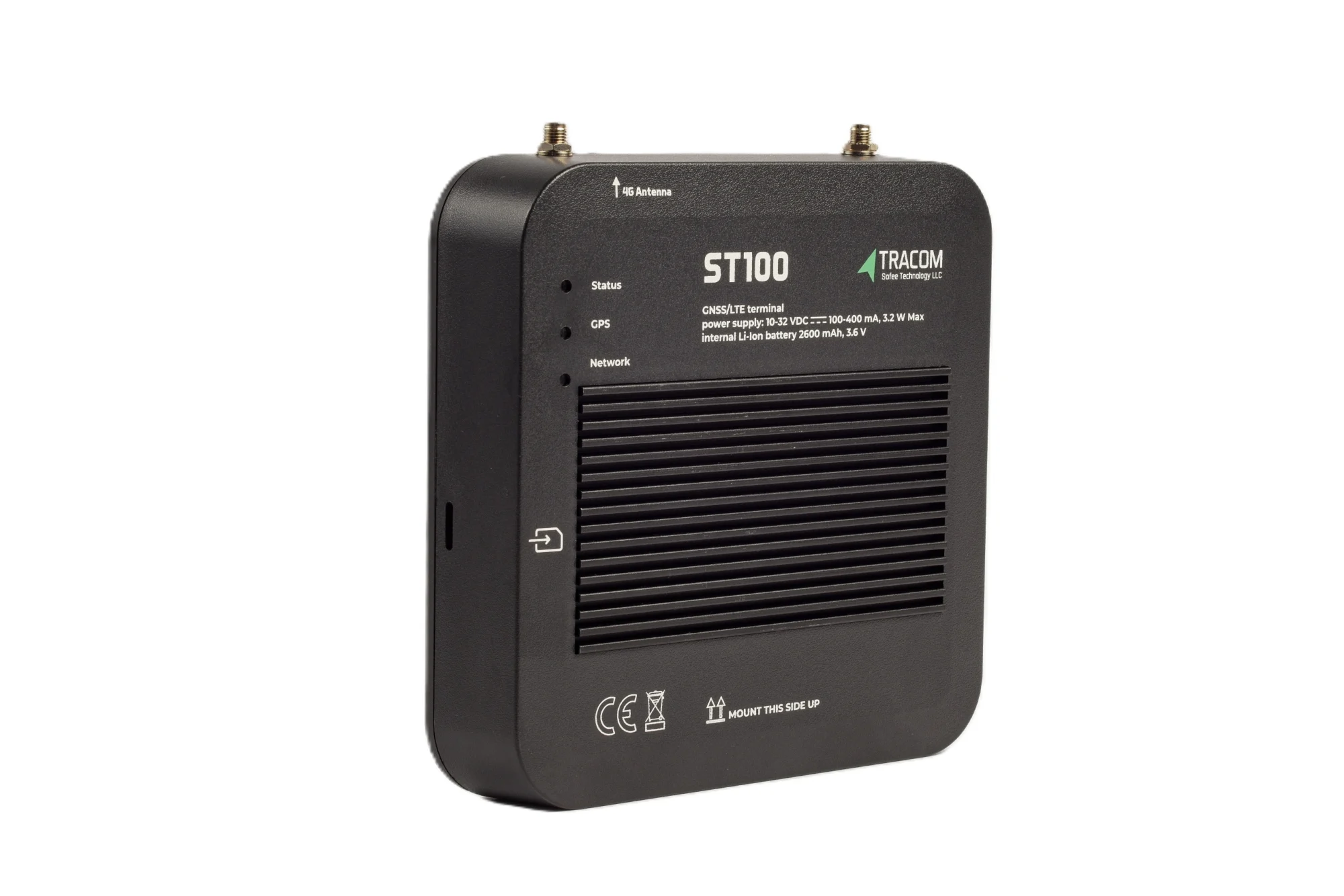
The tracking device behind every record
- GPS, GLONASS, SBAS, QZSS and AGPS positioning
- Location accuracy within a 2-meter radius
- 2G/3G/4G SIM support
- 12 digital, 4 analog and 5 AD inputs, 2 digital outputs
- 5 RS232 ports, USB, UART, 1-Wire and OBD II CAN
Where fleet fuel goes
Excess fuel usually traces back to a short list of habits and gaps. Each one has a device event behind it and a decision that a supervisor, depot manager, or fleet manager can take.
| Fuel driver | Device event | Operational use |
|---|---|---|
| Idle engine | Ignition input on with zero speed | Set idle thresholds by site and review the worst vehicles weekly |
| Over-speeding | GPS and VSS speed above a set limit | Coach drivers on highway speed policy |
| Zone speeding | Time-based speed limit on a geofence | Apply depot and site limits by hour |
| Harsh acceleration | G-sensor acceleration event | Address aggressive starts linked to schedule pressure |
| Off-route driving | Geofence exit or route deviation alert | Compare detours with job sheets |
| Unauthorized use | Movement without an authorized driver key, with hours checked in the platform | Restrict who can operate each vehicle |
Idle time
An engine running while the vehicle stands still burns fuel and moves nothing. Idle builds up at loading bays, at customer sites, during breaks, and in summer when drivers keep the air conditioning on. Detecting idle needs two facts: the engine is on, and the speed is zero. The ignition signal can be wired to one of the ST100’s digital inputs, as agreed with the Tracom team during installation, so the engine state reaches the platform alongside speed.
When a whole depot shows high idle time, the cause is often a loading queue or a dispatch schedule, not a single driver. The guide to fleet idle time reduction covers idle measurement, justified exceptions, and coaching in more detail.
Speed above policy
Fuel use rises quickly at higher speeds, especially for heavy and loaded vehicles. The ST100 measures speed from GPS and from the vehicle speed signal (VSS), and detects over-speeding against the limits the fleet sets. A clear speed policy, applied the same way on every vehicle, is one of the most direct fuel controls a fleet has.
Harsh acceleration and stop-start driving
Hard starts after every stop waste fuel and wear brakes and tires. The ST100’s built-in G-sensor detects acceleration, harsh braking, sudden impacts, and sharp movements. A cluster of harsh starts on one route often points to schedule pressure rather than one driver.
Off-route and out-of-hours use
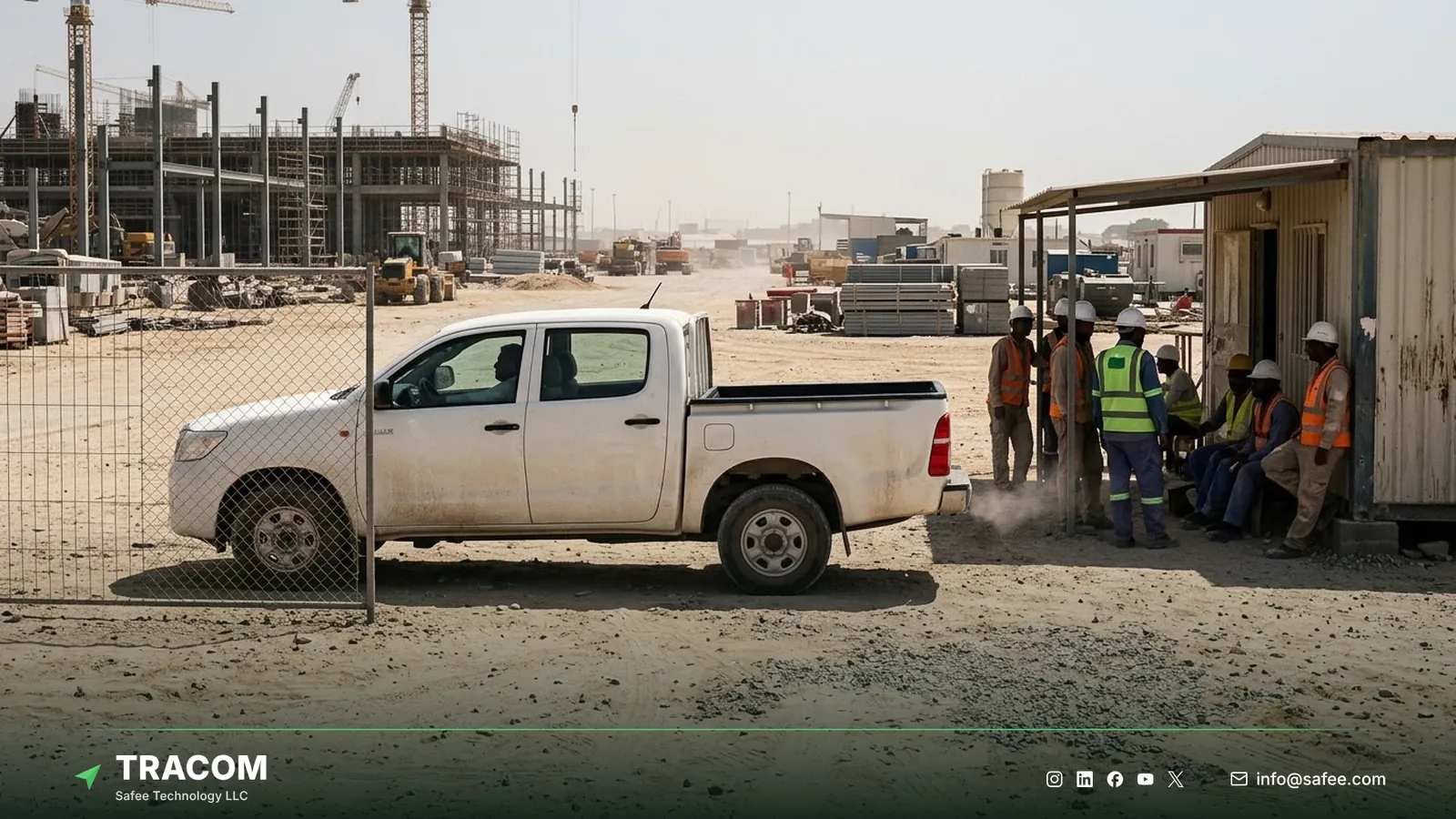
Every kilometer outside a job is fuel paid for without a return. Geofences around depots, customer sites, and approved corridors show when a vehicle leaves its expected area, and voice alerts can remind drivers when they exit an assigned route. Movement at night or on weekends without a recognized driver is one of the first places to look when light vehicles show fuel that nobody can explain.
Read also: Fleet Management ROI: How to Calculate Tracking Savings
Fuel loss and theft signals
Fuel theft rarely appears as one clear event. It appears as a mismatch between what was bought, where the vehicle was, and how far it went.
Signals from location and driving data
These signals need no fuel sensor. The matching runs in the tracking platform or business software, using the device’s trip data.
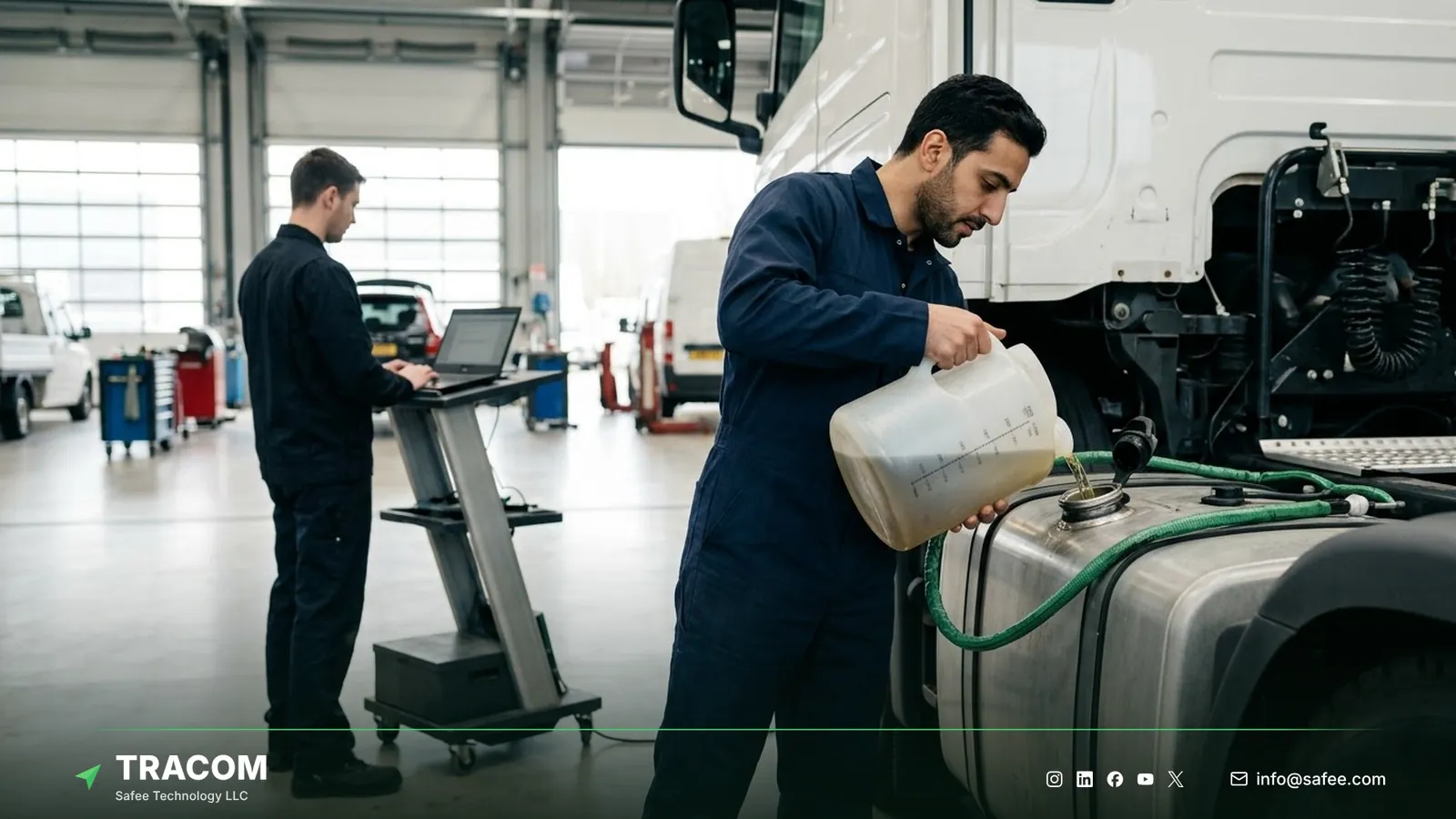
- A fuel card transaction with no matching vehicle stop at that station suggests the card was used for another vehicle or a container.
- A refueling stop outside the approved stations, mapped as geofences, shows where the fuel policy is being bypassed.
- Movement at night or on weekends without an authorized driver key flags private use that burns company fuel.
The full method for confirming a theft case, from refuel matching to drop alerts, is covered in the guide to fuel theft detection.
Signals that need a fuel level sensor
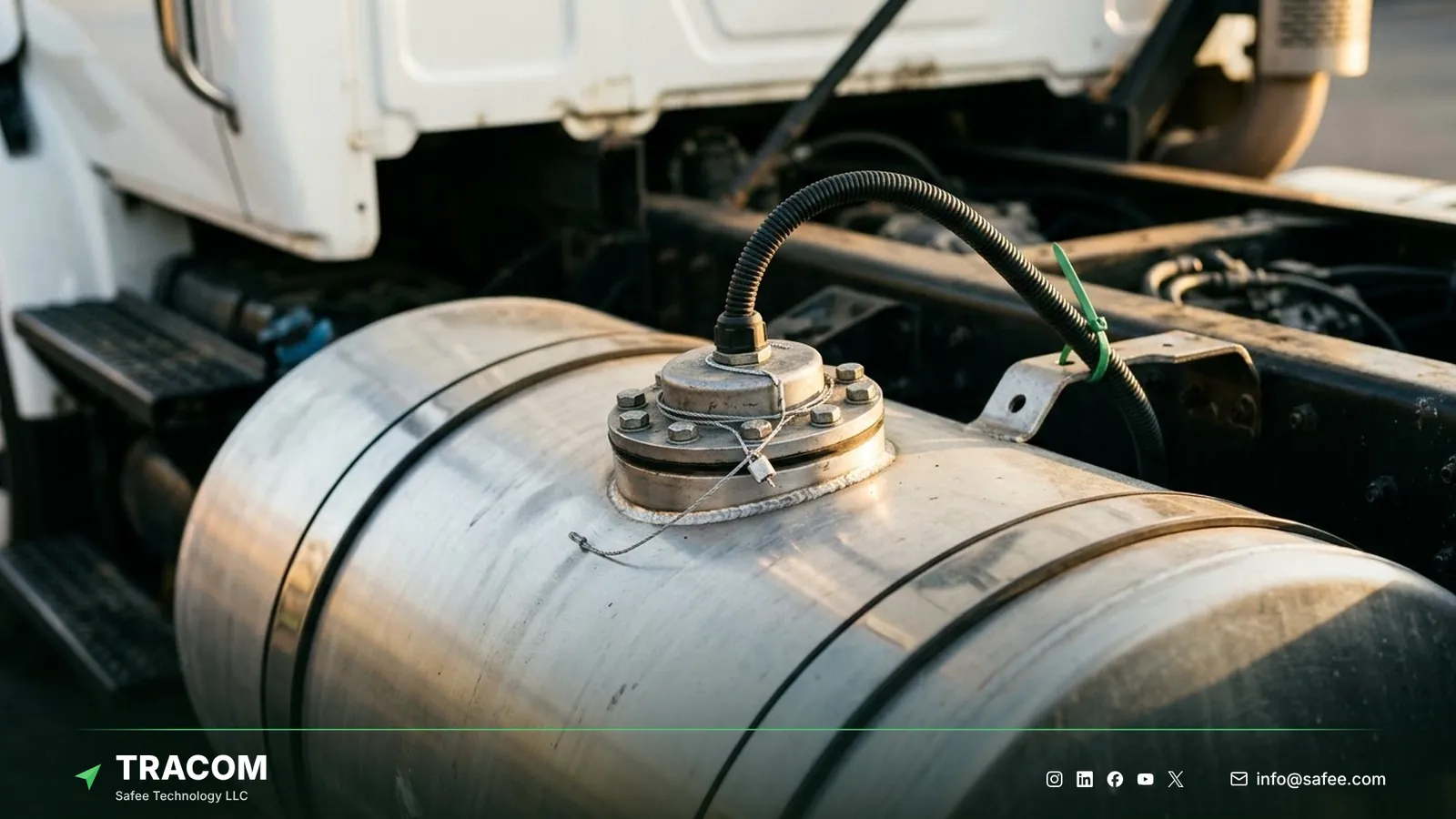
GPS data can show a suspicious pattern, but it cannot tell how many liters are in the tank. Overnight siphoning, a refill smaller than the receipt, or a drained equipment tank all need a fuel level reading from a sensor in the tank to confirm.
Tracom supplies fuel level sensors that connect to the ST100, and the type, connection, and fit for each tank are confirmed with the Tracom team. The guide to fuel level sensor types compares the main sensor families, and the guide to fuel sensor calibration explains why each tank needs its own calibration table before readings can be trusted. The ST100 also has an OBD-II CAN interface, but which fuel values a vehicle exposes over CAN depends on make, model, and year, as the guide to the CAN bus GPS tracker explains.
Rules the ST100 applies inside the vehicle
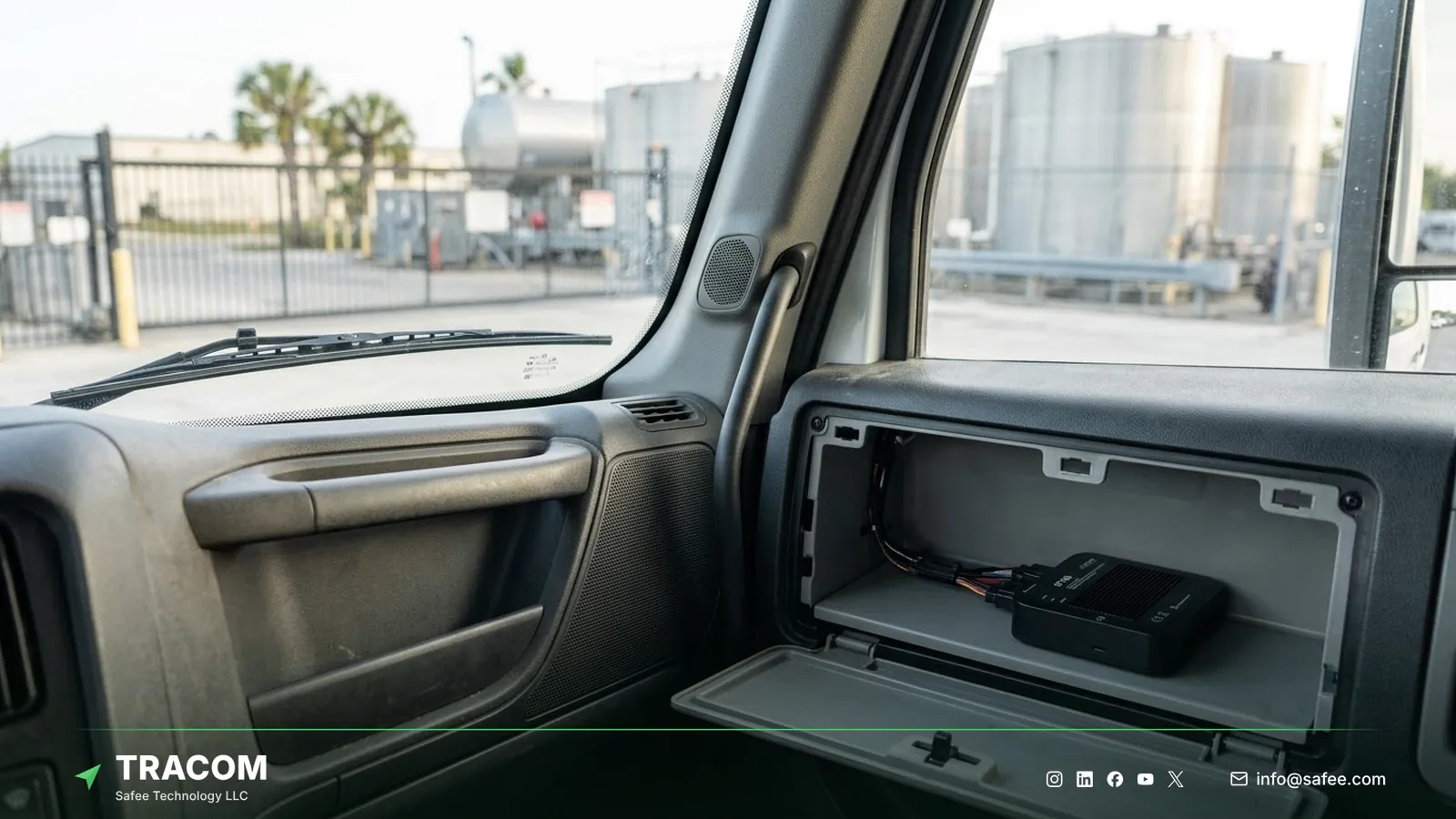
The ST100 is an in-vehicle intelligence system. It applies rules on the device and acts immediately, without waiting for a server, so a fuel report becomes a correction on the road.
Speed limits by zone and time
The ST100 supports up to 4,000 geofences with time-based speed limits. For example, a fleet could set 80 km/h for loaded tankers on a desert corridor, 20 km/h inside a depot, and a lower night limit on a known risk stretch. Zone files are prepared as KML files with custom speed categories and synchronized to devices as KMLO data. The geofencing fleet management guide covers zone design in detail.
Voice alerts that correct habits
The ST100 triggers voice alerts for over-speeding and harsh driving events, and it can activate voice alerts during grace periods. A warning in the cab reaches the driver sooner than a report read next week.
Driver access keys and immobilization
The ST100 supports up to 1,000 driver access keys. With immobilization, only authorized drivers can operate the vehicle. That cuts private use and links each trip, and each liter, to a known driver, so no driver is measured on fuel burned during someone else’s trips.
Rules that keep working offline
Routes through oil and gas fields or desert corridors often lose coverage. The ST100 applies its rules without an internet connection and stores up to one week of data internally during network outages, so speed rules keep working and the trip data is kept on the device.
Measuring fuel performance
The connected tracking platform calculates a few shared metrics from the device’s second-by-second data and the fleet’s fuel records.
- Fuel used per 100 km shows efficiency by vehicle class and duty type.
- Idle hours per vehicle per week, and their share of engine hours, show where engines run for nothing.
- The share of distance driven above the speed policy shows how often speed rules are ignored.
- Fuel purchased compared with distance driven, by vehicle and by card, flags fuel that may not reach the tank.
- Out-of-hours kilometers, split by whether an authorized driver key was used, show private or unassigned use.
Setting a fair baseline
Compare vehicles of the same class doing the same kind of work. Record at least four weeks of data before changing any rule, so later results are compared with a real starting point.
Reading results with a decision in mind
Take a hypothetical depot as an example. Report: idle hours at one depot are twice those at the other depots in the region. Insight: most idle time occurs between 6 and 8 a.m. while trucks wait at a single loading bay. Decision: stagger departure times, set an idle threshold of ten minutes at that site, and review the top ten vehicles weekly. Verification: compare idle hours and fuel per 100 km for that depot over the next two months. The fleet reporting and analytics guide explains how to build reports in this format.
Read also: Tanker Truck Tracking for Fuel, Water and Hazmat Tankers
Steps to start a fleet fuel program
A staged start keeps the program focused on causes the fleet can change.
- Collect fuel data first: card transactions, depot tank records, and the fuel figures each vehicle class should achieve.
- Choose a pilot group of vehicles across at least two depots and one long or remote route.
- Confirm the input map at installation, including ignition and any sensor inputs, following the fleet GPS tracker installation guide.
- Assign driver access keys so every pilot trip and fuel purchase links to a known driver.
- Load depot, site, and approved fuel station geofences, with time-based speed limits where they apply.
- Configure speed events and voice alerts in the XML configuration file, push it to the pilot group through the SCMS portal, and agree idle thresholds for reports with the Tracom team.
- Run the pilot for at least four weeks and review idle, speed, and fuel per 100 km with depot managers before changing thresholds.
- Roll the approved configuration out by vehicle group and review the fuel metrics monthly.
Share your vehicle classes, fuel card data source, depot list, and approved fuel stations, and talk to a Tracom specialist about a fuel pilot for your routes.
Common fuel program failures
Fuel programs usually stall because of design choices, not missing data.
| Failure | Operational consequence |
|---|---|
| One fuel target for every vehicle class | Heavy trucks always look wasteful and light vans always look efficient |
| Idle threshold too short | Normal loading stops flood the report and managers stop reading it |
| No driver identification on shared vehicles | Fuel figures land on the wrong driver and coaching loses credibility |
| Fuel cards never matched to stops | Card misuse continues because nobody compares location with purchases |
| Assuming GPS data measures liters | Theft cases cannot be confirmed without a fuel level reading |
| Speed limits that ignore site rules | Drivers receive warnings that make no sense on the ground |
Tracom hardware for a fleet fuel program
At Tracom, we supply the Tracom ST100 to apply fuel-relevant rules inside the vehicle, even when the network drops, and we supply the fuel level sensors that complete the picture. The table shows what goes in each vehicle for each part of a fuel program.
| Need | ST100 feature, input, or accessory | Confirm with the Tracom team |
|---|---|---|
| Idle time | Ignition wired to a digital input | Input wiring per vehicle type |
| Speed and harsh driving | GPS and VSS speed, G-sensor, voice alerts | Speed policy and alert set per class |
| Zone and route control | Up to 4,000 geofences, time-based speed limits | Depot, site, and fuel station zones |
| Known driver per liter | Driver key reader, up to 1,000 keys, immobilization | Reader fit and immobilization wiring |
| Liters in the tank | Fuel level sensor Tracom supplies | Sensor type, fit, and calibration per tank |
| Device removal | Tamper alert | Installation position and wiring |
| Vehicle fuel data | OBD-II CAN interface | Values available per make, model, and year |
The ST100 records second-by-second data, stores up to one week of data on the device, and is configured centrally through the SCMS portal with XML files of hundreds of customizable events, KML/KMLO zone files, OTA updates, and SMS commands. It works with third-party tracking platforms through a documented protocol that we share with partners. You can review these capabilities on the features page and see how remote configuration works on the services page. Idle thresholds, input assignments, and the sensor for each tank should be confirmed during solution design. Request a device recommendation with your vehicle classes and tank types, and our team will specify the ST100 and fuel sensors for your fleet.
Conclusion
Fleet fuel management works when every liter can be tied to a vehicle, a driver, a place, and a reason. Idle time, speed, harsh driving, and unauthorized use explain a large part of the gap, and fuel level readings confirm the rest where theft is suspected.
Tracom provides the GPS device, fuel level sensors, in-vehicle rules, voice alerts, and remote configuration that let fleets across the GCC and worldwide correct fuel-wasting habits on the road. Share your vehicle classes, tank types, depot locations, and speed policy, and talk to Tracom about ST100 devices and fuel sensors for your fleet or your customers’ fleets.
Frequently asked questions
Can a GPS tracker measure fuel level?
No. A GPS tracker records location, speed, and driving events, not liters in the tank. To measure fuel level, fleets add a fuel level sensor in the tank. Tracom supplies fuel level sensors that connect to the ST100 inputs, and the type and fit for each tank are confirmed with the Tracom team.
How does GPS tracking reduce fleet fuel use?
It exposes the habits that waste fuel and lets the fleet correct them. The ST100 supplies the data behind idle reports and flags over-speeding, harsh acceleration, route exits, and unauthorized use. In-vehicle speed limits and voice alerts correct some of these on the road, and reports help managers fix the rest at depot and dispatch level.
Can the ST100 help detect fuel theft?
Yes, as part of a wider process. The ST100 supplies trip, stop, and event data, tamper alerts, and driver identification that the platform compares with fuel card records. Confirming a suspected siphoning or short refill needs a fuel level sensor, which Tracom supplies with the type and fit confirmed per tank.
Which fuel metrics should a fleet track first?
Start with fuel used per 100 km by vehicle class, idle hours per vehicle, and the share of distance driven above the speed policy. These three point to the habits a commercial fleet can change first. Add card-to-stop matching and out-of-hours kilometers once the first metrics are stable.
Does Tracom decide whether fuel was wasted or stolen?
No. An idle event or a card mismatch does not prove waste or theft by itself. Tracom supplies the GPS device, local rule logic, event data, and configuration layer. The fleet or its connected business software assigns the operational meaning and response, including investigations and any action with a driver.
Choose the right tracker for every vehicle
Tell us your vehicle types and what you need to monitor. A Tracom device specialist will reply by email with a recommended ST100 setup and accessories.
Usually replies within one business day • No sales spam
Your details are used only to respond to your request. Privacy Policy