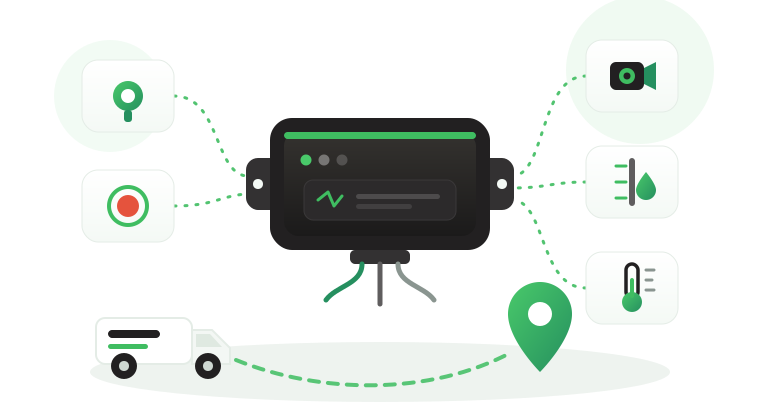
Fleet GPS tracker cost is usually compared on one number: the price of the device. The quote that looked cheapest then grows in the field. A technician returns to rewire units that lose power, a branch manager pays for a second visit because the device had no spare input for a fuel level sensor, and the safety team rebuilds missing trips by hand after every desert run. The problem is not the purchase price. It is a cost model that leaves out everything the device needs to deliver usable data for its whole working life.
This article explains what a fleet tracking program actually costs to own. It covers the cost components behind every quote, the difference between one-time and recurring costs, the hidden costs of a low-priced tracker, how device capabilities change ownership cost, the steps to build an estimate, and which Tracom ST100 inputs and accessories to include when you request a quotation.
What fleet GPS tracker cost includes
Fleet GPS tracker cost is the total cost of putting a working tracking device in each vehicle and keeping it productive: hardware, installation, connectivity, the tracking platform, accessories, configuration, support, and the internal time spent on rollout. Some of these costs are paid once, and others recur every month or year for as long as the vehicle is tracked.
A useful estimate is built per vehicle group and per year, not per device. A tanker on remote routes, a pickup on a construction site, and a sedan in a sales pool can share the same device model and still carry very different installation, connectivity, and support costs. A company with a handful of vans follows the same logic on a smaller scale, as the guide to fleet tracking for small business shows.
What the device price does not decide
A low device price does not decide whether the program will save money, and a higher one does not prove it will. Tracom supplies the GPS device, in-vehicle rule logic, event data, and configuration layer. The fleet or its connected business software assigns the operational meaning and response, and that is where most of the value or waste is decided.
Savings and payback belong in a separate return calculation, which the guide to calculating fleet tracking ROI walks through step by step. This article stays with the cost side: what you pay for, and what makes that cost rise or fall.
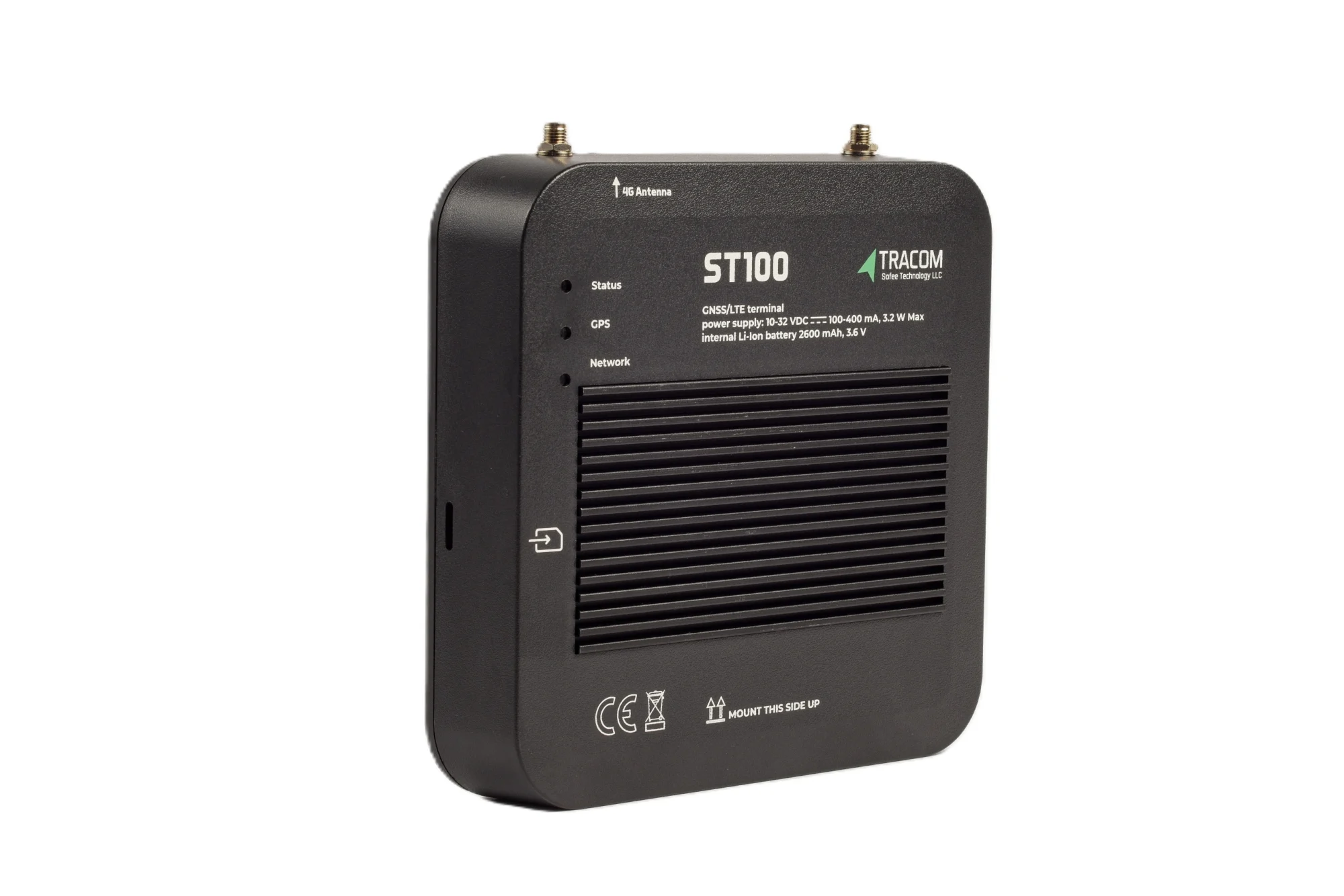
The tracking device behind every record
- GPS, GLONASS, SBAS, QZSS and AGPS positioning
- Location accuracy within a 2-meter radius
- 2G/3G/4G SIM support
- 12 digital, 4 analog and 5 AD inputs, 2 digital outputs
- 5 RS232 ports, USB, UART, 1-Wire and OBD II CAN
The cost components of a tracking program
Every tracking quote, whatever its format, is built from the same components. The table below lists them with the question that exposes the real cost of each.
| Cost component | What drives it | Question to ask |
|---|---|---|
| Hardware | Device type, inputs, interfaces | Will this device cover our needs in three years? |
| Installation | Vehicle mix, sites, wiring depth | Who installs, and who fixes a bad install? |
| Connectivity | SIM plans, data use, roaming | What does each vehicle use per month? |
| Platform | Users, vehicles, features, contract | What is included, and what is extra? |
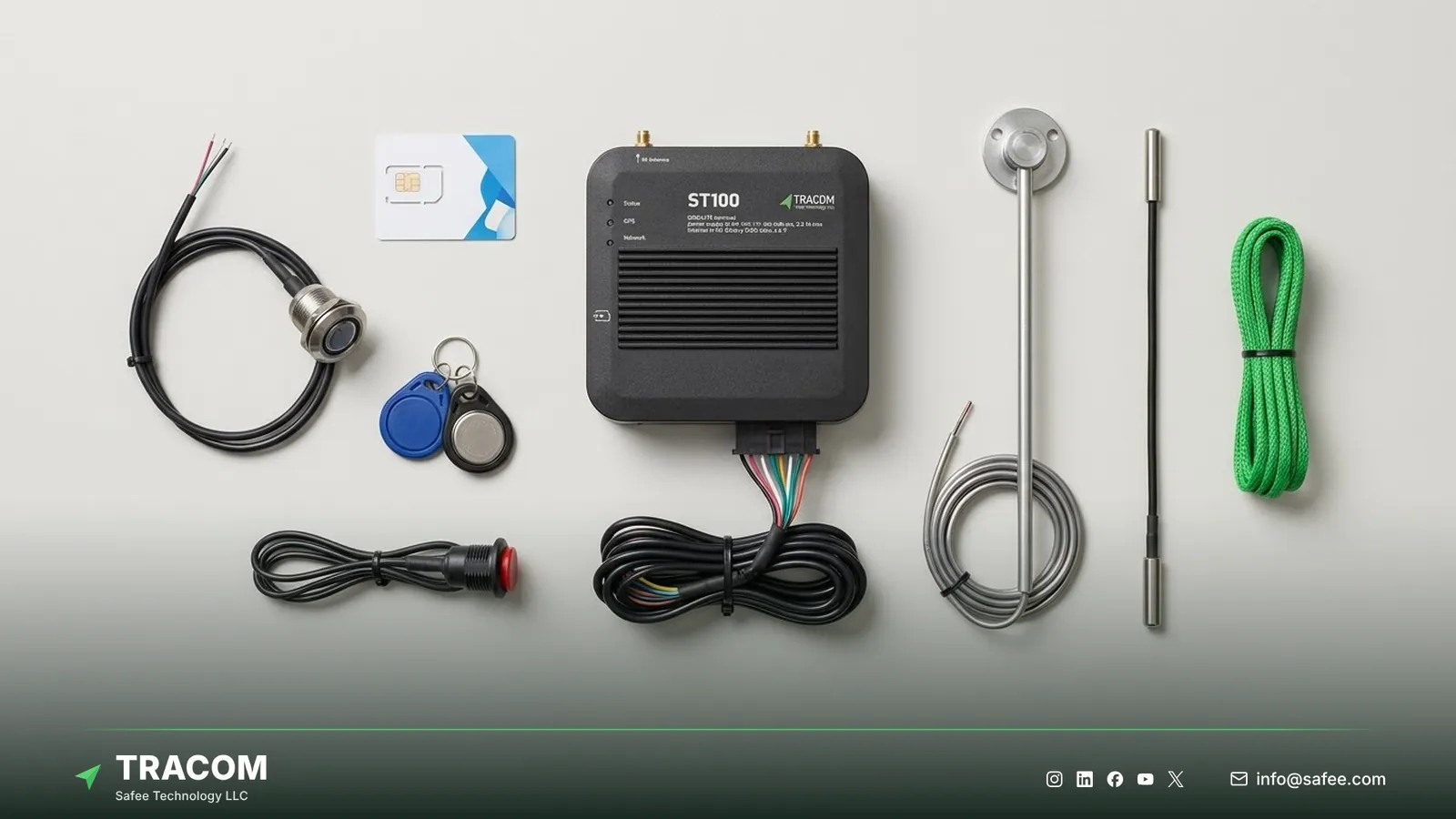
| Accessories | Sensors, driver keys, buttons | Which accessories does each use case need? |
| Configuration and support | Rules, zones, updates, training | How are changes made after rollout? |
Hardware
Hardware cost depends first on device type. An OBD-II plug-in tracker, an installed in-vehicle unit, and a battery asset tracker serve different assets at different prices, so comparing them on price alone mixes categories. The guide to the types of GPS fleet tracking devices explains which type suits each asset, and the comparison of hardwired vs OBD GPS trackers shows how the install type changes both price and tamper risk. Within a category, the number of inputs and interfaces drives price, and it also decides whether the fleet can add a sensor later without buying a second device.
Installation
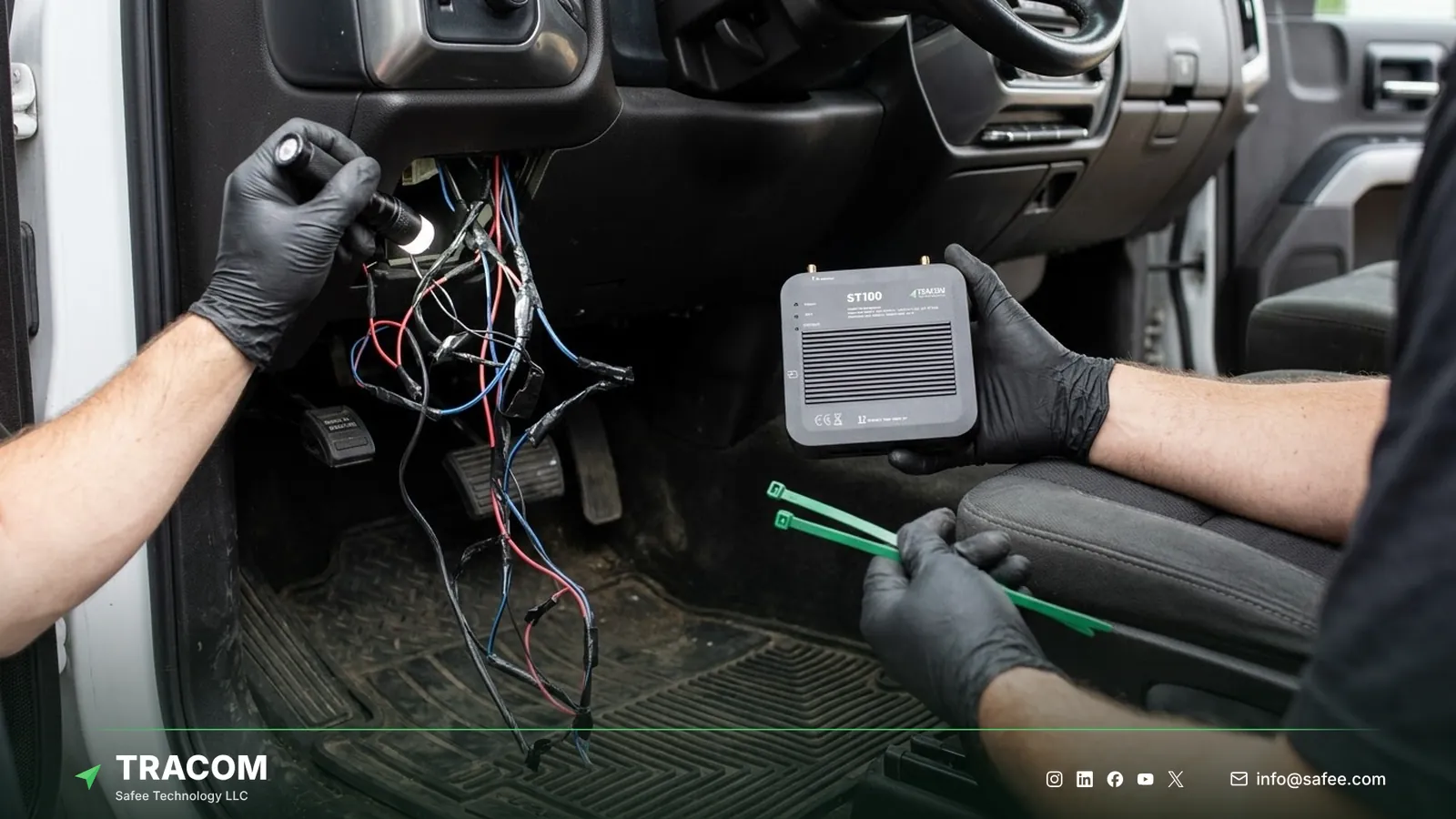
Installation cost depends on the vehicle mix, the number of sites, and how deeply the device must be wired into the vehicle. Connecting ignition, buttons, sensors, or immobilization takes longer than a basic power connection. Poor installation is also a common cause of later data faults, so a cheap install often becomes an expensive revisit. The fleet GPS tracker installation guide and the article on GPS tracker placement cover what a good installation includes.
Connectivity
Each device needs a SIM and a data plan. The cost depends on the carrier, the data each vehicle sends, and whether vehicles cross borders. Reporting frequency, the number of events, and roaming between GCC countries all affect the monthly bill, so ask for an estimate based on your actual routes.
Platform subscription
The tracking platform is usually charged per vehicle per month or per year. Ask which users, reports, alerts, and integrations are included, which carry an extra fee, and what happens to your data if the contract ends.
Accessories and sensors
Many use cases need more than the device itself. Tracom supplies the driver key reader, the panic button, fuel level sensors, and temperature sensors, and the type and fit of each are confirmed with the Tracom team. The guide to fuel level sensor types explains why the sensor choice changes both price and installation time. Vehicles that need video add the Tracom M1N MDVR, and the comparison of dash cam vs MDVR helps decide which groups need one. Price accessories per use case, not per fleet, because only some vehicle groups need them.
Configuration and support
Rules, zones, firmware, and event settings change over a fleet’s life. Ask how changes are made, whether they need a technician or can be pushed remotely, and what support is included after rollout.
Read also: GPS Fleet Tracking Device: How It Works
One-time and recurring costs
Tracking costs fall into two groups, and buying models differ mainly in how they split them. Comparing models over the same multi-year period gives a fair reading of each.
Purchase plus subscription
In the most common model, the fleet buys the hardware and pays installation once, then pays recurring fees for connectivity and the platform. Upfront cost is higher, but the fleet owns the devices and can plan recurring cost per vehicle.
Bundled or rental models
Some providers bundle hardware into a monthly fee per vehicle. Upfront cost is lower, but the total over a long contract can exceed the purchase model. Check what happens to the hardware when the contract ends and who pays for replacements. Telematics service providers often buy devices in volume and build their own bundles, and the guide for a GPS tracker reseller covers that side of the cost model. Offers sold as a GPS tracker without a monthly fee follow the same logic, because the data and platform costs move elsewhere rather than disappear.
Contract length and exit
Contract terms decide how much flexibility the fleet keeps. Ask about minimum terms, the cost of adding or removing vehicles, transfers between vehicles, and how data can be exported if the fleet changes provider.
Hidden costs of a low-priced tracker
The costs that hurt most rarely appear on the first quote. They show up months later as visits, rework, and decisions made on incomplete data.
- Site visits for every setting change cost technician time and vehicle downtime at each branch.
- A device with no spare inputs forces a second device or an adapter when a sensor is added.
- Data gaps on weak coverage routes leave missing trips, disputed deliveries, and manual reports.
- A tracker that is easy to remove or tamper with loses tracking on the vehicles that need it most.
- Rules that run only on the server send late alerts about incidents nobody can correct in time.
- Poor installation leads to repeat visits and to faults that get blamed on the device.
- Without driver identification, costs and incidents are assigned to the wrong person.
How device capabilities change ownership cost
Some device capabilities reduce recurring cost because they remove a visit, a workaround, or a manual task. When comparing quotes, check which of these the device supports and which would need extra hardware or services.
Remote configuration instead of site visits
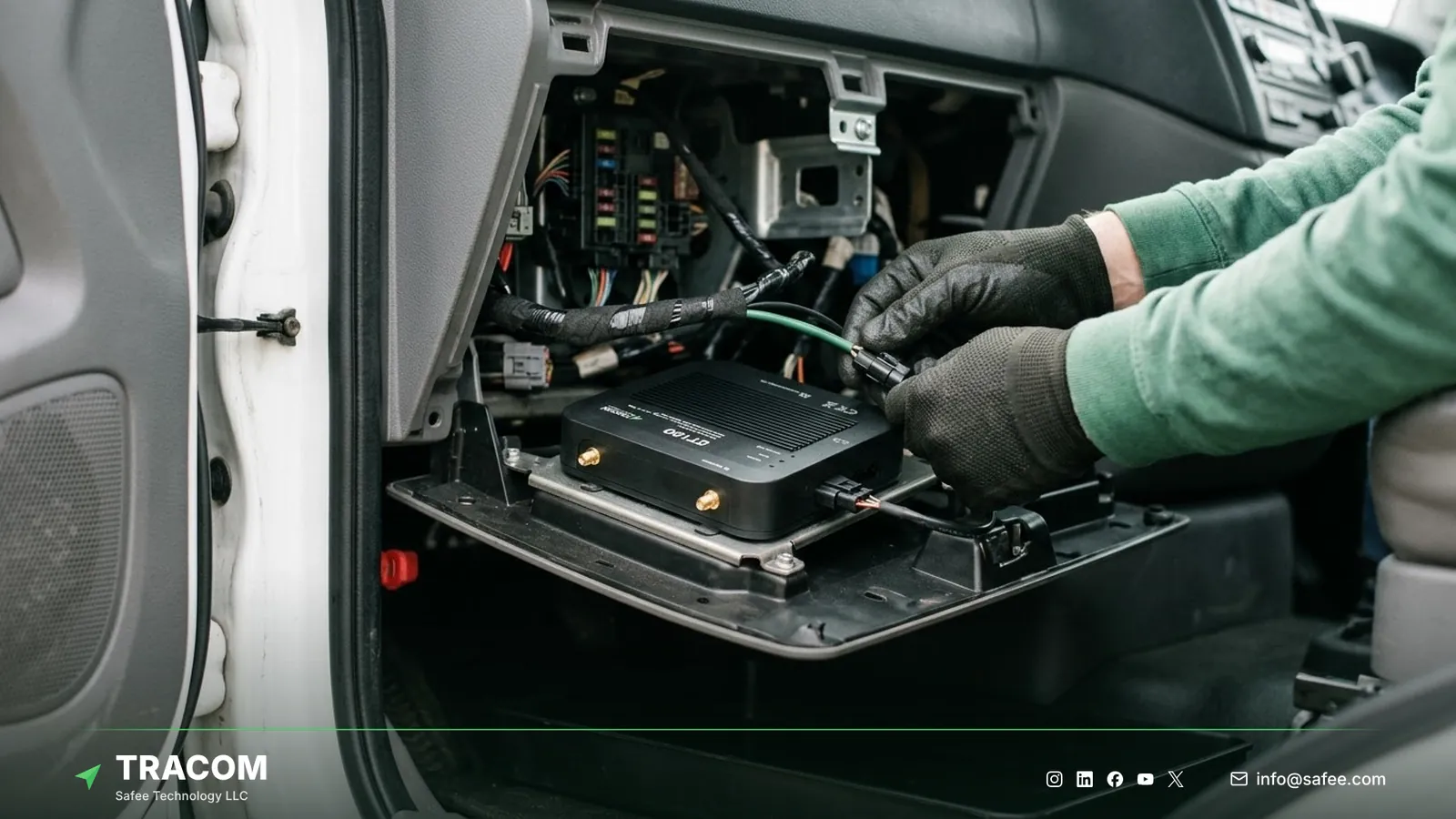
The ST100 is configured centrally through the SCMS portal. Event settings are defined in XML files with hundreds of customizable events, zone rules are loaded as KML/KMLO geofence files, and firmware and configuration updates reach device groups over the air with daily synchronization. When portal access is unavailable, SMS commands can adjust selected parameters. Each change that would otherwise need a technician at every branch becomes an office task.
Rules and alerts on the device
The ST100 applies rules inside the vehicle without an internet connection. It supports up to 4,000 geofences with time-based speed limits and grace periods, voice alerts for over-speeding, harsh events, and seat belt violations, and up to 1,000 driver access keys with immobilization. When you compare quotes, check whether these functions are part of the device or require separate units and services. On the ST100 they are device capabilities, and the accessories each one needs, such as driver keys, are confirmed with the Tracom team.
Onboard storage and fewer data gaps
The ST100 records data second by second and stores up to one week of data internally during network outages. Data from trips through weak coverage is held on the device, which reduces the manual reconstruction and disputes that data gaps create on remote routes.
Spare inputs for later needs
The ST100 offers twelve digital inputs, four analog inputs, five AD inputs, two digital outputs, two pulse counters, five RS232 ports, a 1-wire interface, and an OBD-II CAN interface. Spare capacity means a later use case, such as a new sensor, usually starts with configuration and a Tracom accessory rather than a replacement device. The type and fit of each sensor are confirmed with the Tracom team.
Read also: GPS Tracker with Engine Cut-Off: How Immobilization Works Safely
Implementation costs and how to build an estimate
Rollout carries its own costs: pilot time, installation scheduling, configuration work, driver briefings, and integration with business systems. A structured estimate keeps them visible.

- List vehicle groups with quantities, vehicle types, sites, and the routes each group runs.
- Define what each group must report and which rules must run in the vehicle.
- List the accessories each use case needs, such as driver keys, buttons, or sensors.
- Estimate installation per vehicle type and per site, including travel and vehicle downtime.
- Estimate connectivity per vehicle from real reporting needs and any cross-border routes.
- Add platform fees, users, integrations, and support for the full contract period.
- Run a pilot on one or two vehicle groups, then correct the estimate before ordering at volume.
Share your vehicle count, vehicle types, routes, and required features, and request a device recommendation with a tailored quotation for your fleet.
Tracom hardware to include in each quotation
At Tracom, we prepare quotations for the Tracom ST100 and its accessories on request, based on the vehicle groups and use cases you share with us. The table shows what each need adds to the hardware list for a vehicle.
| Need | ST100 feature, input, or accessory | Confirm with the Tracom team |
|---|---|---|
| Tracking and rules in the vehicle | ST100 with up to 4,000 geofences and voice alerts | Vehicle types and wiring per group |
| Driver identification | Driver key reader, up to 1,000 access keys | Reader fit and immobilization wiring |
| Emergency alerts | Panic button | Button position per vehicle type |
| Fuel monitoring | Fuel level sensor | Sensor type, fit, and connection per tank |
| Cold cargo | Temperature sensor | Sensor type and position in the body |
| Video | Tracom M1N MDVR alongside the ST100 | Channels, storage, and camera options |
| Your platform | Documented protocol for third-party platforms | Protocol documents for your platform |
The ST100 also brings central configuration through the SCMS portal, SMS commands, second-by-second data with up to one week of onboard storage, GPS, GLONASS, SBAS, QZSS, and AGPS positioning within a 2-meter radius, and support for 2G/3G/4G SIM cards. You can review the full list on the features page and see how remote configuration works on the services page. Installation scope and connectivity arrangements for your routes should be confirmed during solution design. Talk to Tracom about ST100 devices for your fleet or your customers’ fleets, and we will quote the device and accessories per vehicle group.
Conclusion
The cost of fleet tracking is decided less by the device price than by what happens after installation: visits, data gaps, missing inputs, and rules that arrive too late. A per-group, multi-year estimate makes those costs visible before they appear on the invoice.
Tracom provides an in-vehicle device with remote configuration, local rules, driver identification, and onboard storage, plus the accessories each use case needs, for B2B fleets and telematics partners across the GCC and worldwide. Share your vehicle count, vehicle groups, routes, and required features, and talk to a Tracom specialist to receive a tailored quotation for your fleet.
Frequently asked questions
How much does a fleet GPS tracker cost?
It depends on the device type, the interfaces and accessories each vehicle needs, installation, connectivity, and the platform contract. A fair comparison adds one-time and recurring costs per vehicle over the same period. Tracom prepares a quotation on request, based on your vehicle count, routes, and required features.
Is there a monthly fee on top of the device price?
Usually, yes. Most tracking programs carry recurring costs for the SIM data plan and the tracking platform, charged per vehicle per month or per year. Some providers bundle hardware into that fee. Compare models over the full contract period, including what happens to the hardware when the contract ends.
Does installation cost extra?
In most programs it is priced separately from the device. Installation cost depends on vehicle types, the number of sites, and how many signals must be wired, such as ignition, buttons, sensors, or immobilization. Good installation costs more upfront but helps avoid repeat visits and data faults later.
Why can a cheap tracker cost more over time?
Because its hidden costs recur. Site visits for every setting change, missing inputs that force a second device, data gaps on weak routes, and easy removal all add cost after purchase. Remote configuration, onboard storage, and spare inputs can reduce these recurring costs over the device’s working life.
Does Tracom calculate the savings our fleet will achieve?
No. Tracom provides the device, in-vehicle rules, event data, configuration, and a quotation based on your setup. Savings depend on how your teams act on alerts and reports, which policies you enforce, and how your routes and vehicles operate, so your organization owns the savings calculation and the decisions behind it.
Choose the right tracker for every vehicle
Tell us your vehicle types and what you need to monitor. A Tracom device specialist will reply by email with a recommended ST100 setup and accessories.
Usually replies within one business day • No sales spam
Your details are used only to respond to your request. Privacy Policy