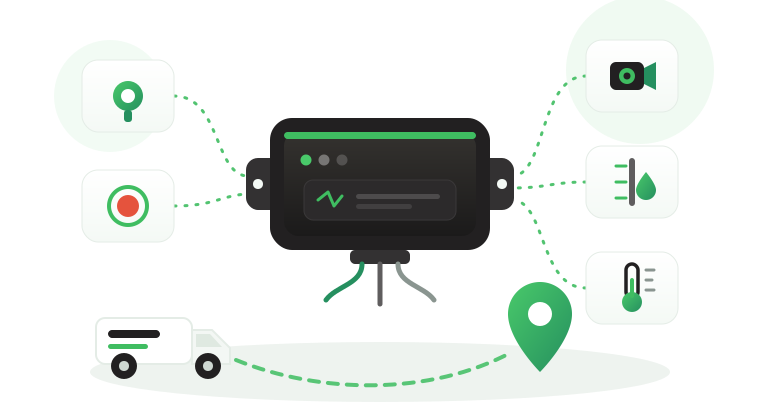
A GPS fleet management system is often bought to answer one question: where is the vehicle? Within weeks, operations directors ask harder ones. Which route failed this morning, which driver triggered the exception, why one branch runs more after-hours trips than another, and what should happen next. The problem is not missing location data. It is a system in which the device, the platform, and the teams using them were never designed to work together.
This article explains how a GPS fleet management system works as a business tool, from the device inside each vehicle to the decisions made at the dispatch desk and in management meetings. It focuses on the hardware that feeds any platform: what the in-vehicle device does that software cannot, how each team uses its data, how reports lead to action, how to run one setup across branches, the rollout steps, and which Tracom ST100 inputs and accessories to fit in each vehicle.
What a GPS fleet management system includes
A GPS fleet management system is the combination of in-vehicle devices, cellular connectivity, a tracking platform, a configuration portal, and the operating routines that turn vehicle data into decisions. Each part has a different owner and a different failure mode, which is why buying one part well does not make the whole system work.
- The in-vehicle device calculates position and speed, detects driving and security events, and applies rules inside the vehicle.
- The cellular connection carries data from the vehicle to the platform, and the device stores data when the connection drops.
- The connected tracking platform shows live status, trip history, alerts, and reports to the teams that need them.
- The configuration portal sets device behavior, zone files, and firmware for groups of vehicles from one place.
- The operating routines define who reviews which alert, how quickly, and what action follows.
A fleet can own excellent hardware and still get little value if the last part is missing. Alerts without ownership become noise.
The device is the part a business buys once per vehicle and keeps for years, so it should not tie the fleet to one software choice. The ST100 works with the fleet’s own tracking platform or a partner’s through a documented protocol that Tracom shares with partners, as the guide to GPS tracker protocol integration explains. For the path from the receiver to the server, read how a GPS fleet tracking device works, and for a part-by-part map of the device, SIM, server, and platform, see the guide to the vehicle tracking system.
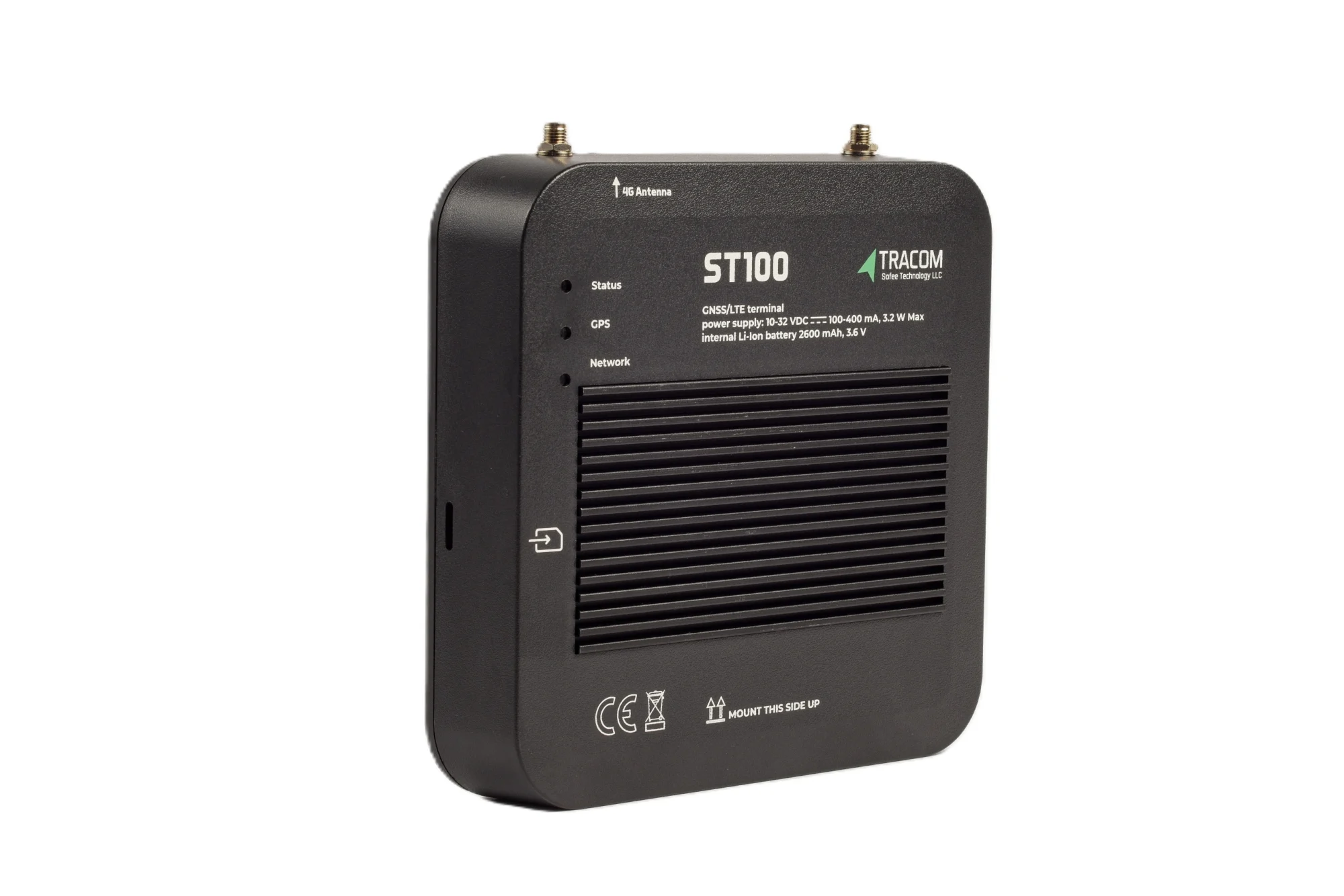
The tracking device behind every record
- GPS, GLONASS, SBAS, QZSS and AGPS positioning
- Location accuracy within a 2-meter radius
- 2G/3G/4G SIM support
- 12 digital, 4 analog and 5 AD inputs, 2 digital outputs
- 5 RS232 ports, USB, UART, 1-Wire and OBD II CAN
What the system does not decide
A geofence exit or a harsh braking event does not automatically determine whether a job is complete, whether a detour was justified, or whether a driver broke company policy. Tracom supplies the GPS device, local rule logic, event data, and configuration layer. The fleet or its connected business software assigns the operational meaning and response.
What the in-vehicle device does that software cannot
Most of a fleet system’s visible features live in the platform: maps, dashboards, and reports. The device matters because some decisions cannot wait for data to travel to a server and back, and some data only exists if the device captured it at the moment it happened.
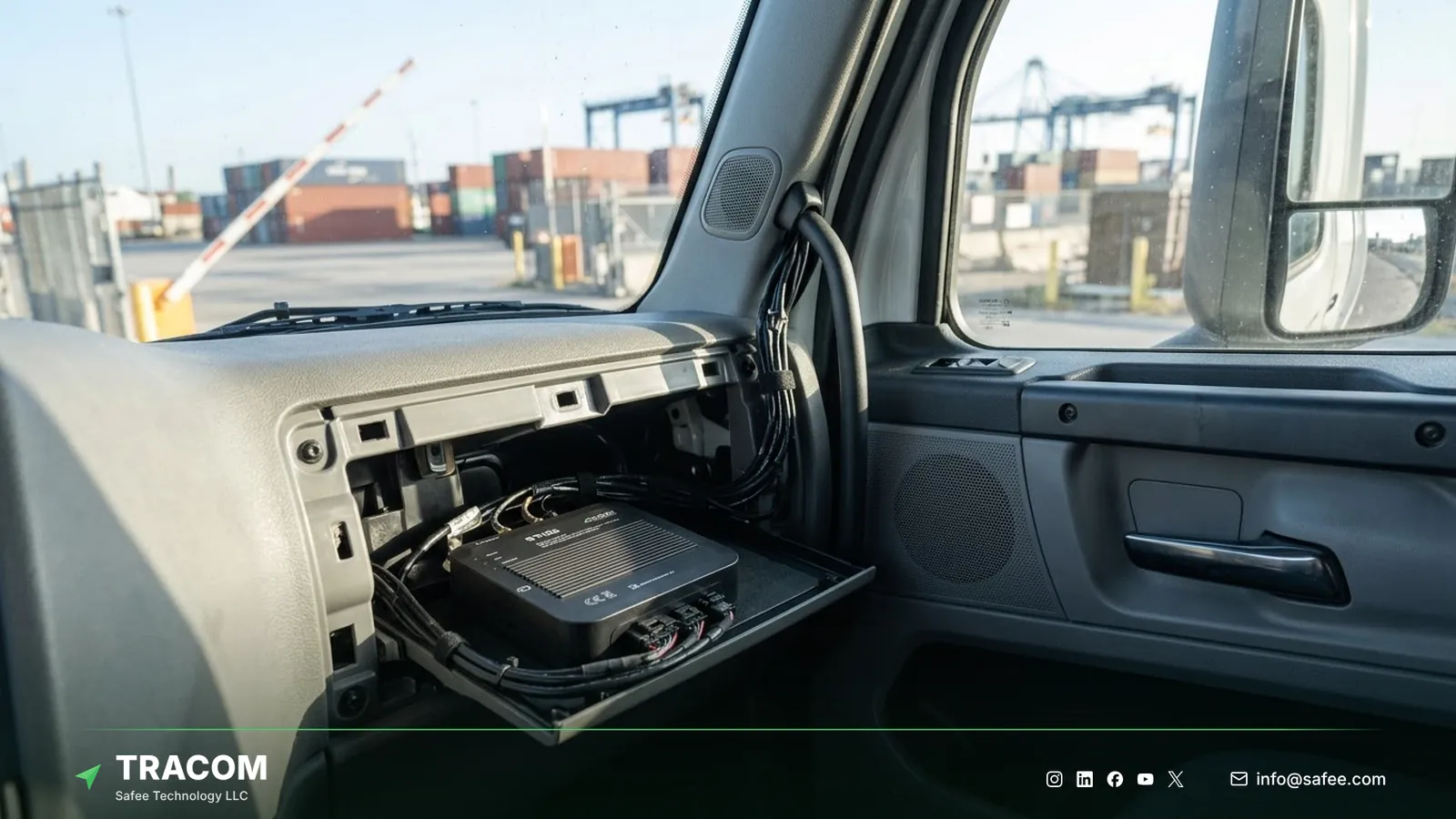
Rules that run without the cloud
The ST100 is an in-vehicle intelligence system that applies rules on the device itself. It supports up to 4,000 geofences with time-based speed limits, so a fleet can set one limit at a port gate during the day shift and another at night. The ST100 can also activate voice alerts during grace periods, so the driver hears the warning in the cab instead of learning about it in a weekly report. Because the rule runs in the vehicle, the warning reaches the driver even on a road with no coverage.
Knowing who drives each vehicle
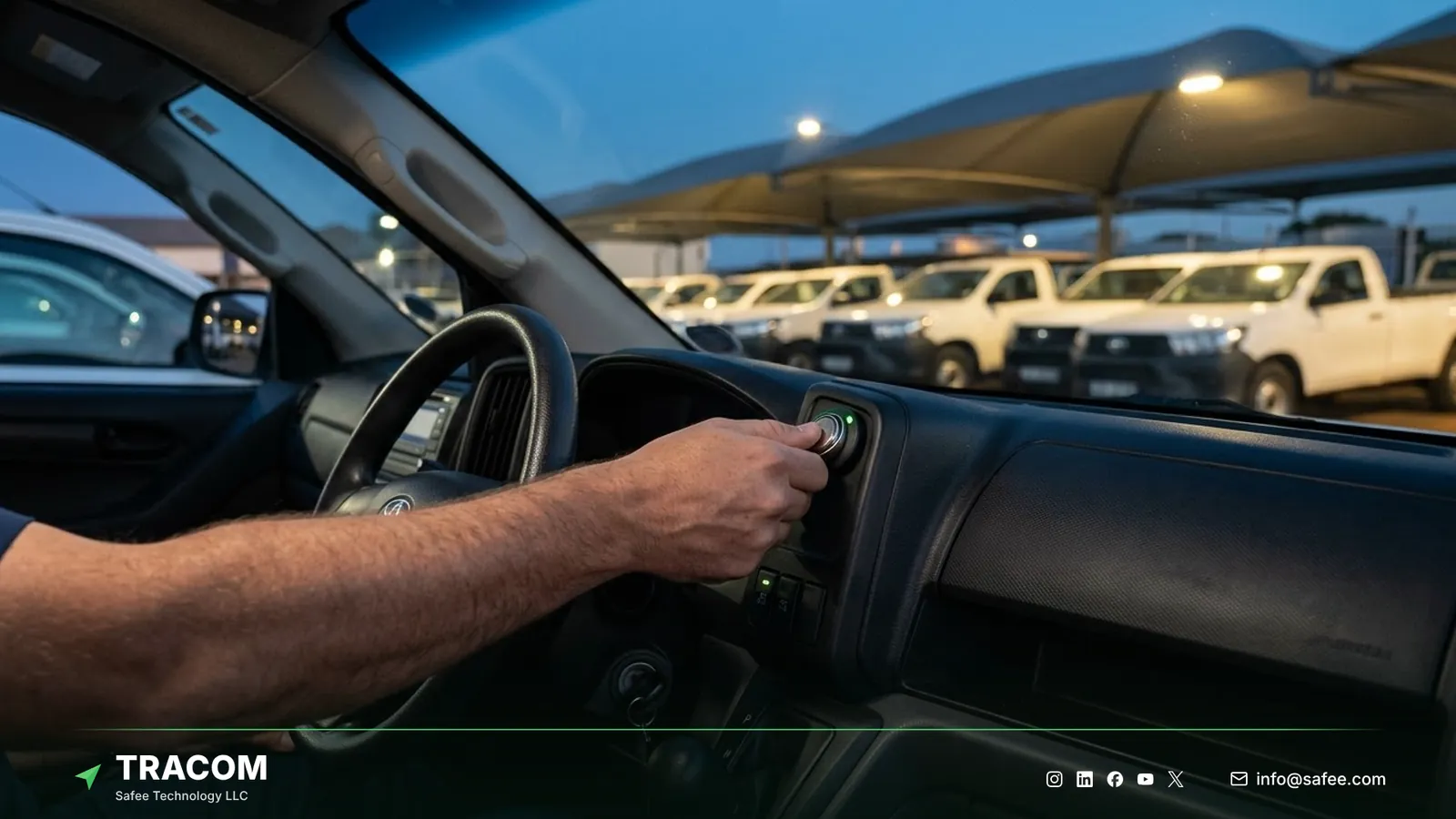
Reports about driving, misuse, and accountability are only as reliable as the link between a trip and a person. The ST100 supports up to 1,000 driver access keys, and with immobilization only authorized drivers can operate the vehicle. Pooled vehicles, shift handovers, and after-hours use then carry a known driver instead of a vehicle number.
Data that survives coverage gaps
Remote sites, desert corridors, and oil and gas routes often lose the network for hours. The ST100 records speed, acceleration, and sensor inputs second by second and stores up to one week of data internally during network outages. Trips through weak coverage are still recorded on the device instead of leaving a blank in the trip history.
Read also: Fleet Tracker Remote Management: SCMS, XML, KML and OTA Updates
How each team uses the system
The same platform serves several teams, but each one looks for a different answer. Designing views, alerts, and reports around those answers is what separates a used system from an ignored one.
| Team | Device data used | Typical decision |
|---|---|---|
| Dispatch | Live position, zone entry and exit | Which vehicle takes the next job |
| Safety | Speed, harsh events, seat belt violations | Which driver needs coaching |
| Security | Tamper, panic, after-hours movement | Whether to escalate an incident |
| Fleet manager | Trip history, driver keys, zone rules | Which policy or route to change |
| Management | Trends across branches and groups | Where to invest or cut cost |
Dispatch and operations
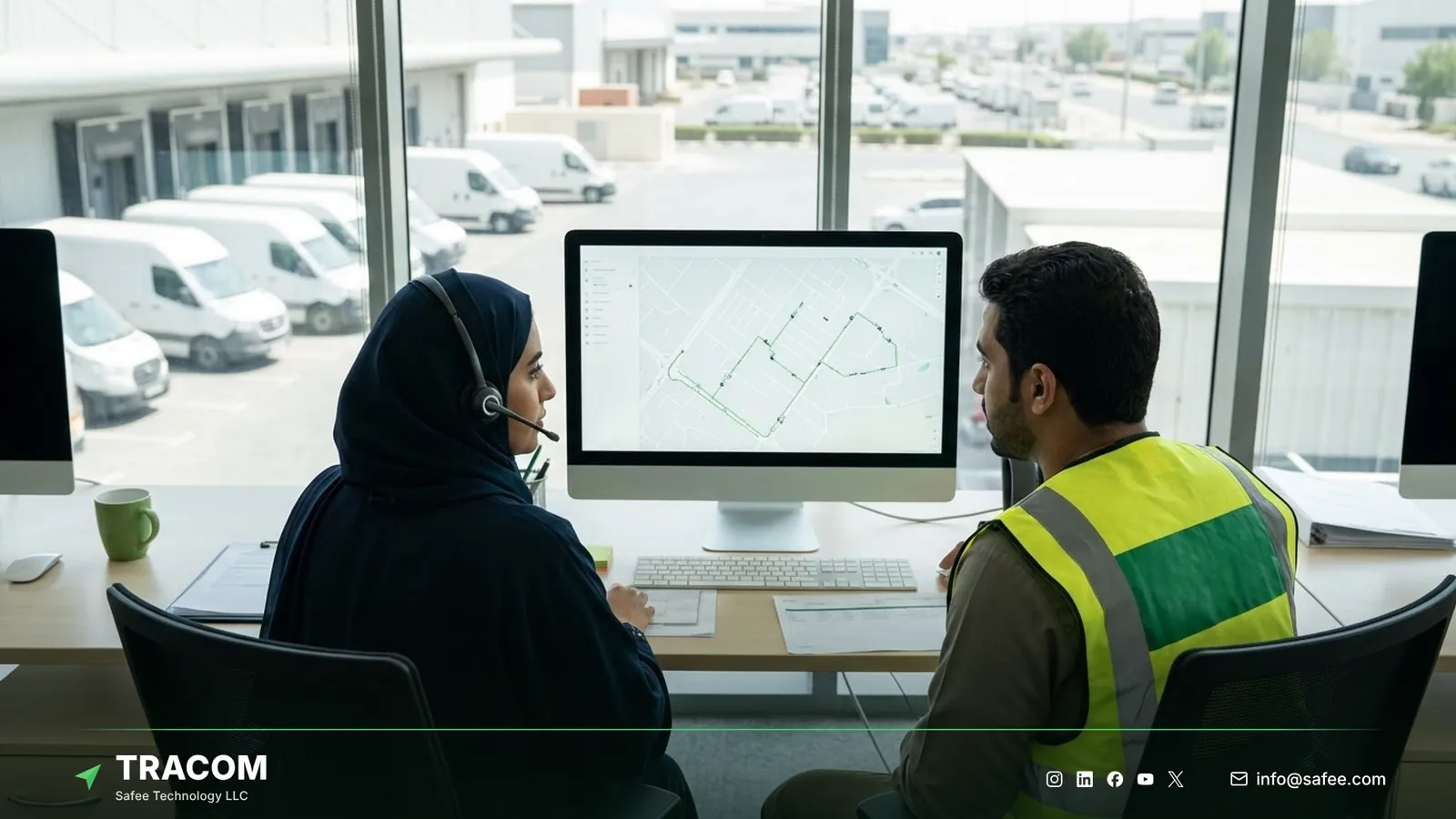
Dispatchers need current position, movement status, and zone events in one view, so they can assign the nearest suitable vehicle and answer customers without calling drivers. Zone entry and exit events confirm arrivals at depots and customer sites. The guide to GPS tracking for dispatch covers how dispatch teams use this data during the day.
Safety and fleet managers
Safety managers work from event patterns rather than single events. Over-speeding, harsh braking, harsh acceleration, sudden impacts, and seat belt violations show where coaching is needed, while panic and tamper alerts require a defined escalation path. The article on fleet safety alert management explains how to assign owners and response times to each alert.
Executives and finance
Executives rarely open the live map. They need monthly trends by branch, vehicle group, and driver group, and a short list of exceptions that cost money or create risk. The connected tracking platform should summarize these trends so that management meetings start from the same numbers the operations team uses.
Reports that lead to decisions
A report earns its place when it ends in a decision that someone checks later. A simple four-part pattern keeps reviews honest and stops reports from becoming monthly decoration.
Take a hypothetical branch review as an example.
Report: after-hours movement events doubled at one branch over two months. Insight: most events come from three pickups used for informal personal trips after the evening shift. Decision: assign driver access keys to every pickup, restrict after-hours use to named drivers, and brief the branch supervisor. Verification: compare after-hours events for the same vehicles over the next six weeks.
The same pattern works for speeding, zone violations, and route discipline. The fleet reporting and analytics guide shows how to build reports in this format and which KPIs suit each level of management.
Controlling cost, misuse, and vehicle use
Cost control in a fleet system starts with behavior the device can see: how vehicles are driven, when they move, and where they go. The connected tracking platform turns these events into cost reports, while the device captures those events in the first place.
Speed and driving habits
High speed and harsh driving raise fuel use, tire wear, and accident risk. The ST100 calculates speed from both GPS and the vehicle speed signal (VSS) and detects harsh events with its built-in G-sensor, then warns the driver by voice. Correcting the habit on the road is usually cheaper than reviewing it a week later.
After-hours and unauthorized use
Vehicles that move outside working hours or with unknown drivers add kilometers, fuel, and risk. Movement reports in the connected tracking platform flag trips outside agreed hours, and driver access keys with immobilization limit who can start a vehicle at all.
Route and zone discipline
Geofences around depots, customer sites, and restricted areas show whether vehicles follow the expected pattern. The geofencing fleet management guide explains how to design zones that produce useful events rather than noise.
Fuel-level data needs a sensor connected to the device. Tracom supplies fuel level sensors that connect to the ST100 inputs, and the sensor type, fit, and input used are confirmed with the Tracom team. The guide to fleet fuel management explains which fuel signals matter and how to act on them.
Read also: How to Evaluate a GPS Tracker Manufacturer Before a Tender
Running one system across branches
A fleet that operates across several branches or countries needs consistent rules, comparable reports, and the ability to change settings without sending technicians to every site.
Device groups and central configuration
The ST100 is configured centrally through the SCMS portal. Event settings are defined in XML files with hundreds of customizable events, zone rules are loaded as KML/KMLO geofence files, and updates are pushed to device groups over the air with daily synchronization. When portal access is unavailable, SMS commands can adjust selected parameters on the spot. Keeping one documented configuration per vehicle group stops branches from drifting apart.
Access and views for each team
Dispatchers, branch managers, and executives should each see the data they act on, and nothing that distracts them. User roles, branch views, and permissions are set in the connected tracking platform, so they belong in the requirements list from the first meeting.
Connecting fleet data to business systems
Many businesses need trip and event data in ERP, accounting, or service systems. Integration options depend on the connected tracking platform, so define the exports, reports, and data flows you need before deployment rather than after the first invoice dispute. The guide to fleet tracking API integration lists the questions to settle with your platform team.
Steps to roll out the system
A staged rollout lets the business prove the workflow on a few vehicles before every branch depends on it.
- Define the decisions each team must make with the system, and the alert each decision needs.
- List vehicle groups, branches, drivers, and the signals each group must report.
- Choose a pilot group that includes at least one remote route and one shared vehicle pool.
- Assign driver access keys and load zone files with time-based speed limits for the pilot sites.
- Configure events and voice alerts in the XML file, and push the configuration through the SCMS portal.
- Assign an owner and a response time to every alert type before the pilot starts.
- Review pilot reports with dispatch, safety, and branch managers, and adjust thresholds with a written reason.
- Roll out by vehicle group, keeping one documented configuration version per group.
Share your vehicle groups, branch list, and reporting needs, and talk to a Tracom specialist about a pilot plan for your fleet.
Tracom hardware for a GPS fleet management system
At Tracom, we supply the Tracom ST100 as the in-vehicle part of any business fleet setup: it captures accurate data, applies rules inside the vehicle, and stores up to one week of data on the device when the network drops. We also supply the accessories that most business fleets add around it. The table maps common needs to the hardware that goes in each vehicle.
| Need | ST100 feature, input, or accessory | Confirm with the Tracom team |
|---|---|---|
| Position and speed | GPS, GLONASS, SBAS, QZSS, AGPS; GPS and VSS speed | Speed signal wiring per vehicle model |
| Rules in the cab | Up to 4,000 geofences, time-based speed limits, voice alerts | Zone files and alert set per group |
| Driver identification | Driver key reader, up to 1,000 access keys, immobilization | Reader fit and immobilization wiring |
| Emergency response | Panic button and panic alert, tamper alert | Button position and escalation path |
| Fuel and cargo temperature | Fuel level sensors, temperature sensors | Sensor type and fit per tank or body |
| Video of road events | Tracom M1N MDVR alongside the ST100 | Channels, storage, and camera options |
| Vehicle data | OBD-II CAN interface | Data available per make, model, and year |
| Your platform | Documented protocol for third-party platforms | Protocol documents and data fields |
The ST100 supports 2G/3G/4G SIM cards, twelve digital inputs, four analog inputs, five AD inputs, two digital outputs, two pulse counters, and five RS232 ports. It is configured centrally through the SCMS portal with XML and KML/KMLO files, OTA updates, and SMS commands. The features page lists every device capability, and the services page explains remote configuration. Alert routing, user roles, and integration with your business systems should be confirmed during solution design. Talk to Tracom about ST100 devices for your fleet or your customers’ fleets, with your vehicle count, branch structure, and the accessories each group needs.
Conclusion
A GPS fleet management system works for a business when every part has an owner: devices that capture the right events, a platform that shows each team its answer, and routines that turn alerts into action. Buying the parts separately, without that design, produces a map that nobody acts on.
Tracom provides the in-vehicle device, its accessories, local rules, driver identification, onboard storage, and remote configuration that give B2B fleets across the GCC and worldwide dependable data from every vehicle, whichever platform they use. Share your vehicle groups, branches, key decisions, and platform details, and talk to a Tracom specialist to receive a device and accessory plan for each vehicle group.
Frequently asked questions
What is a GPS fleet management system?
It is the combination of in-vehicle GPS devices, cellular connectivity, a tracking platform, a configuration portal, and operating routines. The device captures position and events, the platform shows them to dispatch, safety, and management teams, and the routines define who acts on each alert and how quickly.
What does the device do that the software cannot?
It acts in the vehicle at the moment an event happens. The ST100 applies geofence speed rules, plays voice alerts to the driver, and controls access through driver keys and immobilization without waiting for a server. It also stores up to one week of data when the network drops.
How are drivers identified on each trip?
Through driver access keys. The ST100 supports up to 1,000 driver access keys, and with immobilization only authorized drivers can operate the vehicle. Each trip then carries a known driver, which makes driving reports, after-hours reviews, and accountability on shared vehicles more reliable.
Can one system manage vehicles across several branches?
Yes. The ST100 is configured centrally through the SCMS portal, so event settings, zone files, and firmware updates reach device groups over the air. Branch views and user permissions are set in the connected tracking platform, which lets each branch manage its own vehicles under shared rules.
Does Tracom decide how our teams respond to alerts?
No. Tracom provides the device, in-vehicle rules, event data, and configuration. Your organization decides who receives each alert, how quickly they respond, what counts as a policy breach, and which actions follow. Those decisions belong in your operating routines and your connected business software.
Choose the right tracker for every vehicle
Tell us your vehicle types and what you need to monitor. A Tracom device specialist will reply by email with a recommended ST100 setup and accessories.
Usually replies within one business day • No sales spam
Your details are used only to respond to your request. Privacy Policy