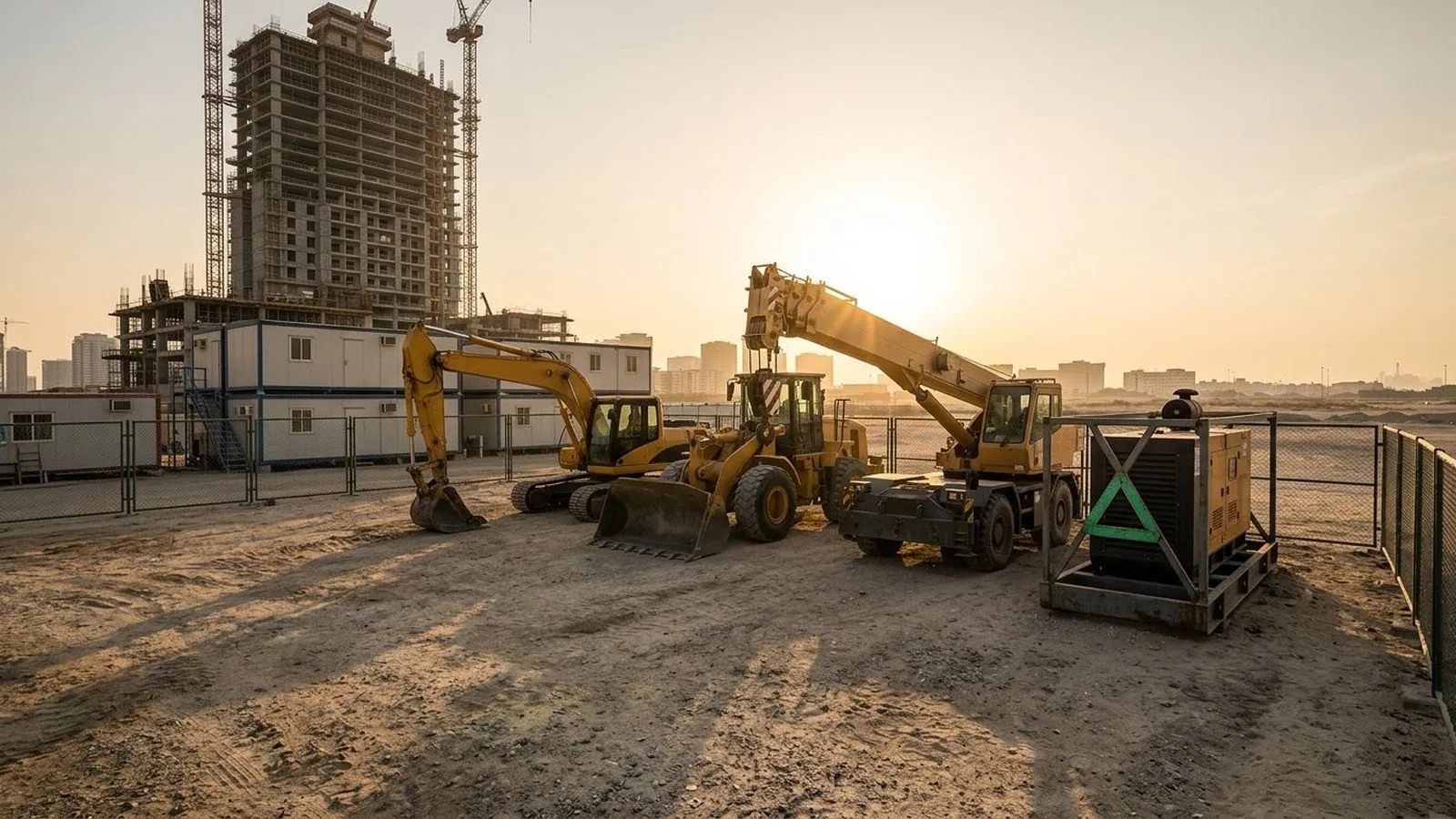
An equipment GPS tracker earns its place on the first night a machine moves without permission. One excavator leaves a job site after hours. A generator sits idle while another team rents extra power. A wheel loader logs ten hours a day on one project while an identical machine waits in the yard. None of these problems is visible from a map pin alone, and all of them cost money before anyone notices.
This article explains how heavy equipment tracking works when the tracking device is wired into the machine and applies its rules on board. It covers what makes machines different from road vehicles, how after-hours alerts, site geofences, and operator keys protect equipment, how engine hours reach the platform through device inputs, and where the Tracom ST100 fits.
What does an equipment GPS tracker do?
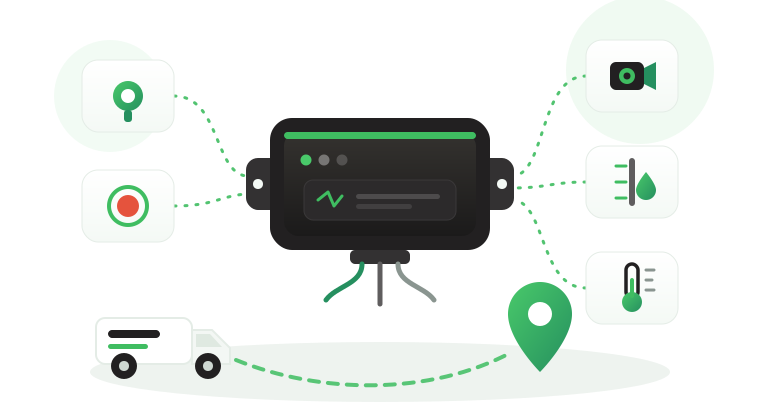
An equipment GPS tracker is a tracking device installed on a machine to record where it is, when it moves, how long its engine runs, and whether it is inside the zone where it should work. For heavy equipment, the useful output is a set of answers rather than a trail of kilometers: is the machine on the right site, is an authorized operator using it, and how many hours has it worked this week?
The Tracom ST100 is hardwired to the machine’s power supply. That suits excavators, wheel loaders, dozers, mobile cranes, generators, and other powered equipment. Unpowered attachments and hand tools are outside the scope of an in-vehicle device, so this article focuses on machines with their own electrical system. Mixed fleets of trucks and machines are covered in the construction fleet tracking guide, concrete mixers in the concrete mixer tracking guide, and warehouse machines in the forklift GPS tracking guide.
What the device does not decide
No tracker can prevent every theft. The value comes from faster detection, better response, historical playback, geofence alerts, tamper awareness, and stronger asset control. An after-hours movement event also does not decide by itself whether the move was approved, so your site team or connected software assigns that meaning and the response.
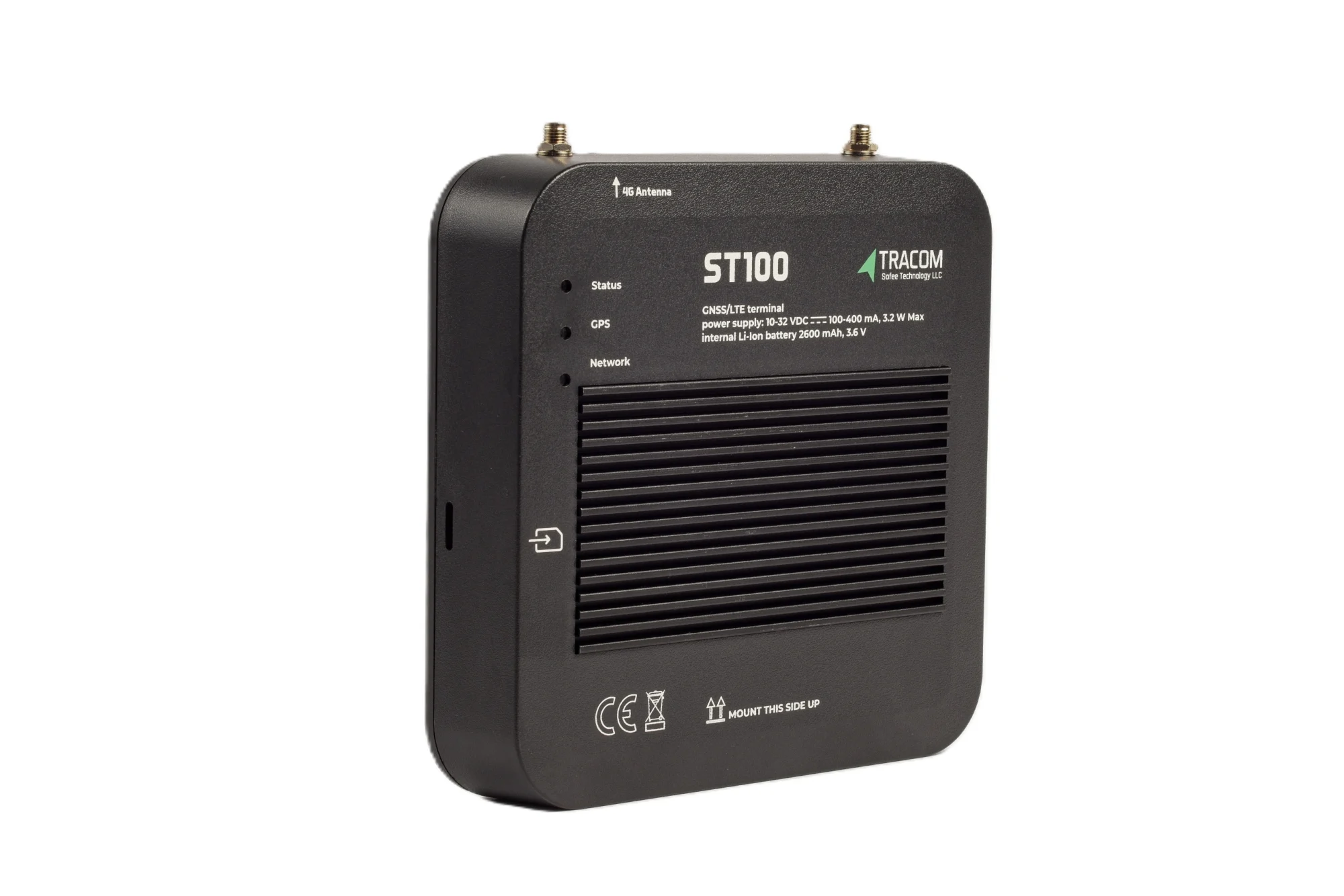
The tracking device behind every record
- GPS, GLONASS, SBAS, QZSS and AGPS positioning
- Location accuracy within a 2-meter radius
- 2G/3G/4G SIM support
- 12 digital, 4 analog and 5 AD inputs, 2 digital outputs
- 5 RS232 ports, USB, UART, 1-Wire and OBD II CAN
How heavy equipment tracking differs from vehicle tracking
A machine on a job site behaves differently from a van on a delivery route. Three differences shape how the tracker is installed and configured.
Power and installation
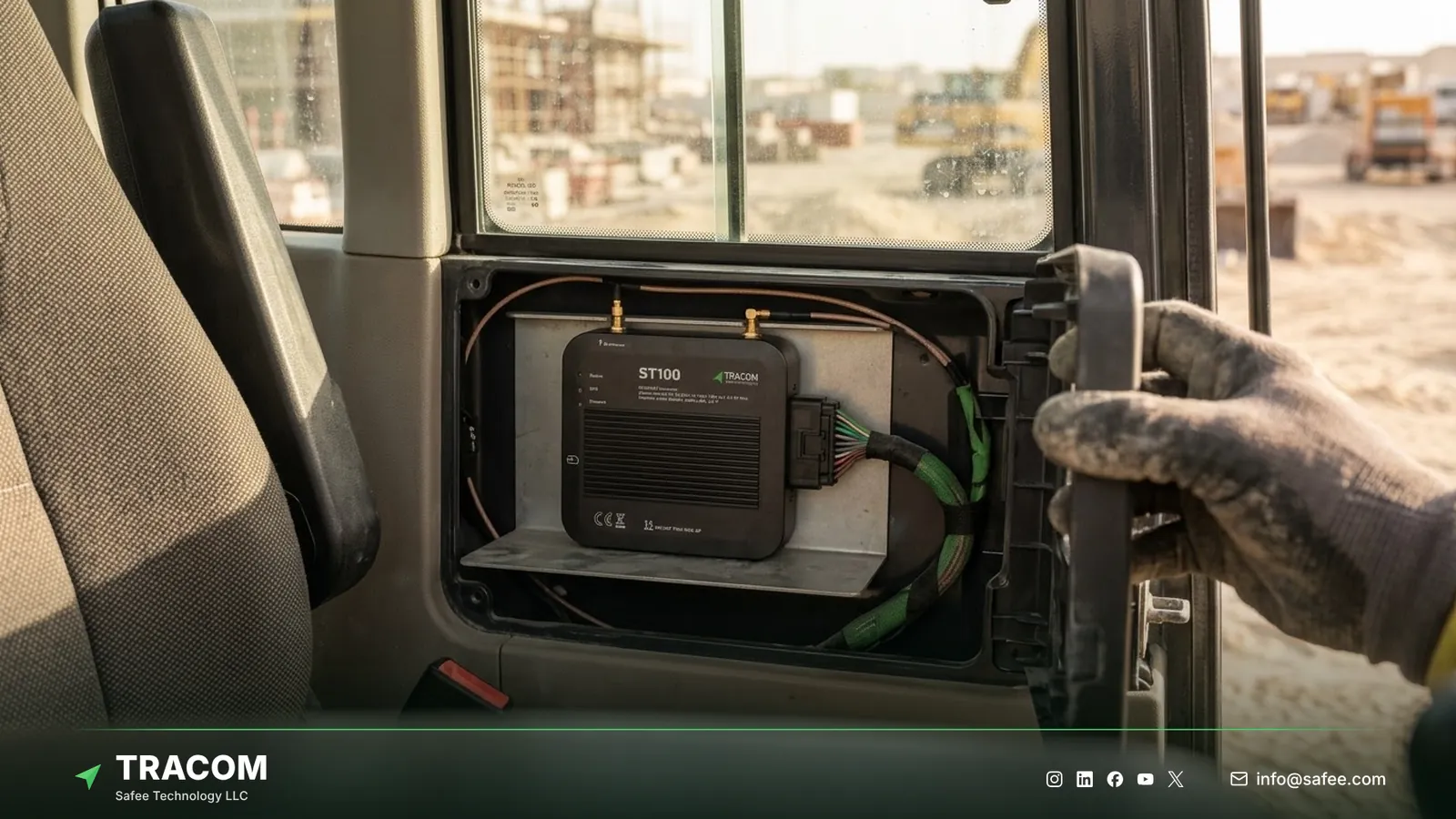
Road vehicles have familiar installation points. Machines vary widely by make, age, and cab design, so the installer must find a protected location with access to power and to the signals the fleet needs. A concealed, well-protected installation also makes removal harder, which matters for machines parked on open sites. The GPS tracker placement guide covers mounting choices, and the fleet GPS tracker installation guide covers wiring.
Engine hours, not kilometers
A truck is measured by distance. An excavator or a generator is measured by engine hours, idle time, and the days it spends on each site. A machine can work a full shift without moving more than a few meters, so a tracker that only reports movement misses most of what the maintenance and rental teams need.
Site environment and coverage
Job sites, quarries, and remote industrial projects expose equipment to vibration, impacts, and rough handling every day. The ST100 is engineered for demanding environments and withstands harsh outdoor conditions, strong vibrations, and continuous movement. Many of the same sites sit at the edge of cellular coverage, which is why rules that work without a network matter for equipment as much as for trucks.
Read also: Agriculture Fleet Tracking: Tractors, Fields and Farm Vehicles
Equipment tracking use cases
Each equipment situation produces a different device event and supports a different decision. The table links the three.
| Equipment location | Device event | Operational use |
|---|---|---|
| Job site after working hours | Geofence exit event | Security checks exits outside working hours |
| Open storage yard | Tamper alert from the device | Security inspects the machine and the installation |
| Active project | Engine-run hours from a digital input | Planners compare hours with the work schedule |
| Rental customer site | Zone entry and exit with hours worked | The rental team checks usage against the contract |
| Site with internal traffic | Time-based speed limit in a geofence | Supervisors coach operators on site speed rules |
| Remote project with weak coverage | Rules applied and data stored on the device | Site rules keep working without coverage |
| Workshop | Zone entry with engine hours | Maintenance confirms the service visit and hours |
Anti-theft control for machines
Theft and unauthorized use are the clearest reasons to track equipment. A practical setup combines site geofences, time rules, operator keys, and tamper alerts, and gives each alert a named person who responds.
After-hours movement and geofence exits
A geofence gives your team a clear rule: this machine should be here, during these hours, for this job. The ST100 supports up to 4,000 geofences, so a contractor can draw zones around every active site, yard, and workshop, named for example UAE-AUH-SITE-14-NORTH or KSA-RUH-YARD-02.
Each zone exit creates an event, the connected tracking platform flags exits outside working hours for security, and a time-based speed limit can apply a lower speed inside the site during busy shifts. The geofencing fleet management guide explains how to size and name zones so normal work near the boundary does not trigger alerts.
Operator keys and immobilization
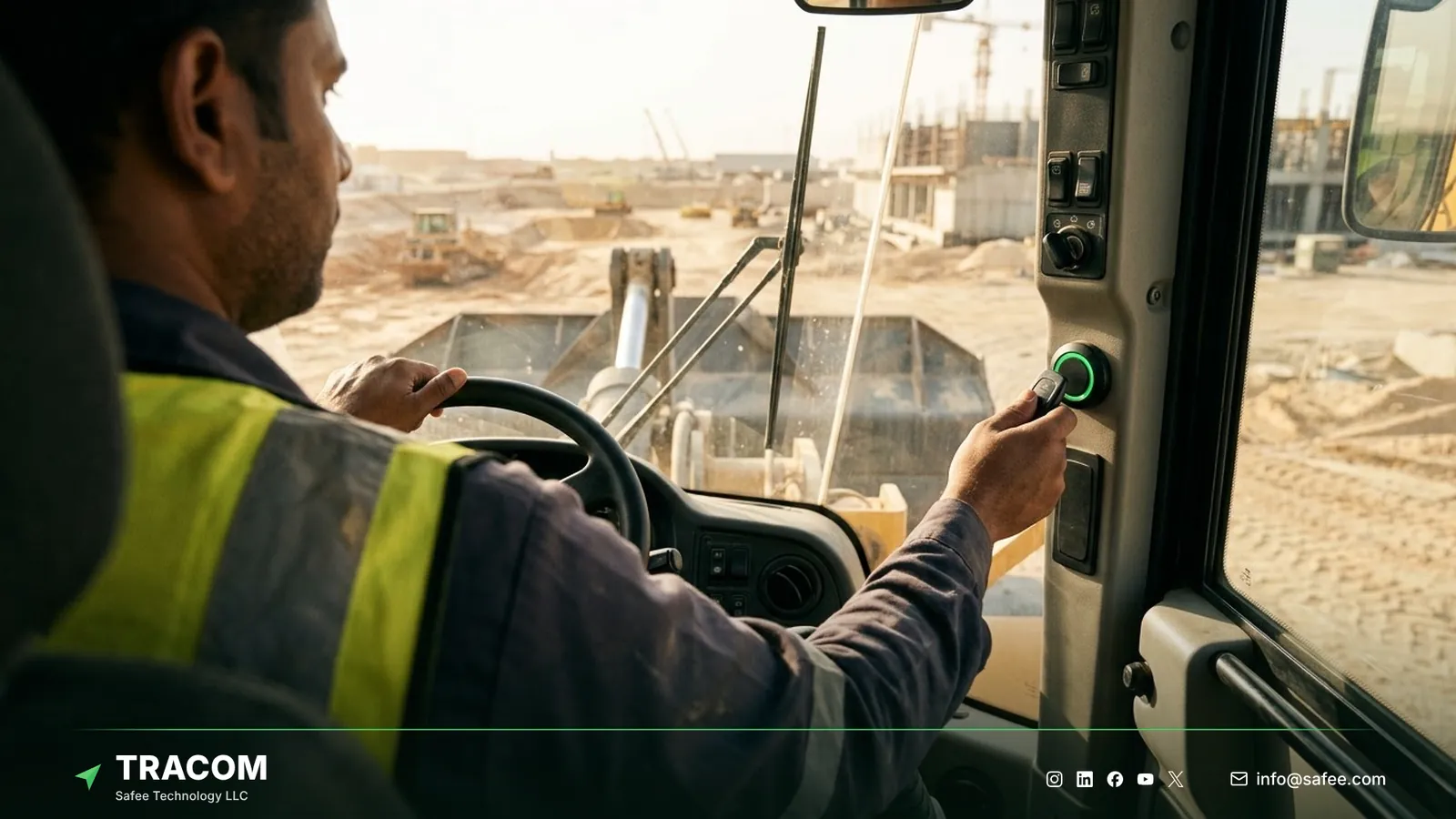
Shared machines often have no record of who operated them. The ST100 supports up to 1,000 driver access keys, and with immobilization only authorized operators can operate the machine. Every engine-hour record then has a known operator, and casual use by untrained people becomes much harder. The driver identification guide explains how the key reader works with shared machines, and the GPS tracker engine cut-off guide covers how immobilization is planned with the installer.
Tamper and panic alerts
Someone planning to take a machine will usually try to remove the tracker first. The ST100 alerts the team if someone attempts to remove or tamper with the device, which turns a quiet removal into an event that security can act on. Operators working alone on remote sites can also send an immediate panic alert in a critical situation.
Engine hours and utilization
Engine hours are calculated in the connected tracking platform from an engine-run signal that can be wired to one of the ST100’s digital inputs, agreed with the Tracom team. The GPS tracker inputs and outputs guide explains how such signals are connected. The device records inputs second by second, so start and stop times are available to the second for daily review.
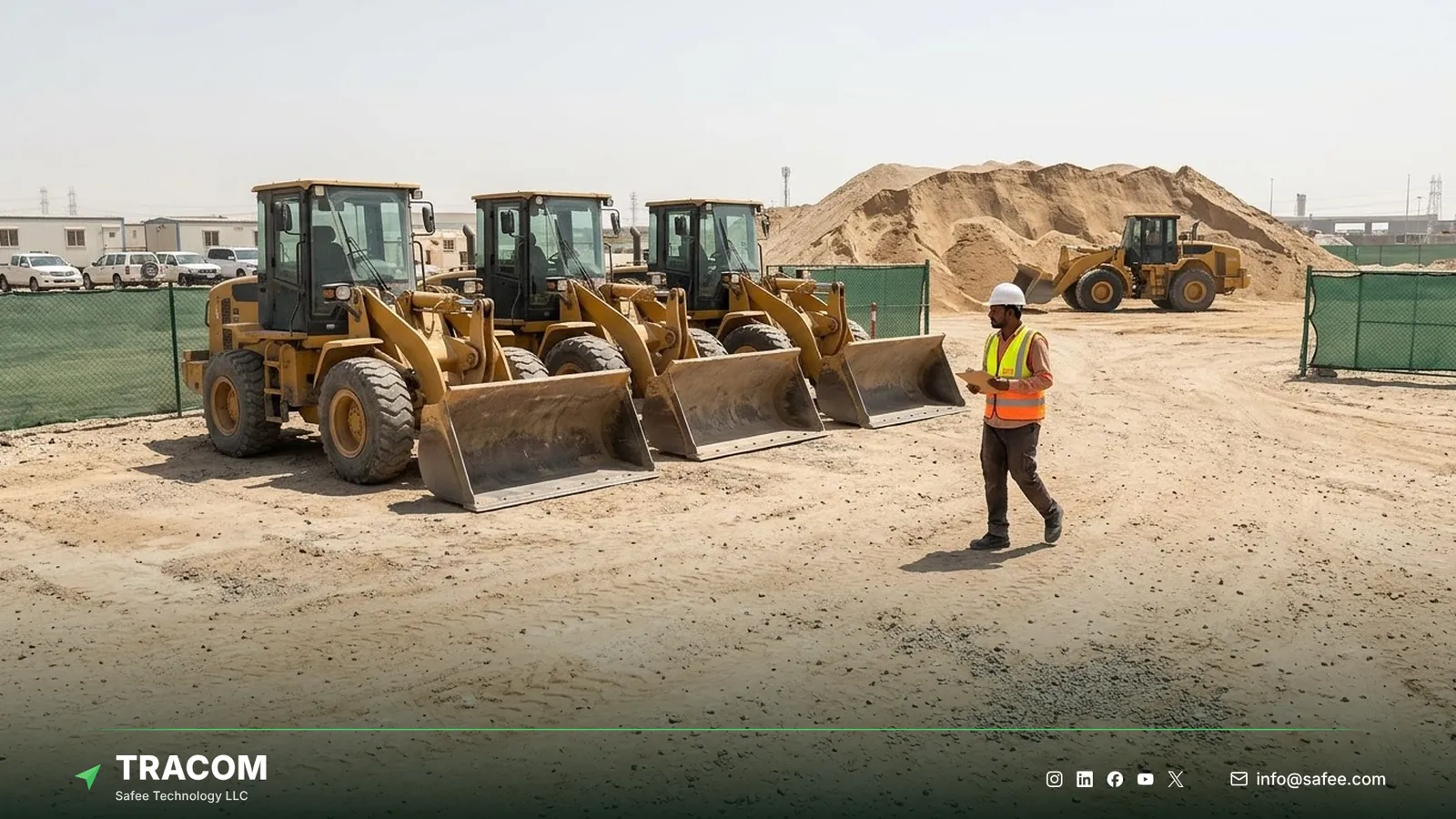
With hours on every machine, utilization questions become answerable. A simple reporting pattern keeps the review tied to a decision, shown here with a hypothetical example.
Report: three wheel loaders at one project averaged under two engine hours a day for a month, while the same model was rented in at another site. Insight: the project schedule changed and the machines were never released. Decision: transfer two loaders and end the external rental. Verification: compare engine hours per machine and rental spend over the next two months. The fleet reporting and analytics guide explains how to build reports in this format.
Maintenance teams use the same hours. A machine that runs ten hours a day needs a different service plan than one that runs once a week, and service intervals based on hours can be planned in the connected tracking platform or the fleet’s maintenance software.
Read also: Mining Fleet Tracking: Haul Roads, Pit Zones and Offline Rules
Steps to roll out equipment tracking
A staged rollout lets the site teams test alert rules and installation points before every machine is fitted.
- List priority machines by value, theft risk, and rental cost, and start with the group that hurts most when it goes missing or idle.
- Map every site, yard, and workshop that needs a geofence, with working hours and speed rules for each one.
- Agree the engine-run signal and the protected installation point for each machine model with the installer.
- Issue driver access keys to trained operators and decide which machines use immobilization.
- Configure events, inputs, and alerts in the XML file, load zones as KML/KMLO files, and push both to a pilot group through the SCMS portal.
- Run the pilot for several weeks and review every after-hours and tamper event with site supervisors.
- Approve the configuration and roll it out site by site, keeping one documented version per machine group.
Share your machine list, site map, and working hours, and talk to a Tracom specialist about a pilot on your highest-risk equipment.
What hardware goes on each machine
An equipment program is bought machine by machine: one ST100 per powered machine, plus the accessories each risk calls for. The table maps common needs to the hardware that answers them.
| Need | ST100 feature or accessory | Confirm with the Tracom team |
|---|---|---|
| Spot removal attempts on open sites | Built-in tamper alert | Concealed installation point per model |
| Only trained operators start the machine | Driver key reader with immobilization | Key type, reader position, and wiring |
| Engine hours for planning | Engine-run signal on a digital input | Signal source per machine model |
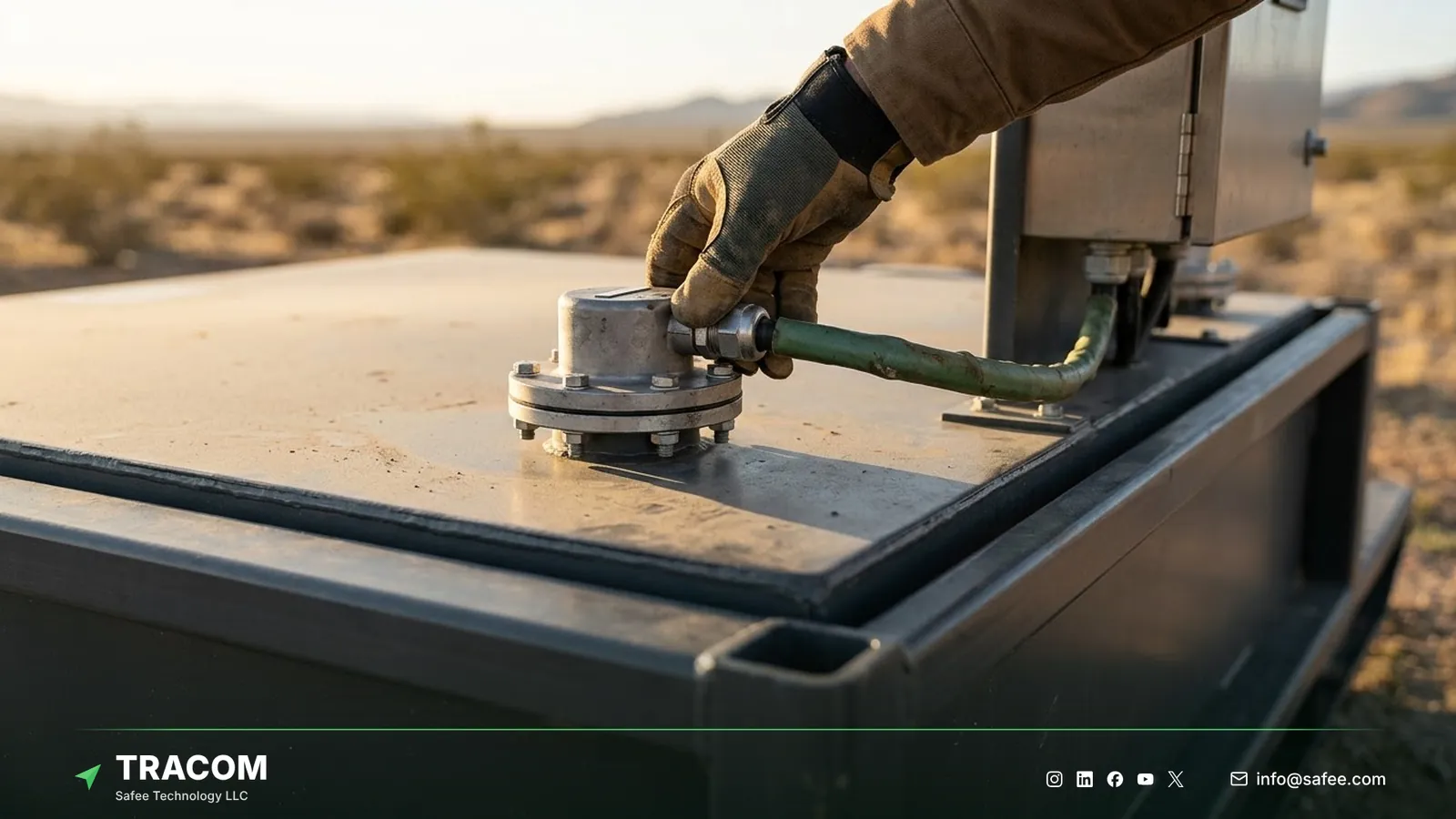
| Fuel drained from generators or dozers | Fuel level sensor supplied by Tracom | Sensor type and tank fit |
| Lone operators on remote sites | Panic button for the panic alert | Button position in the cab |
Most disappointing programs fail on installation and alert design rather than on the device.
- A device fitted in an exposed spot is removed before the machine is moved.
- An installation without an engine-run input shows location but no working hours.
- Shared machines without operator keys leave hours and incidents without a name.
- After-hours alerts sent to a shared inbox wait until the next morning.
How Tracom supports equipment tracking
At Tracom, we supply the Tracom ST100, which applies rules inside the machine, so zone rules and tamper alerts run on board even when the site has no coverage. The capabilities that support an equipment program are:
- Up to 4,000 geofences with entry and exit events and time-based speed limits.
- Up to 1,000 driver access keys, with immobilization so only authorized operators run the machine.
- A tamper alert when someone attempts to remove or interfere with the device, and a panic alert for operators.
- 12 digital inputs, 4 analog inputs, 5 AD inputs, 2 digital outputs, and 2 pulse counters for engine-run and auxiliary signals.
- Five RS232 ports, USB, UART, a 1-wire interface, and an OBD-II CAN interface.
- A built-in G-sensor that detects sudden impacts and sharp movements.
- Second-by-second recording, rules applied without an internet connection, and up to one week of onboard storage during outages.
- Central configuration through the SCMS portal using XML and KML/KMLO files, OTA updates with daily synchronization, and SMS commands for selected parameters.
- A documented protocol that we share with partners, so rental platforms, telematics providers, and installers can connect the ST100 to the tracking platform they already run.
We also supply the driver key reader, panic button, and fuel level sensors that equipment programs commonly add, with type and fit confirmed with our team.
You can review these capabilities on the features page and see how remote configuration works on the services page. The engine-run signal, the installation point, and the accessories for each machine model should be confirmed during solution design. Talk to Tracom about ST100 devices for your own machines or your customers’ fleets.
Conclusion
Heavy equipment tracking pays off when every machine has a site, an operator, and a record of hours that someone reviews. Location shows where a machine is, while hours, keys, and zone rules show whether it is working, protected, and in the right place.
Tracom provides the GPS device, in-vehicle rules, inputs, and remote configuration that let contractors, rental companies, and industrial operators across the GCC and worldwide control powered equipment across many sites. Share your machine list, sites, working hours, and alert owners, and talk to a Tracom specialist to receive a practical equipment tracking configuration.
FAQs about equipment GPS trackers
How does the ST100 measure engine hours?
Through an engine-run signal on a digital input. The installer connects a signal that shows when the engine is running, the ST100 records it second by second, and the connected tracking platform turns those records into engine hours. The right signal for each machine model is agreed with the Tracom team before installation.
Can the ST100 be used on unpowered attachments?
No. The ST100 is hardwired to a machine’s power supply, so it suits excavators, loaders, generators, and other powered equipment. Unpowered attachments, toolboxes, and hand equipment are outside the scope of an in-vehicle installation and need a separate decision with the Tracom team.
Which alerts matter most for equipment security?
After-hours geofence exits, tamper alerts, and panic alerts cover most security cases. Each alert needs a named person who responds outside working hours. Immobilization with driver access keys also reduces unauthorized starts before they turn into a missing machine, which leaves security fewer events to chase.
Does equipment tracking work on remote sites with weak coverage?
Yes. The ST100 applies geofences, speed rules, and alerts inside the machine without an internet connection, and it stores up to one week of data on the device during network outages at remote quarries, desert projects, and oil and gas support sites.
Does Tracom plan maintenance or rental billing?
No. Tracom provides the device, in-vehicle rules, input data, and configuration through the SCMS portal. Maintenance schedules, rental invoices, and decisions about transferring or retiring machines belong to your teams and to the connected tracking platform or business software that uses the engine-hour records.
Choose the right tracker for every vehicle
Tell us your vehicle types and what you need to monitor. A Tracom device specialist will reply by email with a recommended ST100 setup and accessories.
Usually replies within one business day • No sales spam
Your details are used only to respond to your request. Privacy Policy