If your hardware fails, your data fails. GPS tracking in Saudi Arabia puts that rule under pressure every day: vehicles cover long corridors between regions, work through summer heat, and spend hours on sites where coverage drops. When a device misses events or loses its rules, gaps appear in the record, decisions arrive late, and costs rise before anyone notices.
This article explains how GPS tracking works for fleets operating across Saudi Arabia. It covers the operating conditions that shape a deployment, how each sector uses tracking data, how to set fleet policies centrally and apply them inside the vehicle with the Tracom ST100, what to check on regulation and driver data, and how to deploy region by region.
What GPS tracking does for Saudi fleets
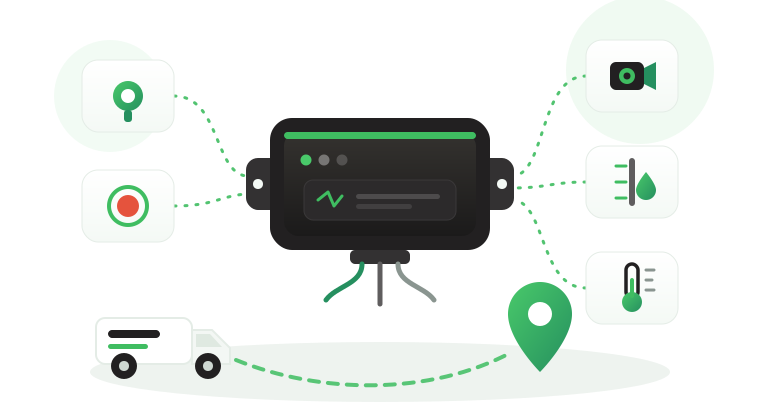
A GPS tracking device in each vehicle calculates position, records speed and driving events, and sends that data to a tracking platform. Operations managers see where vehicles are, how they were driven, and which rules were broken. For a fleet with branches in Riyadh, Jeddah, and Dammam, the same data also shows whether each branch applies the company’s policies the same way.
The ST100 positions vehicles using GPS, GLONASS, SBAS, QZSS, and AGPS, with accuracy within a 2-meter radius, and records data second by second. It goes further than reporting. As an in-vehicle intelligence system, it applies speed rules, zone rules, and driver alerts on the device itself, so policy is enforced in the cab rather than discovered in a report.
What the device does not decide
A speeding event on the highway from Riyadh to Dammam does not automatically determine whether the driver was careless, whether the load was late, or whether a contract penalty applies. Tracom supplies the GPS device, local rule logic, event data, and configuration layer. The fleet or its connected business software assigns the operational meaning and response.
Saudi operating conditions
The Kingdom’s size and climate change what a tracking deployment has to handle. Four conditions shape most Saudi fleet projects.
Long corridors between regions
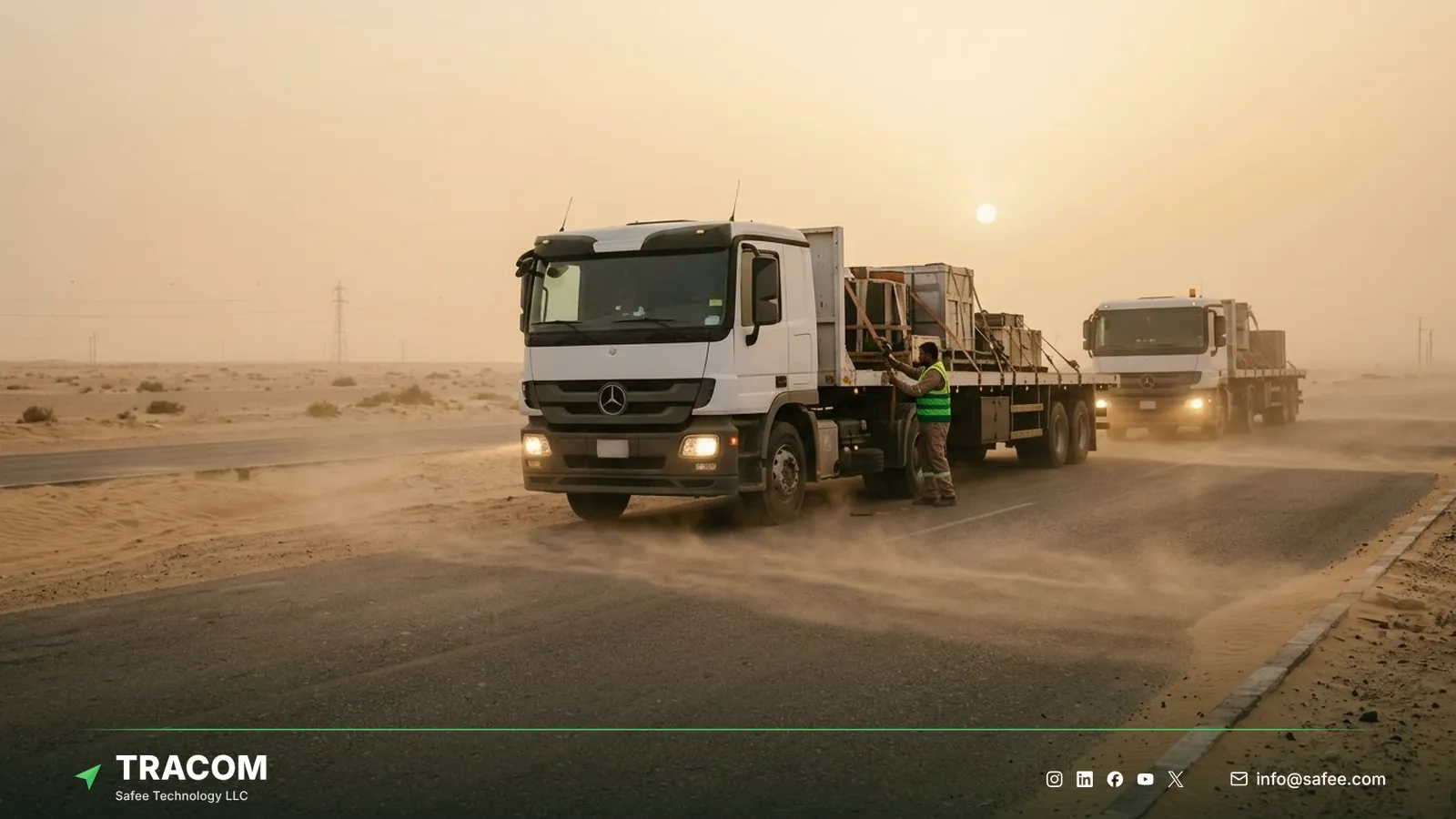
A truck can drive close to 1,000 km between Riyadh and Jeddah, and many routes cross long stretches with few towns. Over that distance, small habits such as steady over-speeding or long idle stops add up to real fuel and risk. Second-by-second data lets a reviewer see exactly where and when a pattern started, not just the trip total.
The tracking device behind every record
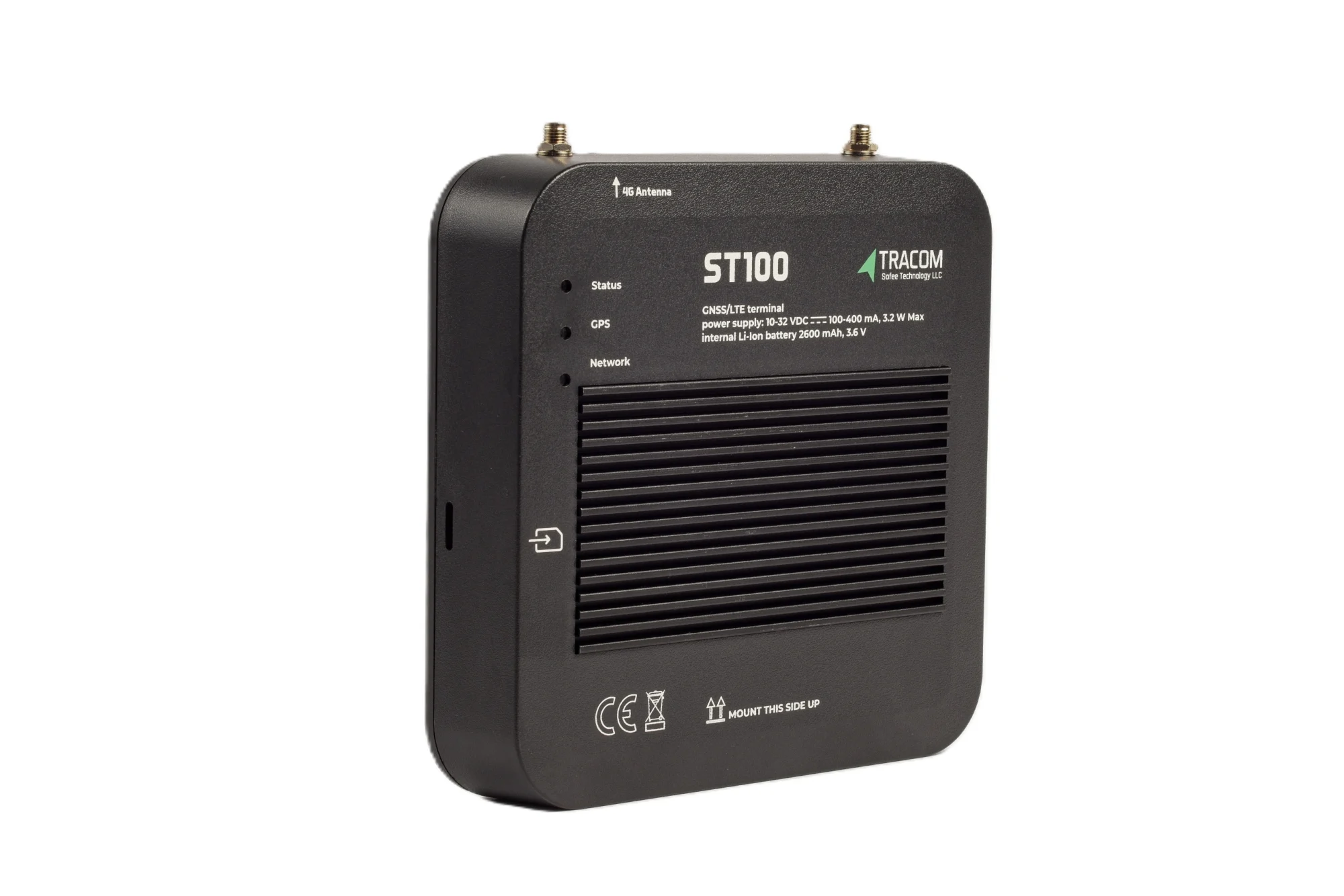
- GPS, GLONASS, SBAS, QZSS and AGPS positioning
- Location accuracy within a 2-meter radius
- 2G/3G/4G SIM support
- 12 digital, 4 analog and 5 AD inputs, 2 digital outputs
- 5 RS232 ports, USB, UART, 1-Wire and OBD II CAN
Heat, dust, and installation
Summer heat and dust are part of daily operations in most regions. The ST100 withstands harsh outdoor conditions, strong vibrations, and continuous vehicle movement. Confirm operating temperature details for your sites with the Tracom team, and install the device away from direct sun and heat sources, as described in the fleet GPS tracker installation guide. The guide to GPS trackers in Gulf summer heat explains what to check on placement and wiring before the hot months.
Remote fields and coverage gaps
Oil and gas fields, mining areas, and large construction projects often sit far from reliable coverage. The ST100 applies its rules without an internet connection and stores up to one week of data on the device during network outages. Speed rules and voice alerts keep working inside the cab while the vehicle is out of coverage.
Dense cities and last mile
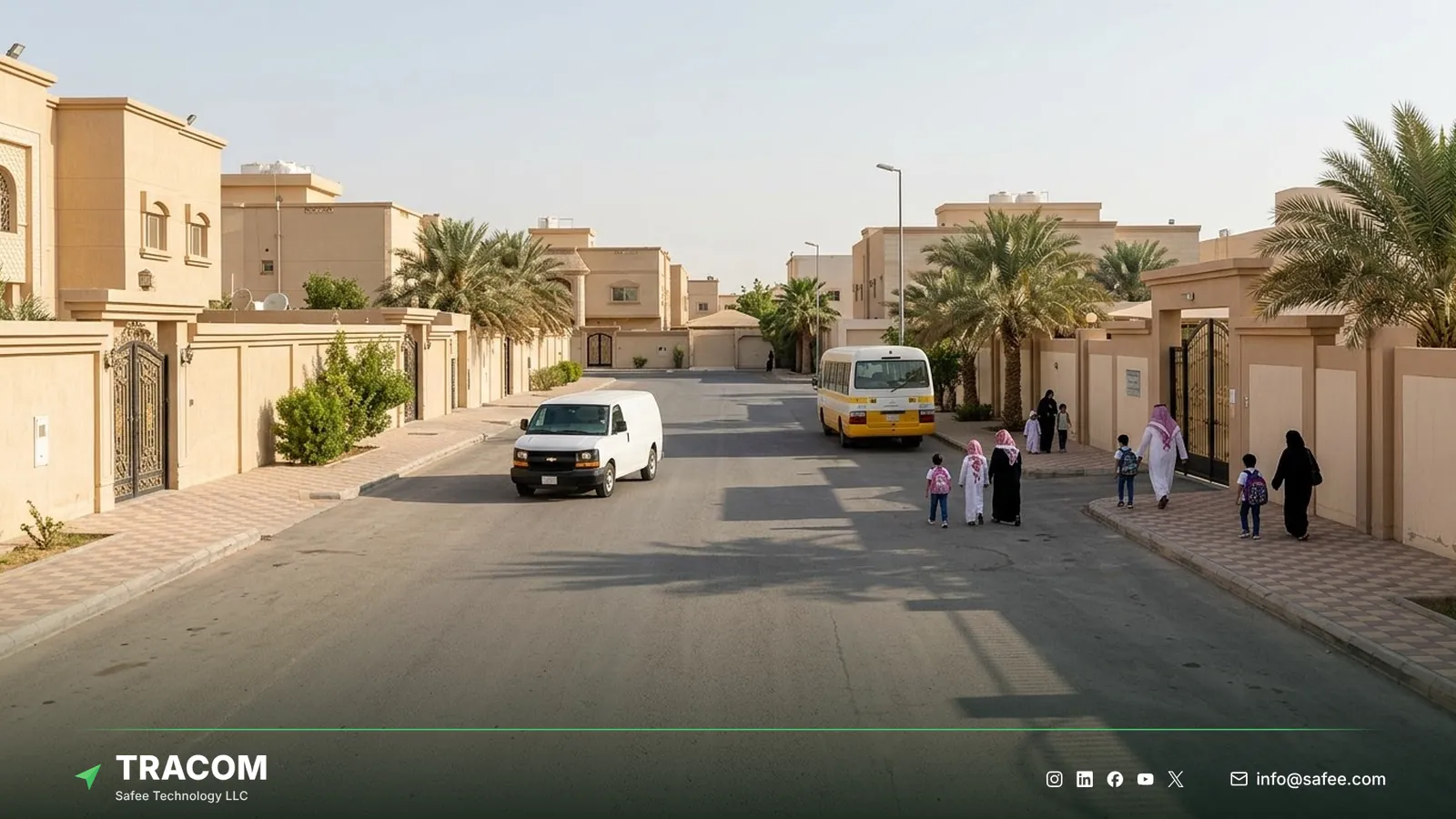
In the large cities, the challenge is the opposite: many short trips, traffic, and frequent stops. Geofences around warehouses, hubs, and customer zones turn those movements into arrival and departure events. Time-based speed limits let a fleet apply a lower limit in residential areas at school times without changing the rule for the whole day.
Read also: IVMS Device Checklist: What the In-Vehicle Hardware Must Record
How Saudi sectors use GPS tracking
Each sector reads the same device data for a different decision. The table links common Saudi fleet sectors to the device event and its operational use, and the overview of fleet tracking by industry compares sector needs beyond the Kingdom.
| Sector | Device event | Operational use |
|---|---|---|
| Oil and gas | Onboard storage and offline rules on remote routes | Keep full trip records and speed control in the field |
| Construction and mining | Site geofence entry and exit | Spot site vehicles leaving their zones, with after-hours rules set in the platform |
| Logistics and transport | Geofence entry and exit at hubs and customer sites | Confirm arrivals and measure dwell time |
| Last mile delivery | Zone speeding with time-based limits | Apply residential and school-time speed rules |
| Rental and pool vehicles | Driver access keys and immobilization | Limit who can operate each vehicle |
| Cargo and high-value loads | Tamper alerts and route deviation reminders | Protect vehicles and goods on long corridors |
Heavy equipment has its own tracking needs, covered in the guide to equipment GPS trackers, and long-haul trucks are covered in the guide to truck tracking devices. Fleets that also need readings such as cargo temperature or fuel level can add the temperature and fuel level sensors Tracom supplies. The sensor type, connection, and fit are confirmed with the Tracom team.
Fleet policies set centrally, applied in the vehicle
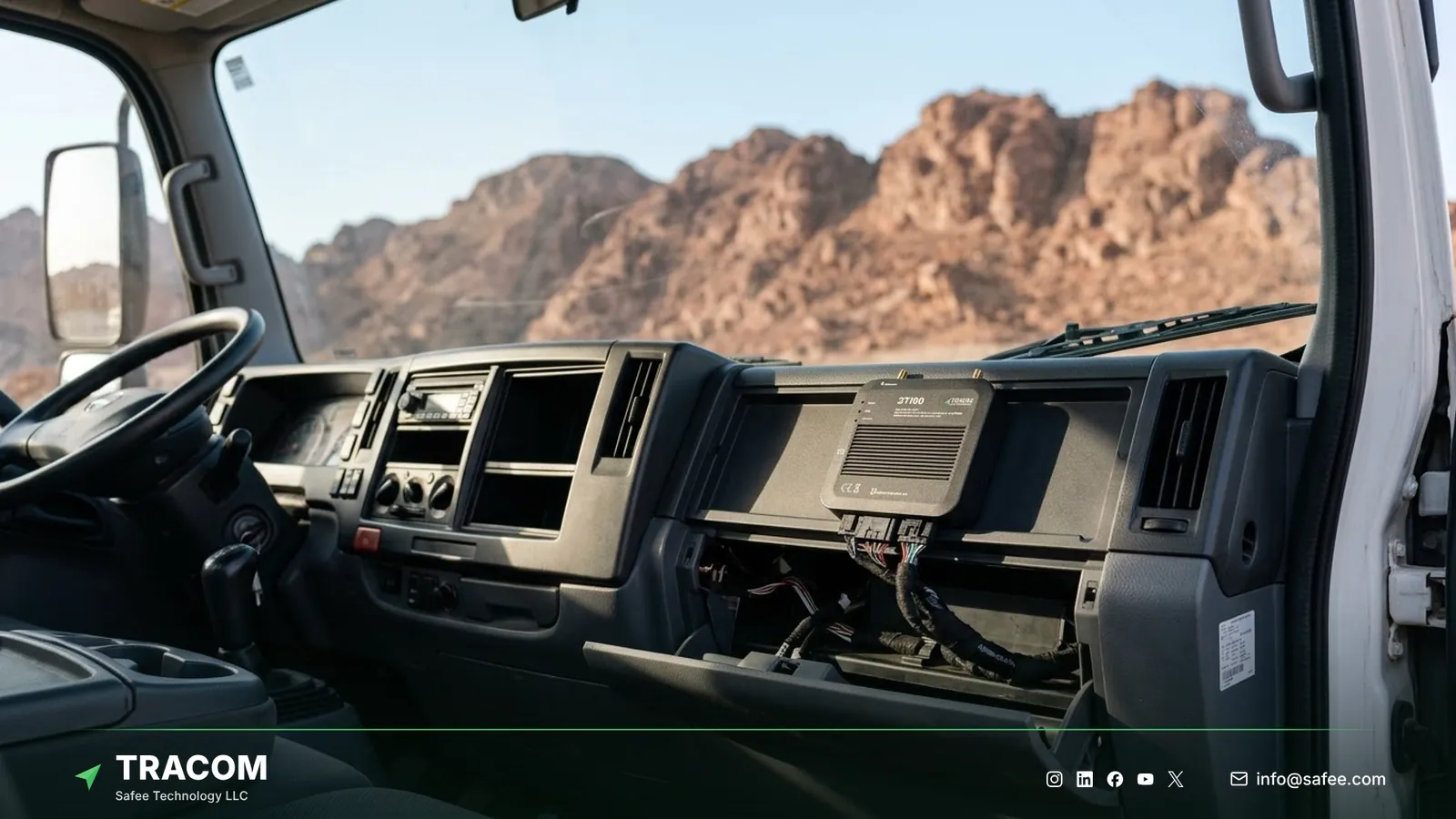
A fleet spread across regions needs one policy that every branch applies the same way. The ST100 is configured centrally through the SCMS portal, and the device then applies that configuration inside each vehicle.
One configuration per vehicle group
The XML configuration file includes hundreds of customizable events. A fleet can keep default parameters or edit detailed behaviors, then push the update to any group of devices. A practical pattern is one documented configuration per vehicle class, such as heavy trucks, light vans, and site pickups, used by every branch.
Zone files by region
The ST100 supports up to 4,000 geofences with time-based speed limits. Zones are prepared as KML files with custom speed categories and synchronized to devices as KMLO data. A naming scheme such as KSA-JED-PORT-GATE or KSA-RUH-DC-02 keeps zones readable across regions. The geofencing fleet management guide covers zone design in detail.
OTA updates and daily synchronization
Configuration and firmware updates reach devices over the air, so a rule change in Riyadh does not require a technician visit in Tabuk. Daily synchronization between the devices and SCMS keeps each vehicle on the approved version. Updates can be pushed immediately or scheduled for a quiet period.
SMS commands when the portal is out of reach
For urgent changes, selected parameters can be adjusted with SMS commands, even without portal access. This helps a supervisor at a remote site who has phone coverage but no reliable internet. SMS changes should still be recorded in the central configuration, so the approved version and the rules running in the field do not drift apart.
Driver rules and vehicle access
The ST100 triggers voice alerts for over-speeding, harsh events, and seat belt violations, and can activate voice alerts during the grace periods set for a speed zone. It supports up to 1,000 driver access keys, and with immobilization only authorized drivers with access keys can operate the vehicle. The device also sends a tamper alert if someone attempts to remove or interfere with it, and offers a panic alert for drivers in critical situations.
Regulation and driver data in Saudi Arabia
Requirements for tracking commercial vehicles in Saudi Arabia depend on the activity, the vehicle category, and the contract the fleet works under, and they change over time. This article does not give legal advice or describe any specific requirement. The guide to an approved tracking device in Saudi Arabia lists the questions buyers ask suppliers about approvals. Before rollout, check the current rules of the relevant authority for your activity, and ask clients whether their contracts set their own tracking or reporting terms.
Location data linked to a named driver describes a person as well as a vehicle. Tell drivers what is recorded, why, who can see it, and how long it is kept. Check the current rules of the relevant authority on how personal data may be collected, stored, and shared, and agree internal access rights before the first report goes out.
Read also: Approved GPS Tracker in the UAE: TDRA, Authorities and Buyer Questions
Steps to deploy tracking across Saudi regions
A region-by-region rollout keeps one policy while letting each branch test it on its own routes.
- List vehicle classes, branches, regular corridors, and remote sites for each region.
- Check the current rules of the relevant authority for your activity and prepare a driver notice.
- Write one speed and zone policy per vehicle class, with limits for highways, sites, depots, and residential areas.
- Build the XML configuration and KML zone files for each vehicle group, using a shared naming scheme.
- Install a pilot in one region, including at least one remote route, and assign driver access keys.
- Push the configuration through the SCMS portal and review events with branch supervisors and drivers for several weeks.
- Approve the configuration and roll it out to the next region, keeping the same version per vehicle group.
- Review version records monthly, so every branch runs the rules head office approved.
Share your vehicle classes, branches, corridors, and remote sites, and talk to a Tracom specialist about a pilot plan for your first region.
Common deployment failures
Multi-region deployments usually stall for reasons of design and coordination.
| Failure | Operational consequence |
|---|---|
| Each branch writes its own rules | Drivers face different limits and reports stop being comparable |
| No naming scheme for zones | Thousands of geofences become impossible to maintain |
| SMS changes not recorded centrally | Field rules and the approved version drift apart without anyone noticing |
| Pilot only on city routes | Coverage gaps on remote corridors appear after full rollout |
| Poor installation in summer heat | Device placement problems show up as missing or noisy data |
| Drivers not told what is tracked | Coaching meets resistance and data quality suffers |
Tracom hardware for vehicles operating in Saudi Arabia
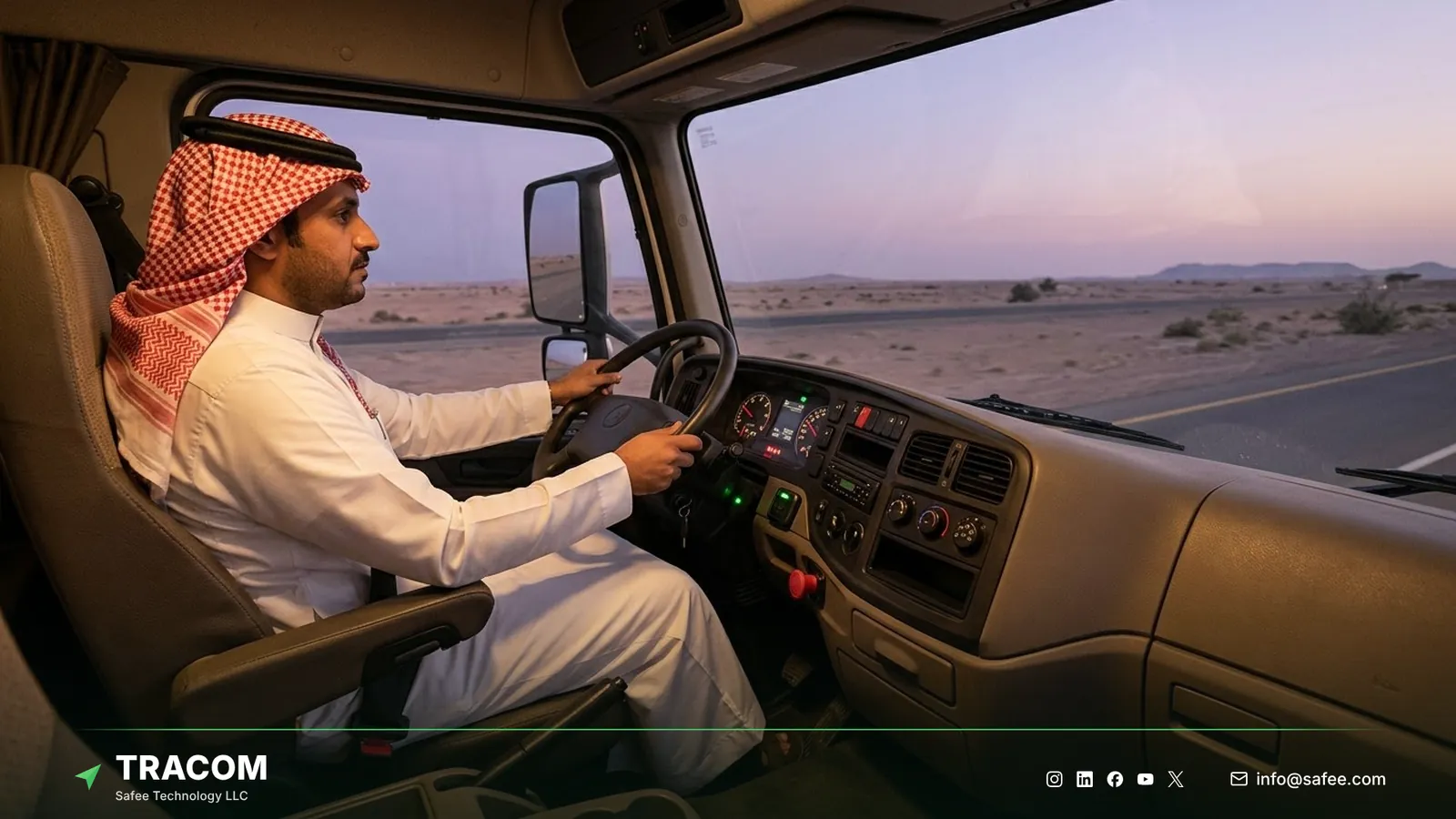
At Tracom, we supply the Tracom ST100 for fleets that need one policy across long corridors, remote fields, and busy cities. The table maps common Saudi needs to the hardware that goes in the vehicle.
| Need | ST100 feature or accessory | Confirm with the Tracom team |
|---|---|---|
| Speed control on long corridors | Time-based speed limits, voice alerts, GPS and VSS speed | Speed categories per vehicle class |
| Remote fields without coverage | Rules applied offline, up to one week of onboard storage | Sync routine for remote sites |
| Control of who drives | Driver key reader, up to 1,000 access keys, immobilization | Key type and wiring per vehicle |
| Lone driver safety | Panic button and tamper alert | Button position in the cab |
| Cargo or fuel readings | Temperature and fuel level sensors supplied by Tracom | Sensor type, connection, and fit |
The ST100 uses 2G/3G/4G SIM connectivity, and the guide to the 2G and 3G shutdown explains how to plan replacements for older trackers. Telematics service providers and installers can connect the ST100 to their own tracking platform through a documented protocol that we share with partners.
You can review these capabilities on the features page and see how remote configuration works on the services page. If part of your fleet works in the UAE, the guide to GPS tracking in the UAE covers that market. Configuration groups, zone naming, and sensor inputs should be confirmed during solution design. Request a device recommendation with your vehicle count and regions, whether the ST100 devices are for your own fleet or your customers’ fleets.
Conclusion
GPS tracking in Saudi Arabia works when one policy reaches every vehicle, in every region, and keeps working where coverage does not. Reliable hardware, clear vehicle groups, and a central configuration turn tracking data into decisions that branches can act on.
Tracom provides the GPS device, in-vehicle rules, voice alerts, and remote configuration that let Saudi fleets, and fleets across the GCC and worldwide, apply the same rules from Jeddah to Dammam. Share your vehicle classes, branches, corridors, and zone priorities, and talk to a Tracom specialist about ST100 devices and accessories for your fleet or your customers’ fleets.
Frequently asked questions
Is a tracking device required for commercial vehicles in Saudi Arabia?
That depends on the activity, the vehicle category, and the contract, so this article cannot give a yes or no answer. Requirements also change over time. Check the current rules of the relevant authority for your activity, and ask clients whether their contracts include tracking or reporting terms.
What happens when a vehicle leaves network coverage?
The ST100 keeps working. It continues to calculate position from satellites, applies speed rules and voice alerts inside the vehicle, and stores up to one week of data on the device during network outages. Rules keep running in the cab without any connection to the platform.
Can one configuration cover branches in different regions?
Yes. The SCMS portal lets a fleet push the same XML configuration and KML/KMLO zone files to any group of devices, with OTA updates and daily synchronization. One workable setup is a configuration per vehicle class plus regional zone files, so every branch applies the same policy.
Can the ST100 work with temperature or fuel sensors?
Yes. Tracom supplies temperature sensors and fuel level sensors for use with the ST100. The sensor type, connection, and fit for each vehicle are confirmed with the Tracom team, so the readings reach your tracking platform as expected.
Does Tracom make a fleet compliant with Saudi rules?
No. A tracking device supplies data and applies configured rules, while compliance remains the operator’s responsibility. Tracom supplies the GPS device, local rule logic, event data, and configuration layer. The fleet or its connected business software assigns the operational meaning and response, including policy, driver notices, and data access.
Choose the right tracker for every vehicle
Tell us your vehicle types and what you need to monitor. A Tracom device specialist will reply by email with a recommended ST100 setup and accessories.
Usually replies within one business day • No sales spam
Your details are used only to respond to your request. Privacy Policy