

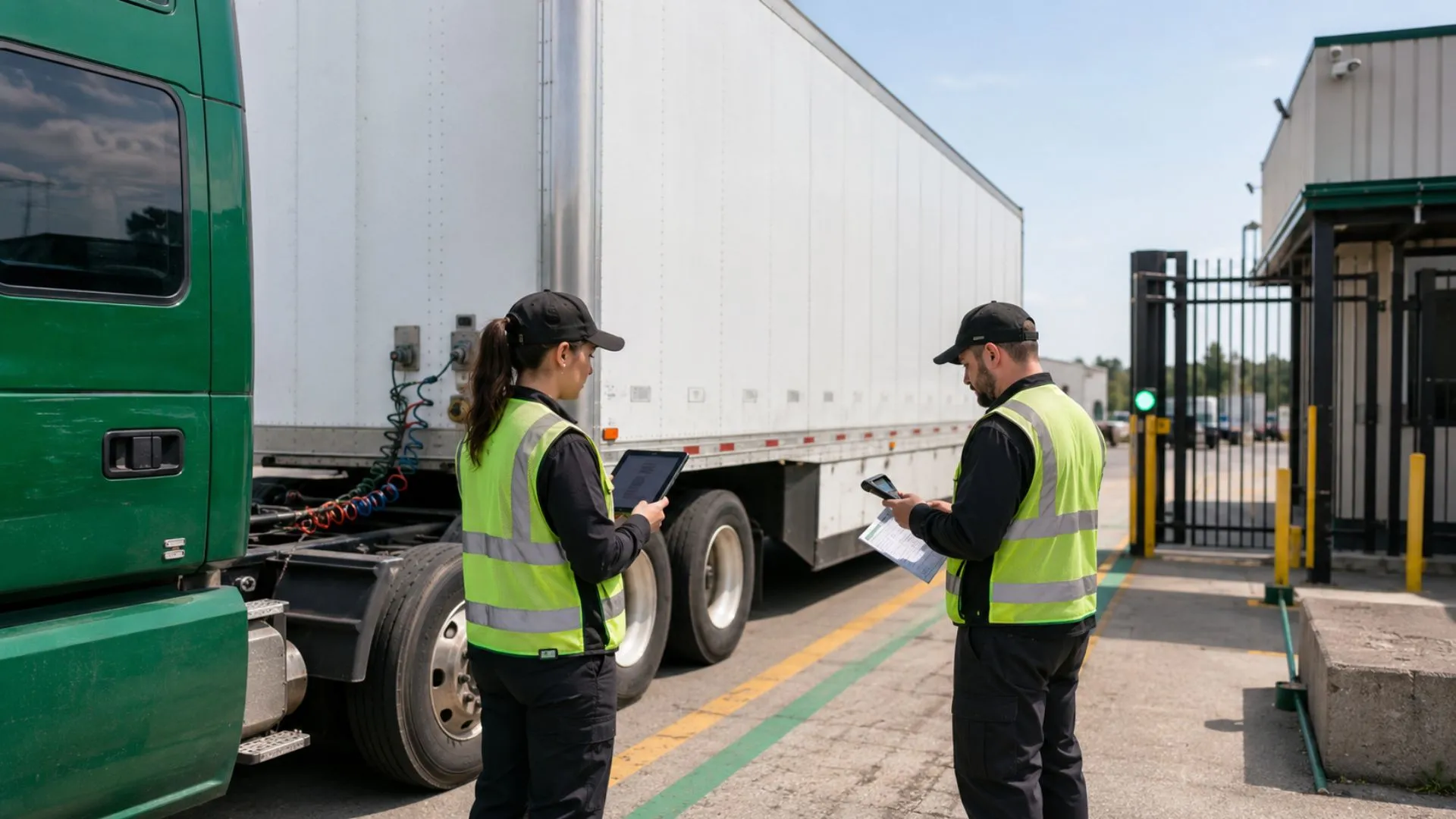
A trailer can be inside your yard and still be operationally invisible. Dispatch may send a tractor to a unit that is loaded, reserved, under inspection, or parked in the wrong zone. A customer may hold a trailer longer than agreed, while the team notices only when the next assignment fails. Management may approve more trailer capacity even though existing assets are sitting unused because no one can trust the status data.
These failures are not caused by the absence of a map alone. They are caused by the absence of reliable trailer device data connected to a shared operating picture.
In this guide, we explain how trailer fleet tracking uses GPS device data to support trailer status, detention review, availability, custody, and utilization decisions. A Tracom GPS tracking device can report location, movement, geofence events, timestamps, device health, and event history, while the customer’s dispatch, yard, gate, maintenance, and transport systems add the business context.
For a deeper look at tracker selection, power profiles, sensors, and device types, see our Trailer Tracker Guide. Here, the focus is how Tracom device data supports trailer visibility and control without replacing the customer’s yard management, dispatch, or transport management system.
Trailer fleet tracking beyond location data
Trailer fleet tracking becomes useful when the device installed on the asset produces reliable field data, not only a last map point. Before a team can decide whether a trailer is available, detained, reserved, blocked, attached to the right tractor, or moving without authorization, the tracker must first provide trusted location, movement, timestamp, and geofence evidence.
A map point may confirm position, but it does not tell dispatch what the team can do with the trailer. That operational meaning comes when Tracom GPS device data is connected with dispatch assignments, gate records, maintenance restrictions, custody updates, and agreed status definitions.
Trailer status, availability, and custody
A trailer may be physically inside the yard but unavailable because it is loaded for a future movement, awaiting inspection, or reserved for a customer. It may also be outside the yard while remaining available for a planned collection. Trailer availability tracking therefore needs a controlled status model supported by Tracom GPS device data, gate records, dispatch assignments, maintenance restrictions, and user updates.
The Tracom device contributes movement evidence, location records, timestamps, geofence events, and device-health signals. The customer’s operating process adds business meaning. When both sides use the same trailer identifier and status definitions, teams can search by asset number and understand where the unit is, who is responsible for it, and whether it can be assigned.
Assign trailer status ownership across teams
Tracom device data can show where the trailer is, when it moved, which zone it entered or left, and whether the device is reporting normally. Status ownership remains with the customer’s operating teams. Dispatch should own assignment and release status, yard teams should confirm gate and zone transitions, maintenance should control blocked and released status, and security should handle unauthorized movement exceptions.
Management should review detention, availability, and trailer asset utilization trends using consistent definitions. Clear ownership prevents the same trailer from carrying different statuses across departments and keeps device evidence connected to the right operating decision
How device data supports a trailer status lifecycle
A reliable trailer status lifecycle starts with device evidence and a small set of statuses that every depot, terminal, and operating team applies consistently. Tracom GPS device data can show location, movement, timestamps, geofence entry and exit, and reporting behavior, while the customer’s operating records define whether the trailer is available, assigned, loaded, detained, blocked, or released.
The goal is not to create more labels. The goal is to make every status traceable to either device evidence, an operating record, or a responsible team action
Common trailer statuses should be defined around what the device can prove and what the operating team must confirm:
- Available: Cleared for assignment and not reserved for another movement.
- Assigned: Linked to a planned job, route, tractor, or customer movement.
- In transit: Moving within the active assignment.
- At customer site: Inside the customer geofence and awaiting loading, unloading, or release.
- In yard: Physically inside a depot or terminal, but not automatically available.
- Under inspection or maintenance: Blocked from dispatch until released.
- Idle beyond threshold: Stationary longer than the operating rule allows.
- Exception: Location, movement, identity, or recorded status conflicts with the expected workflow.
Some statuses can be strongly supported by Tracom device data, such as in transit, at yard, at customer site, or unusual movement. Other statuses, such as loaded, released, blocked, or under maintenance, require customer records or team confirmation. This distinction keeps trailer tracking accurate and prevents GPS data from being treated as a complete operating system.
Match trackers to asset records
The value of a trailer tracking device depends on how accurately it is linked to the physical asset. If the tracker, trailer record, and operating records do not share the same identifier, the device may report correctly while the team reads the wrong trailer status.
Every device must be linked to a unique trailer identifier that also appears in dispatch, gate, maintenance, and finance records. Use a controlled fleet number, registration reference, chassis number, or another unique code. Descriptions such as Trailer 12 or White Reefer are not sufficient for multi-site operations.
The asset record should also include trailer type, home depot, current status owner, maintenance restriction, and supported sensor information. This prevents teams from comparing unlike trailer classes or assuming that a movement event confirms cargo condition.
Manage tractor-trailer handoffs
A Tracom tracker mounted on the trailer confirms the trailer’s own position, movement, timestamps, geofence events, and event history. It does not automatically prove which tractor is connected to the trailer unless that association is captured through a supported sensor, driver action, dispatch record, gate scan, or another customer process.
Your trailer handoff workflow should define when the tractor-trailer link is created, who can change it, and when it is closed. During swaps, the customer’s operating process should flag a mismatch between physical movement and the recorded assignment. This preserves trailer custody tracking without claiming that one GPS event identifies every person, vehicle, or cargo state involved in the handoff.

Govern trailer milestones with geofence rules
Geofence value starts when the tracking device can detect and report entry, exit, movement, and dwell events around defined zones. Tracom GPS device data can support yard gates, staging areas, loading lanes, maintenance zones, approved parking, customer sites, ports, and restricted locations when each zone reflects a real operating milestone.
Trailer yard tracking should create dependable device-based timestamps, not an excessive number of map zones. Each geofence must represent a practical milestone such as gate entry, staging, loading, maintenance, approved parking, customer arrival, or departure.
Assign an owner and trigger to each zone
A large yard may need separate boundaries for the external gate, staging area, loading lanes, maintenance zone, approved parking, and restricted sections. Customer sites should use practical boundaries that reflect where trailers actually wait, not merely the property line shown on a map.
Each zone needs an owner, a purpose, and a clear trigger. Entry into a customer-site geofence may start trailer dwell time. Exit may close it. Entry into a maintenance area may help remove the unit from the available list when matched with the customer’s maintenance record. Movement from approved parking after hours may create a security exception.
Tracom device data supplies the location, timestamp, and geofence event. The customer’s yard, dispatch, security, or maintenance process decides what that event means and who should act on it. This gives yard trailer visibility a defined operating purpose without treating the tracking device as a complete yard management system.
Define the detention clock
Trailer detention monitoring requires a controlled start event, allowed period, and end event. Depending on the contract and site workflow, the clock may start at geofence entry, gate confirmation, dock arrival, or another verified milestone. The rule should also state how early arrival, scheduled waiting, customer closure, and internal delay are handled.
GPS timestamps from the device support the evidence, but they do not determine commercial responsibility by themselves. Appointments, gate records, dispatch notes, proof of loading or unloading, and customer terms may still be required. The objective is to identify detention risk early and preserve a consistent timeline for review.
Create actionable exception alerts
Useful trailer exceptions may include:
- Trailer remains at a customer site beyond the defined allowance.
- Assigned trailer leaves the yard before the planned release window.
- Trailer enters a restricted or maintenance zone.
- Trailer moves without an active assignment or approved tractor association.
- Expected arrival or return does not occur within the operating window.
- Trailer stops reporting or its location conflicts with the recorded status.
Each exception should go to the team that can act. Detention alerts may belong to dispatch or customer operations, unauthorized movement to security, and device-health issues to the technical owner. Sending every event to every manager creates notification noise and delays response.
Need trailer tracking devices configured around your yards, ports, and customer sites? Review Tracom features and plan the geofence events your operation needs.
Read also: Tracom GPS tracking use cases for fleet operations
How device data supports dispatch and yard control
The operational value of trailer fleet tracking depends on whether device data reduces the time and uncertainty involved in assigning, finding, releasing, and rotating assets. Tracom GPS device data can show trailer location, current zone, last movement, geofence history, reporting status, and exception events, while the customer’s dispatch or yard system decides how that evidence appears in availability views, work queues, and exception lists.
The goal is not to turn every trailer into another point on a map. The goal is to help teams use reliable trailer device data to decide which assets can be assigned, which units need review, and which exceptions require action.
Improve trailer availability tracking
A dispatcher should be able to filter trailers by type, depot, current zone, status, last movement, maintenance restriction, and assignment. Tracom device data supports this view by confirming where the trailer is, when it last moved, whether it entered or left a defined zone, and whether the device is reporting normally.
This prevents a tractor from being sent to a trailer that is physically present but loaded, reserved, damaged, blocked, or assigned to another movement. Multi-depot fleets should apply the same trailer status definitions while limiting each user’s view to the assets and locations they manage.
Reconcile yard moves with handoff records
Use Tracom geofence history and movement records to reconcile physical trailer movements with gate, dispatch, assignment, and custody records. When a trailer changes zones without the expected gate or dispatch record, the event can be investigated as an undocumented move instead of being discovered during the next urgent assignment.
The same event history supports handoff control. Operations can verify when the trailer entered the site, moved to staging, reached a loading area, and left the yard. Tracom supplies the movement evidence; the customer’s operating records confirm the handoff, assignment, and responsibility transfer.
Use trailer utilization tracking in context
A trailer that completes a few trips may be underused, but it may also be held for a contract, assigned to seasonal work, awaiting repair, or located at a low-volume depot. Trailer utilization tracking should segment idle time by status, trailer class, site, operating period, and device reporting quality.
Without that context, management may move or dispose of assets that are required for a specific customer. It may also buy more units while existing trailers are blocked by maintenance, detention, poor handoff discipline, or missing status updates. Tracom GPS device data helps reveal the physical movement pattern, while the customer’s records explain the business reason behind that pattern.
Read also: How Fleet Dispatch Software Uses GPS Data for GCC and Global Fleets.
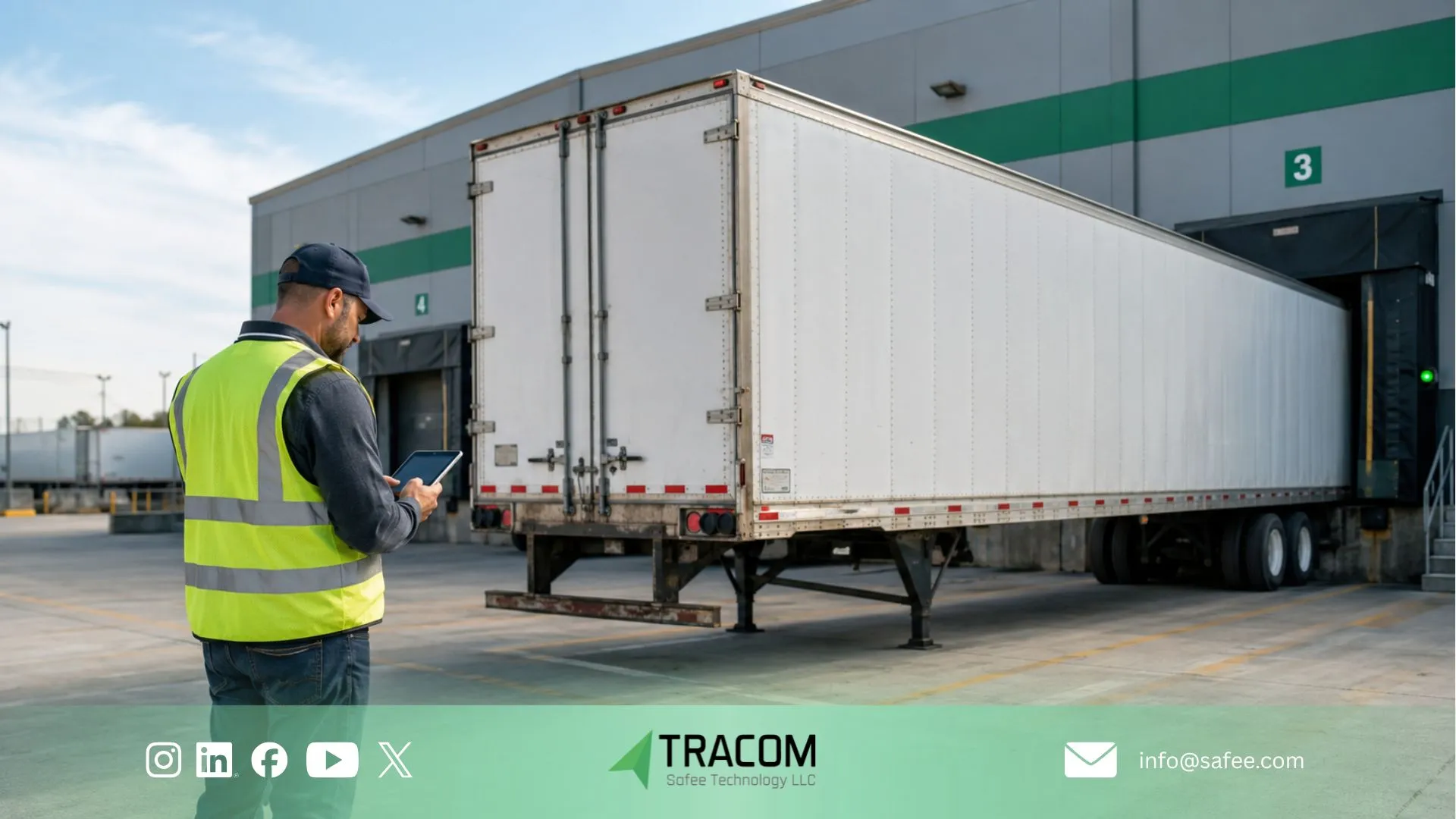
Trailer utilization and detention KPIs from device data
Trailer reports should answer a management question and lead to a defined action. A long movement log from the tracking device is less useful than a focused KPI set that shows where trailers wait, which units are genuinely available, where custody records break, and which sites repeatedly create delay.
Before acting on utilization or detention reports, fleet teams should confirm that the device layer is producing reliable data. Missing positions, stale device status, weak trailer associations, or inconsistent geofence events can lead to wrong decisions about detention, capacity, and asset movement.
The following trailer-specific KPIs connect Tracom GPS device data with availability, detention, custody, utilization, and data quality.
Indicator | What it measures | Management use |
Available trailer count | Units cleared for assignment by site and class | Balance capacity and repositioning |
Customer-site dwell | Time between the defined arrival and release milestones | Investigate detention and recurring customer delays |
Yard turnaround | Time from yard entry to approved departure | Review staging, loading, and release bottlenecks |
Idle duration by status | Stationary time split by available, reserved, maintenance, and exception states | Separate underuse from valid unavailability |
Association or custody mismatch | Movement without the expected tractor, job, gate, or handoff record | Investigate accountability and process gaps |
Device and data health | Missing reports, low power, stale status, or conflicting data | Protect reporting quality before acting on KPIs |
Compare trailer utilization by site and class
Fleet-wide averages can hide a depot, customer, or operating region that consistently creates long trailer dwell time. Compare results by site, route, trailer type, customer workflow, and operating period using the same definitions. Otherwise, one location may appear better only because it records arrival or release differently.
Tracom GPS device data can show physical movement patterns, dwell time, geofence activity, reporting gaps, and device-health exceptions. The customer’s operating records explain why the trailer was waiting, whether the delay was valid, and which team should act.
Data quality must be part of the KPI review. A utilization percentage based on missing reports, stale statuses, or incorrect asset associations creates false confidence. Device health, status discipline, and exception closure should be reviewed before management uses trailer KPIs for repositioning, maintenance planning, customer discussions, or capacity decisions.
Read also: Fleet Reporting Analytics for GCC and Global Fleets
How to pilot trailer tracking devices before scaling
A controlled pilot should validate how trailer tracking devices are installed, identified, configured, and connected to operating records before deployment expands across every trailer class and depot. The pilot should prove that each tracker reports the right trailer identity, location, geofence events, movement history, device health, and exception data before teams rely on the information for status, detention, custody, or utilization decisions.
The pilot should also confirm how Tracom device data will be used by the customer’s dispatch, yard, gate, security, maintenance, and management teams. Asset records, status ownership, geofence milestones, alert recipients, reports, and integration assumptions should be tested before the setup is scaled.
- Audit the asset list, naming conventions, trailer classes, depot ownership, and existing status definitions.
- Select representative yards, customer sites, routes, and trailer types for the pilot.
- Define the minimum lifecycle statuses and assign an owner for every status change.
- Link each tracker to the correct trailer record and verify identifying data.
- Configure geofences and document which device event starts or closes each milestone.
- Set exception recipients and response procedures for detention, movement, custody, and device-health alerts.
- Confirm which device fields each team needs for dispatch, yard, security, maintenance, and management decisions.
- Compare Tracom GPS events with gate, dispatch, and maintenance records during the pilot.
- Correct unclear ownership, false alerts, weak associations, and inconsistent statuses before scaling.
- Review KPI definitions, device health, reporting intervals, and data quality after expansion.
Connect trailer device data with operating systems
Tracom trailer tracking devices can provide location, movement, geofence events, device-health signals, event history, and supported sensor data. Job assignments, customer appointments, loaded or empty status, maintenance release, commercial detention rules, and billing responsibility may remain in the customer’s dispatch, transport management, gate, warehouse, or maintenance systems.
Define which records are entered manually, imported, or integrated for the specific project. The Tracom device layer supplies field evidence. The customer’s operating systems and teams supply the business context. This separation makes integration requirements clearer and prevents a GPS tracking device from being treated as a complete yard management, dispatch, or transport management application.
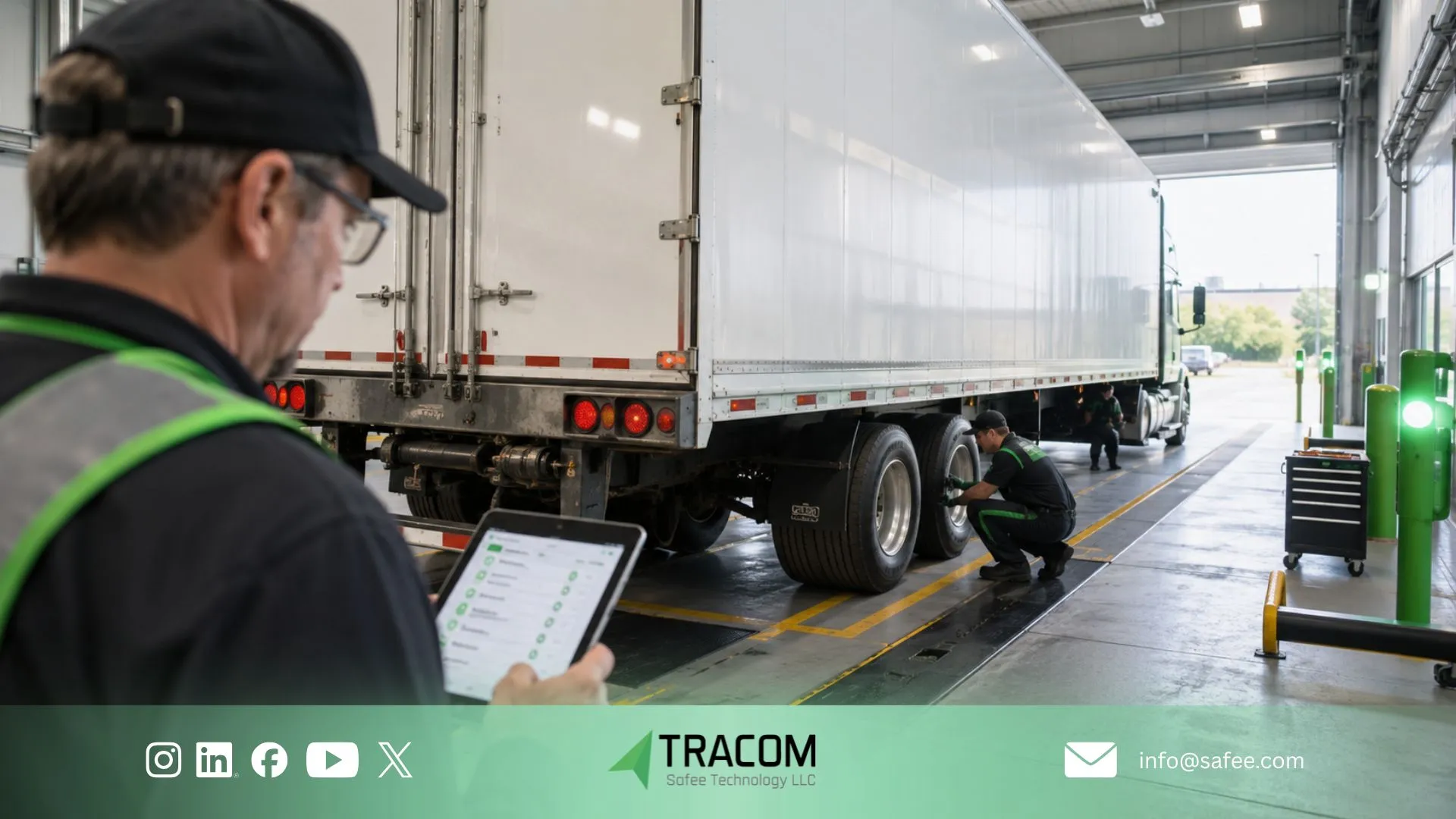
How Tracom GPS devices support trailer fleet tracking
Tracom GPS devices support the tracking layer required for trailer fleet tracking across GCC and international fleets. The device can provide location, movement, geofence events, event history, device-health signals, and configuration support that helps teams review yard status, customer dwell, detention risk, custody, and utilization.
Geofence events can mark trailer arrival, staging, customer-site dwell, maintenance-zone entry, approved parking, and release. Movement alerts can help identify unauthorized or undocumented moves, while event history can support detention, custody, and handoff reviews when matched with the customer’s dispatch, gate, maintenance, or transport records.
Remote configuration and centralized device management can help fleets apply consistent tracking rules across depots and trailer groups. The selected tracker, power profile, reporting interval, mounting method, supported sensors, and integration fields should be matched to the trailer type, operating cycle, and required visibility.
At Tracom, we scope the GPS tracking device and data layer around the statuses, exceptions, geofence events, and KPIs your dispatch, yard, security, maintenance, and management teams need to review and act on.
Talk to Tracom about the right trailer tracking device setup for your trailer classes, yard zones, detention rules, handoff process, and device data needs.
FAQs about trailer fleet tracking
How does trailer fleet tracking improve utilization?
Trailer fleet tracking improves utilization when Tracom GPS device data is connected with controlled availability, assignment, maintenance, and dwell statuses. Movement history can show where trailers are waiting, how long they remain idle, and whether they are moving between the expected locations.
This helps management distinguish genuinely underused assets from trailers that only appear idle because they are reserved, detained, under repair, assigned to a customer, or recorded incorrectly.
What is the difference between trailer yard tracking and trailer fleet tracking?
Trailer yard tracking focuses on trailer movement, zones, staging, searches, and dwell time inside or around a depot, yard, port, or terminal.
Trailer fleet tracking covers the wider lifecycle across yards, roads, customer sites, tractor associations, custody handoffs, availability, and utilization reporting. In both cases, the tracking device supplies location, movement, timestamp, geofence, and device-health data, while the customer’s operating process adds the business context.
Can a GPS tracker confirm whether a trailer is loaded or empty?
Location alone cannot confirm whether a trailer is loaded or empty. Loaded or empty status may come from dispatch records, gate scans, weight or cargo sensors, driver input, or another validated customer workflow.
The required method should be defined during project planning so the GPS tracker is not treated as the only source for cargo status.
How should trailer detention time be measured?
Trailer detention time should be measured with a defined start milestone, allowed period, and end milestone for each site or customer workflow. Geofence timestamps from the tracking device can support the timeline by showing when the trailer entered, waited, moved, or exited a defined location.
Appointment records, gate events, loading or unloading evidence, dispatch notes, and customer terms may still be needed to explain responsibility.
Can trailer tracking devices support several depots?
Yes. Trailer tracking devices can support several depots when asset identifiers, status definitions, permissions, geofence rules, reporting intervals, and device-health checks are standardized.
Local teams can use depot-level views, while central operations reviews the combined network. The device supplies consistent field data, while each depot remains responsible for its own status updates, handoffs, and operating actions.
What Tracom device data should be shared with dispatch or yard systems?
Useful Tracom device data may include trailer identity, last location, current zone, movement time, geofence event, reporting status, device-health state, and supported sensor or event data.
Operational fields such as assigned tractor, job reference, loaded or empty status, maintenance restriction, custody owner, and detention responsibility may come from the customer’s dispatch, yard, gate, maintenance, or transport systems. The actual exchange depends on the systems and integrations available for the project.