

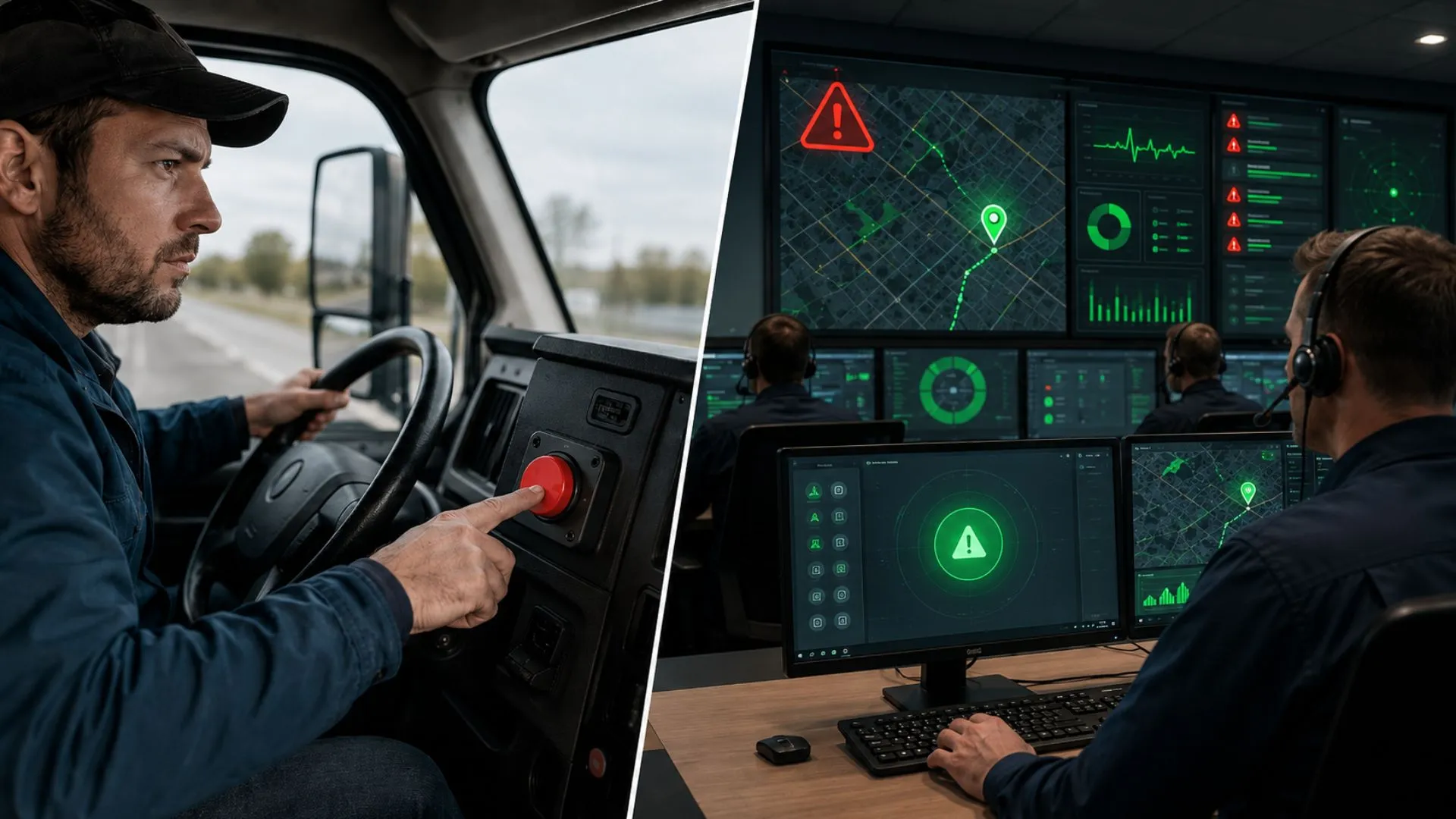
A fleet can receive hundreds of speeding, harsh braking, impact, geofence, and panic notifications and still respond too late. When every alert looks urgent, managers stop trusting the feed, drivers hear warnings without understanding the policy, and genuine emergencies compete with routine events. For B2B fleets across the GCC and international markets, the issue is not generating more notifications; it is building a fleet safety alert management process that turns each relevant signal into a clear, accountable action. Tracom, a Safee product developed from the UAE, supports that process with configurable event detection, voice alerts, geofencing, panic inputs, real-time notifications, and remote device management.
This article explains how safety and fleet teams can create a practical fleet alert workflow: classify severity, assign owners, calibrate G-sensor and speed rules by vehicle and route, manage driver-facing voice warnings, test safety alert escalation, review events fairly, and measure whether the program is improving. The focus is how a reliable GPS tracking device turns safety events into usable fleet data: detecting the event, attaching location and vehicle context, triggering the right alert, and supporting the customer’s safety workflow with consistent records.
For a broader explanation of live fleet visibility, device events, and real-time alert setup, see our GPS Fleet Tracking Device guide. Here, the focus is what happens after detection: severity, ownership, calibration, escalation, coaching, and closure.
Fleet safety alert management from detection to response
Fleet safety alert management starts with the tracking device installed in the vehicle. Before a manager can classify an event or assign a response, the device must detect the signal, record the time and location, connect it to the right vehicle, and send or store the event according to the configured behavior.
Each detected event needs a defined priority, recipient, response, evidence requirement, and closure rule. Depending on its purpose, the event may warn the driver, enter a review queue, notify a manager, trigger an emergency workflow, or remain available for scheduled analysis.
In this article, Tracom is positioned as the GPS tracking device and telematics data layer behind safety alerts. It detects configured events, supports voice and panic alerts, records location and time context, and helps transmit or preserve event data. The customer remains responsible for safety policy, escalation rules, coaching decisions, and emergency response.
Turn GPS events into clear actions
A technical event becomes operationally useful only after the fleet gives it context. A brief harsh-braking event in congested city traffic is different from repeated harsh braking on a clear route. A speed exception inside a depot may require immediate intervention, while another event may be appropriate for scheduled review. Fleet safety alert management defines the meaning, priority, recipient, evidence, and closure rule for each signal.
Assign alert owners and responsibilities
The program should have one overall owner and clearly assigned handlers for each alert category. Safety may own driver-behavior rules, security may own panic and unauthorized-movement events, maintenance may handle device-health or vehicle-signal concerns, and depot supervisors may review local exceptions. Ownership must include threshold approval, recipient lists, response testing, driver communication, and change records.
A simple responsibility matrix should answer four questions: who receives the alert, who acknowledges it, who investigates it, and who closes it. This prevents events from remaining open because every team assumed another team was responsible.
Read also: How a GPS Fleet Tracking Device Works for Modern Fleets
Build a fleet alert workflow by severity
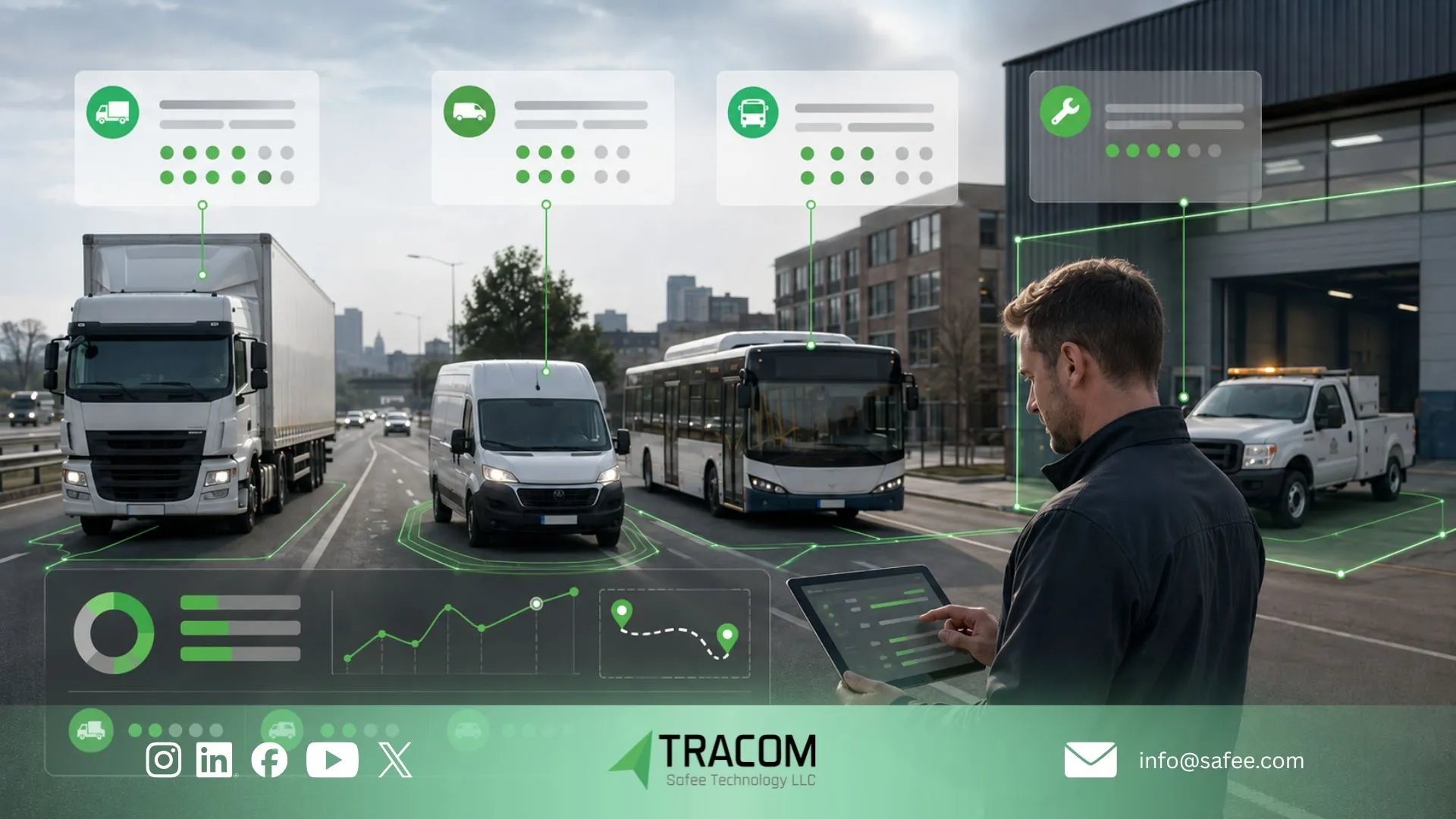
Alert tiers should reflect the required response, not merely the technical event name. This keeps urgent signals visible and prevents coaching events or technical warnings from flooding emergency channels.
Tier | Typical purpose | Response model | Examples |
Critical | Possible immediate threat to driver, public, vehicle, or cargo | Immediate acknowledgement and defined escalation | Panic input, severe impact, unauthorized movement in a high-risk context |
High priority | Behavior or condition that may require intervention during the trip | Driver warning and/or prompt manager review | Sustained overspeed, repeated harsh events, restricted-zone breach |
Review | Event used to identify patterns and coaching needs | Scheduled contextual review | Isolated harsh braking, acceleration, idling, or route exceptions |
Technical | Data quality or device condition that affects monitoring | Service or configuration queue | Power interruption, missing reports, sensor or installation concern |
Set response rules before activation
For every alert, document the recipient, delivery channel, expected acknowledgement, evidence to review, response steps, backup contact, and closure condition. A high-priority event sent to an unavailable manager is not a managed alert. A routine event delivered to senior management every time will soon be ignored.
Primary and backup recipients are especially important for night shifts, remote operations, multi-depot fleets, and cross-border routes. Recipient lists should follow actual work schedules and escalation responsibilities rather than remain as static contacts created during installation.
For example, a repeated harsh-braking rule may enter the review tier, go to the safety supervisor, require a check of location, speed, route, vehicle class, and recurrence, and close as no action, driver coaching, maintenance review, or configuration change.
Separate warnings, alerts, and reports
An in-cab warning is intended to influence behavior during the trip. A manager notification supports intervention or investigation. A report supports trend analysis, coaching, and policy review. One event may feed all three channels, but each channel serves a different purpose. The fleet alert response process should not treat a voice message as proof that management follow-up is complete.
Fleet alert configuration by vehicle and route
Fleet alert configuration should reflect how each vehicle group actually operates. Applying one harsh-braking, acceleration, impact, or speed threshold across trucks, buses, vans, service vehicles, and passenger cars can create false positives in one group and hide risk in another.
G-Sensor alert calibration by vehicle group
Build configuration groups around vehicle class, body type, payload variation, route profile, stop frequency, suspension, and device mounting position. Device orientation can affect accelerometer readings, so a threshold copied from another installation should be validated before fleet-wide deployment.
Test alert thresholds in a pilot
Pilot representative vehicles on real routes and review event time, location, speed, route conditions, vehicle class, driver input, and recurrence. The goal is not to eliminate alerts. It is to reduce low-value noise while keeping meaningful events visible. Record every approved change, the reason for it, the affected group, and the next review date.
Review harsh braking in context
A harsh braking review should first determine whether the event reflects actual driving behavior or a threshold, mounting, route, traffic, or vehicle-specific issue. Repeated events across one driver, route, or vehicle group should be compared before the fleet decides whether coaching or recalibration is required.
Adjust alerts for high-risk zones
Geofence-based policies can apply different rules in depots, school zones, customer yards, industrial sites, and other controlled areas. A lower speed threshold may be appropriate where pedestrians, loading activity, or site policy increases risk. The rule should match the fleet’s documented operating policy and the configuration available for the selected device.
Share your vehicle groups, route types, current thresholds, mounting conditions, and recurring alert issues with Tracom to configure and test the right GPS tracking device rules before fleet-wide deployment.
Voice alert management without alert fatigue
Tracom voice alerts are valuable because they come directly from configured device events inside the vehicle. When the device detects a selected condition such as overspeeding, a harsh event, or another monitored behavior, the voice warning should guide the driver toward one immediate and safe action. A concise warning to reduce speed or correct a configured condition can influence behavior during the trip. Repeated generic tones or messages for every minor event can distract drivers and create alert fatigue.
Use voice alerts for immediate driver action
Use driver-facing warnings for conditions the driver can correct immediately. Do not convert every dashboard event into an audio message. The fleet should decide which events need a voice warning, how often a message may repeat, and when repeated behavior should move from the driver channel to manager review.
Explain the alert policy to drivers
Drivers should know which conditions generate warnings, whether management receives the same event, how repeated events are reviewed, and how they can report a suspected false trigger. Clear communication makes the system predictable and supports fair driver safety alert management.
Measure the impact of driver warnings
A warning should not exist in isolation. Review whether repeated events decline after the warning is introduced. If they do not, determine whether the issue is the driver, the threshold, the route, the schedule, the vehicle, or the clarity of the message. Driver coaching alerts should feed a structured review rather than become background noise.
Explore Tracom features for driver monitoring and voice alerts.
Safety alert escalation for emergencies
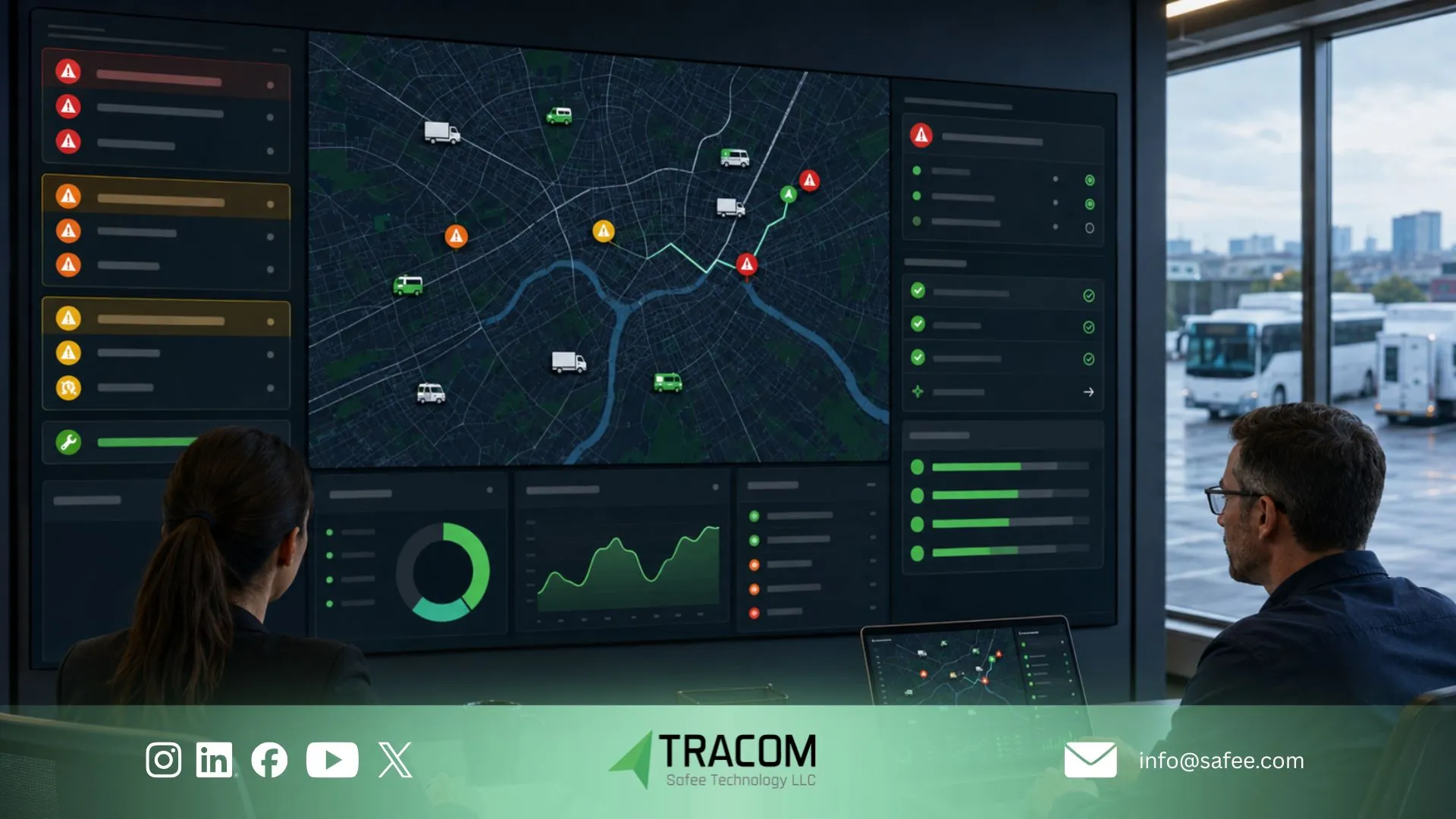
Panic, severe-impact, and other critical signals require a separate safety alert escalation path because the driver may be facing a collision, security threat, medical issue, or another urgent situation. The physical input or detected event is only the beginning of the emergency alert workflow.
Map the emergency alert workflow
The workflow should confirm the following sequence:
- The driver activates the installed panic input, or the device detects the configured critical condition.
- The device creates the event and attaches available vehicle identity, time, and location data.
- The event is transmitted through the available connection or stored according to the configured device behavior.
- The platform routes the event to primary and backup recipients.
- A recipient acknowledges the event, verifies available context, and follows the company’s contact and escalation procedure.
- The event is closed with the outcome, actions taken, and any required follow-up.
Plan for coverage and contact gaps
Tunnels, remote corridors, industrial sites, and cross-border routes may interrupt communication. On-device storage can preserve records for later synchronization, but it does not replace the company’s emergency communication plan. The fleet may need alternative contact methods, route-specific procedures, and clear rules for when no acknowledgement is received.
Test the full escalation chain
A controlled test should confirm the physical input, event recognition, available location data, transmission, priority, notification delivery, acknowledgement, backup escalation, and closure record. Repeat testing after installation changes, recipient changes, major configuration updates, or expansion to new operating regions.
Ask Tracom to validate the installed panic input, critical-event detection, location capture, device storage behavior, and notification handoff before full deployment.
Driver safety alert management for fair coaching
Tracom does not decide whether a driver needs coaching. The device supplies the event record: time, location, speed, vehicle identity, configured warning status, and recurrence. The fleet team then reviews that evidence against route, vehicle, driver, and operating context.
Alerts should identify patterns and causes before the fleet decides on corrective action. Coaching may be appropriate, but route design, schedule pressure, loading practice, vehicle condition, device mounting, and site conditions may also contribute to repeated events.
Use a consistent alert review process
- Confirm that the device and relevant sensor or input were reporting correctly.
- Review time, location, speed, route, vehicle class, and recurrence.
- Check whether a configured voice warning was delivered.
- Compare the event with similar drivers, vehicles, routes, and depots.
- Identify likely driver, route, schedule, vehicle, or environmental contributors.
- Select the response: no action, clarification, coaching, operational change, maintenance check, configuration review, or escalation.
- Record the outcome, owner, and follow-up date.
Keep driver coaching evidence-based
Coaching should describe the observed pattern, the expected behavior, and the operational reason for the change. The driver should also have an opportunity to explain road and job context. A single unreviewed event should not be treated as conclusive evidence of unsafe conduct.
Identify system-level safety issues
If many drivers trigger the same event on one route, investigate congestion, junction design, delivery windows, or unrealistic schedules. If one vehicle group produces unusually high event rates, review mounting, suspension, payload, and calibration. This approach turns driver safety alert management into an improvement program rather than a notification count.
Measure alert governance and response quality
The number of generated events is not a success metric by itself. A rise may indicate worsening behavior, improved detection, a new route mix, or thresholds that are too sensitive. GPS safety alert governance should measure whether the system produces credible signals and whether teams respond consistently.
For Tracom deployments, KPI review should also check whether the device layer is producing reliable signals. A safety program cannot judge response quality if event detection, location records, device health, or transmission behavior are not reviewed first.
Use balanced safety KPIs
Useful indicators include:
- Alert rate normalized by distance, driving hours, trips, or another consistent exposure measure.
- Repeat-event trend by driver, route, vehicle class, and depot after contextual review.
- False-positive or low-value event rate identified during review.
- Acknowledgement and closure performance for critical and high-priority alerts.
- Completion of assigned coaching, maintenance, investigation, or operational actions.
- Recurrence after voice warnings or completed coaching.
- Emergency workflow test results and recipient availability.
- Device-health exceptions that could weaken event detection or delivery.
- Open alerts beyond the required closure period
Review alert settings and results
A KPI review should explain major changes rather than rank drivers or depots without context. If alerts increase after a configuration change, compare the trend with false-positive rates and operational conditions. If alerts decline, confirm that reporting quality has not weakened. Detection quality, response discipline, and completed actions belong in the same management review.
Read also: Fleet Reporting Analytics for GCC and Global Fleets
Roll out the fleet alert response process
A staged rollout gives the fleet time to validate alert logic and responsibilities before expanding to every vehicle and location. The pilot should test the complete operating process, not only whether a device can generate an event.
Follow a staged alert rollout
- Audit vehicle groups, routes, existing safety policies, recipients, and current alert settings.
- Select representative vehicles, drivers, depots, shifts, and route conditions.
- Define severity tiers, owners, acknowledgement rules, and closure requirements.
- Configure a limited set of high-value rules and voice warnings.
- Validate G-sensor, speed, geofence, panic, and technical events under controlled conditions.
- Review low-value triggers, missed events, and recipient performance during the pilot.
- Train drivers, supervisors, safety teams, security, and system administrators in their roles.
- Approve the configuration baseline and document change control before scaling.
Connect device alert data with fleet systems
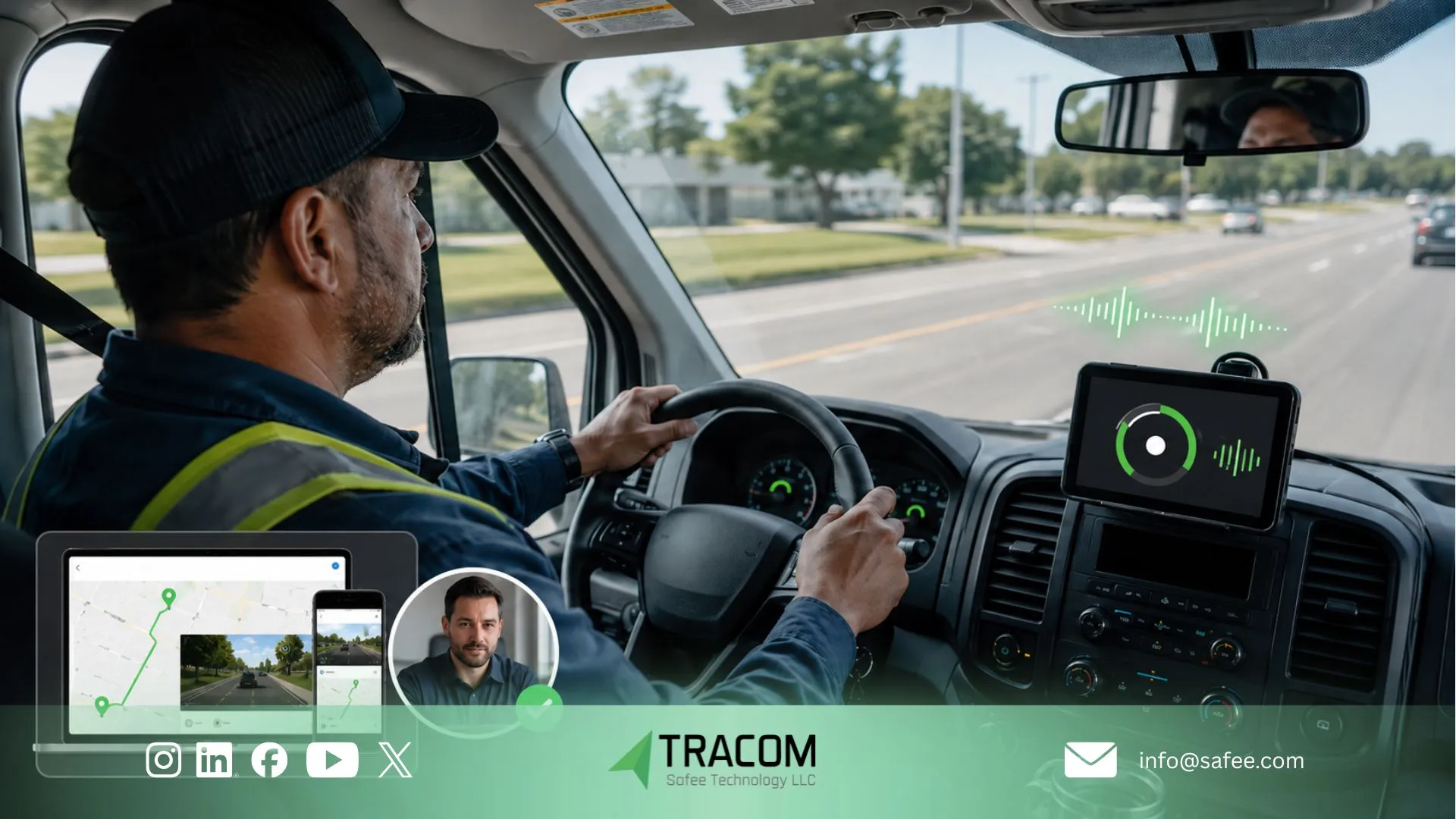
Tracom supplies device-generated field data and configured alert logic, while driver policy, HR action, incident management, dispatch decisions, and emergency response remain customer responsibilities or may sit in other business systems. Where integration is required, define which event fields, acknowledgements, case references, and closure statuses need to move between systems.
Review Tracom deployment and remote configuration services for multi-vehicle and multi-site projects.
Tracom fleet safety solutions for GCC and global fleets
At Tracom, we help B2B fleets build the device and data layer required for a managed safety-alert program. Tracom is a Safee product from the UAE, designed for commercial fleets operating across the GCC and international markets where mixed vehicles, long routes, remote sites, multiple shifts, and cross-border operations demand reliable visibility and controlled response.
G-sensor events can support calibrated harsh-driving review, while voice alerts can provide immediate driver feedback for selected conditions. Panic inputs can form part of a tested emergency workflow, and internal data storage can preserve event records during communication interruptions. Remote configuration can help fleets maintain consistent rules across vehicle groups, depots, and operating regions.
Tracom provides the device, event, notification, and remote-configuration layer. Your organization remains responsible for safety policy, recipients, escalation duties, coaching decisions, and emergency response procedures.
Explore our fleet tracking solutions, device capabilities, and fleet use cases.
FAQs About fleet safety alert management
What is fleet safety alert management?
Fleet safety alert management is the process of classifying GPS and telematics alerts, assigning owners, defining response and escalation rules, reviewing context, and closing each event with a documented outcome. It connects device detection with accountable fleet action.
How should fleets reduce alert fatigue?
Start with a limited set of actionable rules, separate critical alerts from coaching and technical events, calibrate thresholds by vehicle and route, control message repetition, and remove low-value notifications after a documented pilot review.
How often should G-sensor and speed rules be reviewed?
Review them after the pilot, when vehicle classes or routes change, after installation work, when false triggers increase, and on a scheduled governance cycle. Every configuration change should have an owner, reason, affected group, and validation date.
Can voice alerts replace driver coaching?
No. Voice alerts can support immediate self-correction, but repeated patterns still require contextual review. Coaching, route changes, maintenance checks, or configuration adjustments may be needed depending on the cause.
What should be tested in an emergency alert workflow?
Test the physical input or configured critical event, device recognition, available location and identity data, transmission, notification delivery, recipient acknowledgement, backup escalation, company response steps, and closure record.