
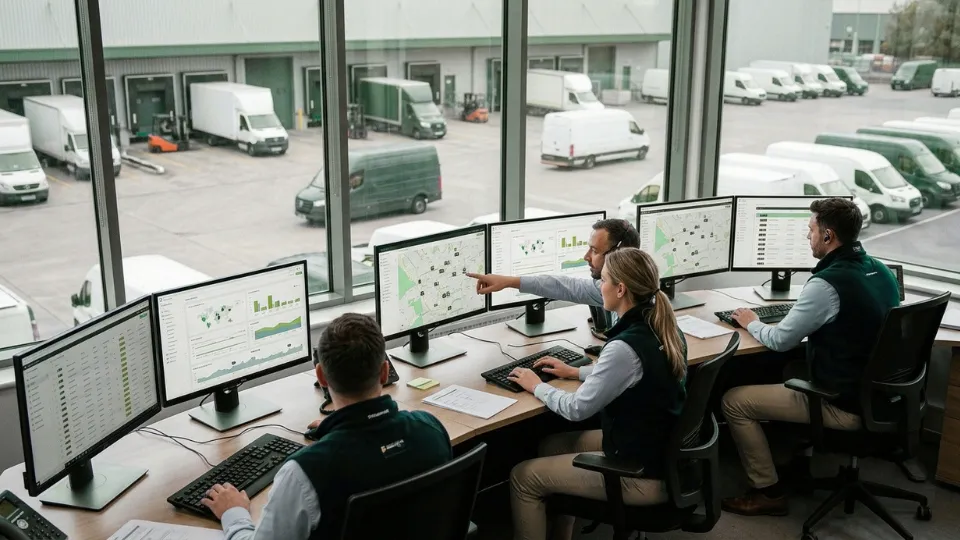
Managing a business fleet is no longer just about knowing where vehicles are. Mid-size and enterprise operations need live visibility, driver accountability, fuel control, maintenance planning, and faster dispatch decisions across the whole fleet.
This guide by Tracom explains how a modern fleet management device system works as a complete business tool, combining a gps fleet tracking, software, alerts, analytics, and operational workflows to help companies manage vehicles, drivers, and costs from one platform.
What is a fleet management device system?
A fleet management device system is more than a tracker installed in a vehicle. It combines in-vehicle hardware, connectivity, platform software, alerts, reporting, and operational workflows so the business can manage vehicles, drivers, trips, and exceptions continuously.
At Tracom, we approach fleet management as a connected operating system rather than a standalone tracking device. Our product capabilities cover the in-vehicle hardware, while our features and services support the alerts, configuration, visibility, and remote control that businesses need for daily fleet operations.
Tracking device vs. full Fleet management platform
A basic tracking device can show where a vehicle is. A full fleet management platform goes further by helping the business monitor route execution, review trip history, identify driver behavior patterns, trigger alerts, and coordinate operational response across teams and locations.
Why do businesses need more than basic GPS fleet tracking?
Basic gps fleet tracking answers one question: where is the vehicle? A fleet management device system answers the questions that matter more to operations directors and owners: which route failed, which driver triggered the exception, where fuel waste is increasing, and what action should happen next. That is why businesses rarely stop at simple tracking once the fleet becomes more demanding.
Want to see how that works on a real platform? Let Tracom show you how we structure visibility, alerts, reporting, and operational control around your fleet.
Live GPS fleet tracking for daily operations
Live vehicle monitoring
Daily fleet control depends on how quickly teams can see what is happening and respond without delay. That is why live gps fleet tracking matters most when it supports real operational decisions, not just map visibility.
Live gps fleet tracking should provide more than moving dots on a screen. In real operations, teams need current vehicle position, movement status, trip context, recent events, and enough visibility to decide whether dispatch should intervene now or continue monitoring.
At Tracom, this layer is supported through live fleet insights, second-by-second data, geofencing, voice alerts, panic alerts, tamper alerts, and continuity during coverage loss. For a broader explainer, see What Is a Fleet GPS Tracking Device & How Does It Work?.
Dispatch and response management
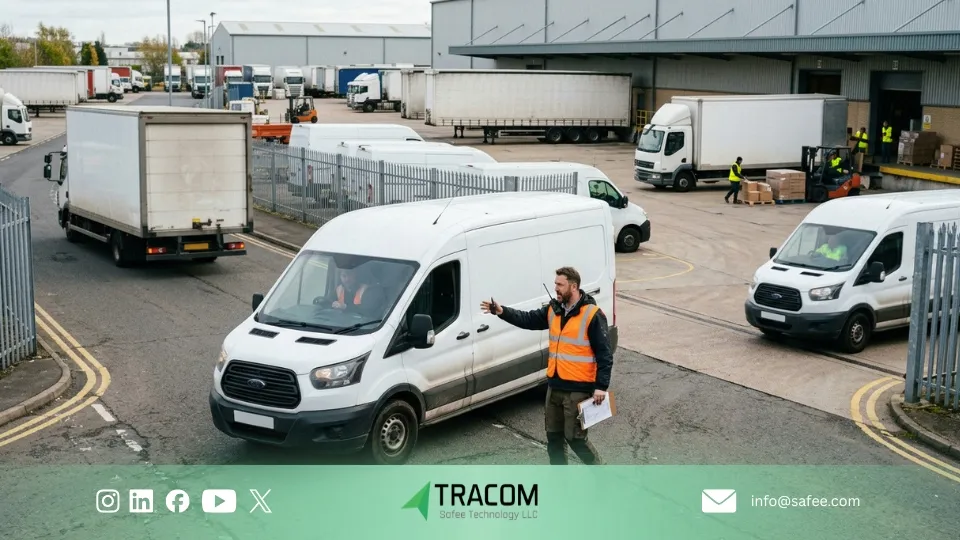
A fleet vehicle tracking system improves dispatch when teams can quickly see which vehicle is active, which one is delayed, where exceptions are building, and which unit is best positioned for the next job. That shortens phone-call chains, improves ETA communication, and helps dispatchers respond faster with better context.
Route review and exception control
Live visibility helps teams manage the present. Route history and trip replay help them understand what actually happened. That matters when managers need to review missed stops, investigate customer complaints, confirm route discipline, or support policy enforcement with evidence instead of assumptions.
Want to see your entire fleet on one screen — live? Request a Demo and we will show you how your operation would look inside Tracom.
GPS fleet management for driver control and accountability
Driver identification and trip ownership
As fleets grow, driver control becomes just as important as vehicle visibility. A strong gps fleet management setup helps businesses link trips to drivers, review behavior more consistently, and act earlier on the patterns that affect cost, safety, and accountability.
- Link each trip to the responsible driver or shift
- Reduce confusion during exception review
- Improve fairness in accountability across teams
- Make investigations faster when an issue occurs
- Create a clearer record for daily operations and management review
Driver behavior monitoring and score-based evaluation
Fleet management gps tracking becomes more valuable when it helps teams review driver behavior, not just replay trips. In practice, this can include:
- · Harsh braking and rapid acceleration
- Repeated speeding patterns
- Excessive idling
- Route-discipline issues
- Behaviors that increase cost, risk, or service disruption
Used properly, this supports more objective coaching, stronger policy enforcement, earlier intervention on risky habits, and less reliance on subjective judgment.
At Tracom, this layer is reinforced by Driver Behavior Monitoring with Voice Alerts, helping fleets address behavior while the trip is still in progress instead of waiting for an after-the-fact report. For more context, see our article on How Fleet Telematics Devices Reduce Fuel Costs and Improve Operations.
How does fleet management GPS tracking support safety and policy enforcement?
For business fleets, driver safety and policy enforcement are not side benefits. They are part of operational stability. When the system highlights overspeed, geofence violations, panic alerts, tamper events, or unauthorized use, managers can move from reactive follow-up to more consistent rule enforcement across the fleet.
GPS fleet tracking software and reporting
A fleet platform becomes valuable when it turns field data into decisions the business can actually use. For operations teams, gps fleet tracking software should not stop at location visibility. It should help dispatchers, managers, and executives review performance, identify exceptions, and act on recurring problems with confidence.
Live visibility and status reports
Show which vehicles are moving, idle, delayed, or need intervention now. At Tracom, this supports faster response through live fleet insights and second-by-second visibility.
Trip and route reports
Show where vehicles went, when trips started and ended, and whether routes were followed as planned. This helps teams review service execution, missed stops, and route discipline quickly.
Exception and alert reports
Show the events that actually need attention, such as overspeed, tamper alerts, panic signals, geofence violations, and repeated idling. This supports exception-based management instead of manual checking.
Driver behavior reports
Show repeated driving patterns that increase risk or cost, such as speeding, harsh braking, and rapid acceleration. This helps teams coach drivers with evidence rather than assumptions.
Utilization and management reports
Show which vehicles are underused, overused, or unevenly distributed across teams and branches. This helps management improve planning, asset use, and operating efficiency.
Analytics for management action
Turn fleet data into decisions by helping teams spot waste, compare performance, assign follow-up, and verify whether corrective action actually worked.
If your fleet generates operational data that is not being used for decisions, Talk to a Fleet Specialist and we will show you how Tracom turns vehicle data into reports your teams can actually use.
Fuel and maintenance management with a fleet tracking solution
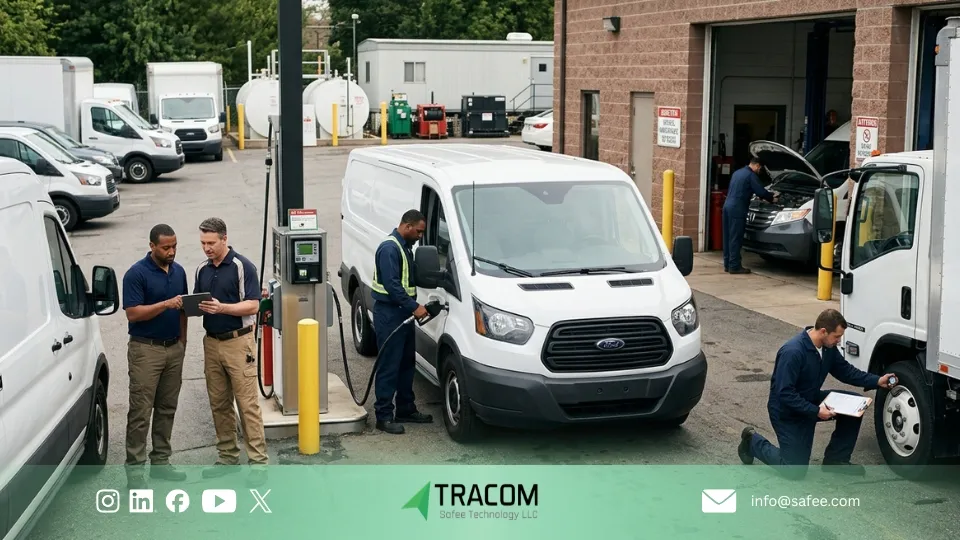
Cost control becomes easier when fuel and maintenance issues are reviewed from one operating system instead of separate tools. For business fleets, the real value is not only seeing the problem, but spotting it early enough to reduce waste, avoid downtime, and improve planning.
Fuel waste visibility
- Excessive idling
- Route drift
- Unauthorized movement
- Inefficient dispatch
- Driving patterns that increase fuel use
At Tracom, live visibility, trip review, alerts, and driver monitoring help operators turn fuel data into corrective action rather than delayed reporting.
Preventive maintenance planning
- Vehicle usage patterns
- Trip intensity and workload
- Event history
- Early vehicle-related signals
- Service timing across the fleet
For B2B fleets, the value is fewer surprise stoppages, better workshop planning, and more disciplined asset availability.
Idle time and misuse control
- Repeated idling
- After-hours movement
- Avoidable misuse
- Route-related inefficiencies
- Behavior patterns that create extra wear
At Tracom, this is managed through one system that combines tracking, alerts, geofencing, and event visibility so operations and management can act from the same source of truth.
Fault and exception review
- Recurring vehicle exceptions
- Abnormal operating patterns
- Trip-linked issues
- Signals that may require maintenance action
- Repeated fleet-level problem areas
This gives teams faster investigation, clearer prioritization, and better coordination between operations and maintenance.
For a deeper cost view, see GPS Fleet Tracking Device ROI: Calculating True Cost Savings.
How does a GPS fleet tracking system support business workflows?
A gps fleet tracking system creates value when each team sees the part of the operation it is responsible for and can act on it quickly. In practice, the same platform is used by dispatch teams, managers, and executives, but each group depends on it for a different decision.
Dispatch teams
- See which vehicles are active and which ones are delayed
- Identify where exceptions are building during the day
- Choose the best vehicle for the next assignment
- Reduce manual calls and status checks
- Keep operations moving with less confusion
At Tracom, this workflow is supported through live fleet insights, geofencing, and second-by-second data.
Managers
- Review alerts, reports, and exception views
- Identify repeated problems across drivers or vehicles
- Enforce policy with clearer evidence
- Decide which issues require immediate action
- Manage follow-up with more consistency
At Tracom, this layer is strengthened through tamper alerts, panic alerts, driver monitoring with voice alerts, and rule-based controls.
Executives
- Review KPIs and operating trends
- Compare branch or regional performance
- Understand where risk is increasing
- Identify where process improvement is needed
- Support stronger control across the wider business
At Tracom, this layer is supported through centralized configuration, remote control, and multi-site governance.
Request a Demo to see how Tracom supports dispatch teams, managers, and executives through one connected fleet workflow.
Enterprise fleet GPS tracking for multi-branch operations
When a business operates across multiple branches, the challenge is no longer just tracking vehicles. The real need becomes consistent control across locations, teams, and decision levels.
One view across branches
Multi-branch fleets need one system that makes performance easier to compare across locations. This helps the business spot gaps faster, review exceptions consistently, and reduce reliance on disconnected reports.
Different access for different teams
Dispatchers need live operational visibility, managers need branch-level review, and executives need KPIs and summarized oversight. A scalable system should support all three without creating confusion.
Stronger control as the fleet grows
As fleet complexity increases, the platform needs to stay organized and manageable. At Tracom, centralized configuration, geofencing control, OTA updates, and SCMS-based governance become more valuable, especially for larger operations running across multiple sites.
For sector examples, review Use Cases or talk to a fleet specialist about multi-branch control with Tracom.

System integration and business connectivity
For many businesses, the value of a fleet platform does not stop at tracking. It also depends on how easily fleet data can move into the systems, reports, and workflows the business already uses to manage operations, finance, and branch performance.
ERP and accounting workflows
For many businesses, the real question is not whether the system works on its own. The question is whether gps fleet management can fit the ERP, accounting, service, and branch workflows the business already uses every day.
Reports and exports
Some organizations need recurring reports and structured exports. Others need gps fleet tracking software that supports custom reporting tied to branch logic, customer commitments, or internal control requirements.
Enterprise control
When fleet data does not connect cleanly to the wider business workflow, teams end up rebuilding the same operational picture manually. A stronger fleet management device system reduces that gap by helping dispatch, management, and finance work from more consistent data and reporting.
Talk to a Fleet Specialist to map reporting, export, and workflow requirements around your operation before deployment.
What to look for in a GPS fleet tracking solution for business?
The right gps fleet tracking solution is the one that fits how your business actually operates, not the one with the longest feature list. In practice, businesses should evaluate whether the system supports daily visibility, driver control, cost reduction, and enterprise-level workflow management in one usable platform.
What to look for | Why it matters | What to ask Tracom |
Live visibility and trip history | Helps dispatch, service confirmation, and route control | Which live views, trip history, and exception filters fit our workflow? |
Driver behavior and alerts | Improves safety, accountability, and policy enforcement | Which alerts and voice prompts should be configured for our fleet? |
Fuel and maintenance visibility | Reduces avoidable waste and downtime | Which signals and reports will help us act on fuel loss and service timing? |
Operational fit | Ensures the system supports the real daily workflow of the fleet | How should the platform be configured around our operating model? |
Scalability and permissions | Determines whether the system works across branches, teams, and management levels | How should we structure devices, groups, users, and permissions by fleet segment? |
Integration readiness | Helps reporting and exports fit finance, ERP, and branch workflows | What reporting, export, or integration setup should we define before deployment? |
If you are moving from research to shortlisting, Book a Business-Focused Fleet Assessment and let us align the device, software, alerts, and rollout plan with your fleet model.
FAQs about fleet management device system
How does gps fleet tracking help a business?
It helps a business improve visibility, dispatch control, driver accountability, fuel review, and faster response to exceptions across the fleet.
What data does a fleet vehicle tracking system collect?
A fleet vehicle tracking system can collect position, trip history, status changes, movement events, and, where supported, vehicle-related signals and driver-related events used for operational review.
Can gps fleet tracking software integrate with ERP systems?
Integration needs vary by business. Some organizations need exports and scheduled reports, while others need deeper workflow alignment. The right step is to define reporting and process requirements during evaluation.
How scalable are enterprise fleet gps tracking systems?
A strong enterprise fleet gps tracking setup should support multiple branches, different fleet groups, and more than one type of operational stakeholder without losing clarity or control.
How long does it take to see value from fleet management gps tracking?
Many fleets see value early through live visibility, route discipline, and exception handling. Larger operational gains usually follow once the business starts using reports, alerts, and review routines consistently.