


Modern fleet operations across the GCC depend on precise visibility, efficient routing, and reliable real-time reporting. As competition intensifies and operational risks grow, transport companies increasingly rely on a GPS tracker to maintain control, manage costs, and protect their assets.
To unlock the full value of these systems, fleet operators must also understand how to place GPS tracking devices on vehicles correctly, ensuring strong GNSS reception and consistent LTE/GSM connectivity across all driving conditions.
This guide provides a comprehensive overview of best practices for GPS tracker installation, placement locations, common mistakes to avoid, and why the Tracom ST100 is the preferred choice for organizations seeking accuracy, durability, and operational intelligence.
Improve real-time fleet visibility—contact Tracom experts for installation support.
Where Are GPS Tracking Devices Placed on Fleet Vehicles?
Accurate GPS tracking starts with one thing: proper device placement. Many fleet managers in the GCC struggle with weak signals, delayed updates, or devices that drivers can easily unplug—all because the tracker wasn’t installed in the right spot.
This guide shows you exactly where GPS trackers should be placed, the mistakes to avoid, and why the Tracom ST100 delivers reliable performance even in tough conditions.
Read also: Top GPS vehicle tracking devices for reliable monitoring
What Is a GPS Tracking Device for Company Vehicles?
A GPS tracker is a telematics device installed inside your vehicle to monitor location, speed, ignition status, routing, and driver behavior. For GCC fleet operators managing many vehicles, the placement of this device inside the vehicle is just as important as the device itself—because the right placement ensures accurate tracking, stable signal, and protection against tampering.
A modern GPS tracking device gives you continuous visibility over your fleet, helps you reduce risk, and prevents incidents like device unplugging or signal loss caused by poor installation locations.
Read also: The most effective tracking devices for trucks and heavy vehicles
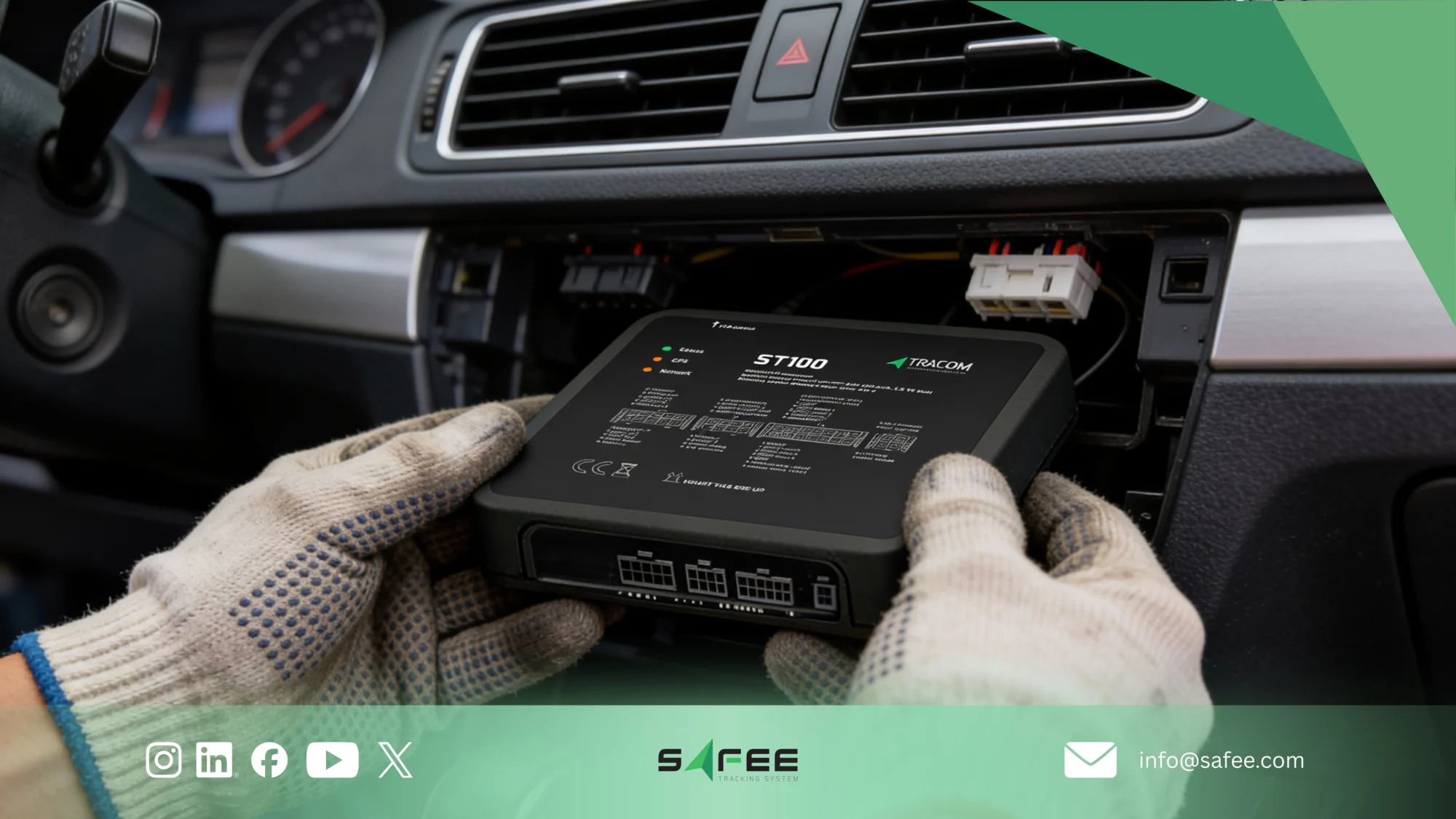
What Makes the Tracom ST100 Unique?
The Tracom ST100 is engineered specifically for demanding commercial and government fleets where accurate tracking and secure installation are top priorities. Its hardware is built to maintain strong GNSS reception and real-time reporting even when installed in concealed or tamper-resistant locations.
It integrates:
- Multi-constellation GNSS (GPS, GLONASS, Galileo, QZSS, BDS) for stable accuracy even when mounted in hidden positions
- LTE/GSM connectivity for uninterrupted real-time updates
- Internal GNSS and LTE antennas that allow discreet placement without sacrificing signal
- RS232 interface and OBD-II CAN-bus for deep vehicle data access
- IP56-rated enclosure for dusty, hot, or vibration-heavy environments
- Internal rechargeable backup battery to continue reporting even if the main power is cut
- Second-by-second tracking for precise movement logs
- Tampering and jamming detection to immediately notify you if someone tries to unplug or disable the device
- OTA configuration and firmware updates for easy remote maintenance
These features make the ST100 a highly reliable GPS device for fleets that need secure installation, accurate positioning, and protection against tampering, especially in logistics fleets, long-distance operations, government vehicles, and high-value commercial assets.
How Fleet GPS Devices Improve Daily Vehicle Operations?
When your GPS tracking device is installed in the right location, it delivers the accurate, uninterrupted data you need to run safer and more efficient fleet operations.
Proper placement directly impacts the quality of insights you receive, which is why fleet managers rely on GPS tracking to improve day-to-day performance in several key areas:
1. Accurate Trip Tracking and Routing
Strong GNSS reception allows the device to send clean, real-time location data—helping you optimize routes, cut unnecessary detours, and reduce overall travel time. Good placement ensures the device maintains a stable signal throughout the entire trip.
2. Driver Behavior Monitoring
With a securely mounted tracker, you receive instant alerts for speeding, harsh braking, rapid acceleration, and idling. This helps you enforce safer driving habits and reduce accident risk.
3. Fuel and Maintenance Optimization
Consistent and reliable tracking data allows you to plan fuel usage more accurately, improve maintenance scheduling, and identify inefficiencies before they impact cost. Poor placement leads to gaps in data—and missed opportunities for savings.
4. Incident Response and Asset Protection
The ST100’s second-by-second reporting and tamper alerts help you respond quickly to unauthorized movement, attempted theft, or equipment misuse. Secure installation ensures these alerts reach you without interruption.
All these benefits depend on installing the GPS tracker in the correct location. Proper placement ensures the device maintains clear GNSS reception, stable power, and strong protection against tampering—giving you the clean, uninterrupted data your fleet relies on.
Read also: The Ultimate Guide to GPS Tracking Devices in 2026
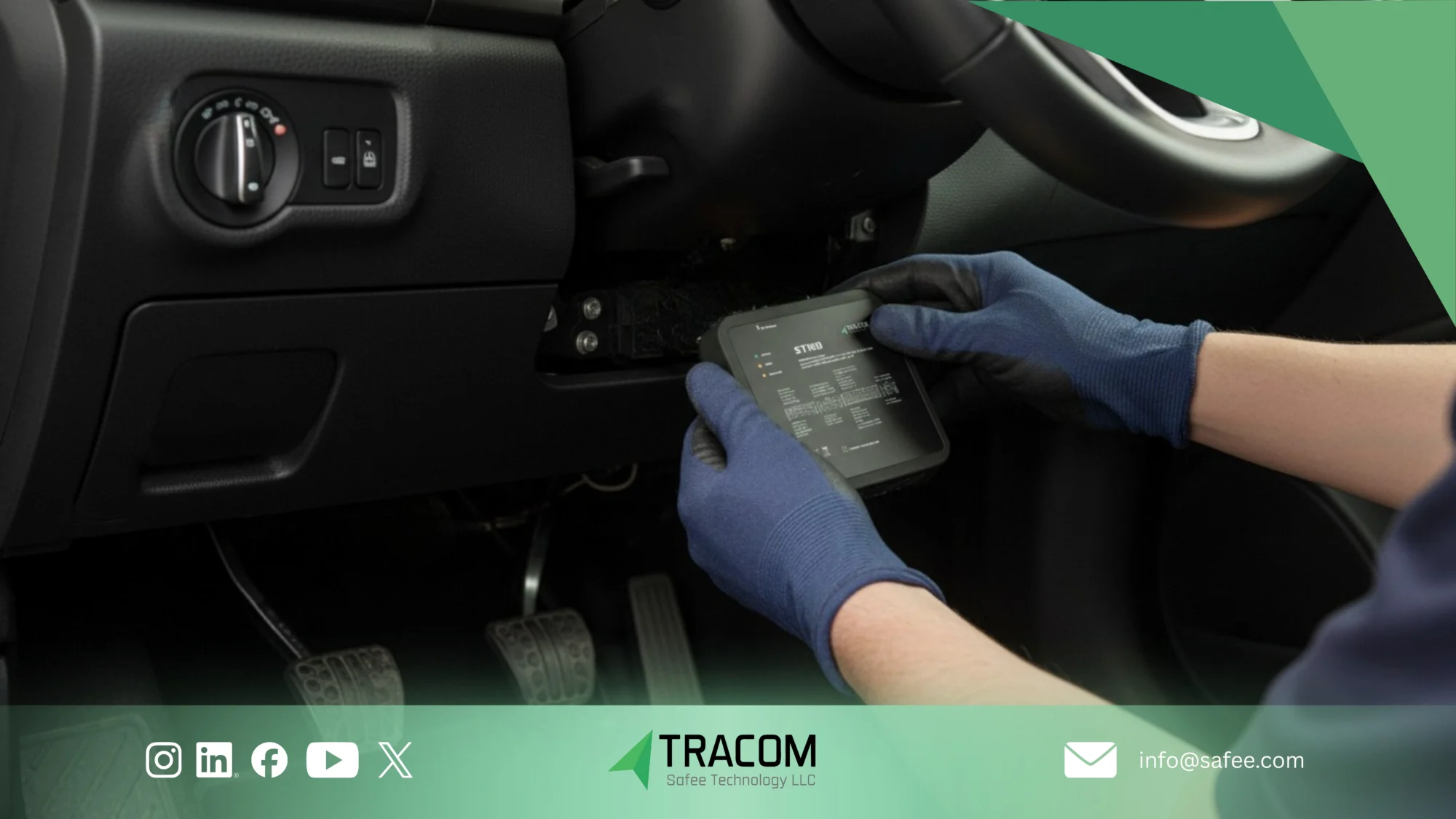
Why Proper Placement of GPS Tracking Devices Matters?
Where you install your GPS tracker is just as critical as the device you choose. Even the most advanced fleet GPS hardware depends on clean GNSS and LTE reception to send accurate, real-time data.
If the device is placed in the wrong spot, you’ll face issues like delayed locations, inconsistent trip logs, weak signals, or dropped connections—problems that directly affect routing, driver monitoring, and your day-to-day operational decisions.
A correctly positioned tracker gives you:
- Stronger satellite visibility and GNSS accuracy
- More reliable real-time location updates
- Accurate accelerometer and sensor readings
- Stable LTE/GSM transmission with fewer signal drops
- Better device protection and reduced tampering risk
When you understand where and how to place GPS tracking devices on your vehicles, you ensure consistent performance across your entire fleet—and prevent accuracy problems before they happen.
Maximize your tracking reliability and eliminate installation guesswork—schedule a consultation with Tracom’s installation specialists today.
Read also: How to choose the best fleet telematics device
How to Place GPS Tracking Devices on Vehicles (Step-by-Step)
Correct placement is essential for a GPS tracker to perform reliably. Whether your fleet includes sedans, pickups, trucks, or heavy machinery, these installation steps apply to all commercial vehicle types.
Step 1: Choose the Connection Method
Before selecting the mounting location, decide how the tracker will connect to the vehicle. Common options include:
- RS232 interface
- OBD-II CAN-bus
- Direct hardwired power wiring
Each method influences how flexible the placement can be and what data you can access:
- OBD-II gives you fast installation and immediate access to vehicle diagnostics.
- Hardwired connections allow for hidden, tamper-resistant installation points.
- RS232 supports specialized integrations and secure mounting positions.
Your connection method will decide which areas of the vehicle are available for installation.
Step 2: Select an Interference-Free Location
Once you know how the device will connect, the next step is choosing a placement that ensures strong signal quality and operational stability. Look for a location that provides:
- Minimal metal obstruction that could weaken GNSS reception
- Consistent satellite exposure for accurate, real-time data
- Protection from heat, vibration, and moisture
- Discreet placement to reduce the risk of tampering or unplugging
This step is critical—your mounting location directly impacts the accuracy and reliability of every tracking report.
Step 3: Secure the Device Firmly
A GPS tracker that isn’t tightly secured can vibrate, shift, or disconnect during operation, creating inaccurate readings or power interruptions. Proper mounting helps maintain:
- Accurate sensor and accelerometer performance
- Stable power delivery
- Long-term device reliability
Your installation team should use zip ties, brackets, screws, or dedicated mounting points depending on the vehicle’s design.
Read also: An essential guide to selecting the best fleet GPS tracking system
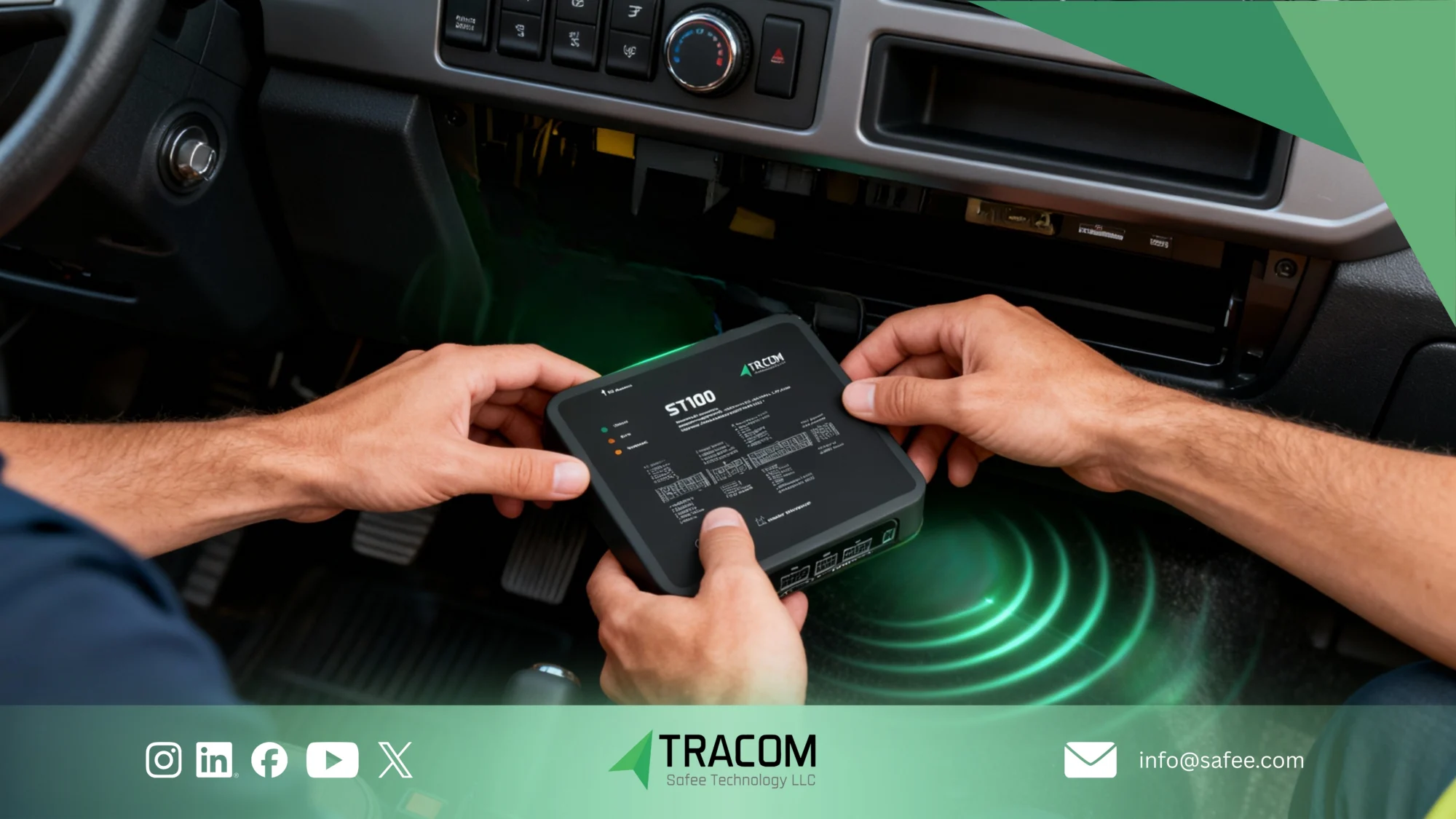
Common GPS Tracker Placement Locations in Cars
Choosing the right installation spot is critical for getting accurate data, preventing tampering, and keeping the device consistently connected. The locations below balance signal strength, concealment, and practicality, and they apply to most fleet vehicles—including sedans, pickups, trucks, and heavy units.
1. Under the Dashboard (Best All-Around Placement)
This is the most secure and reliable location for fleet installations. It hides the device well, protects it from heat, and still provides strong GNSS and LTE reception—making it harder for drivers to access or unplug.
2. Behind the Instrument Cluster (High Concealment)
A preferred option for tamper resistance. It’s centrally positioned inside the vehicle, difficult to detect, and still maintains clear signal pathways.
3. Inside the Glove Compartment (Easy Diagnostic Access)
Good for fleets that need quick access for servicing or diagnostics. While less concealed, it offers a balance between accessibility and discreet placement.
4. Under the Seats (Only in Protected Areas)
Useful when dashboard space is limited. However, you must avoid locations with heavy metal obstruction, as this can weaken GNSS reception and affect tracking accuracy.
5. Inside Side Panels (Strong Concealment + Good Signal)
Modern vehicle side panels often provide ideal conditions: hidden, stable, and free from major signal interference. A strong choice for anti-tampering installations.
6. OBD-II Port (Fastest Installation — Less Secure)
This plug-and-play approach is perfect for temporary setups or leased vehicles. However, it’s the easiest for drivers to locate and unplug—so only use it when tamper resistance isn’t a priority.
Why These Locations Matter?
The placement you choose directly affects:
- Tracking accuracy (signal clarity)
- Real-time performance (LTE stability)
- Tamper resistance (driver interference)
- Device longevity (heat + vibration protection)
Selecting the right spot ensures your GPS tracker performs reliably across your entire fleet—without data gaps or signal issues.
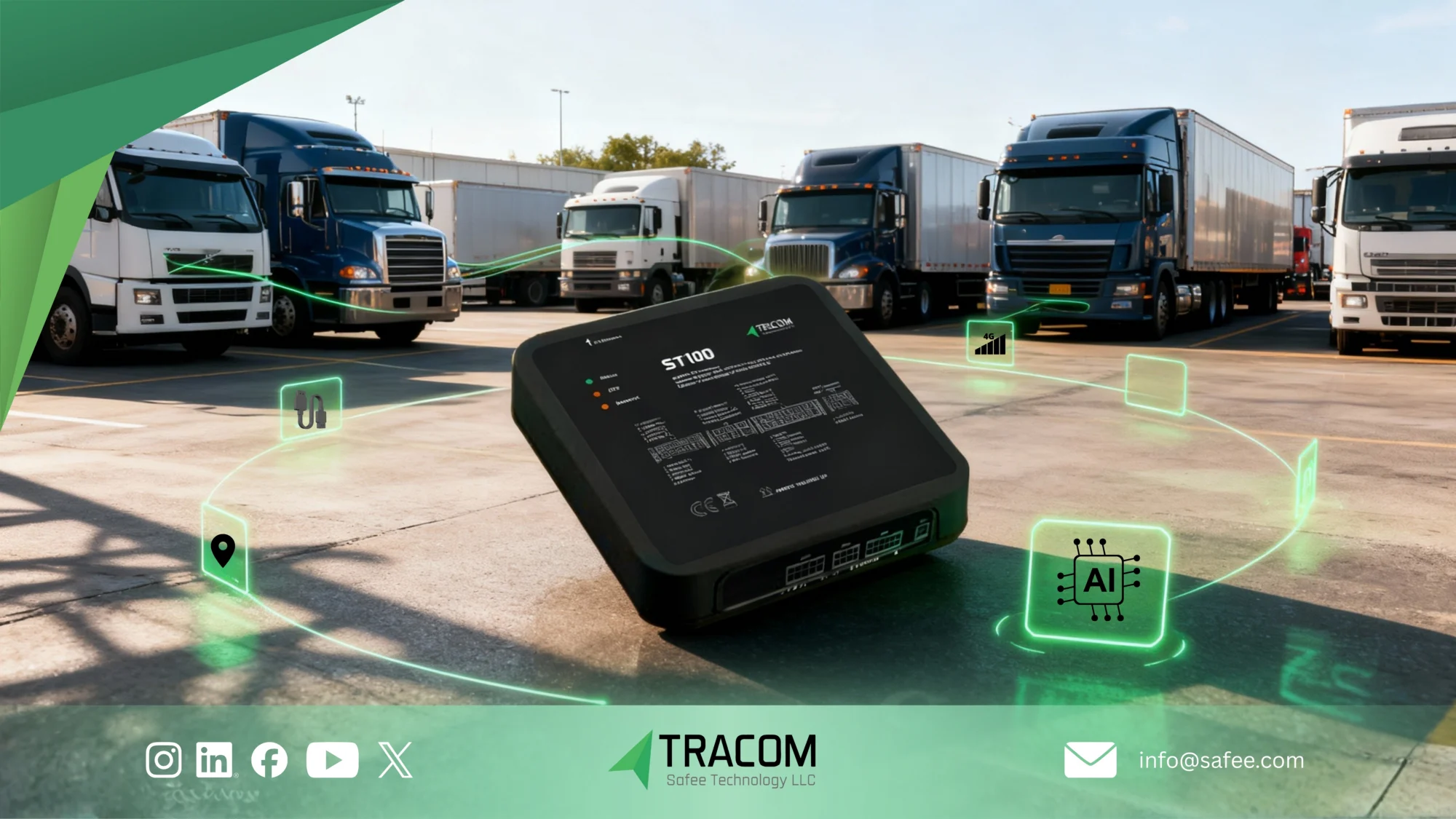
Mistakes to Avoid When Installing GPS Tracking Devices
Even the best GPS device will fail if it’s installed in the wrong place. To get accurate data, strong signal, and full protection against tampering, avoid the following common installation mistakes:
1. Installing the tracker behind large metal structures
Metal blocks GNSS signals and causes inaccurate or delayed location updates. Always choose a spot with minimal metal interference.
2. Placing the device near high-heat components
Areas close to the engine, HVAC units, or exposed wiring bays can overheat the tracker, damage internal components, and shorten its lifespan.
3. Leaving cables exposed or loosely routed
Visible wiring makes the device easy to unplug—accidentally or intentionally. Concealed, protected wiring is essential for tamper resistance.
4. Blocking internal GNSS or LTE antennas
If the antennas are obstructed by dense materials, you’ll see weak signal acquisition, slower updates, and inconsistent trip data.
5. Choosing open or easily visible mounting points
A visible tracker is an easy target for removal. Concealed locations significantly reduce tampering and keep tracking uninterrupted.
Why Avoiding These Mistakes Matters?
Correct placement ensures your device delivers:
- Clean, uninterrupted real-time data
- Accurate GNSS readings
- Strong LTE connectivity
- Reliable tamper protection
- Longer device lifespan
Avoiding these mistakes protects your investment—and ensures every vehicle in your fleet sends the accurate data you rely on.
Choosing the Right GPS Tracking Device for Fleet Vehicles with Tracom
Choosing the right GPS tracking hardware is just as important as installing it in the right place.
If you want accurate data, stable performance, and strong anti-tampering protection, your device must be built to handle GCC conditions and support secure, concealed installation points. That’s where the Tracom ST100 stands out.
Here’s why the ST100 is a strong choice for fleets that need both reliability and flexible placement options:
Key Advantages of the ST100
- Multi-constellation GNSS precision:Tracks using five major satellite systems, ensuring stable accuracy even when the device is mounted in hidden or protected locations.
- LTE/GSM connectivity: Provides uninterrupted real-time updates—critical for placement in concealed dashboard or panel areas.
- IP56-rated durability: Protects the device from dust, heat, and moisture, making it suitable for tight installation spots inside commercial vehicles.
- OBD-II CAN-bus support: Enables deeper diagnostics when the device is installed through the OBD port or integrated into the wiring harness.
- Second-by-second reporting: Ensures precise trip logs and fast incident detection, regardless of where the tracker is mounted.
- Anti-tampering features (including unplug detection): Alerts you instantly if someone attempts to remove, unplug, or interfere with the device—an essential feature for hidden placements.
- Internal backup battery: Keeps tracking active even if the vehicle’s power is cut.
- Jamming detection: Protects your fleet against intentional interference.
- OTA configuration and firmware updates: Allows you to manage and update devices remotely—even when placed deep inside the vehicle.
FAQ ِAbout GPS trackers:
Where should a GPS tracker be placed in a fleet vehicle?
Under the dashboard, behind the instrument cluster, or within protected side panels are ideal placement areas. These locations provide strong GNSS signals and keep the device discreet.
Why does placement affect GPS accuracy?
Interference from metal, heat, or electrical components can weaken GNSS reception. Proper placement ensures stronger signals, faster updates, and more reliable reporting.
Can GPS trackers be hidden to prevent tampering?
Yes. Most fleets prefer concealed installation to enhance security. The device can be hidden behind panels or under seats while still maintaining good signal clarity.
What happens if a GPS tracker is installed incorrectly?
Improper installation can cause signal loss, inaccurate location data, delayed updates, and unnecessary maintenance issues. Professional installation avoids these problems.
Why choose the Tracom ST100 for fleet tracking?
The ST100 offers multi-constellation GNSS, LTE/GSM connectivity, IP56 rating, OBD-II CAN-bus, and anti-tampering features—making it one of the most reliable tracking options for commercial and government fleets.